Quick answer
Mount your flight yoke to a sim racing rig by either clamping it to a sturdy table or attaching it to a dedicated yoke mount that bolts directly to the rig's frame.
Table clamp vs. dedicated mount: what to consider
A table clamp like the MOZA FLIGHT Table Clamp For Yoke offers fast setup and portability—ideal if you need to swap between driving and flying quickly. However, it relies on a stable desk surface, which may not be as rigid as a bolted mount.
A dedicated mount, such as the ART HOTAS Flight Stick Mount, provides a permanent, vibration-free connection to your rig. It works best if your rig has a flat profile or pre-drilled holes, but requires more installation time and may limit adjustability.
Step-by-step mounting guide
- Choose your mounting method: Decide between a table clamp (fast, portable) or a dedicated mount (permanent, stable). Consider how often you'll switch between driving and flying. If you swap frequently, a clamp saves time; if you fly exclusively, a dedicated mount is worth the extra setup.
- Prepare the mounting surface: For a clamp: ensure your desk or table is at least 1 inch thick and free of obstructions. For a dedicated mount: locate the rig's mounting points or flat profile section where the mount can bolt on. A flimsy desk can cause the yoke to wobble—test the surface's stability before attaching.
- Attach the yoke base: For the MOZA AB9 base: align the yoke with the clamp or mount, then tighten the knob or bolts evenly. For a dedicated mount: use the pre-drilled holes and supplied hardware to secure the base. Overtightening can strip threads; tighten until snug, then check for play.
- Check cable routing and clearance: Ensure the yoke's cables reach your PC or hub without tension. Also verify that the yoke does not interfere with your steering wheel or pedals when in use. A tangled cable can yank the yoke mid-flight—use zip ties or cable clips to keep it tidy.
- Test for stability and adjust: Sit in your rig and apply gentle pressure to the yoke in all directions. If you feel any movement, tighten the clamp or mount further. Adjust the yoke angle if the mount allows tilt. A loose mount can ruin immersion and cause fatigue—recheck after the first few flights.
Products that help
-
MOZA FLIGHT Table Clamp For Yoke: The MOZA FLIGHT Table Clamp For Yoke is designed for stability and easy installation, keeping your yoke firmly in place. It lets you quickly attach or remove your yoke without tools, making it a good choice if you share your rig between driving and flying.
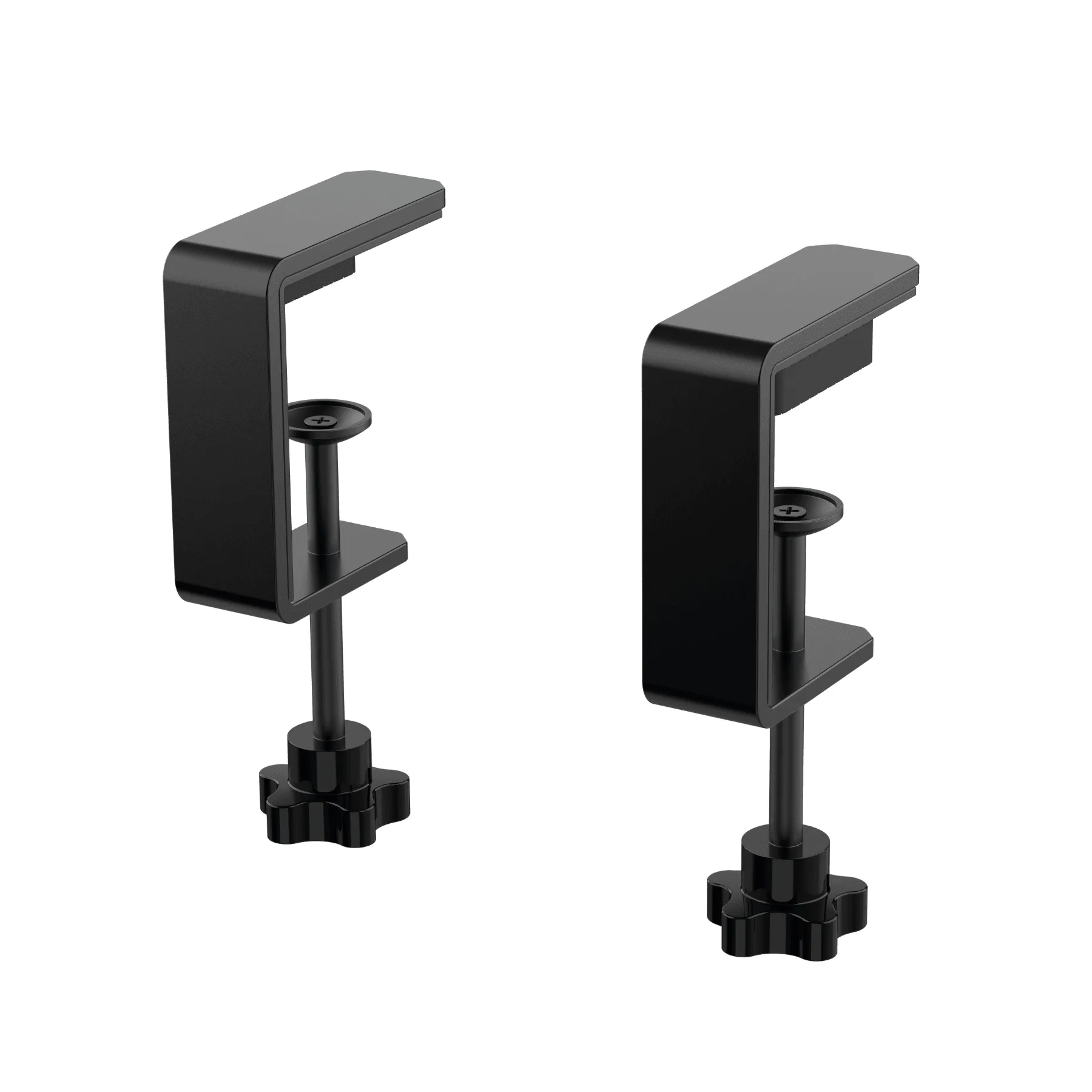
MOZA FLIGHT Table Clamp For Yoke
-
ART HOTAS Flight Stick Mount: The ART HOTAS Flight Stick Mount is pre-drilled for popular equipment and can be mounted on either side or between your legs on the ART Cockpit. It gives you a rock-solid mounting point that integrates directly with your sim racing cockpit, reducing flex during aggressive maneuvers.
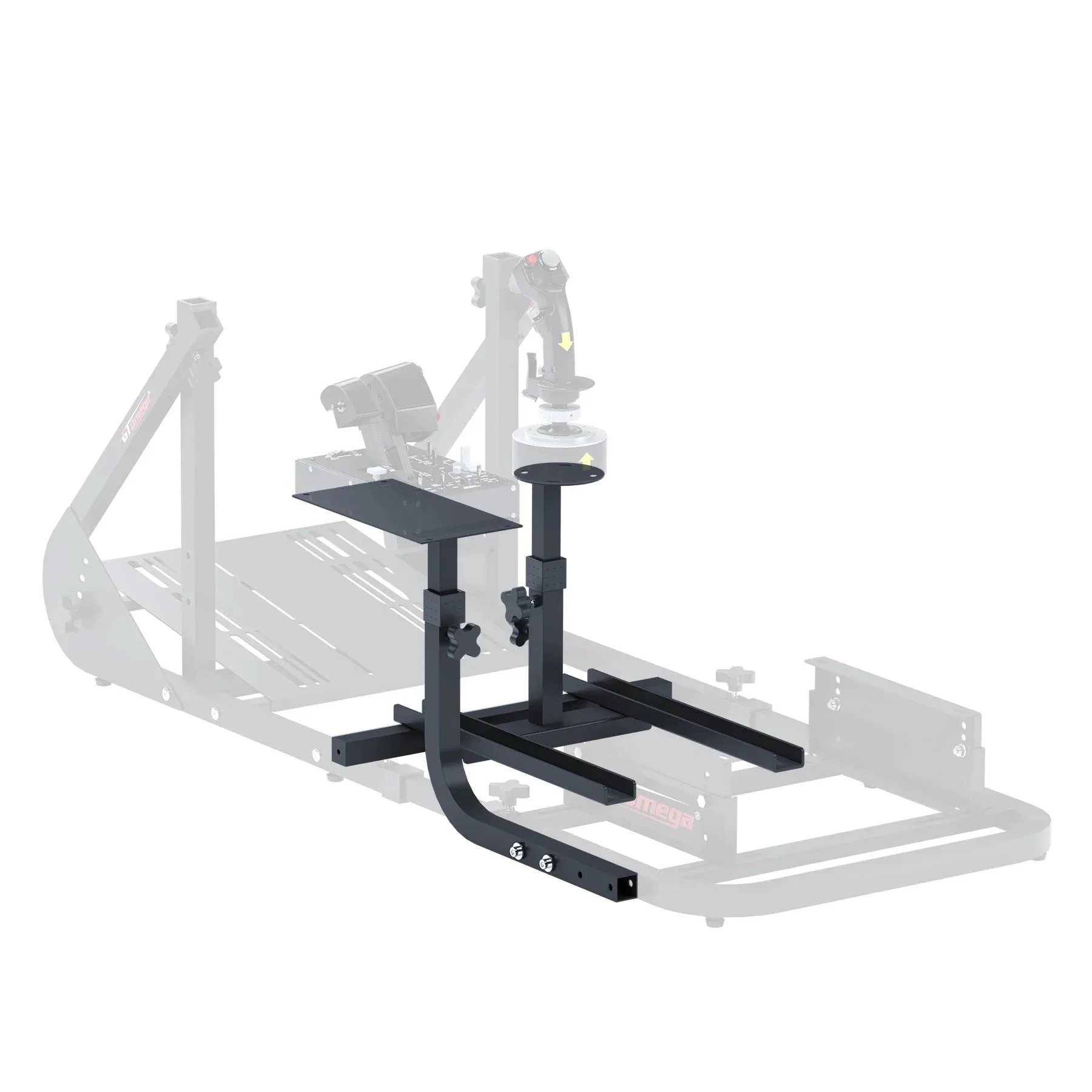
ART HOTAS Flight Stick Mount