Quick answer
Use a Think Tank memory card case for cards, a tech pouch for cables and accessories, and a lens changer to keep a hood-ready lens on your belt.
Why pouches beat loose storage
Dumping small items into a camera bag pocket makes them hard to find and risks scratching gear. Dedicated pouches separate items by function so you grab what you need without digging.
Think Tank pouches attach to belts, bags, or clothing, keeping frequently used accessories within arm's reach. The trade-off is that you need to decide which pouch goes where before you pack.
How to organize your gear with Think Tank pouches
- 1. Sort your accessories by use frequency: Group items you reach for most often—memory cards, a spare lens, charging cables—separately from items you rarely touch. This tells you which pouch goes on your belt or bag strap and which stays inside the bag. Common mistake: putting rarely used gear in a belt pouch, which adds weight and bulk for no daily benefit.
- 2. Load the Think Tank Pee Wee Pixel Pocket Rocket with cards: Insert up to 4 CF cards and 3 SD cards into the elastic slots. Tuck a business card into the built-in holder so you can identify the case if it's borrowed or misplaced. Attach the lanyard to a bag strap or belt loop. Checkpoint: ensure the case is black (the product is black, not red as shown in some images) so you can spot it quickly in a dark bag.
- 3. Organize cables and small tech in the EDC Tech Pouch 10: Place cables in the main compartment, pens and small tools in the front pockets, and memory card readers in the internal zippered pocket. Use the rail slots to attach a carabiner or small multitool. The handle lets you hang the pouch from a hook or tripod during setup. Common mistake: overstuffing the pouch so the zippers strain. Leave at least one pocket empty for quick-access items like a lens cloth.
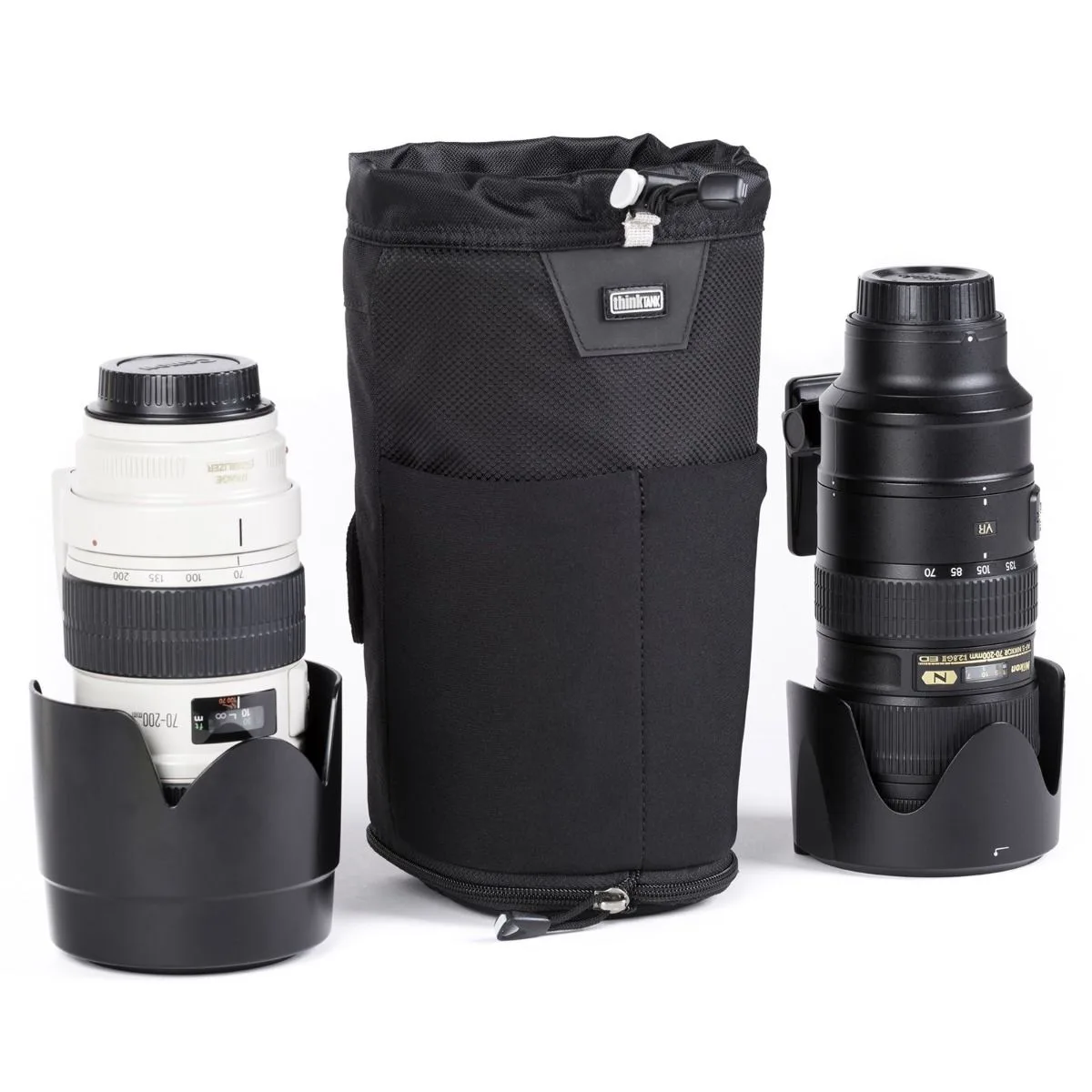
- 4. Mount a lens changer for hood-on storage: Attach the Think Tank Lens Changer 75 Pop Down V3.0 to a Think Tank belt or belt pack. Place a lens with the hood in the shooting position inside. The Pop Down feature gives extra depth so the hood doesn't press against the bottom. Pull the wide-mouth opening to swap lenses quickly. Checkpoint: the Lens Changer is currently out of stock with no due date. If you need a belt-mounted lens pouch now, look for an alternative that fits your lens and belt system.
- 5. Test your setup before a shoot: Wear or carry the pouches for 10 minutes at home. Check that nothing rattles, zippers stay closed, and you can reach each pouch without taking off your bag. Adjust strap positions so pouches sit at your hip or chest, not your lower back. Common mistake: assuming the layout works without a trial run. A pouch that feels fine at home may shift or swing during active shooting.
Think Tank pouches for your kit
-
Think Tank Pee Wee Pixel Pocket Rocket Memory Card Case - Black: Holds 4 CF and 3 SD memory cards; fits in a pocket or attaches to a belt or bag with a lanyard. You can carry spare cards without opening your main bag, reducing the chance of dropping a card on location.
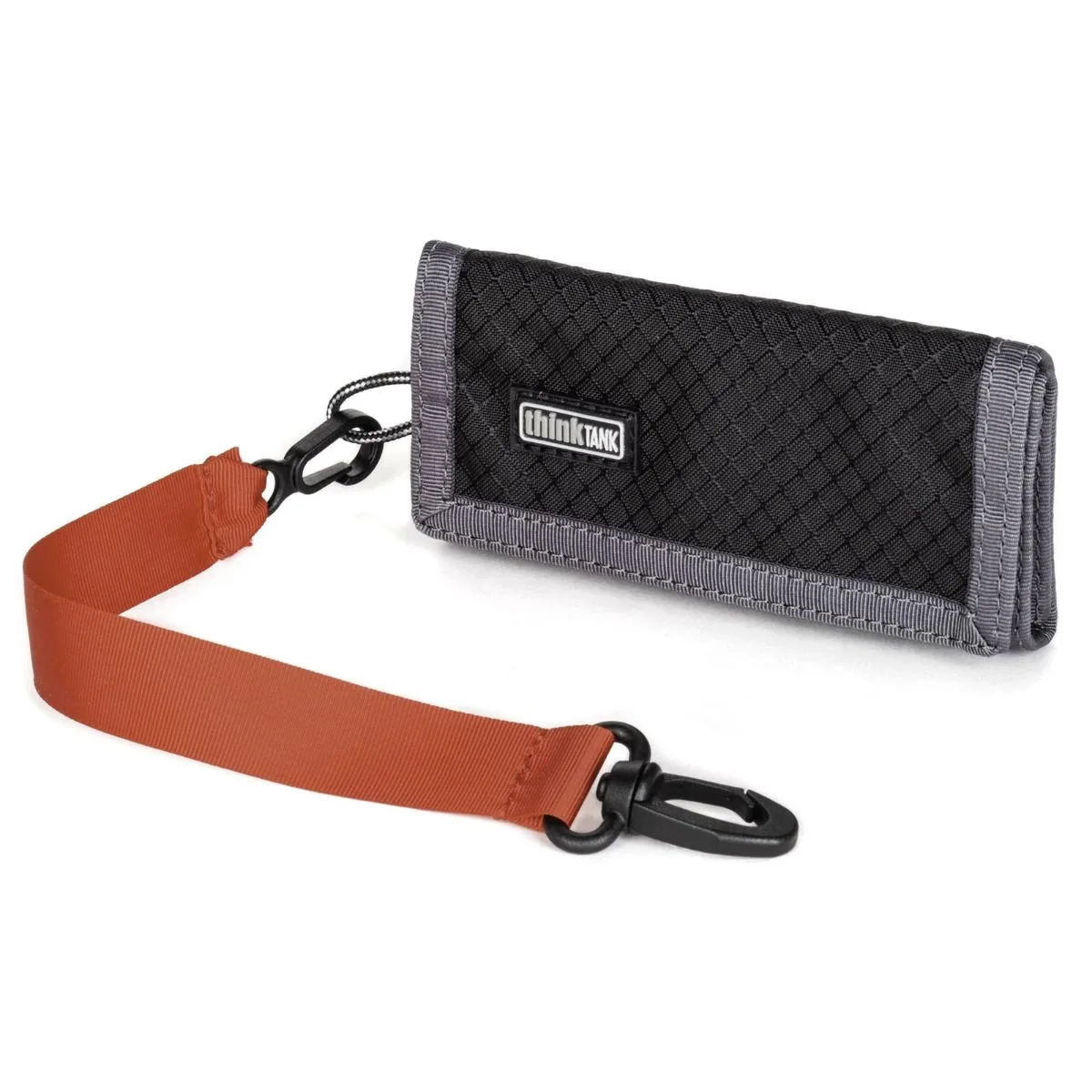
Think Tank Pee Wee Pixel Pocket Rocket Memory Card Case - Black
-
Think Tank Photo EDC Tech Pouch 10: Open-book design with multiple pockets, rail slots, and a handle that doubles as a hanger; water-repellent coating. Cables, pens, and small tools stay organized and visible, so you don't waste time untangling or searching during a shoot.
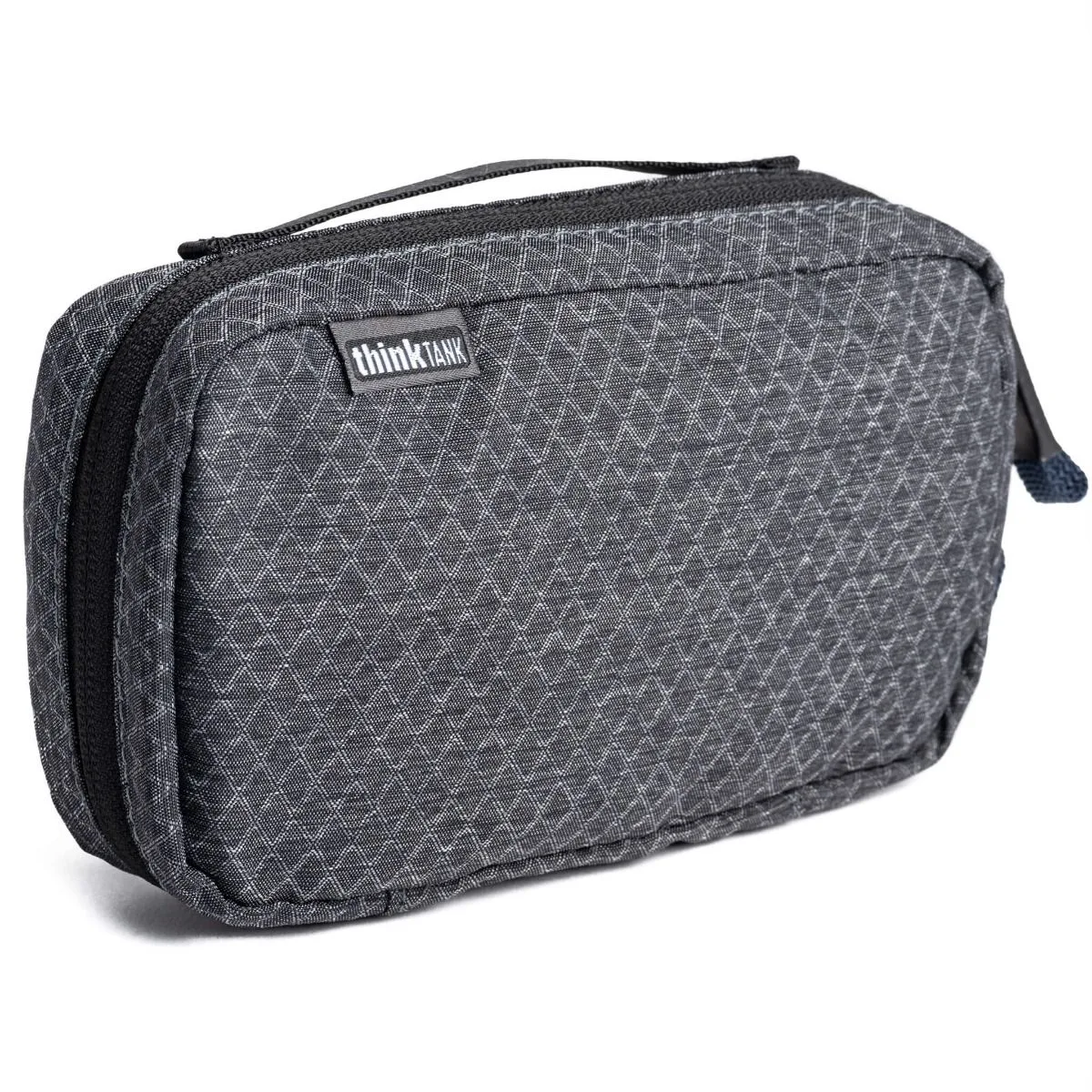
Think Tank Photo EDC Tech Pouch 10
-
Think Tank Lens Changer 75 Pop Down V3.0: Pop Down feature increases bag depth to keep a lens hood attached; wide-mouth opening for quick access; attaches to Think Tank belts. You can store a lens with the hood in shooting position and swap it onto your camera in seconds without fumbling for a lens cap.