Quick Answer
Pack your laptop in a padded, waterproof sleeve like the Laptop Base Layer to protect it from bumps, drops, and the elements during travel.
Why a Dedicated Sleeve Matters
A padded laptop sleeve provides a layer of cushioning that a standard backpack compartment often lacks. The Laptop Base Layer's waterproof exterior also adds protection against rain and spills, which is especially useful when you're moving through airports or commuting in unpredictable weather.
Using a separate sleeve also makes it easier to pull out your laptop for security checks without unpacking your entire bag.
How to Pack Your Laptop Base Layer
- 1. Prepare the Sleeve: Open the Laptop Base Layer fully and lay it flat on a clean surface. Check that the interior is free of debris that could scratch your laptop. A quick visual inspection prevents scratches from trapped particles.
- 2. Insert Your Laptop: Slide your laptop into the sleeve with the screen facing away from the zipper (if present) or toward the padded side. This positions the most vulnerable surface against the cushioning. Positioning the screen against padding reduces the risk of pressure damage.
- 3. Secure the Closure: Zip or fasten the sleeve completely. Make sure the zipper pull is tucked away so it doesn't snag on other items in your bag. A fully closed sleeve keeps the laptop in place and prevents dust or moisture from entering.
- 4. Place in Your Bag: Put the packed sleeve into your backpack or carry-on with the laptop oriented vertically (screen side facing your back if possible). Avoid placing heavy items like books or water bottles directly on top of the sleeve. Vertical placement and avoiding top weight minimize flex and impact on the laptop.
- 5. Access for Security: When going through airport security, remove the entire sleeve from your bag and place it in a separate bin. The Laptop Base Layer's slim profile makes this easy without unpacking everything. Using a sleeve speeds up security checks and reduces handling of your device.
Product Facts
-
Laptop Base Layer: Padded construction cushions your laptop from impacts and scratches. This helps prevent damage from accidental drops or jostling in a crowded bag.
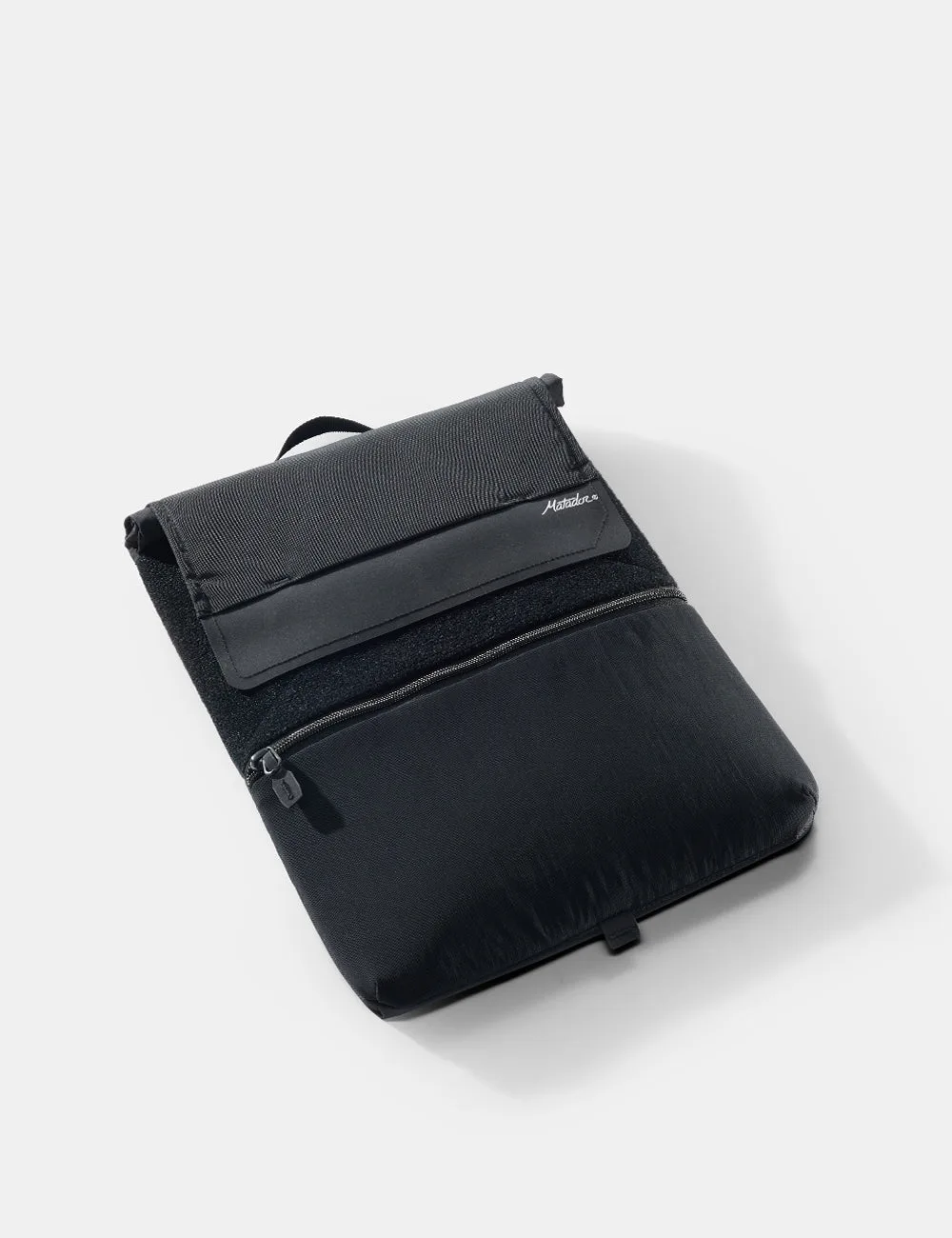
Laptop Base Layer
-
Laptop Base Layer: Waterproof exterior helps shield your device from rain and spills. You can travel confidently in wet conditions without worrying about moisture reaching your laptop.