Quick answer
Pack your camera backpack for a weekend trip by layering clothes at the bottom, placing your camera insert in the middle, and using internal pockets for accessories — keeping weight balanced and gear accessible.
Why a camera backpack works for weekend travel
A camera backpack with smart storage zones can replace a separate suitcase and camera bag. The key is using vertical space and dedicated compartments to separate clothes from gear, so you don't have to unpack everything to grab your camera.
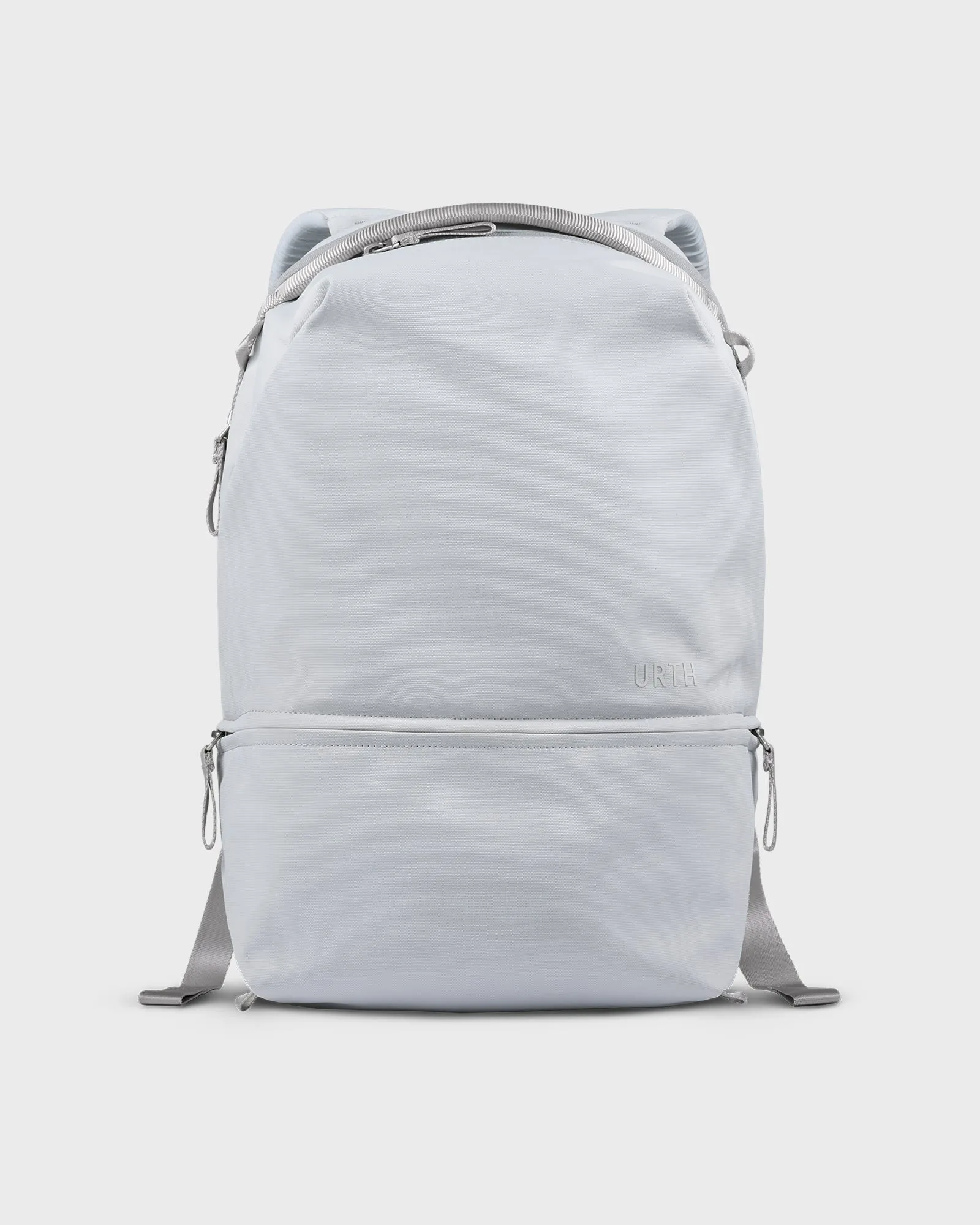
One trade-off: you have less volume than a duffel, so choose versatile clothing and limit shoes. A backpack like the Arkose Backpack with 14 storage zones helps you stay organized without overpacking.
Common mistakes to avoid
Packing heavy gear at the top makes the bag unstable and uncomfortable. Always place dense items like lenses and batteries near your back and at the bottom of the main compartment.
Another mistake is leaving cables and chargers loose — they tangle and waste space. Use small pouches or dedicated pockets to keep them contained.
Step-by-step packing process
- Prepare your camera insert: Remove the camera insert from your backpack and pack it separately with your camera body, two lenses, and a spare battery. Use dividers to keep items snug. Common mistake: overstuffing the insert, which makes it bulge and reduces space for clothes. Check that the insert fits back into the backpack without forcing it.
- Pack clothes at the bottom: Roll two to three outfits and place them in a packing cube. Slide the cube into the bottom of the main compartment. This creates a stable base. Common mistake: putting heavy gear directly on top of clothes, which can crush soft items.
- Insert the camera insert: Place the packed camera insert on top of the clothes cube, centered against your back. This keeps weight close to your spine for better balance. Common mistake: placing the insert too far forward, which makes the bag lean away from your body. Zip the main compartment and check that the bag stands upright without tipping.
- Use the front pockets for daily items: Store a tablet, phone charger, power bank, and a small toiletry bag in the front and top pockets. Keep the valuables pocket for passport and wallet. Common mistake: using the laptop sleeve for a heavy charger — it adds bulk and reduces ventilation.
- Secure loose cables and small accessories: Wrap cables with a velcro tie and place them in a small pouch. Store memory cards in a dedicated case inside the valuables pocket. Common mistake: leaving cables loose in the main compartment where they can snag on camera gear. Do a final balance test: the bag should feel centered and not pull to one side.
Product used in this guide
-
Arkose Backpack: The Arkose Backpack has 14 smart storage zones with laptop and valuables pockets. You can assign a dedicated pocket for each item type — camera body in one, lenses in another, and clothes in the main compartment — so nothing shifts or gets crushed.
Arkose Backpack


