Quick answer
Build your carry-on camera backpack from the frame outward: pack the camera insert first with the heaviest body and lens centered against your spine, then fill gaps with small accessories like lens hoods and filters, and keep one top pocket for batteries and cards. Weigh the loaded bag before you leave; if it exceeds your airline's carry-on limit, remove a lens rather than risk checking the whole kit.
Start with the insert, not the backpack
A camera insert sets the usable volume of your bag, so pack it on a table before it goes into the backpack. Lay the body face-down with the lens mount pointing up, then place the longest lens beside it rather than on top. Dividers should touch both the insert walls and the gear, because a divider that only touches one side lets items slide during transit.
If you use a dedicated insert, measure it against your backpack's internal dimensions first. A snug insert wastes less space than a loose one, but it also leaves no room for a jacket or snack. Leave roughly one finger-width of slack on the top edge so the zipper does not press on the camera.
Use packing cubes for camera gear you do not need mid-flight
Packing cubes for camera gear work best for items that stay put: spare batteries in a hard case, cables, chargers, and cleaning supplies. Keep those cubes at the bottom of the bag and the camera insert above them, so you never dig past the camera to reach a charger. Soft cubes also absorb shock between the insert and the bag floor.
Do not cube your filters loose. A filter stack in a soft pouch can flex and crack, so use a dedicated filter case or a hard shell. If you carry a filter kit with multiple sizes, group them by thread size so you are not unscrewing step-up rings at the airport.
Protect the front element with a hood, not a bare lens
A lens hood adds very little packed volume compared with the protection it provides. Reversed hoods take less space but leave the front element exposed, so pack lenses with the hood mounted forward if the insert depth allows, or reverse it and add a front cap. Dedicated hood kits also replace lost or bent hoods without buying a whole lens.
Match the hood to the lens rather than forcing a generic one. A hood that does not seat fully can shift in the bag and scratch the barrel, and a loose bayonet mount may pop off during handling. Check that the hood locks with a firm click before you zip the insert.
Distribute weight for a carry-on camera backpack setup
Heavy items belong against your spine and at shoulder height, not at the bottom of the bag. That keeps the load close to your center of gravity and reduces the leverage that makes a backpack feel heavier than it is. Put the camera body in the middle of the insert, with lighter accessories outboard.
Keep the bag's profile as flat as possible. Bulky items strapped to the outside can catch on overhead bins and gate agents may ask you to check the bag. If you must attach a tripod, use a low-profile strap and remove it before boarding if the airline is strict about external attachments.
Keep batteries, cards, and one lens accessible
Your carry-on camera backpack setup should let you reach the essentials without opening the main compartment. Put spare batteries and cards in a top or side pocket, and keep one walk-around lens in an outer sleeve if the bag has one. That way you can shoot during a layover without unpacking the insert.
Batteries are the item most likely to be flagged at security. Keep them in a case with terminals covered, and carry them in the cabin rather than a checked bag. If you travel with a charger that has a folding plug, tape or band the prongs so they do not snag on other gear.
Packing steps that survive a real trip
- Step 1: Lay out every item before it goes in the bag: Empty the bag and place the camera, lenses, hoods, filters, batteries, and charger on a table. This exposes duplicates and items you have not used in a year. Common mistake: packing straight into the bag, which hides how much space the insert actually leaves. Checkpoint: if the pile does not fit the insert on the table, it will not fit in the bag.
- Step 2: Load the insert with the body centered: Place the body face-down with the mount up, then add lenses beside it and dividers that touch both walls and gear. Common mistake: stacking lenses on top of the body, which puts pressure on the mount and makes the insert bulge. Checkpoint: shake the closed insert gently; nothing should shift more than a few millimeters.
- Step 3: Cube the non-camera items and place them at the bottom: Group batteries, cables, and cleaning supplies in small cubes or hard cases, then set them below the insert. Common mistake: mixing loose batteries with the camera, where they can short against metal or scratch a screen. Checkpoint: terminals covered, and no loose metal in the same pocket.
- Step 4: Mount hoods and filters before the final zip: Fit the correct hood to each lens and store filters in a hard case or dedicated pouch. Common mistake: reversing a hood and leaving the front element bare, or dropping a filter stack into a soft pocket where it can flex. Checkpoint: every lens either has a hood or a front cap, never neither.
- Step 5: Weigh the loaded bag and test the fit: Use a luggage scale and compare the number with your airline's carry-on limit, then put the bag in an overhead-bin-sized space at home. Common mistake: assuming a camera backpack is exempt from weight rules; many carriers count it as your personal item. Checkpoint: if it is over the limit, remove a lens or move accessories to a personal item before you leave.
Gear that earns its space in a travel bag
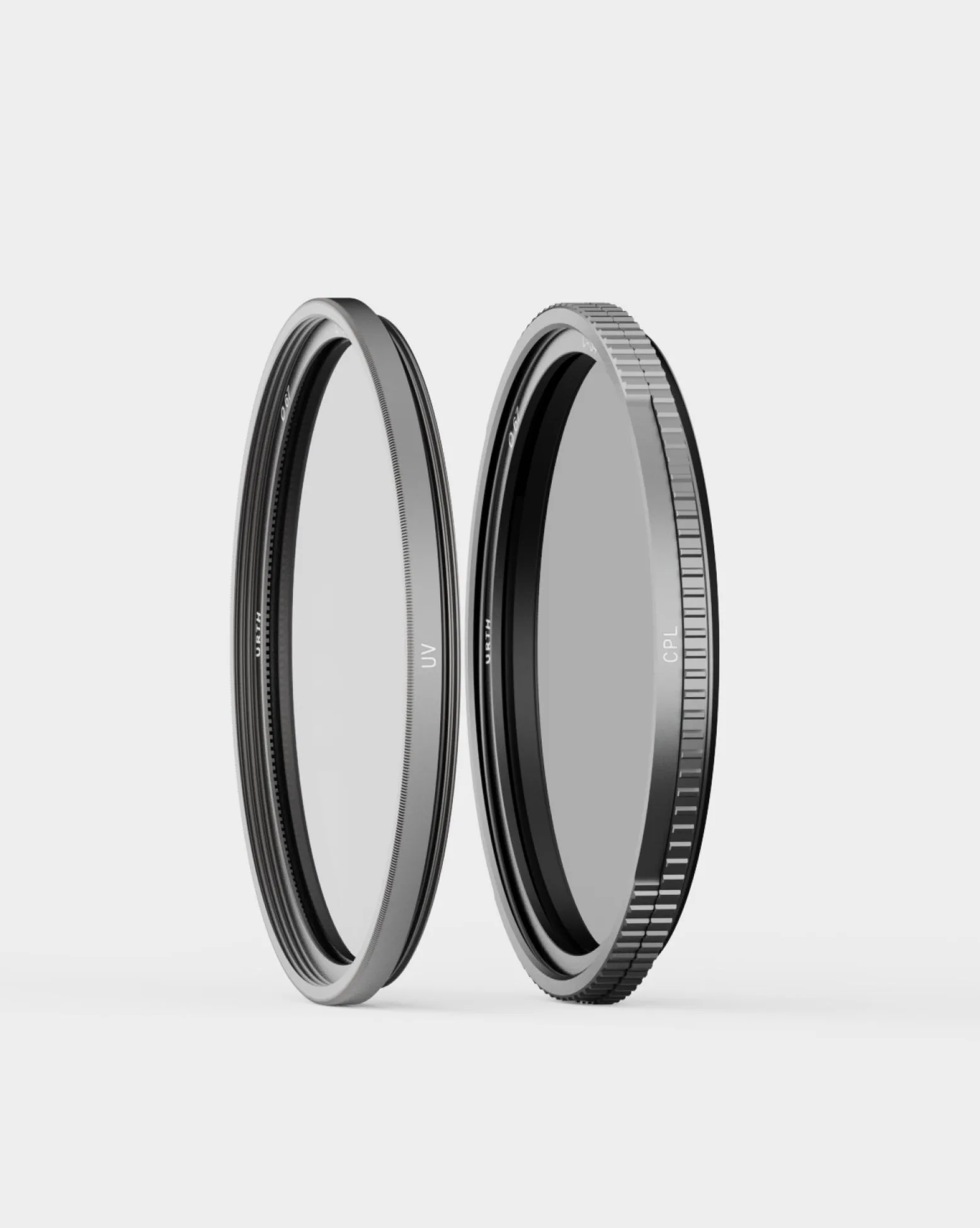
- Base Filter Kit Pro: Base Filter Kit Pro combines UV and CPL Pro filters with AERO-C10 ionically tempered glass, German SCHOTT B270 glass, and CoraNano Max dual-side coating for shatter-proof protection and precision polarisation. A two-filter kit covers haze control and reflections without carrying separate cases, and the tempered glass construction tolerates the knocks that happen in a packed bag.
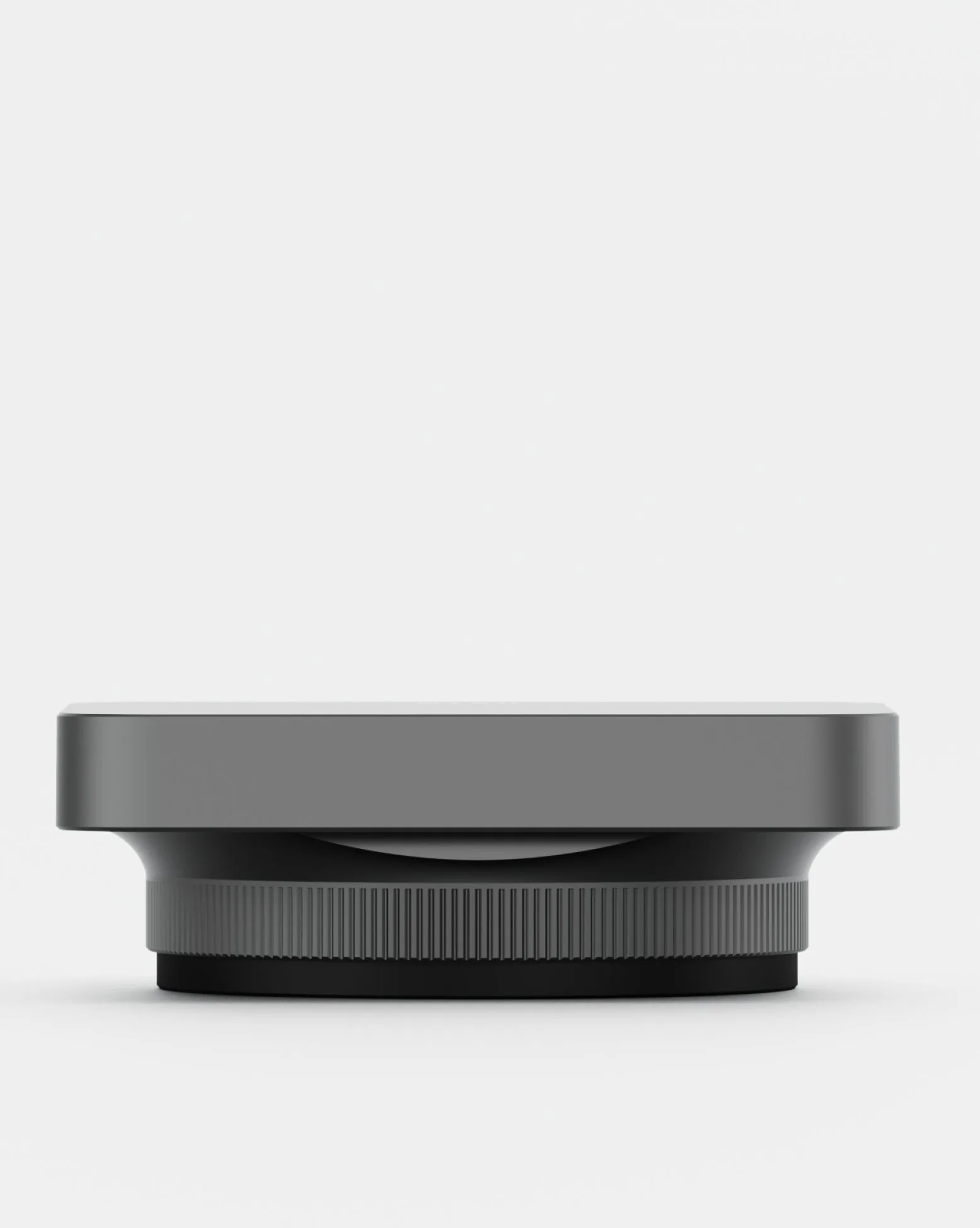
- Sony FE 24/40/50mm G Lens Hood Kit: Sony FE 24/40/50mm G Lens Hood Kit uses an ultra-light alloy construction and a snap-on bayonet mount for select Sony G Series and Zeiss lenses. A dedicated hood adds impact protection and cuts stray light without adding meaningful weight to a carry-on setup, and the snap-on mount stays put in transit.
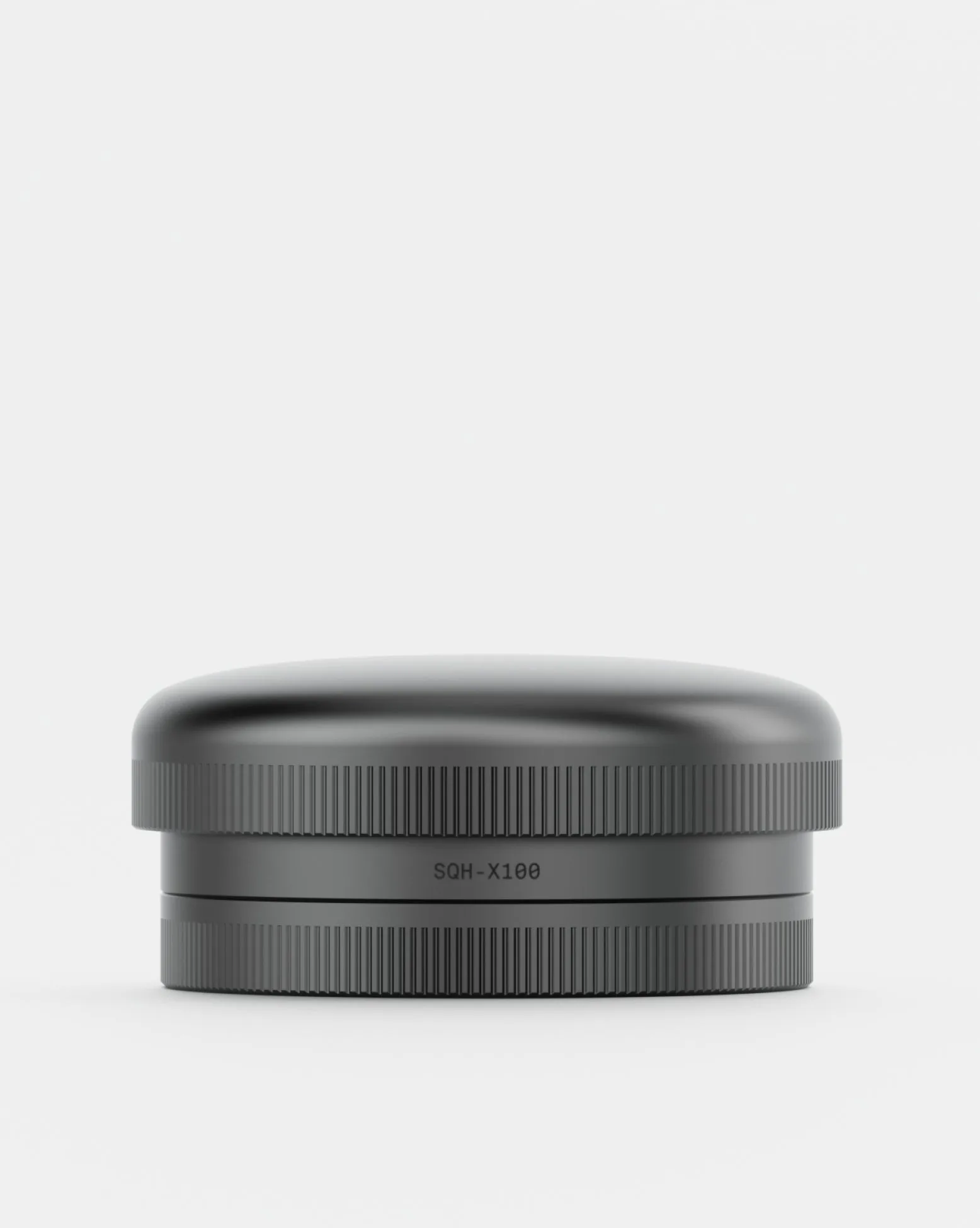
- Fujifilm X100 (V/VI) Lens Hood Kit: Fujifilm X100 (V/VI) Lens Hood Kit has an ultra-light alloy body and a dual screw mount system for a perfectly aligned, secure fit on X100 series cameras. The dual screw mount resists the twisting that loosens single-screw hoods inside a tight insert, so the hood stays aligned and protects the lens front.