Quick answer
Pack your laptop backpack in this order: soft clothing first, then a packing cube for the bulk of your clothes, then your toiletry kit and cables, and finally the laptop in its padded sleeve closest to your back. Keep the laptop section flat and last so you can pull it out at security without unpacking the whole bag, and use a weekend travel backpack with a lay-flat laptop panel if you fly often.
A laptop backpack can carry a two-night trip if you stop treating the laptop compartment as the center of the bag. The trick is to build the load from the back panel forward, so the heaviest, flattest items sit against your spine and the soft items fill the gaps around them.
This guide walks through the order that works, the cube sizes that actually fit, and the checkpoints that keep a one bag travel backpack from turning into a rumpled mess by Saturday morning.
Start with the empty bag and a packing list
Before anything goes in, open every compartment and decide what each one is for. A typical laptop backpack has a main compartment, a secondary compartment, a front organizer panel, and a laptop sleeve. Assign one job to each: clothes in the main, toiletries and chargers in the secondary, small items in the front, and the laptop alone in the sleeve.
Write a two-night list and cap it at three tops, two bottoms, one layer, one pair of shoes, and one toiletry kit. If your list does not fit the compartments you just assigned, cut an item instead of adding a bag.
- Checkpoint: lay everything flat on the floor first. If the pile is taller than your bag is deep, you are overpacking.
Roll or fold clothes into one packing cube
A packing cube for backpack travel does two jobs: it compresses soft clothing and it gives the load a rectangular shape that slides in and out without snagging. Roll t-shirts, underwear, and socks; fold collared shirts and any layer you want to wear wrinkle-free. Put the rolled items at the bottom of the cube and the folded items on top.
Match the cube to the bag, not the other way around. Measure the main compartment's width and depth before you buy, and choose a cube that leaves at least an inch of clearance on each side so the zipper does not fight you.
- Common mistake: stuffing a cube until it bulges. An overfilled cube is harder to slide in and pushes the laptop panel outward.
Load the main compartment back to front
Slide the packing cube in first, pressed against the back panel. Then fill the leftover corners with soft items: a rolled beanie, a light layer, or a small dopp kit. Keep hard or bulky items, like shoes, at the bottom and wrapped in a bag so they do not press into the laptop side.
If your bag has a separate shoe pocket, use it. If it does not, place shoes sole-to-sole at the base and build upward. This keeps the center of gravity low and stops the bag from tipping when you set it down.
- Checkpoint: zip the main compartment before you add anything else. If it closes with resistance, remove one item now rather than at the airport.
Keep cables and toiletries in the second compartment
The secondary compartment is where a weekend trip lives or dies. Put your charger, cable, power bank, and any adapter in one small pouch so you are not digging for them at the gate. Toiletries go in a separate leak-proof bag, and that bag goes in the same compartment, upright.
Do not store liquids in the laptop sleeve or the front quick-access pocket. A leaking bottle in the sleeve is the fastest way to ruin both the trip and the laptop.
- Tip: a small packing cube or pouch for cables keeps them from tangling with your toiletry bag.
Place the laptop last, flat against your back
Put the laptop in its padded sleeve only after the rest of the bag is packed. The sleeve should sit closest to your back, which protects the screen and keeps the weight centered. If your bag has a TSA-friendly lay-flat panel, the laptop stays in the bag and the panel opens flat at security.
A dedicated tablet pocket next to the laptop sleeve is useful for a reader or a second device, but keep it light. Anything bulky in that pocket presses against the laptop when the bag is compressed.
- Checkpoint: with the bag on your back, the laptop should not shift when you lean forward. If it does, tighten the internal strap or move the cube.
Do a wear test before you leave
Put the fully packed bag on, adjust the shoulder straps, and walk around the room for two minutes. You are checking three things: whether the bag stays close to your back, whether the bottom sags, and whether anything pokes you through the back panel.
If the bag feels bottom-heavy, move the heaviest item up. If it feels top-heavy, move the cube down. A weekend travel backpack should feel stable enough that you forget you are wearing it, even with a laptop inside.
- Common mistake: skipping the wear test. Five minutes at home saves an hour of adjusting at the airport.
Packing order at a glance
- Empty and assign compartments: Open every pocket and decide what goes where before anything is packed. Checkpoint: if two items want the same pocket, one of them does not belong in the bag.
- Fill one packing cube: Roll soft clothing, fold collared items, and match the cube to the main compartment's width. Common mistake: overfilling the cube so it bulges and pushes the laptop panel outward.
- Load the main compartment back to front: Cube against the back panel, soft items in the corners, shoes at the base. Checkpoint: the main zipper should close without resistance.
- Organize the second compartment: Cables in one pouch, toiletries in a leak-proof bag, both upright. Keep liquids away from the laptop sleeve and front quick-access pocket.
- Add the laptop last: Place it in the padded sleeve closest to your back, after everything else is packed. Checkpoint: the laptop should not shift when you lean forward.
- Wear-test the load: Walk for two minutes and adjust strap tension and item placement. Bottom-heavy means move the heaviest item up; top-heavy means move the cube down.
Bags that make this packing order easier
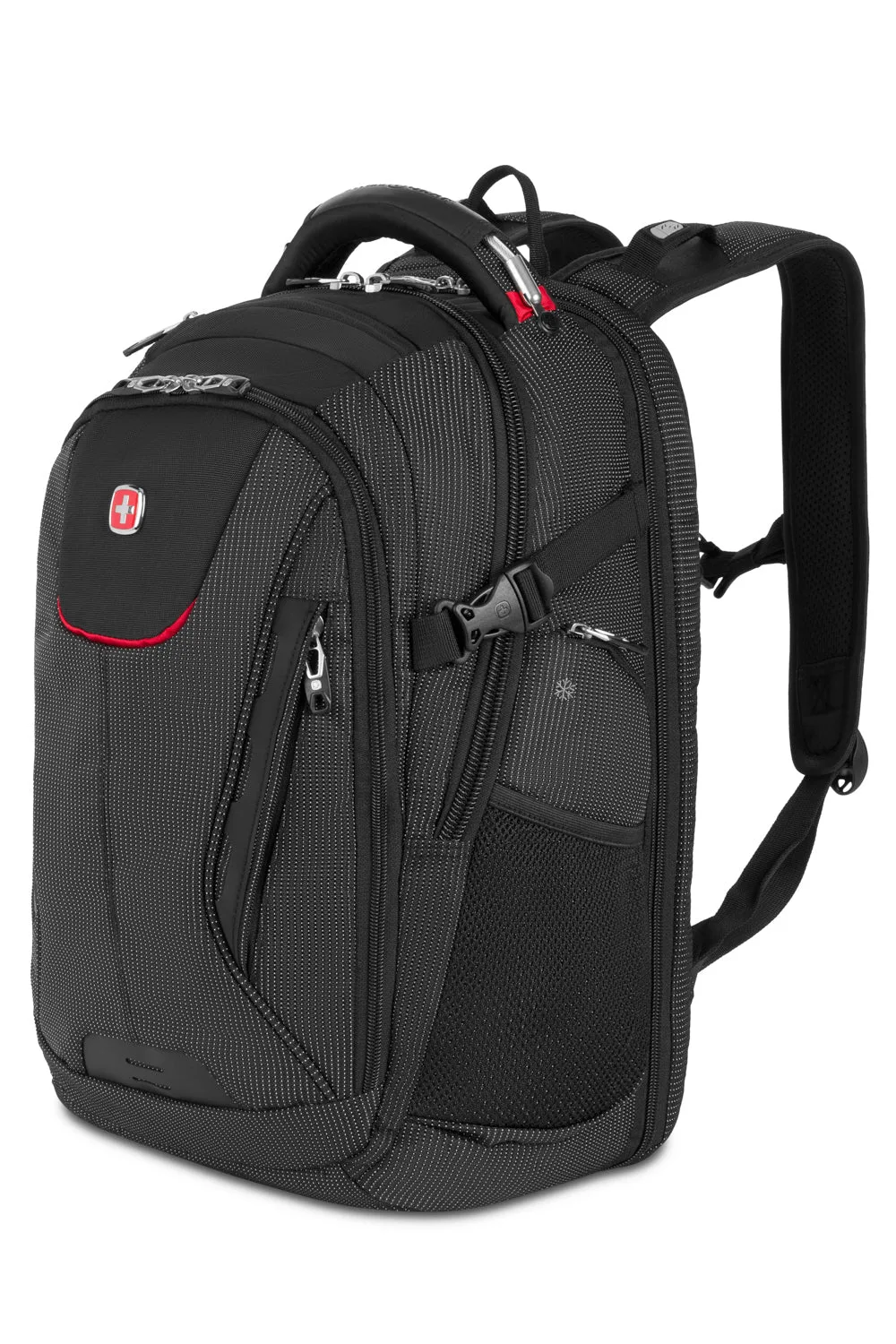
- SWISSGEAR Travel Tech Elite USB ScanSmart Laptop Backpack: It has a TSA-friendly lay-flat back panel with room for a tablet and a laptop, plus a front quick-access pocket. The lay-flat panel lets you keep the laptop in the bag at security, which is the single biggest time saver on a one-bag weekend.
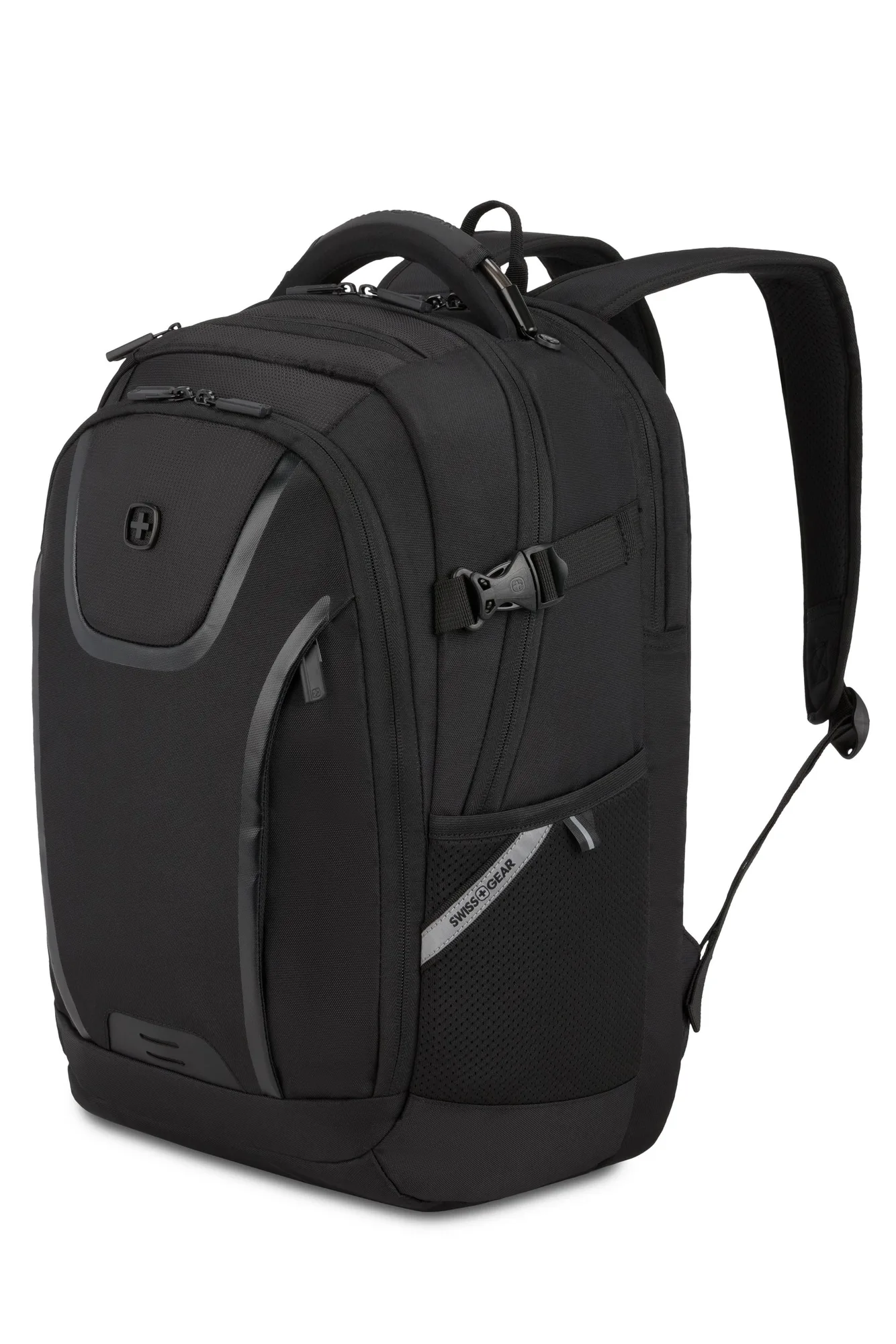
- SWISSGEAR Urban Tech Laptop Backpack: A padded laptop compartment fits devices up to 17 inches, with a dedicated tablet pocket, interior cable storage, and a fully RFID-protected front pocket. If you carry a large laptop plus a tablet, the separate pockets keep both devices from pressing on each other, and the cable storage keeps the second compartment organized.
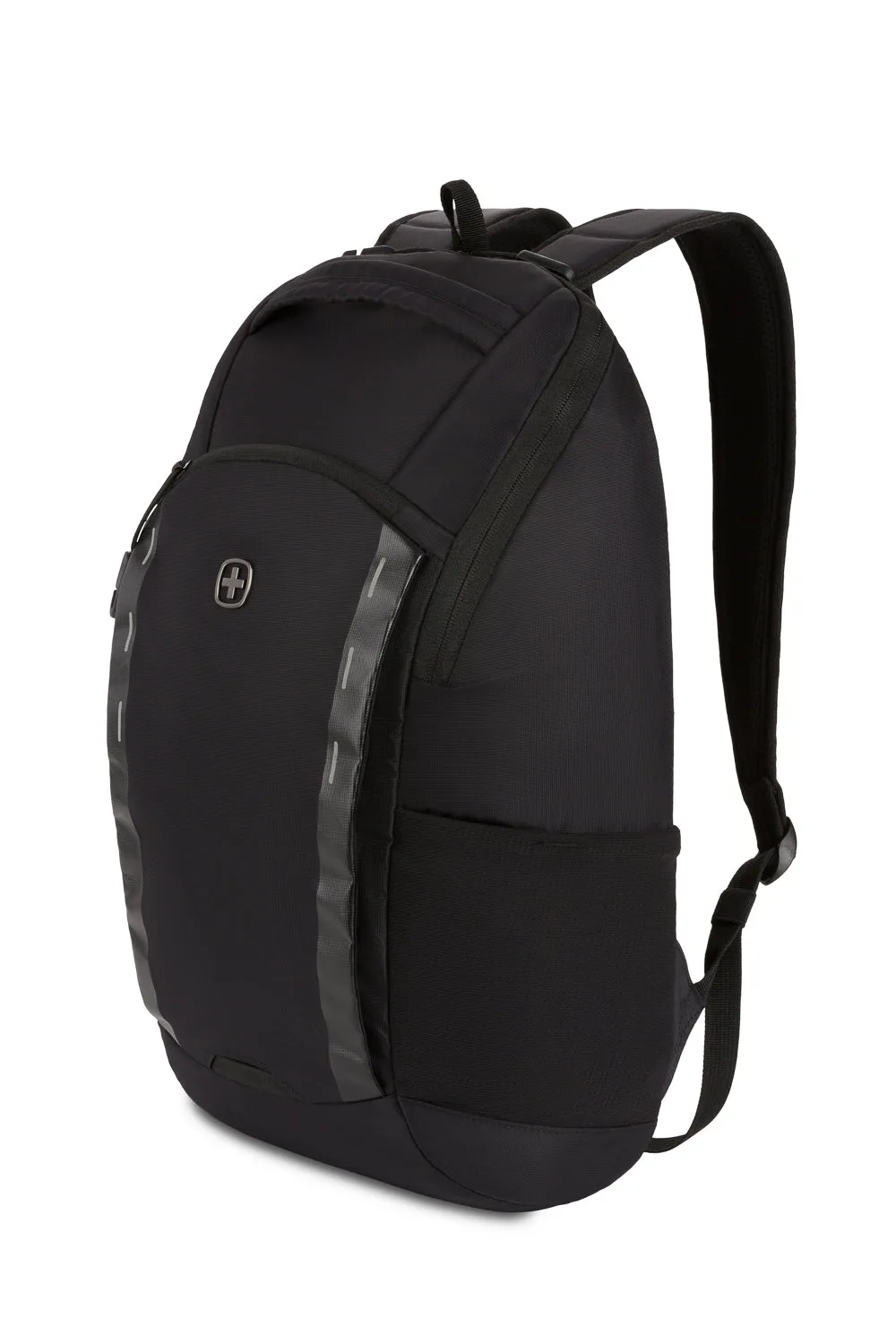
- SWISSGEAR Viibe Core Laptop Backpack: It has Anti-Grab zipper pulls, sturdy nylon loops, and a felt-lined laptop pocket for devices up to 15 inches. Compact and tamper-resistant, this is a good fit for a two-night trip where you want the laptop protected in a smaller bag.
The order matters more than the gear. Pack the cube first, keep the laptop section flat and last, and test the load before you leave. Do that, and a laptop backpack becomes a genuine one-bag weekend bag.