Quick Answer
To pair Bluetooth headphones with your Toniebox, put the headphones in pairing mode, then press and hold the Toniebox's ears for a few seconds until the light flashes. The Toniebox will automatically connect to the headphones. If you have trouble, ensure the headphones are not connected to another device and that they are within range.
Before You Start: What You Need
Before you begin the pairing process, make sure your Bluetooth headphones are fully charged and in pairing mode. For most headphones, this means holding the power button until the LED indicator flashes blue and red. Also, ensure your Toniebox is turned on and within a few feet of the headphones. If your headphones have a previous connection to another device, disconnect them first to avoid interference.
Managing Multiple Headphones and Devices
The Toniebox can remember multiple Bluetooth headphones, so you can switch between them without re-pairing each time. To switch, simply turn on the new headphones and they should automatically connect. If they don't, repeat the pairing process. Note that the Toniebox can only output audio to one device at a time, so you cannot use two pairs of headphones simultaneously. This is a limitation of the device, not a problem with your headphones.
Step-by-Step Pairing Guide
- Put your headphones in pairing mode: Turn on your Bluetooth headphones and activate pairing mode as described in their manual. Usually, this involves holding the power button until the LED flashes. Checkpoint: The LED should be flashing rapidly, indicating the headphones are discoverable.
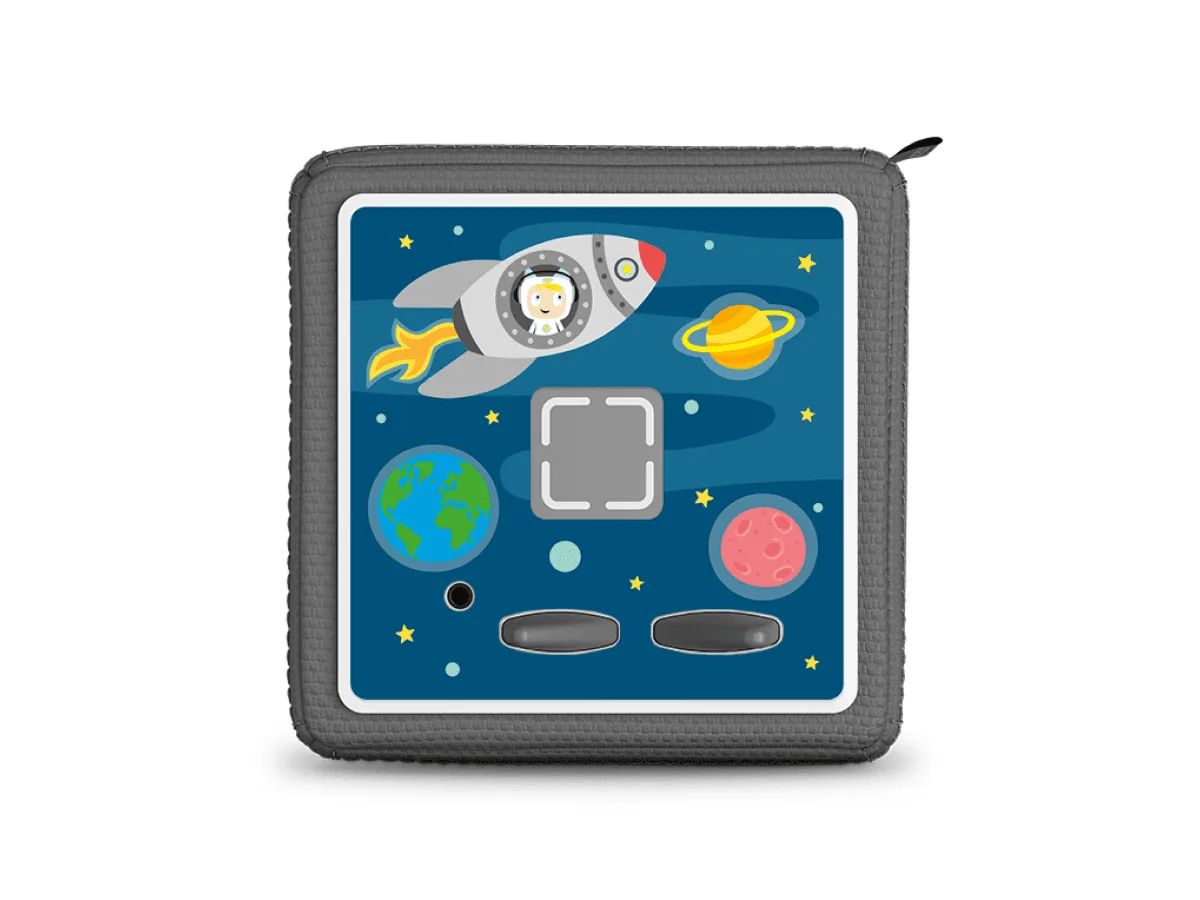
- Turn on your Toniebox: Ensure your Toniebox is powered on. If you have a Tonie on top, you can remove it to avoid accidental playback during setup. Checkpoint: The Toniebox should be within 3 feet of the headphones for a stable connection.
- Press and hold the ears: Press and hold both ears on the Toniebox for about 5 seconds until you hear a sound or see the light flash. This puts the Toniebox into Bluetooth pairing mode. Common mistake: Holding the ears for too long may turn off the Toniebox. Release as soon as you see the flash.
- Wait for the connection: After a few seconds, the Toniebox should automatically connect to your headphones. You may hear a confirmation tone or see a steady LED on the headphones. Checkpoint: If no connection happens, repeat steps 1-3, ensuring the headphones are not connected to another device.
- Test the audio: Place a Tonie on the Toniebox and play audio to confirm the sound comes through your headphones. Adjust the volume on both the Toniebox and the headphones if needed. If you hear no sound, check the headphone volume and ensure they are still connected.
Recommended Accessories for Your Toniebox
- Listen & Play Bag for Toniebox - Enchanted Forest: The Listen & Play Bag for Toniebox - Enchanted Forest lets you carry your Toniebox, Tonies, headphones, charging station, and other treasures in one bag, making it easy to transport your collection on trips. When you're on the go, keeping your Toniebox and headphones together in one bag ensures you're always ready for audio adventures without hunting for accessories.