Quick Answer
To pair a wireless microphone with your karaoke speaker, turn on the speaker and mic, set both to the same UHF channel, and confirm the audio signal. For Dolphin systems like the Karaokebox 2120 or 2100R, the built-in receivers handle pairing automatically once the mic is powered on and on the correct channel.
What You Need Before You Start
Make sure your karaoke speaker has a built-in wireless microphone receiver. Most Dolphin karaoke speakers, including the Karaokebox 2120 and Karaokebox 2100R, come with dual wireless mics and integrated receivers, so no extra gear is needed. If you're using a separate microphone like the PartyMic 11, check that the speaker has a UHF receiver or an auxiliary input.
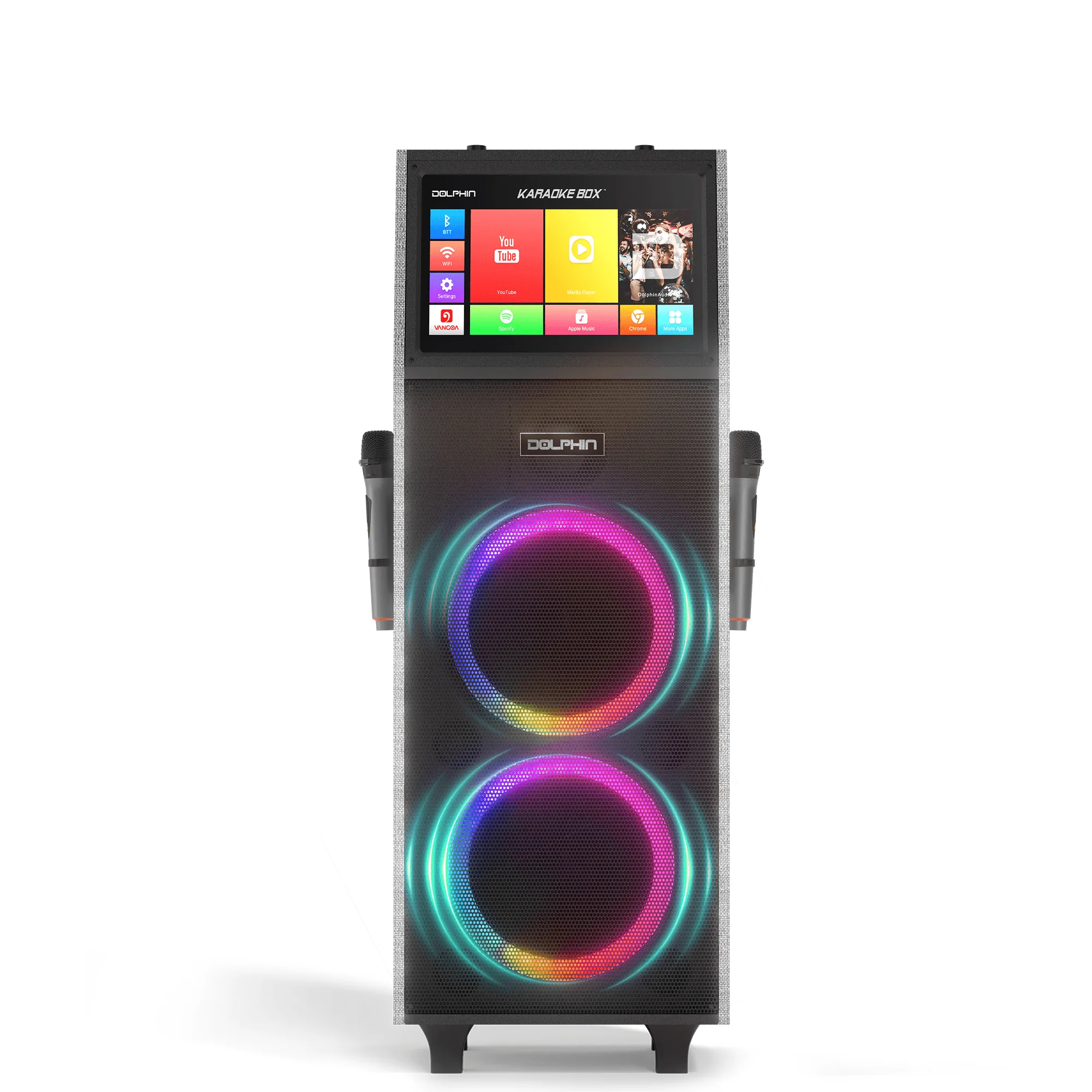
Karaokebox 2100R
Confirm that both the microphone and the speaker have fresh batteries or are fully charged. The PartyMic 11 uses USB-C recharging, while the Karaokebox models have internal power. Low battery is the most common cause of pairing failures.
Step-by-Step Pairing Process
- Step 1: Power On Both Devices: Turn on your karaoke speaker and the wireless microphone. Wait for the speaker's receiver indicator light to start blinking, which means it's searching for a signal. Common mistake: Forgetting to power on the mic before the speaker. Always turn on the speaker first, then the mic.
- Step 2: Set the Same UHF Channel: If your microphone has a channel selector (like the PartyMic 11 with 50 channels), set it to the same channel number shown on the speaker's receiver display. For Dolphin systems with bundled mics, this is usually pre-set at the factory. Checkpoint: If the mic has a sync button, press it after selecting the channel to lock the connection.
- Step 3: Confirm the Audio Signal: Speak or tap the microphone grille. You should hear your voice through the speaker. If not, slowly turn up the mic volume control on the speaker and the mic itself. Adjust the speaker's master volume to a comfortable level. Common mistake: Cranking the master volume instead of the mic volume. This can cause feedback. Always adjust mic gain first.
Products That Make Pairing Easy
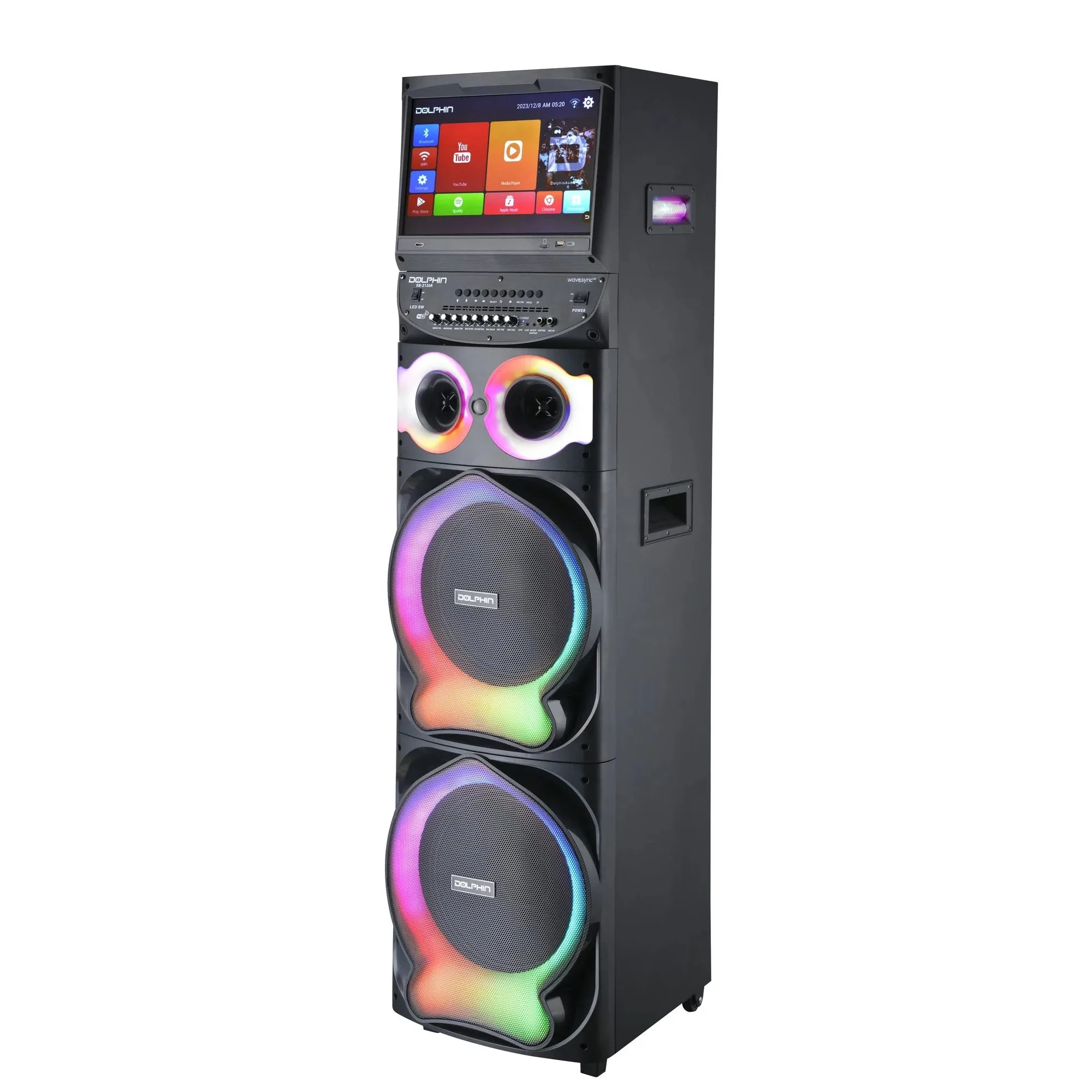
- Karaokebox 2120: Elevate your entertainment with the Karaokebox 2120 Dual 12” Karaoke Speaker, featuring a built-in 15.4” Android tablet for seamless digital interaction. This system includes WaveSync™ Technology for flawless audio syncing and a vibrant, sound-activated LED light show. Dual wireless microphones offer the freedom to move and interact. The built-in receiver and dual mics mean you don't need to buy or configure extra equipment. Just power on and sing.
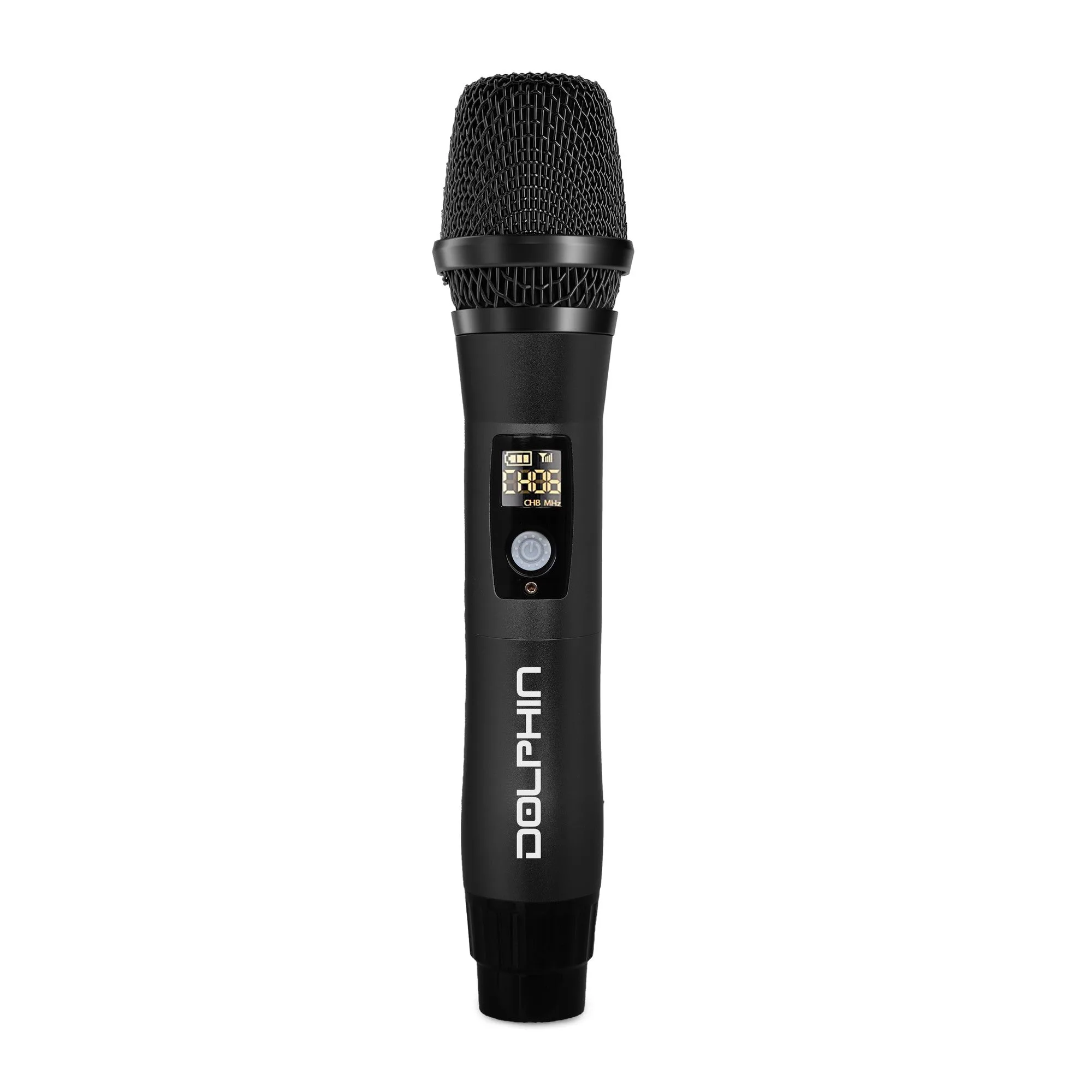
- PartyMic 11: The PartyMic 11 UHF Wireless Microphone is the ultimate upgrade for anyone looking to take their sound to the next level. With USB-C recharging and the ability to switch between 50 different channels, this microphone is designed to provide crystal-clear audio from long ranges. If your speaker has a UHF receiver, the PartyMic 11 lets you avoid interference by switching to a clear channel — useful in crowded RF environments.