Quick Answer
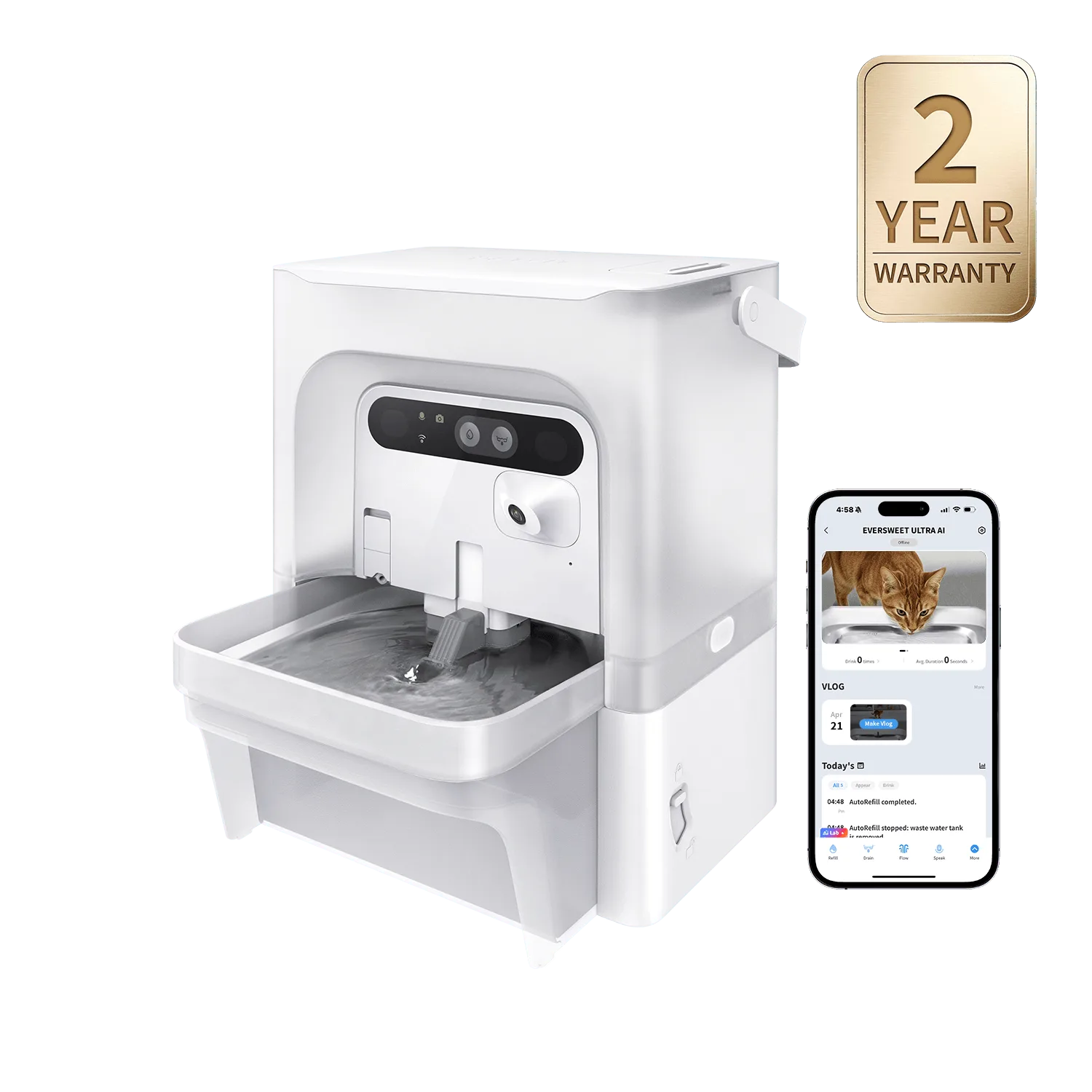
Pairing a PETKIT feeder with a fountain means placing them side by side on a stable surface, syncing their schedules via the PETKIT app, and using a shared water source if possible. For example, the YumShare Solo 2 feeder and EverSweet Max fountain work well together because both support app-based scheduling and the fountain has a long battery life.
Why Combine a Feeder and Fountain?
A smart feeding station combines automated feeding with continuous fresh water, reducing daily chores and giving you peace of mind. The feeder dispenses meals on schedule, while the fountain keeps water moving and filtered, encouraging your pet to drink more.
What You Need
You will need a PETKIT feeder (like the YumShare Solo 2), a PETKIT fountain (like the EverSweet Max), the PETKIT app installed on your phone, and a stable, level surface near a power outlet. The EverSweet Max is cordless with a 3L capacity, so it can be placed a bit farther from the outlet if needed.
Step-by-Step Setup Guide
- Step 1: Position the Devices: Place the feeder and fountain side by side on a stable, flat surface. Ensure both are within range of a power outlet (or use the EverSweet Max’s battery if cordless). Leave a few inches of space between them for easy refilling and cleaning. Common mistake: placing them too close to a wall can block air circulation or make cleaning difficult.
- Step 2: Set Up the Fountain: Fill the fountain with fresh water, insert the correct filter (e.g., PETKIT Filter Unit 3.0 for compatible models), and plug it in or turn it on. Let the water run for a few minutes to prime the filter. Checkpoint: ensure the water level is above the minimum line to avoid pump damage.
- Step 3: Set Up the Feeder: Fill the feeder with dry food, connect it to power, and follow the app instructions to pair it with your phone. Set meal times and portion sizes. Common mistake: overfilling the hopper can cause jams; stick to the recommended capacity.
- Step 4: Sync Schedules in the App: Open the PETKIT app and check that both devices are listed. Adjust feeding times so that meals align with your pet’s routine. The fountain runs continuously, so no schedule is needed, but you can set reminders for filter changes. Checkpoint: verify that the app shows both devices as online before leaving them unattended.
- Step 5: Test and Monitor: Watch your pet interact with the station for the first few cycles. Ensure the fountain water is flowing correctly and the feeder dispenses without jamming. Adjust placement if your pet seems hesitant. Next step: clean the fountain filter every two weeks and refill the feeder as needed to maintain the station.
Product Facts
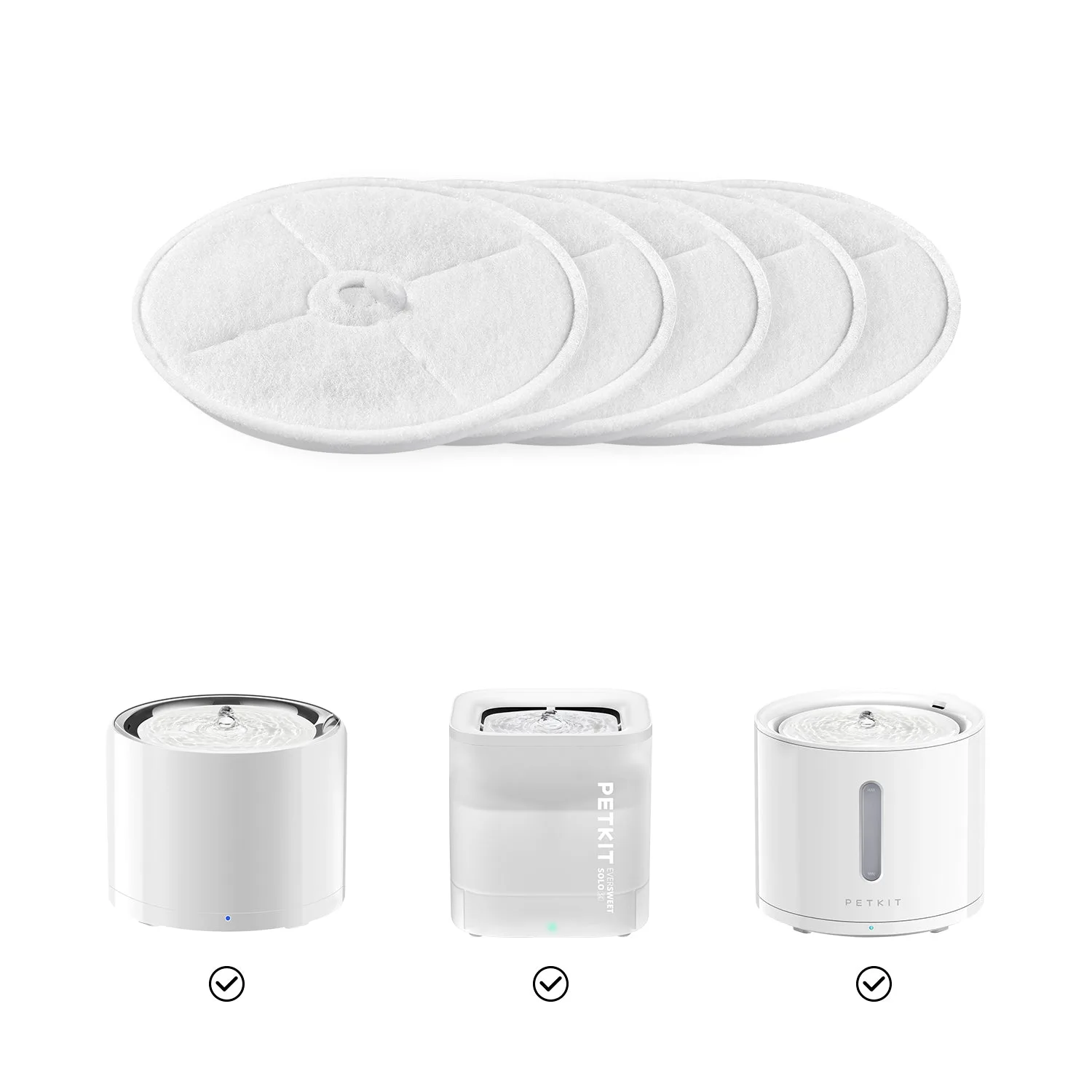
- PETKIT Filter Unit 3.0: PETKIT filter unit 3.0 is applicable for PETKIT eversweet 3 pro, eversweet solo 2 and solo se, and pure drink cat dog water fountain. Multi-layer filtration system: Improved filtration function. Utilizing double filter components and a high-density micropore filter, PETKIT filter unit 3.0 filters remove pet hair and most other impurities. Using the correct filter unit ensures your fountain water stays clean and fresh, which is essential when pairing with a feeder to maintain a hygienic feeding station.
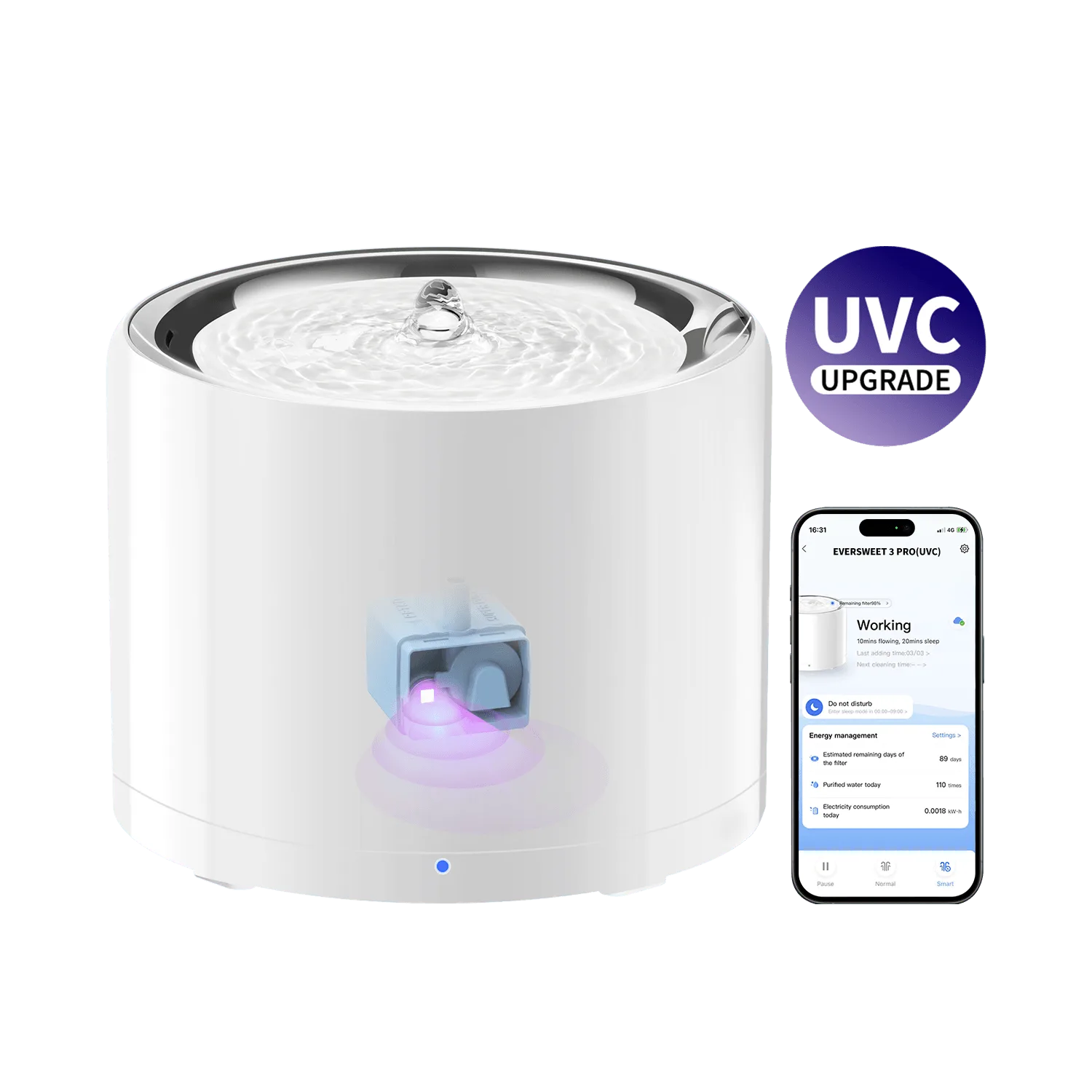
- YumShare Solo 2 + EverSweet 3 Pro (UVC): YumShare Solo 2 tracks meals with AI-powered monitoring, while EverSweet 3 Pro delivers multi-stage filtration and quiet, stainless-steel hydration. The YumShare Solo 2’s AI monitoring helps you adjust feeding times, and the EverSweet 3 Pro’s quiet pump won’t disturb your pet during meals.
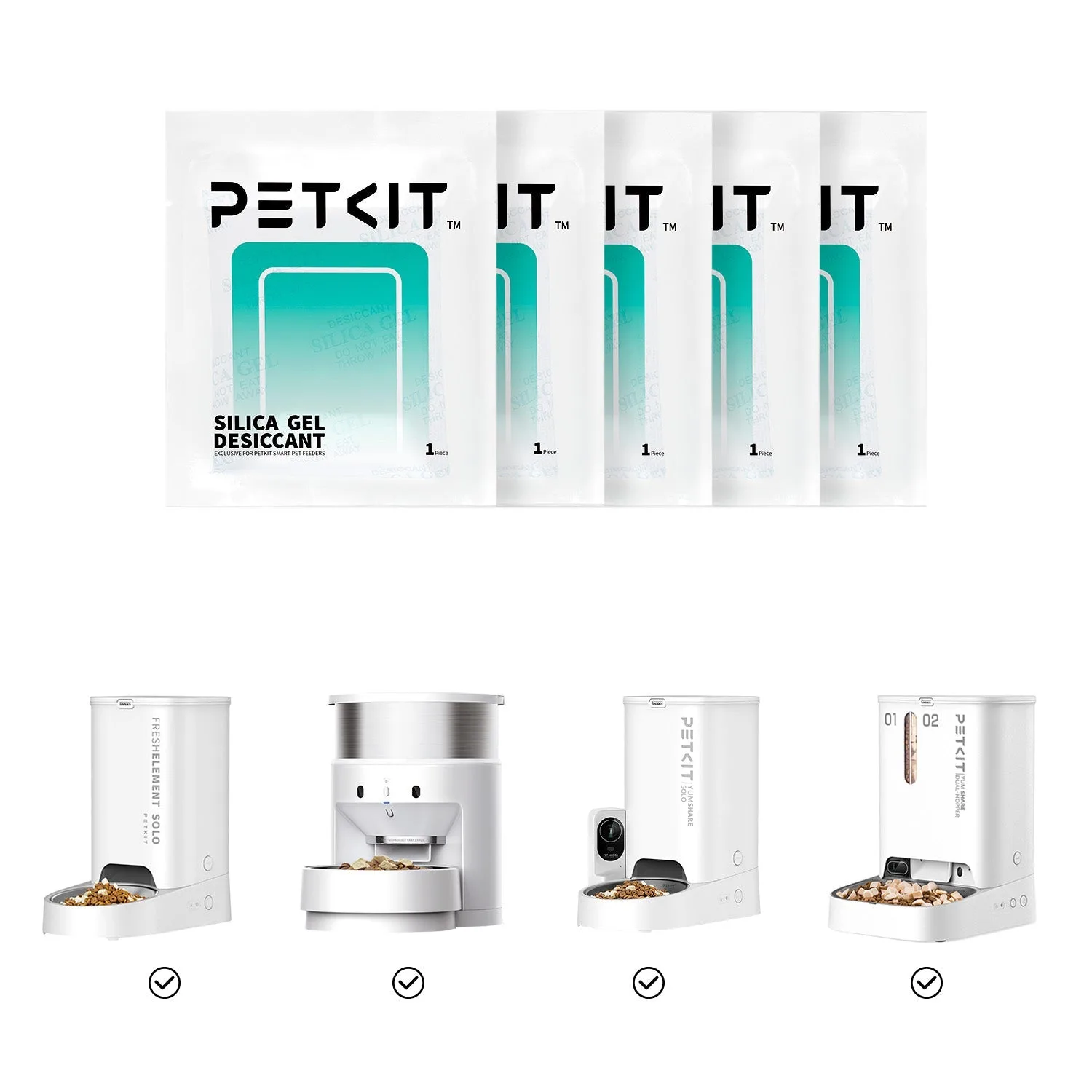
- Fresh Element Solo + EverSweet Max: Fresh Element Solo helps preserve your pet’s food with smart freshness control, while EverSweet Max delivers cordless hydration with a large 3L capacity and long-lasting battery life. The Fresh Element Solo keeps dry food crisp, and the EverSweet Max’s cordless design allows flexible placement next to the feeder without worrying about outlet proximity.