Quick answer
To pair your projector with a portable speaker, first put the speaker in pairing mode, then use the projector's Bluetooth settings to find and connect to it. The process is similar for most portable projectors, including the soundcore Nebula Capsule 3 Laser.
Why pair a portable speaker with your projector?
Most portable projectors have built-in speakers that are adequate for quiet indoor use, but they often lack the volume and clarity needed for outdoor movies or larger rooms. Adding a portable speaker dramatically improves the audio experience, making dialogue clearer and action scenes more immersive.
The soundcore Nebula Capsule 3 Laser, for example, is compact and easy to carry, but its built-in speaker is designed for portability rather than high-volume output. Pairing it with a dedicated portable speaker lets you enjoy better sound without sacrificing the projector's mobility.
What you need before you start
Make sure your portable speaker is fully charged or plugged in. Check that your projector has Bluetooth capability — most modern portable projectors do. If your projector lacks Bluetooth, you may need a Bluetooth transmitter that plugs into the audio output jack.
Keep the speaker and projector within about 10 feet of each other during pairing. Walls and other obstacles can reduce the effective range.
Step-by-step guide to pair your projector with a portable speaker
- Step 1: Put your portable speaker in pairing mode: Turn on the speaker and press the Bluetooth button (usually marked with a Bluetooth icon) until the indicator light flashes rapidly. This means the speaker is discoverable. Common mistake: If the light is solid or blinking slowly, the speaker may already be connected to another device. Disconnect it first.
- Step 2: Open your projector's Bluetooth settings: On your projector, go to the Settings menu and select Bluetooth or Wireless & Networks. Turn on Bluetooth if it isn't already enabled. The projector will start scanning for nearby devices. Checkpoint: If your projector doesn't have a Bluetooth menu, it may not support wireless audio. In that case, use a Bluetooth transmitter plugged into the audio output.
- Step 3: Select your speaker from the list: When your speaker appears in the list of available devices on the projector, tap its name. The projector will attempt to pair. A confirmation message or a solid light on the speaker indicates a successful connection. Common mistake: If the speaker doesn't appear, move it closer to the projector and make sure it's still in pairing mode. Restart both devices if needed.
- Step 4: Test the audio: Play a video or audio file on the projector. The sound should now come through the portable speaker. Adjust the volume on both the projector and the speaker for the best balance. Checkpoint: If there's a delay between the video and audio, check if your speaker has a low-latency codec like aptX. Some projectors also offer an audio sync adjustment in the settings.
Projectors that work well with portable speakers
-
soundcore Nebula Capsule 3 Laser: The soundcore Nebula Capsule 3 Laser uses laser projection technology for vivid, detailed images and has a compact, capsule-shaped design for easy portability. Its small size makes it ideal for outdoor use, but pairing it with a portable speaker gives you the audio power that its built-in speaker lacks.
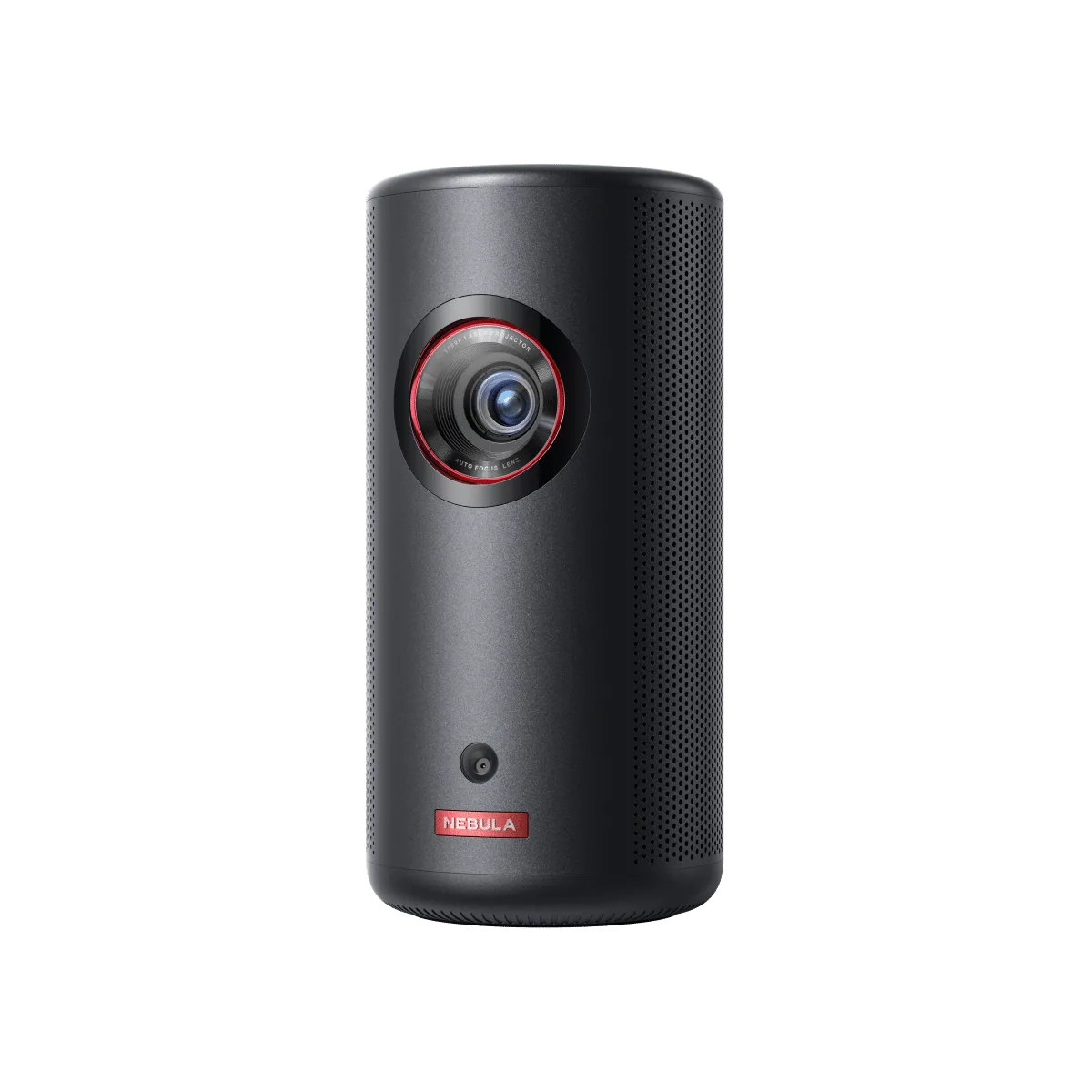
soundcore Nebula Capsule 3 Laser
-
Capsule 3: The Capsule 3 is a compact and lightweight device designed for on-the-go use, though it may not deliver the highest brightness. Its portability makes it a great travel companion, and adding a portable speaker compensates for its modest built-in audio.
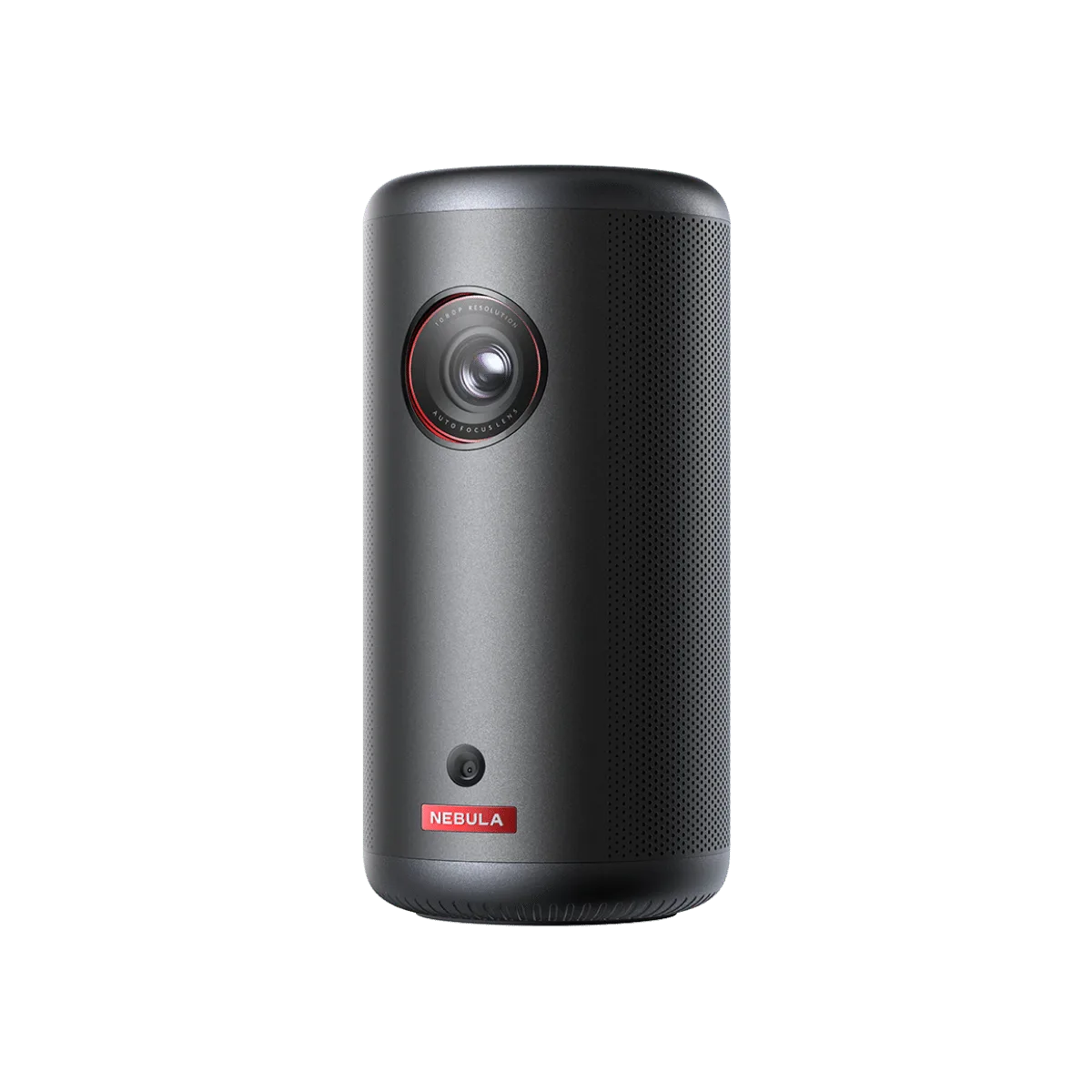
Capsule 3