Quick answer
Most Nexus remote control toys pair automatically once both the toy and the remote are charged and switched on. If yours does not respond, check the battery or charge level first, then confirm you are using the correct remote for that model. A replacement remote is often cheaper and faster than replacing the whole toy.
Remote control toys are meant to make play easier, but pairing problems can turn a relaxing session into a troubleshooting exercise. The good news is that Nexus remotes are designed to be straightforward, and most connection issues come down to power, compatibility, or a lost remote rather than a broken toy.
This guide walks through the pairing and syncing process step by step, with checkpoints for the most common mistakes. It covers rechargeable remotes, battery-operated remotes, and what to do when a remote is misplaced or damaged.
Before you start: what you need to know
Nexus remote control toys generally fall into two groups: models with a rechargeable remote and models with a battery-operated remote. The pairing method is similar, but the power source and replacement options differ. Knowing which type you own saves time before you begin.
Check the product listing or the remote itself to confirm whether it is rechargeable or uses a coin cell battery. If you are replacing a lost remote, this distinction matters because a battery remote and a rechargeable remote are not interchangeable.
- Confirm your toy model and remote type before troubleshooting.
- Charge both the toy and the remote fully if either is rechargeable.
- Keep the remote within the stated range during use.
Step 1: Charge or power both devices
A weak battery is the most common reason a remote seems to stop working. If your toy and remote are rechargeable, charge both until they are full. If your remote uses a battery, fit a fresh one and make sure it is seated the right way round.
Once powered, switch the toy on first, then the remote. This order helps the remote detect the toy's signal rather than searching for a device that is still off.
- Mistake to avoid: assuming a remote is paired when it is simply out of charge.
Step 2: Put the toy and remote in pairing range
Keep the remote close to the toy during the initial connection. Distance and physical obstacles can weaken the signal, so pair them on a flat surface with nothing between them.
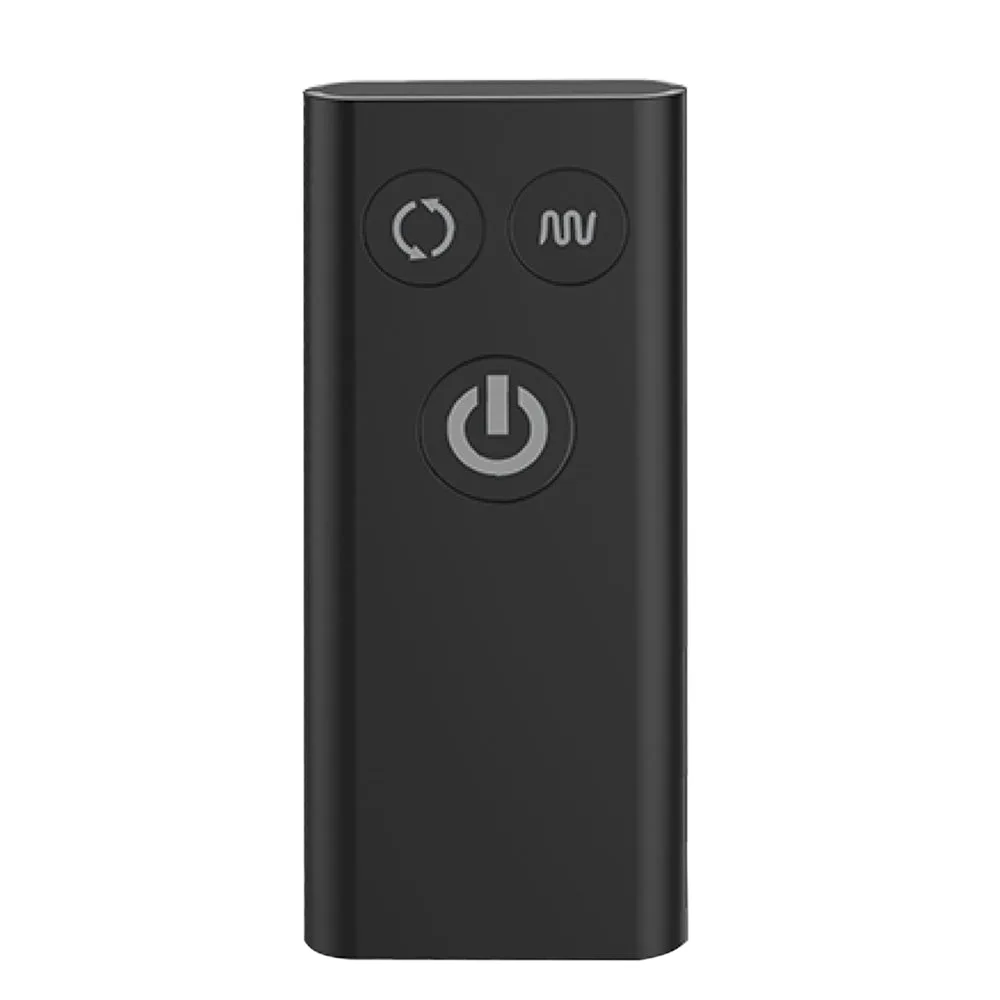
The Nexus Beat remote, for example, works up to 8 metres away, but that range applies once the connection is established. Start close, confirm the toy responds, then move the remote further away to test the range in your space.
- Mistake to avoid: trying to pair from across the room or through a closed door.
Step 3: Switch on and let the remote connect
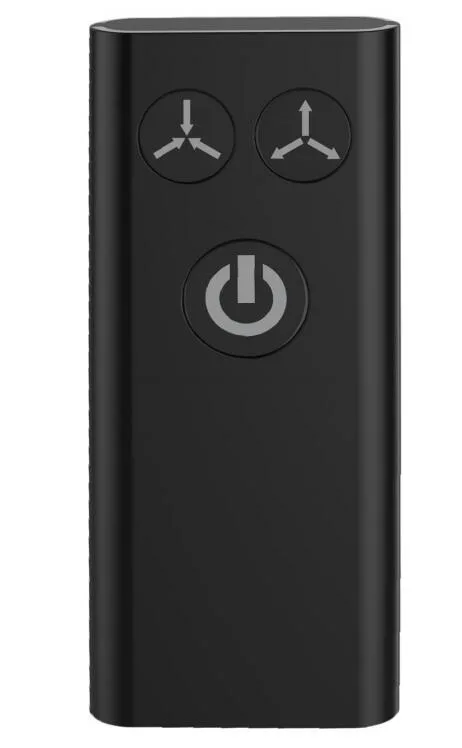
Turn on the toy, then press the power button on the remote. Most Nexus remotes connect automatically without a separate pairing button or code. Give it a few seconds and watch for a response from the toy, such as a vibration or a light.
If nothing happens, turn both devices off, wait a moment, and repeat the sequence. A clean restart clears most temporary connection glitches.
- Mistake to avoid: pressing buttons repeatedly before the remote has had time to connect.
Step 4: Test the controls and range
Once connected, cycle through the settings to confirm every function responds. Check the vibration modes, speed changes, and any rotation or inflation features your model offers. This confirms the remote is sending the full range of commands, not just power.
Then test the practical range by moving the remote gradually further from the toy. If the signal drops sooner than expected, check for thick walls, water, or other electronics nearby that may interfere.
- Mistake to avoid: assuming a partial response means full pairing is complete.
Step 5: Fix a remote that will not connect
If the remote still will not connect, rule out the simple causes first: battery, charge, distance, and correct remote model. A remote from a different Nexus product will not control your toy, even if it looks similar.
If the remote is confirmed dead or lost, a replacement is usually the practical fix. Nexus sells replacement remotes for several models, which keeps the toy usable instead of forcing a full replacement.
- Mistake to avoid: buying a replacement remote without checking it is compatible with your exact model.
Pairing checklist: steps and checkpoints
- Charge or power both devices: Fully charge rechargeable toys and remotes, or fit a fresh battery in battery-operated remotes. Switch the toy on first, then the remote. Checkpoint: the remote should show a light or respond when powered on.
- Pair at close range: Place the toy and remote on a flat surface with nothing between them. Keep them close for the initial connection, then test the range afterwards. Checkpoint: the toy should respond within a few seconds of switching on the remote.
- Test every function: Cycle through vibration modes, speeds, and any rotation or inflation settings to confirm the remote is sending all commands. Checkpoint: if only some controls work, restart both devices and try again.
- Troubleshoot with the basics: If pairing fails, recheck battery, charge, distance, and whether the remote matches your exact model. A remote from another Nexus product will not work. Checkpoint: confirm the remote is the correct type before assuming the toy is faulty.
- Replace a lost or dead remote: If the remote is confirmed faulty or missing, order a compatible replacement rather than replacing the whole toy. Next step: check whether your model uses a battery or rechargeable remote before ordering.
Nexus products that use remotes
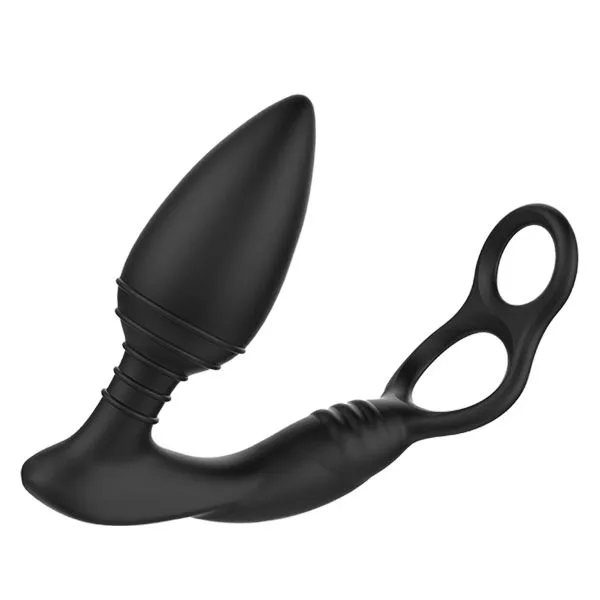
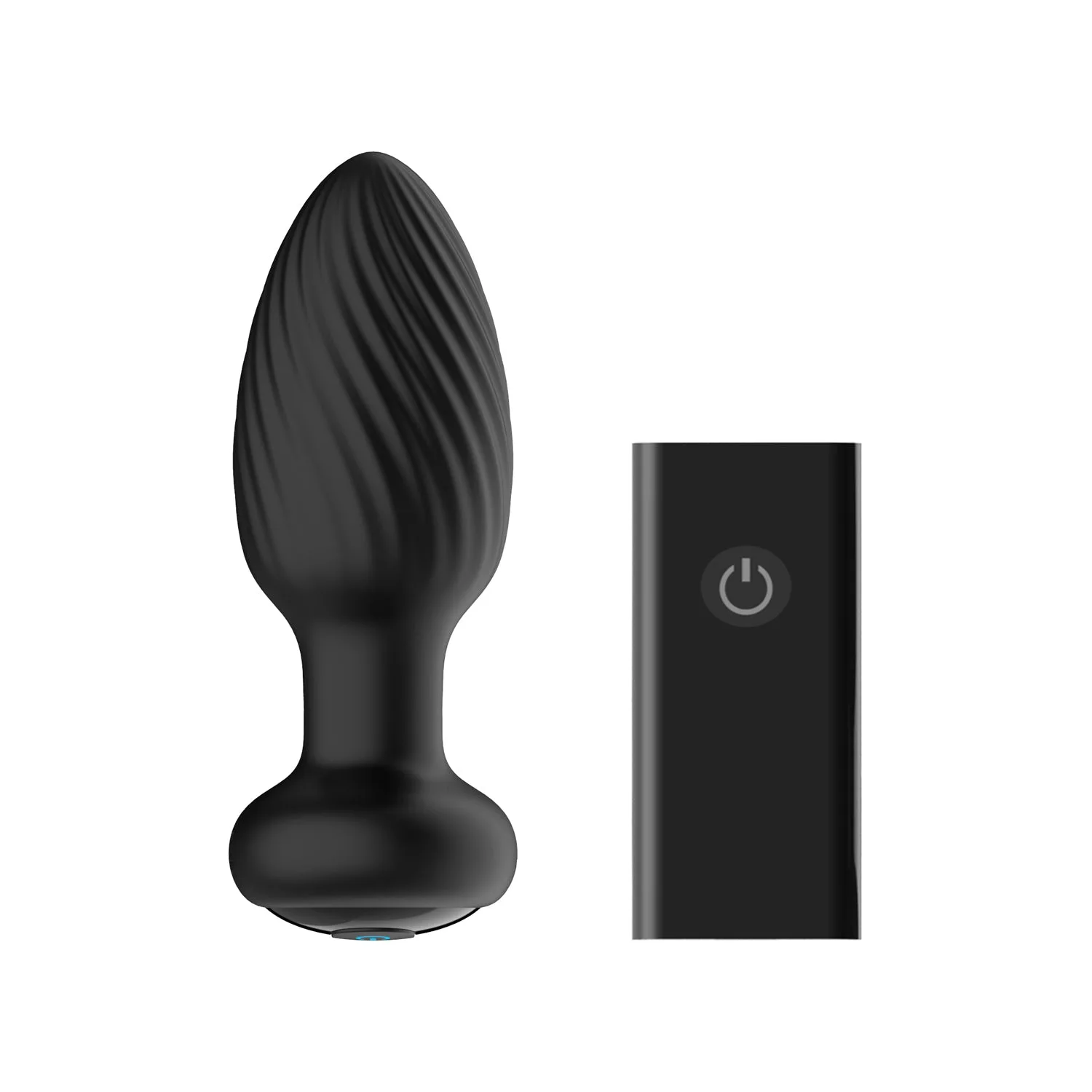
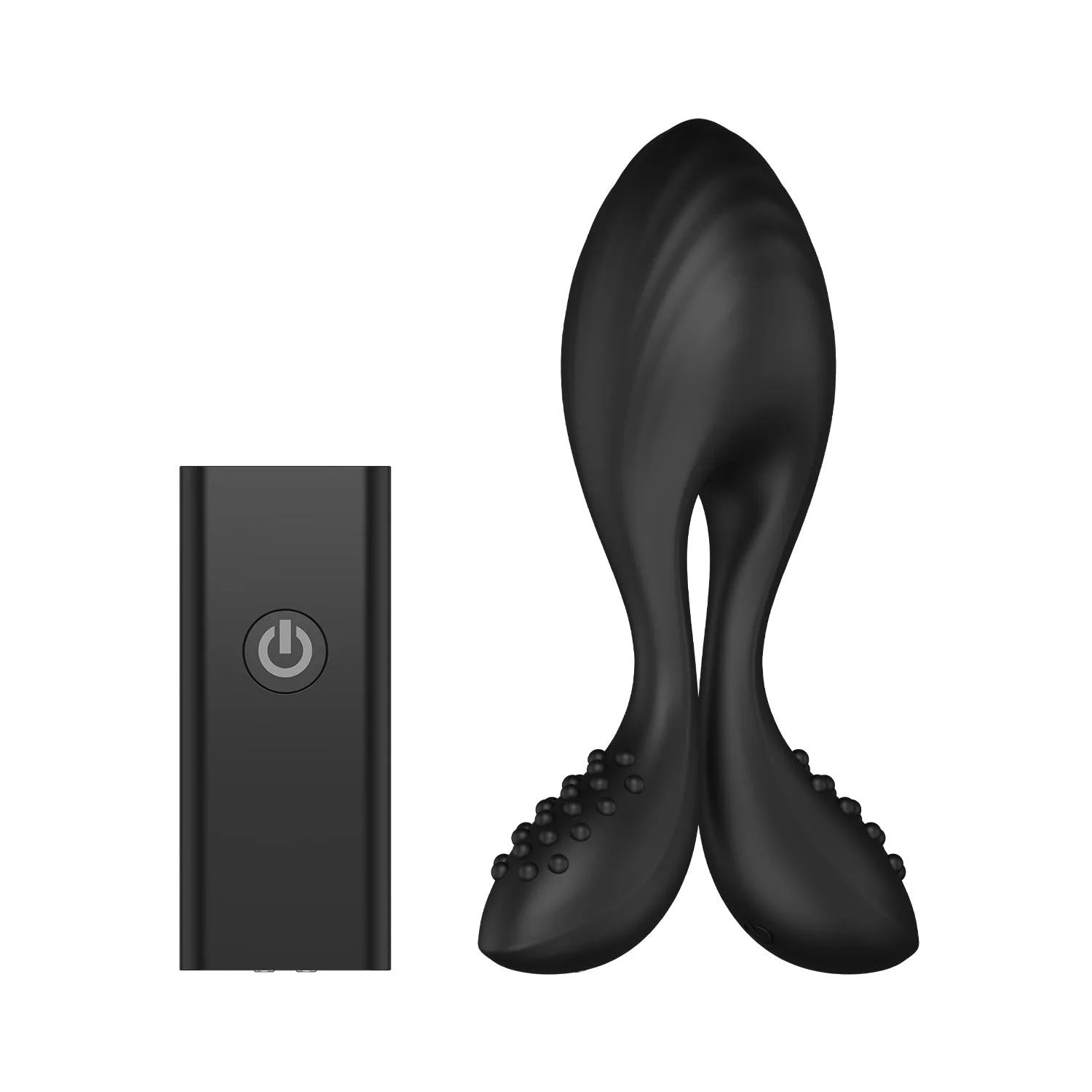
- Nexus - Beat - Vibrating Butt Plug with Remote Control: Nexus Beat uses rhythmic thumper technology and a multi-function perineum massager, controlled by a slimline remote up to 8 metres away. Both Beat and the remote are rechargeable and waterproof. The 8-metre range and rechargeable remote mean you can pair it once and move around freely, including in the bath or shower.
- Nexus - Boost - Prostate Massager with Remote Control: Nexus Boost has an inflatable tip that adjusts from 1.3 inches up to 1.8 inches, two vibrating motors, and a rechargeable remote. Because the tip inflates, you can test the remote controls at a low setting first, then adjust pressure once you are confident the connection is stable.
- Nexus - Ace Remote Control - Battery Operated: This battery-operated replacement remote works with all Nexus Ace sizes immediately with no connecting required, and comes with a CR2032 battery. It will not work with Revo products. If you have lost an Ace remote, this restores control without replacing the toy, but check your remote type first because it is not compatible with Revo.
- Nexus Revo Twist Remote Control: This rechargeable, waterproof replacement remote is compatible with the Revo Twist system. A lost Revo Twist remote does not mean a lost toy; the replacement keeps the system operational and is rechargeable for repeated use.
Pairing a Nexus remote control toy is mostly about power, proximity, and using the right remote for your model. Start close, confirm the connection, then test the full range of controls. If the remote is lost or dead, a compatible replacement keeps the toy in use and is usually the simplest fix.