Quick answer
To pair Zendure 500W bifacial solar panels with your SolarFlow system, connect the panel's MC4 cables to the SolarFlow hub's solar input, ensuring voltage and current are within limits. Always verify compatibility with your specific SolarFlow model, and use proper cable management to avoid damage.
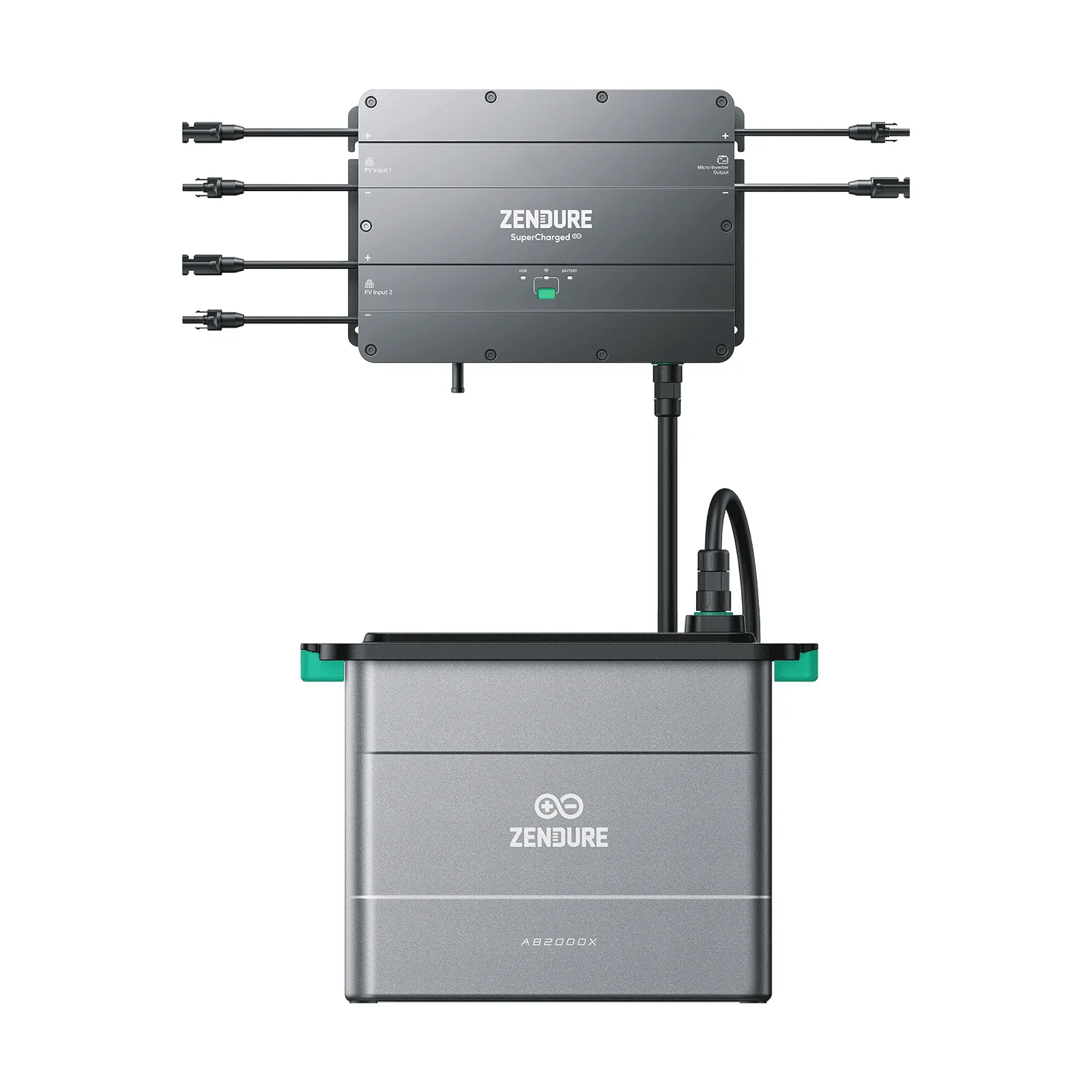
SolarFlow
Zendure 500W bifacial solar panels are a solid choice for expanding your SolarFlow system, offering up to 1300W maximum output thanks to the rear-side gain. Pairing them correctly with your SolarFlow hub is key to getting reliable performance and avoiding setup headaches.
This guide walks you through the connection process step by step, from checking compatibility to securing cables. You'll also learn common mistakes to avoid and how to verify your setup before relying on it daily.
Before You Start: Check Compatibility and Gather Tools
First, confirm your SolarFlow hub supports the 500W bifacial panels. Most SolarFlow hubs accept standard MC4 connectors, but check your hub's input voltage and current ratings to ensure the panel's specs are within range. The 500W bifacial panel has a base output of 1000W (2×500W) and can reach 1300W with rear-side gain—so your hub must handle that peak.
Gather the essentials: the panel, MC4 extension cables if needed, a cable cutter/stripper, a multimeter for testing, and zip ties or cable clips. Also, review your SolarFlow hub's manual for input limits—exceeding them can trigger protection or reduce efficiency.
- Always disconnect the hub from power before wiring panels.
- Use a multimeter to verify panel voltage before connecting.
Step-by-Step Wiring: Connect Panel to SolarFlow Hub
Run MC4 cables from the panel to the hub's solar input. The 500W bifacial panel uses standard MC4 connectors—simply plug the positive and negative leads into the corresponding ports on the hub. Ensure a firm click to confirm a secure connection.
If the cable length is short, use a quality MC4 extension cable. Avoid splicing or using non-standard adapters, as they can cause voltage drops or short circuits. Keep cables away from sharp edges and moving parts.
- Use a cable management system to prevent tripping hazards and wear.
- Check polarity before finalizing—reverse polarity can damage the hub.
Secure and Protect Your Connection
Once connected, secure the cables with zip ties or clips to prevent strain on the connectors. If the setup is outdoors, use weatherproof covers on the MC4 connections to protect against moisture and UV damage.
Route cables along sturdy surfaces and avoid areas where they can be pinched. For balconies or rooftops, consider using cable conduits for extra protection.
- Leave a slight loop in the cable to allow for thermal expansion.
- Inspect connections periodically for wear or loose fits.
Test the Connection and Monitor Performance
After wiring, power on the hub and check the display or app for solar input readings. You should see voltage and current values consistent with sunlight conditions. If readings are zero or abnormal, recheck polarity and connections.
Monitor the system for a few days to ensure stable performance. The bifacial design can boost output, especially on reflective surfaces, so expect variations throughout the day.
- Compare readings with expected output based on panel specs.
- If issues persist, consult Zendure support or the manual.
Step-by-Step: Pairing Your 500W Bifacial Panels
- Verify compatibility: Check your SolarFlow hub's input voltage and current limits against the panel's specs (1000W base, 1300W max). If limits are exceeded, consider a different panel or a hub upgrade.
- Connect MC4 cables: Plug the panel's positive and negative leads into the hub's solar input. Ensure a firm click. Double-check polarity—reverse connections can damage equipment.
- Secure cables: Use zip ties or clips to fasten cables, and add weatherproof covers for outdoor setups. Prevent strain and moisture to avoid long-term failures.
- Test and monitor: Power on the hub and check solar input readings in the app or display. Consistent readings confirm a successful pairing.
Product Facts: What You're Working With
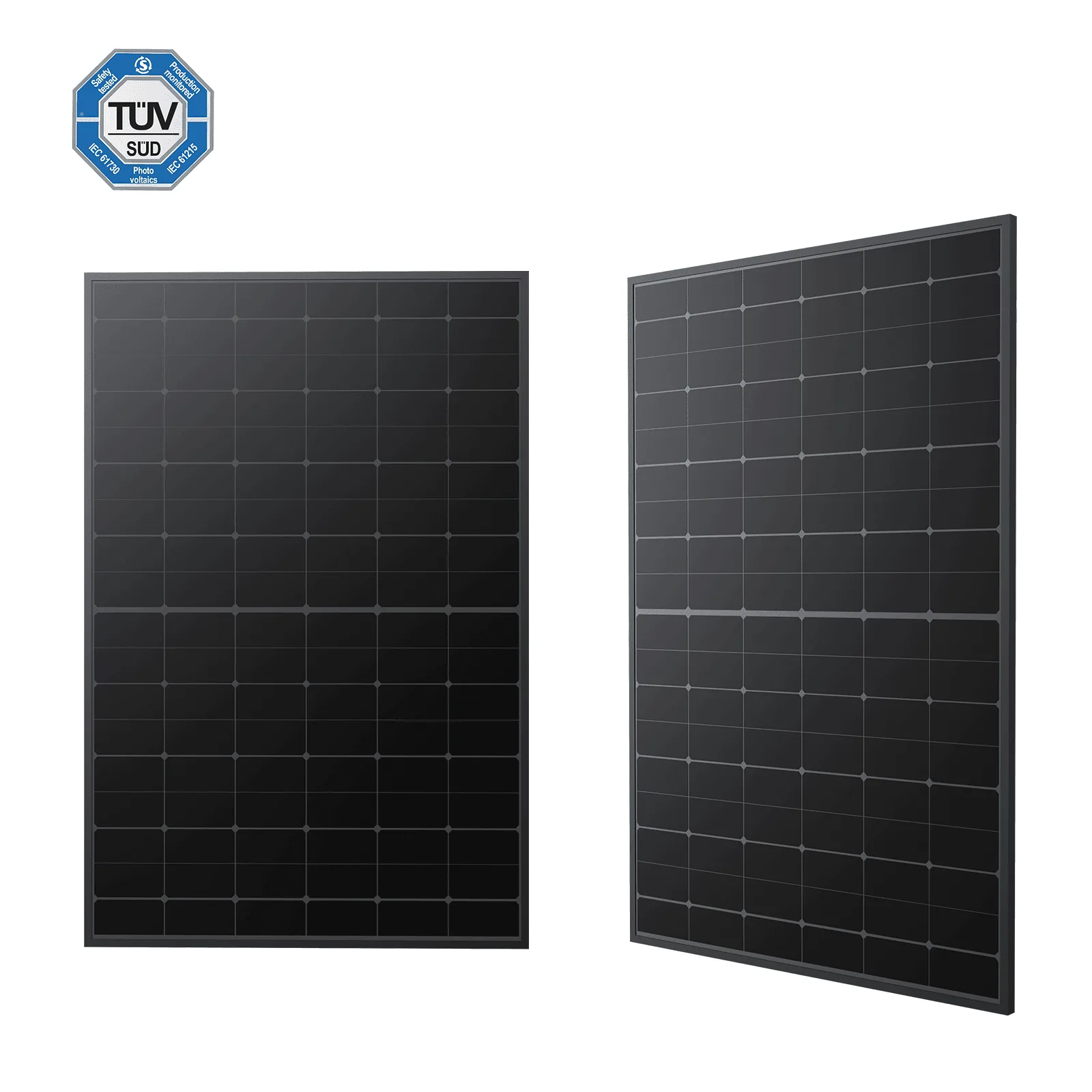
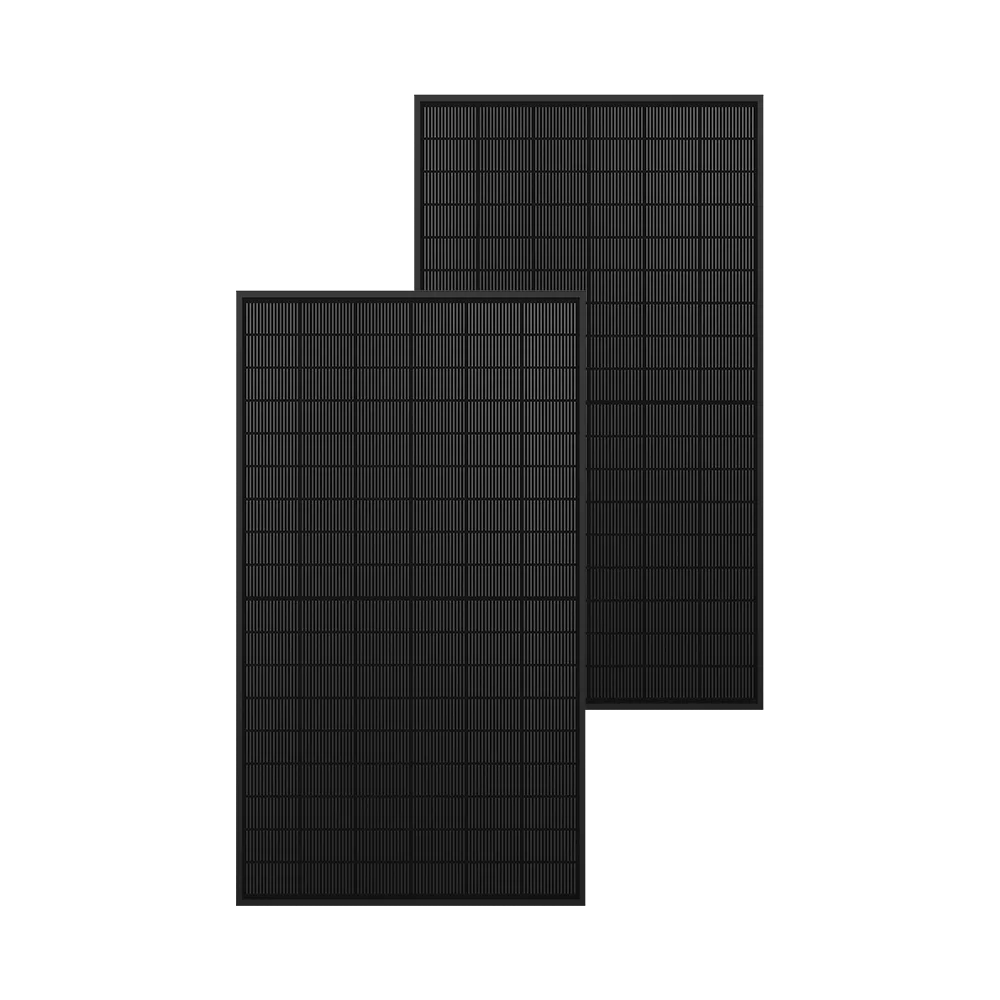
- 500W Bifacial Solar Panels: 2*500 W base, 1300 W Max due to the additional gain from the rear side. Features light-reflecting film technology and non-destructive cutting for better efficiency. This panel can deliver up to 1300W, so your SolarFlow hub must handle that peak to avoid clipping or overload.
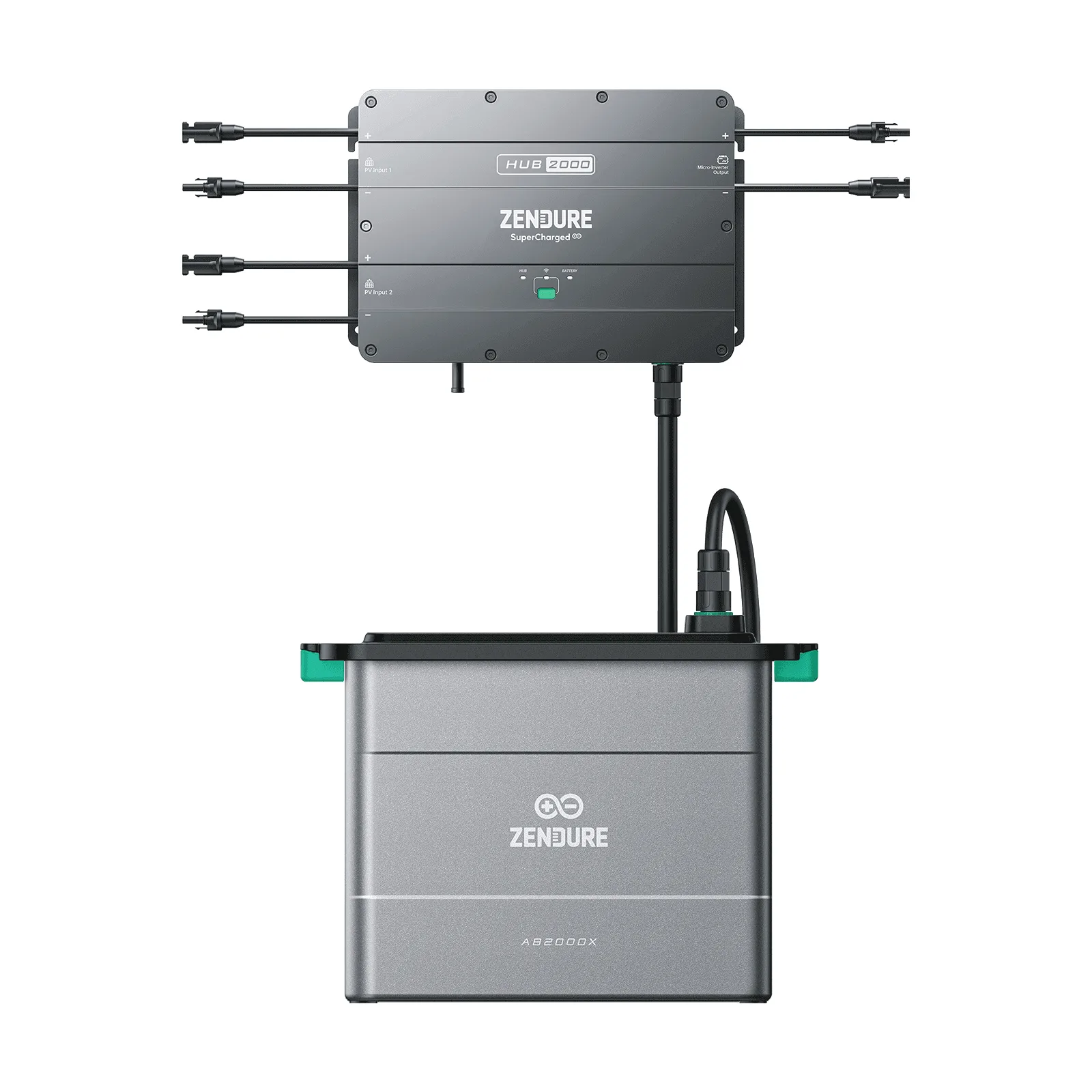
- Zendure SolarFlow 2400 Pro: Modular solar power system with 2.4 kWh base capacity, expandable with optional batteries and compatible with 450W or 515W bifacial solar panels. While the 2400 Pro supports bifacial panels, the 500W model may exceed its input rating—check your hub's limits before connecting.
Pairing Zendure 500W bifacial solar panels with your SolarFlow system is straightforward if you follow these steps. Always prioritize compatibility and secure connections to get the most from your setup. For further help, refer to your hub's manual or contact Zendure support.