Your resin statue collection is a labor of love, and capturing it in photos lets you share that passion with the world. Whether you're posting on social media, documenting your collection, or selling pieces, great photos make all the difference. But photographing resin statues can be tricky—reflective surfaces, intricate details, and scale all pose challenges.
In this guide, we'll walk you through the essentials of resin statue photography, from lighting and camera settings to backgrounds and editing. You'll learn how to make your statues look their absolute best, whether you're using a smartphone or a DSLR. Let's dive in and transform your collector photos into professional-grade shots.
Why Good Photography Matters for Collectors
Great photos do more than just document your collection—they tell a story and highlight the craftsmanship of each piece. When you share images online, you're not just showing a statue; you're sharing your taste and the effort you've put into curating your display. For many collectors, photography is also a way to connect with a community of like-minded enthusiasts, trade tips, and even sell or trade statues.
Moreover, high-quality images can help you spot details you might otherwise miss. Photographing your statues from multiple angles can reveal subtle paint applications, textures, and design elements that make each piece unique. It's also a great way to keep a visual record of your collection for insurance or personal reference.
- Showcase your collection to a wider audience.
- Document details and condition for your records.
- Build a portfolio that reflects your collecting style.
Essential Equipment: From Smartphones to DSLRs
You don't need a professional studio to take stunning statue photos. Modern smartphones have impressive cameras that can produce excellent results, especially in good lighting. However, a few accessories can elevate your shots. A tripod is essential for stability, especially in low light or when using longer exposures. A remote shutter release—or even the timer function—prevents camera shake.
If you're using a DSLR or mirrorless camera, consider a macro lens to capture fine details. A 50mm or 85mm lens can also work well for full-body shots. For lighting, a simple LED panel or even a desk lamp with a diffuser can work wonders. Remember, the goal is to control light, not just add more of it.
- Tripod: eliminates shake and allows for longer exposures.
- Remote shutter or timer: avoids touching the camera during the shot.
- Macro lens (if available): captures intricate details like face sculpts and paint gradients.
Mastering Lighting: The Key to Stunning Shots
Lighting is arguably the most important element in photography, and resin statues are no exception. Harsh direct light can create unwanted glare and shadows, washing out colors and obscuring details. Instead, aim for soft, diffused lighting. You can achieve this by using a softbox, a diffuser over your light source, or even bouncing light off a white wall or reflector.
Experiment with the angle of your light. Side lighting can emphasize texture and depth, while overhead lighting mimics natural conditions. Avoid using your camera's built-in flash, as it creates harsh shadows and reflections. If you're shooting in a room with windows, try using natural light during the day, but be mindful of direct sunlight, which can be too intense. A simple setup with two lights—one key light and one fill light—can give your statue a professional look.
- Use diffused light to reduce harsh shadows and glare.
- Position lights at 45-degree angles for balanced illumination.
- Avoid direct flash; use reflectors or bounce light instead.
Choosing the Right Background and Setting
The background of your photo can make or break the shot. A cluttered or distracting background takes attention away from your statue. For a clean, professional look, use a seamless backdrop—a roll of paper or a large piece of fabric in a neutral color like white, gray, or black. This helps the statue stand out and makes post-processing easier.
Consider the mood you want to convey. A dark background can give your statue a dramatic, museum-like feel, while a light background feels airy and modern. You can also incorporate props or themed elements that complement the statue's franchise, but keep it subtle. For example, if you're photographing a One Piece statue, a simple nautical prop might add context without overwhelming the subject.
- Use seamless paper or fabric for a clean look.
- Choose neutral colors to avoid color casting.
- Add props sparingly to enhance, not distract.
Camera Settings and Angles for Statue Photography
When it comes to camera settings, start with a low ISO (100-200) to minimize noise, a mid-range aperture (f/5.6 to f/8) for sharpness across the whole statue, and a shutter speed that matches your lighting. If you're hand-holding, keep the shutter speed fast enough to avoid blur (at least 1/125s). With a tripod, you can slow it down and use a lower ISO for the best quality.
Angles matter. Shoot from slightly below eye level to make the statue feel heroic, or at eye level for a natural look. Don't just shoot from the front—capture the statue from multiple angles to show its full sculpt. Close-ups of the face or details like the paint job can be incredibly compelling. Remember to keep the camera level and avoid wide-angle distortion by stepping back and zooming in if needed.
- Use a low ISO for clean images.
- Choose an aperture that keeps the whole statue in focus.
- Experiment with shooting from below for a powerful perspective.
Editing Your Photos: Simple Fixes for a Professional Finish
Even the best photos can benefit from a little post-processing. Basic adjustments like cropping, straightening, and correcting white balance can make a huge difference. Most photo editing apps and software offer one-click auto-enhance, but for more control, adjust brightness, contrast, and saturation slightly to make your statue pop without looking unnatural.
If you notice dust or smudges on your statue, you can use a healing brush or clone stamp to remove them in post. However, it's always better to clean your statue before shooting. Use a soft brush or microfiber cloth to gently remove dust. For stubborn marks, a tiny amount of water on a cloth can work, but always test on an inconspicuous area first.
- Adjust white balance to ensure accurate colors.
- Crop and straighten to improve composition.
- Remove dust and blemishes with a healing tool.
Showcasing Your Collection: Practical Tips and Inspiration
Once you've mastered the basics, you can start developing your own style. Many collectors enjoy creating themed photo shoots that reflect the world of their statues. For example, a Dragon Ball statue might look dynamic in a dramatic, high-contrast setting, while a cute chibi figure could be photographed in soft pastel tones.
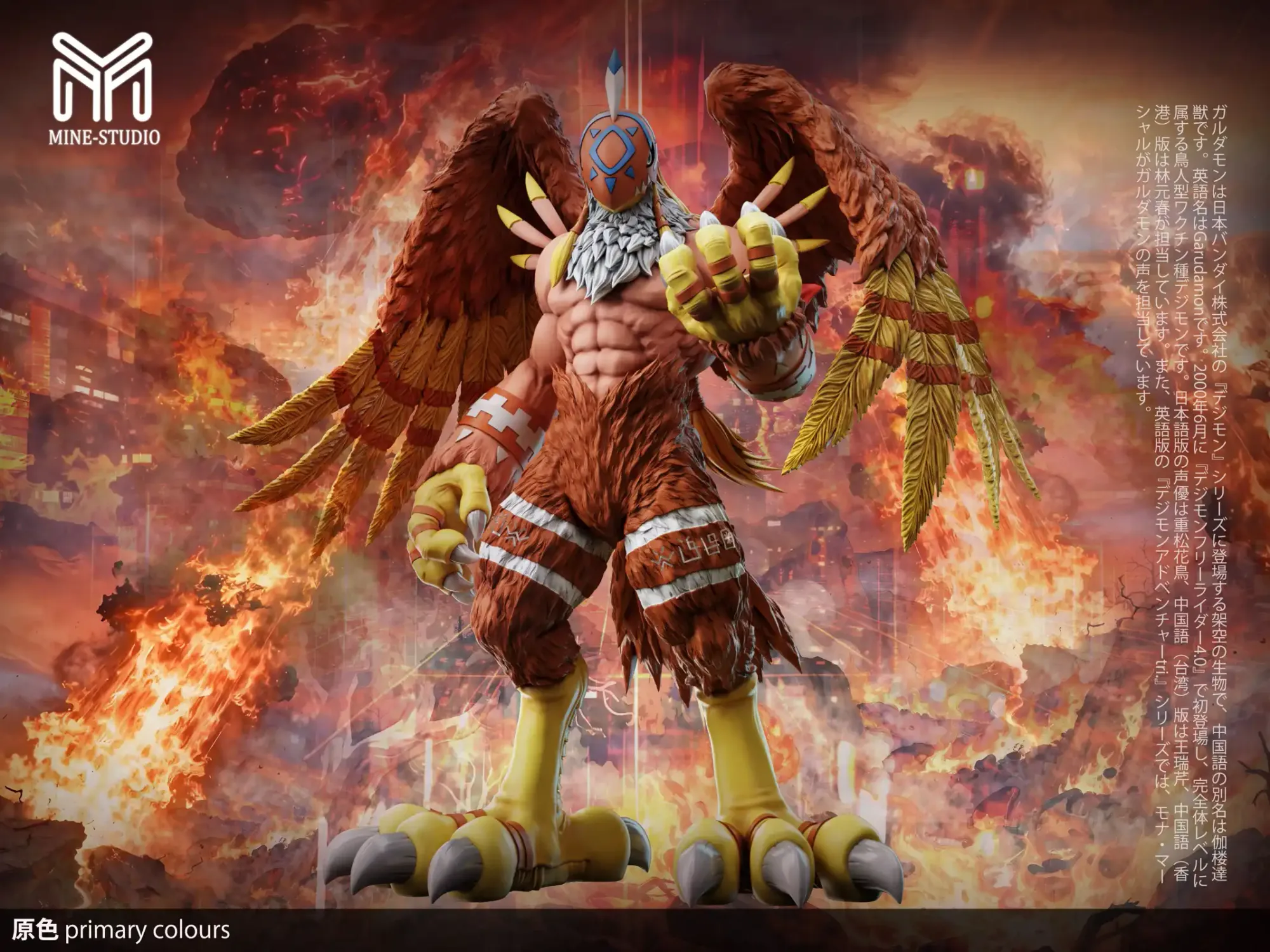
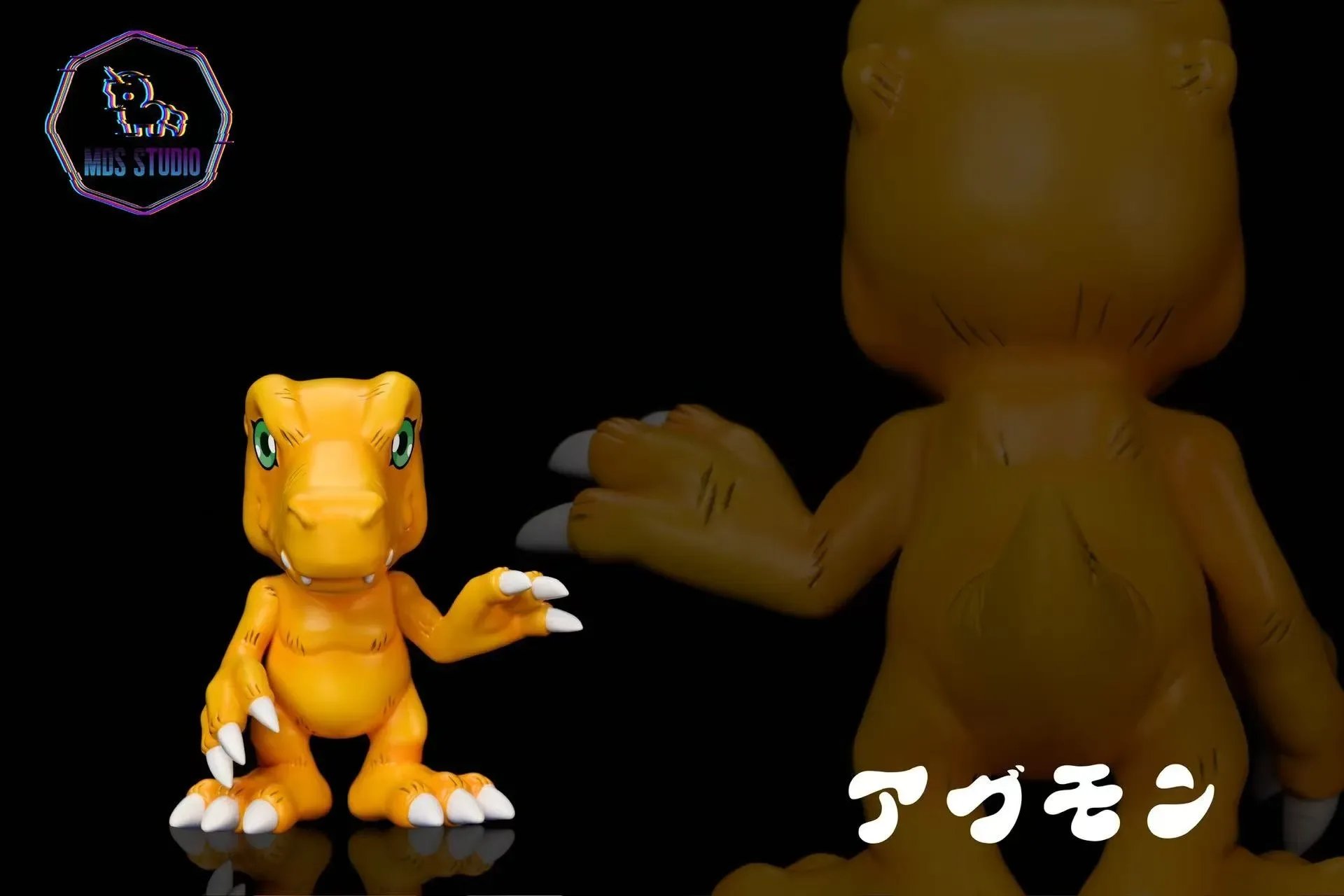
Don't forget to share your photos on social media platforms like Instagram and Pinterest, using relevant hashtags like #resinstatue or #collectorphotography. Engaging with the community can provide feedback and inspiration. And if you're looking to expand your collection, consider checking out some of the newest arrivals at figurechoice, such as the https://figurechoicejhz.com/products/full-payment-small-original-ca96715c-29b1-4db7-b706-7f46140666ed-496350https://figurechoicejhz.com/products/full-payment-small-original-adf12590-193a-462a-9c9a-855aff1822b3-502626Full Payment-Small-Original or the https://figurechoicejhz.com/products/full-payment-agumon-94894dd4-ccd9-4fec-864e-773c2c33b6a9-496027Full Payment-Agumon—both are excellent subjects for your new photography skills.
- Create themed setups that reflect the statue's franchise.
- Use hashtags to reach a wider audience.
- Photograph new additions to your collection to keep your gallery fresh.
With the right techniques and a bit of practice, you can capture stunning photos of your resin statue collection that truly do justice to these works of art. Remember, the key is to control lighting, choose a clean background, and experiment with angles and settings. So grab your camera, set up your favorite statue, and start shooting. And if you're ready to add a new piece to your collection, be sure to explore the latest additions at figurechoice—you might just find your next favorite subject to photograph.