Quick answer
For most tactical FPS players, start with a large cloth control pad and low-sensitivity settings, then adjust from there. If you mainly flick and track in fast games, a faster cloth or hybrid surface suits you better. Size matters more than most people admit: pick a pad wide enough that your mouse never leaves it during a full swipe.
Most FPS players buy a mousepad by look or price, then spend months wondering why their aim feels inconsistent. The pad is the surface your hand fights against every round, so its size, texture, and glide speed shape how precisely you can stop on a target.
This guide gives you decision rules instead of marketing claims. You will learn how to match pad size to your sensitivity, how surface types change friction, and how skates and grips can shift a pad's feel without replacing it.
Start with size: match the pad to your sensitivity and desk
Measure the horizontal distance your mouse travels during a full 180-degree turn at your current sensitivity. If that swipe is wider than your pad, you will lift and reposition mid-fight, which costs consistency. A desk pad or extended pad solves this for low-sensitivity players, while a medium pad works if you play at higher sensitivity or have limited desk depth.
Check your desk before buying. Extended pads need roughly 80-90 cm of clear width, and they also raise your keyboard slightly. If your desk is shallow, a large square pad placed slightly under the keyboard keeps the same mouse area without overhanging the edge.
- Low sensitivity: choose an extended or desk-sized pad so a full swipe stays on the surface.
- High sensitivity: a medium pad is usually enough and leaves more room for your keyboard.
- Leave at least a few centimeters of clearance at the desk edge so the pad lies flat.
Surface types: cloth, hard, and hybrid
Cloth pads dominate FPS play because they balance speed and stopping power while staying comfortable on your wrist. Weave density decides the feel: a tighter, smoother weave glides faster, while a rougher or double-layer weave adds friction and makes micro-adjustments easier to hold.
Hard pads, usually plastic or glass, glide faster and stay consistent in humidity, but they wear skates quicker and offer less stopping power. Hybrid surfaces try to split the difference. The catch is compatibility: some skate materials behave very differently on plastic than on cloth, so check the manufacturer's guidance before pairing.
- Cloth: best all-round choice for tactical FPS and mixed play.
- Hard: fast flicks and tracking, but less stopping power and faster skate wear.
- Always confirm which pad surfaces your skates are rated for before buying.
Speed vs control: pick the glide that matches your aim style
Speed and control are a trade-off, not a ranking. A fast pad lets you cover distance with less arm movement, which helps tracking and wide flicks. A control pad adds friction so your cursor settles quickly, which helps precision shots and recoil control.
Your skates matter as much as the pad. The same pad can feel noticeably faster or slower depending on the skate material underneath. If you already own a pad you like but want more stopping power, changing skates is often cheaper than replacing the pad.
- Flick-heavy or tracking-focused play: lean toward a faster glide.
- Precision and micro-adjustment: lean toward a control surface.
- Change one variable at a time so you can actually feel the difference.
How skates and grips change the equation
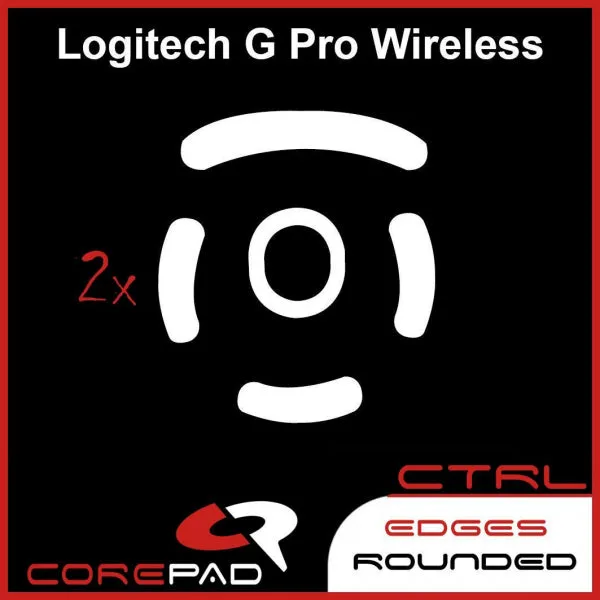
Skates are the contact point between mouse and pad, so they directly alter glide and stopping behavior. A hardened PTFE control skate increases braking power, which pairs well with a fast cloth pad. A pure PTFE speed skate glides more freely, which suits players who want less resistance on a control pad.
Grips address a different problem: sweaty or slippery hands. If you lose grip during long sessions, a grip set can restore control without touching your pad or sensitivity. Both upgrades are cheap relative to a new mouse, which makes them good first experiments.
- Control skates on a fast pad can create a balanced, predictable feel.
- Speed skates on a control pad reduce drag for faster swipes.
- Replace grips periodically; adhesive left too long can be difficult to remove.
Thickness, base, and stitching details
Pad thickness changes comfort and consistency. Thicker pads cushion your wrist and can smooth out an uneven desk, but a very soft base may let the mouse sink slightly under pressure. A firm base keeps the surface stable, which many FPS players prefer for repeatable stops.
Stitched edges resist fraying and extend lifespan. If your desk is uneven or your pad slides, look for a rubber base with good grip rather than adding tape. These details rarely show up in spec sheets, so read the product description carefully.
- Firm base: more consistent stopping, less sink under hand pressure.
- Soft base: more comfort, slightly less surface stability.
- Stitched edges are worth prioritizing if you keep pads for years.
Decision rules for your next FPS mousepad
- If your mouse leaves the pad mid-swipe: Size up to an extended or desk pad before changing surface or skates. Fix travel distance first; it is the most common aim inconsistency.
- If you overshoot targets and cannot stop cleanly: Move toward a control surface or add control skates rather than buying a faster pad. Add friction before adding speed.
- If your swipes feel heavy or sluggish: Try speed-oriented skates or a faster surface, and verify skate compatibility with your pad material. Change skates first; it is the cheaper experiment.
- If your hand slips during long sessions: Add grips and replace them every few months to avoid adhesive residue. Grip issues are separate from pad choice.
- If you play on plastic or glass: Confirm the skate is rated for that surface before buying; some control skates are not for plastic pads. Compatibility beats preference.
Products that illustrate the trade-offs
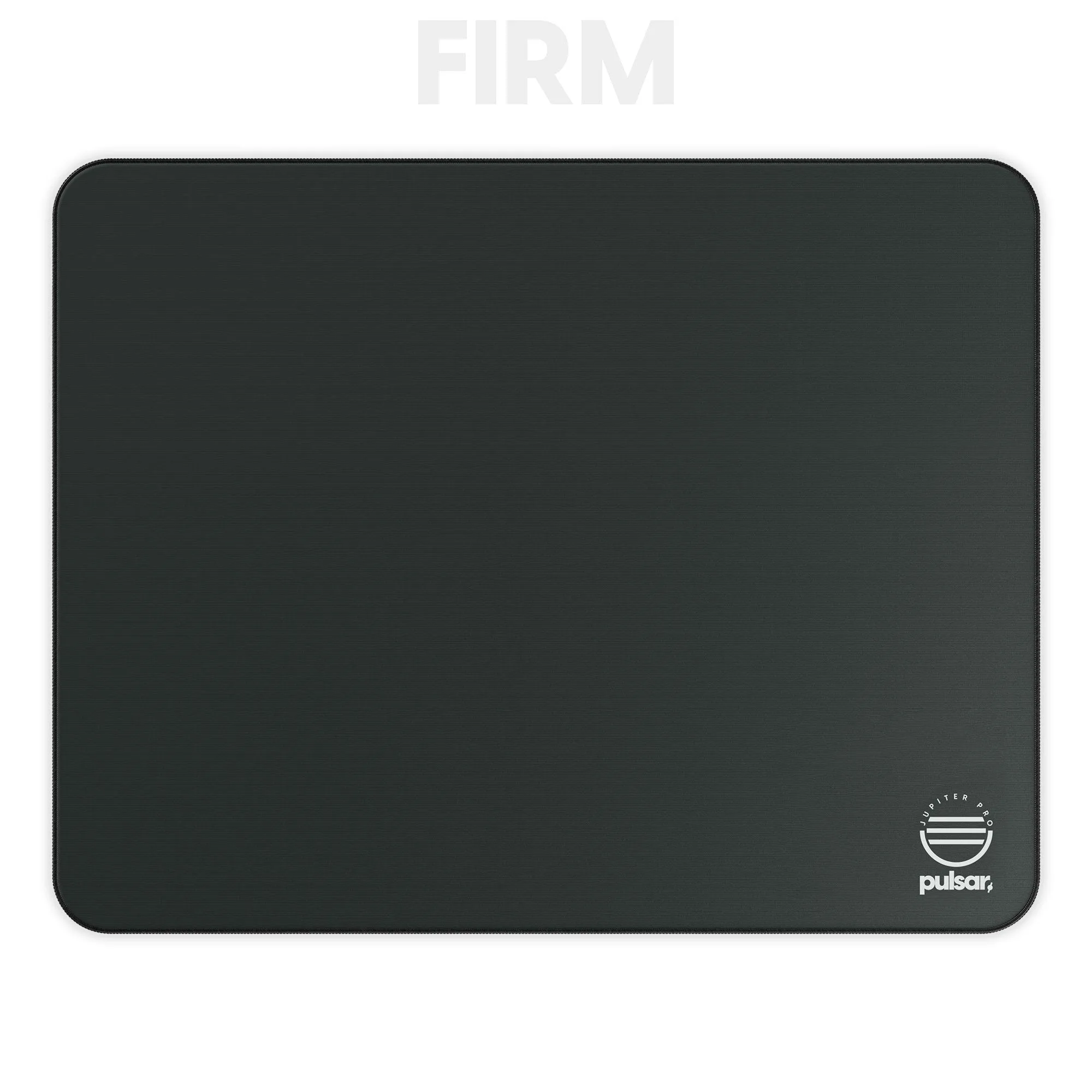
- eS Jupiter Pro Gaming Mousepad FIRM: Slow glide with extreme control, using Double Piqué fabric and a SlimFlex base for locked-in feedback and anchored motion. This is the control end of the spectrum: a good fit if you want micro-adjustments to hold still in tactical FPS, but not if you prefer fast, low-friction swipes.
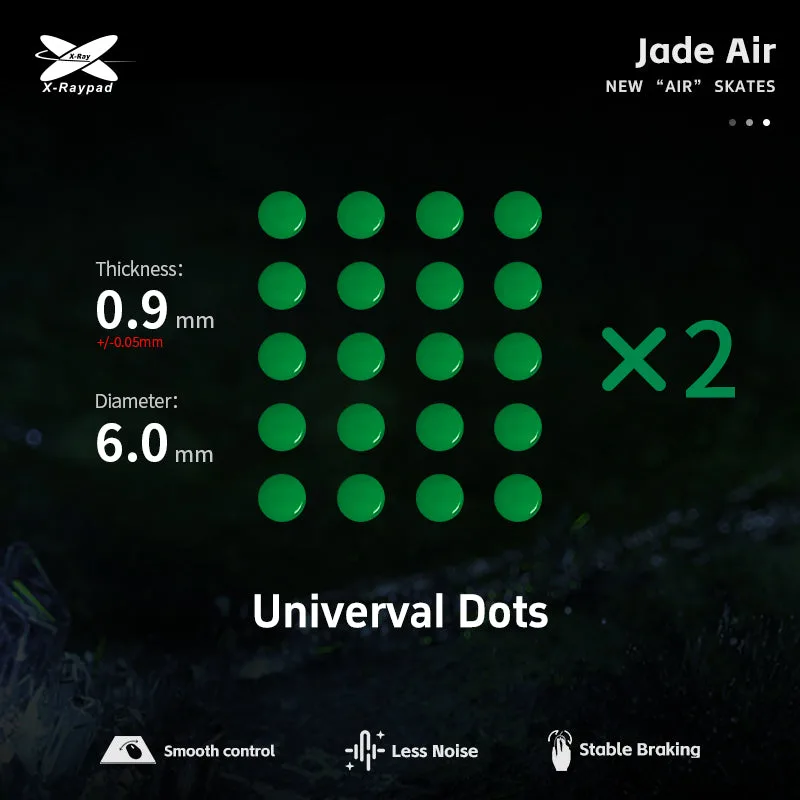
- Jade AIR Skates - Universal D6.0mm Dots (Green): Pure PTFE dots with one-piece molding for smooth gliding, noise and vibration reduction, and suitability for cloth and plastic mouse pads. A speed-oriented skate option that works on both cloth and plastic, so it pairs with either a control cloth pad or a faster hard surface.
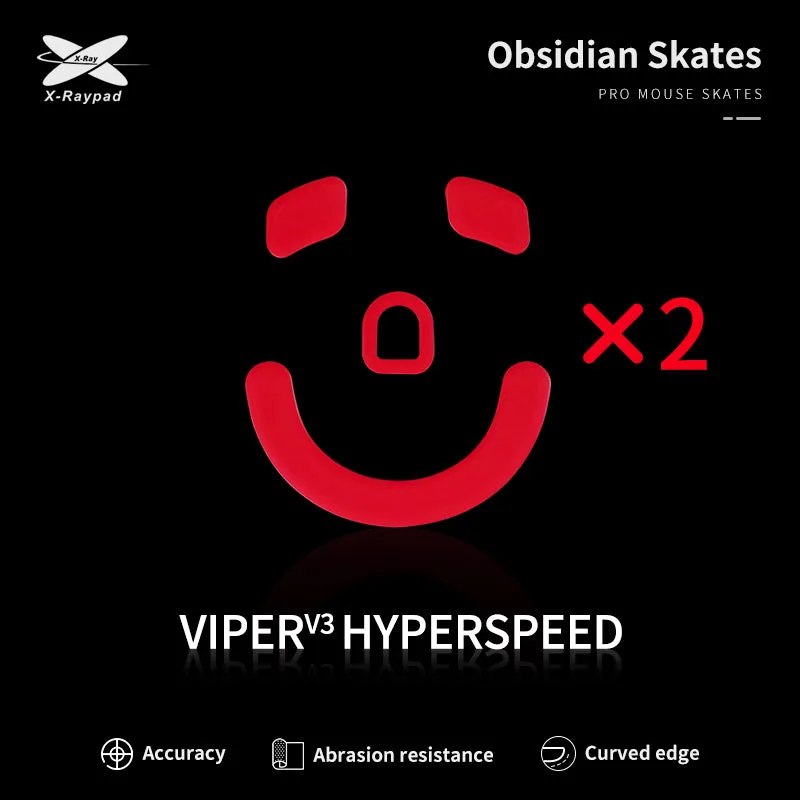
- Obsidian Control Skates - Razer Viper V3 HyperSpeed: Hard, finely frosted surface with hardened PTFE to increase friction and braking power; suitable for cloth and glass pads, not plastic pads. If you want more stopping power without buying a new pad, these add control, but they are explicitly not for plastic pads, so check your surface first.
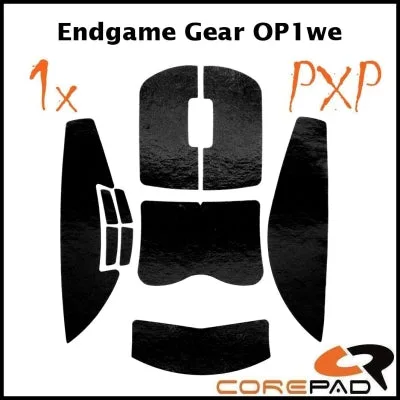
- Corepad PXP Grips - Endgame Gear OP1we: Designed for sweaty or slippery hands, with a recommendation to replace grips every 3-5 months to avoid adhesive removal issues. A low-cost fix when your grip, not your pad, is the source of lost control, with a clear replacement interval to protect your mouse coating.
Who this approach fits
Best for
- Tactical FPS players who want consistent stopping power and micro-adjustment control
- Players unsure whether to change pad, skates, or grips first
- Low-sensitivity players who need a pad wide enough for full swipes
Not for
- Players who want maximum glide speed above all else and dislike friction
- Anyone unwilling to test one change at a time and adjust sensitivity afterward
- Buyers who need a pad rated for a surface their skates do not support
Pick your pad by size first, then surface, then glide speed, and treat skates and grips as fine-tuning tools. Change one thing at a time, give it a few sessions, and keep the setup that makes your stops predictable.