Quick answer
Mount on-wall and in-wall speakers with their tweeters at ear height in the main seat, typically 38 to 42 inches from the floor. Aim the left, center, and right speakers toward the listening position and keep them on the same horizontal plane. For in-wall models, use the manufacturer's cutout template and check for studs and wiring before cutting.
Wall speakers can disappear into a room while delivering the same clarity as box speakers, but only if you get the placement and aiming right. A few inches of height difference or a few degrees of toe-in can shift the entire front stage and make dialogue feel detached from the screen.
This guide walks through a practical sequence for Aperion on-wall and in-wall speakers, from choosing the wall to fine-tuning the angle. It also covers common mistakes that cause boomy bass, hollow dialogue, or an uneven left-to-right image.
Plan the wall and the listening position first
Before you cut or drill, mark the main listening position on the floor and measure the distance to the front wall. The left and right speakers should form an equilateral triangle with your head, or as close to it as the room allows. If the room is wide, angle the speakers inward rather than pushing them into the corners.
Check the wall cavity for studs, plumbing, and electrical runs. In-wall speakers need clear space behind the drywall, and on-wall speakers need a solid mounting surface or anchors rated for the speaker's weight. A stud finder and a small inspection hole save a lot of repair work later.
- Keep the left and right speakers equidistant from the center speaker.
- Avoid placing speakers directly behind furniture that blocks the drivers.
- Leave at least a few inches of clearance from side walls to reduce early reflections.
Set the height and horizontal alignment
For most rooms, the tweeter should sit at seated ear height, roughly 38 to 42 inches from the floor. If you are mounting around a TV, keep the left, center, and right speakers on the same horizontal line so pans across the front stage stay smooth. A center speaker placed above or below the screen while the left and right sit at ear height will pull dialogue away from the action.
In-wall speakers with a rectangular baffle can often be rotated so the tweeter sits closer to ear height. Theatrus in-wall models use a 3-way design with a magnetic grille, and the grille can be left off during setup so you can see the driver orientation while you work.
- Measure from the floor to your ear in the main seat, not to the top of your head.
- Use a laser level or a chalk line to keep all three front speakers aligned.
- If the center must go above or below the screen, angle it toward the listening position.
Aim the speakers at the main seat
On-wall speakers usually sound best toed in so the tweeters point toward the main listening position, not straight ahead. Start with a 10 to 15 degree inward angle for the left and right, then adjust in small increments. If the image feels narrow, increase the toe-in; if it feels bright or harsh, reduce it.
In-wall speakers are fixed once installed, so aim comes from choosing the right model and orientation before you cut. A speaker with an adjustable or pivoting tweeter gives you some flexibility, but the wall position still does most of the work. Take time to confirm the layout with tape or cardboard templates before committing.
- Sit in the main seat and have a helper rotate the speaker while you listen.
- Mark the final angle on the wall bracket or mounting plate.
- Small changes of 5 degrees or less are often enough to lock in the center image.
Match the speakers to the room and the amplifier
Wall speakers interact strongly with the wall behind them, which can reinforce bass and make the sound feel thick. If your room is small or the speakers are close to corners, give them a little more space from side walls or use the room correction in your receiver. A clean, controlled front stage also depends on having enough amplifier power for the size of the room.
A dedicated three-channel amplifier can drive the left, center, and right speakers with more headroom than a typical receiver, which helps dialogue stay clear at higher volumes. This is especially useful in larger rooms or when the front speakers are less sensitive in-wall models.
- Run room correction after you finish mounting and aiming.
- Keep speaker cable runs away from power lines where possible.
- If dialogue sounds strained, check amplifier power before blaming the speakers.
Step-by-step wall speaker setup
- Mark the listening position and speaker locations: Sit in the main seat and mark your ear height on the wall. Measure the distance to the front wall and mark left, center, and right positions so they form an equilateral triangle with your head. Checkpoint: all three marks should be level and equidistant from the main seat.
- Verify the wall cavity and mounting surface: Use a stud finder to locate studs, plumbing, and wiring. For in-wall speakers, confirm there is enough depth behind the drywall. For on-wall speakers, confirm the wall can hold the speaker's weight with appropriate anchors. Common mistake: cutting before checking for obstructions behind the drywall.
- Cut or mount at ear height: For in-wall models, trace the supplied cutout template and cut carefully. For on-wall models, install the bracket or mounting plate so the tweeter ends up at seated ear height, typically 38 to 42 inches from the floor. Checkpoint: the tweeter, not the cabinet edge, should line up with your ear height.
- Aim the left and right speakers inward: Angle the left and right speakers toward the main listening position, starting with 10 to 15 degrees of toe-in. Listen from the main seat and adjust in small increments until the center image feels solid. Common mistake: leaving on-wall speakers flat against the wall when the room is wide.
- Align the center channel with the front stage: Keep the center speaker on the same horizontal plane as the left and right if possible. If it must sit above or below the screen, angle it down or up toward the listening position so dialogue stays anchored to the picture. Checkpoint: dialogue should feel like it comes from the screen, not from above or below it.
- Run room correction and fine-tune: After all speakers are mounted and aimed, run your receiver's room correction. Then play familiar dialogue and music tracks, adjusting toe-in or height by small amounts if the sound feels bright, boomy, or narrow. Next step: recheck levels and distances in the receiver menu after any physical adjustment.
Products that fit this setup
- Theatrus T63W 6.5" In-Wall Speaker: 3-way single 6.5-inch cinema/studio in-wall speaker with a steel casing and a magnetic front cover that can be used or left off. The 3-way design helps keep dialogue and effects separate, and the removable grille makes it easier to check driver orientation while you aim the speaker.
- Theatrus T83W 8" In-Wall Speaker: 3-way single 8-inch cinema/studio in-wall speaker with a steel casing and a magnetic front cover that can be used or left off. The larger 8-inch driver moves more air, which suits larger rooms where you want more output without adding a separate box speaker.
- Theatrus T80 Dual 8" Cinema/Studio Monitor Speaker: 3-way dual 8-inch cinema/studio monitor designed for home theaters and suitable for front and center channels, with clear and powerful sound for movies and music. Using the same model across the left, center, and right keeps the front stage timbre-matched, which makes pans and dialogue feel more natural.
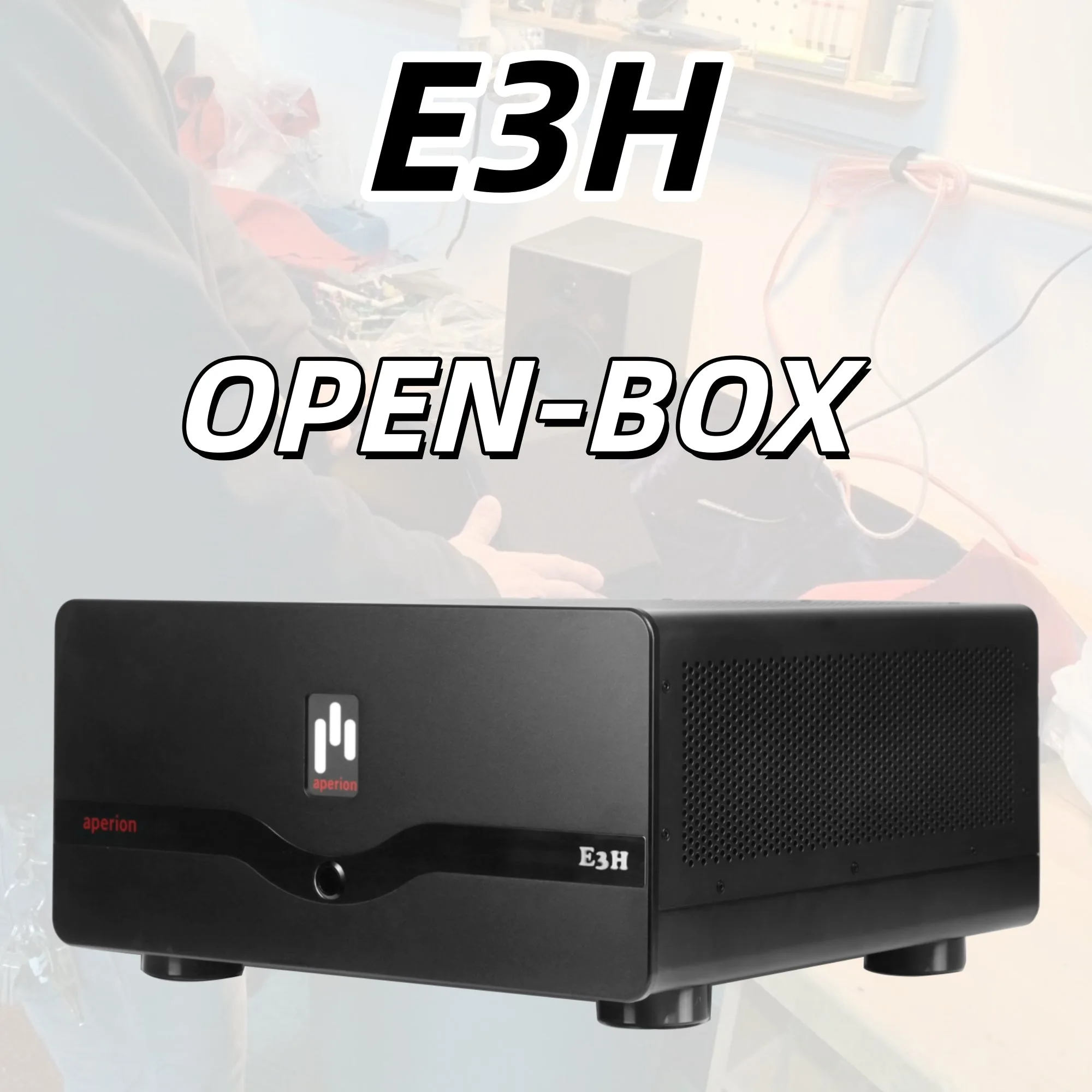
- Energy Pro 3 Channel Home Theater Power Amplifier – E3H (Open Box): Three-channel design ideal for powering left, center, and right speakers in a home theater configuration; open box may show minor cosmetic signs of handling. A dedicated three-channel amp gives the front stage more headroom, which helps maintain clarity when you push the volume in a larger room.
Good wall speaker placement comes down to height, alignment, and a small amount of toe-in. Take the time to plan before you cut, keep the front three speakers on the same plane, and aim them at the main seat. The result is a front stage that disappears into the room and keeps dialogue locked to the screen.


