Quick Answer
Use the 70mai Extension Cable EC01 to bridge the gap between your rear cam and the main dash cam when the stock cable is too short. It's a simple plug-and-play solution that maintains signal integrity.
When You Need the Extension Cable
The 70mai Extension Cable EC01 is designed for rear cams like the RC06, RC09, RC11, RC12, RC13, and RC14. If your vehicle's rear window is far from the front dash cam, the stock cable may not reach. This 3.5-meter extension gives you extra length without splicing or cutting wires.
Before you start, measure the route from your front cam to the rear cam. If the total cable length needed exceeds the stock cable plus 3.5 meters, you may need a different solution or a longer custom cable.
Compatibility Check Before You Buy
The EC01 is compatible with specific 70mai rear cams: RC06, RC09, RC11, RC12, RC13, and RC14. It is not designed for other brands or models. Always verify your rear cam model before purchasing to avoid a mismatch.
If you are unsure about your rear cam model, check the product label or the original packaging. The model number is usually printed on the device itself.
Step-by-Step Installation
- Plan the Cable Route: Map the path from your front dash cam to the rear cam. Avoid areas with sharp edges or moving parts. Measure the distance to confirm the extension cable is sufficient. Common mistake: underestimating the distance. Always add extra slack for turns and clips.
- Disconnect Power: Turn off your vehicle and unplug the dash cam from the power source to prevent any electrical shorts during installation. Common mistake: leaving the dash cam powered on while connecting cables can cause a short circuit.
- Connect the Extension Cable: Plug one end of the EC01 into the rear cam's port and the other end into the main dash cam's rear cam port. Ensure the connectors are fully inserted and click into place. Common mistake: partial connection can lead to intermittent signal loss. Always listen for the click.
- Secure the Cable: Use cable clips or adhesive mounts to secure the extension cable along the route. Avoid pinching the cable in door seals or under seats. Common mistake: pinching the cable can damage the wires and cause a short. Use proper cable management.
- Test the Connection: Power on the dash cam and check the rear camera feed on the screen. If the image is not showing, re-check the connections and ensure the cable is not damaged. Common mistake: forgetting to switch the dash cam to dual-channel mode. Refer to your dash cam manual if needed.
Product Facts
-
70mai Extension Cable EC01 for Rear Cam: The 70mai Extension Cable EC01 is 3.5 meters long and compatible with RC06, RC09, RC11, RC12, RC13, and RC14 rear cams. This length gives you extra flexibility to route the cable neatly through your vehicle, avoiding tight spots and ensuring a secure connection.
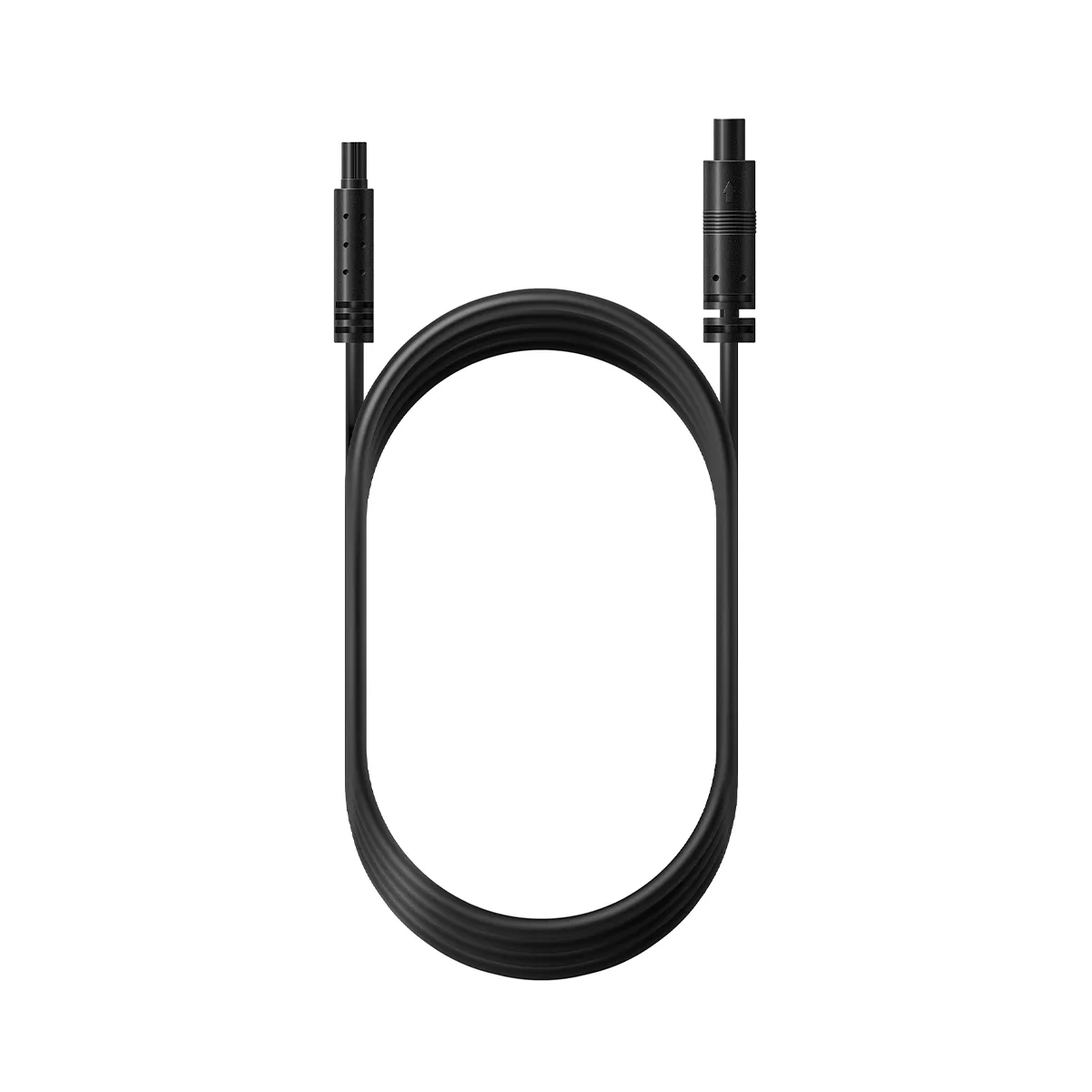
70mai Extension Cable EC01 for Rear Cam