Quick answer
Store your gaming mouse and accessories in a cool, dry place away from direct sunlight, with skates and grips kept on their original backing or in a hard case. Keep mousepads flat or loosely rolled face-out, never folded. This prevents dust buildup, adhesive failure, and surface warping.
Your gaming mouse and accessories take a beating during play, but how you store them between sessions or during travel matters just as much. Dust, heat, and pressure are the main enemies of mouse skates, grips, and mousepad surfaces.
Whether you're packing for a LAN event or just putting your gear away for the night, a few consistent habits will keep your mouse gliding smoothly and your accessories ready to use. Here's a step-by-step process for storing your gear properly.
Why storage matters for gaming gear
Mouse skates are made of materials like PTFE or Turcite that rely on a clean, smooth surface to reduce friction. Dust and debris that settle on exposed skates can get trapped between the skate and your mousepad, causing scratches or inconsistent glide. Grips lose their tackiness when exposed to air and oils over time.
Mousepads can warp if stored improperly, especially cloth pads with stitched edges. A warped pad creates uneven friction and can ruin your aim consistency. Proper storage protects your investment and keeps your setup performing the way you expect.
- Keep spare skates and grips in their original packaging until you're ready to install them.
- Avoid storing gear in hot cars or damp basements.
Clean before you store
Never put away dirty gear. Wipe your mouse with a microfiber cloth to remove oils and dust. For mouse skates, use a dry cloth or a dab of isopropyl alcohol on a cloth—never pour liquid directly on the mouse. Let everything dry completely before storage.
If you're storing a mousepad, vacuum it gently or use a lint roller to remove surface debris. For deep cleaning, follow the manufacturer's instructions, but always ensure the pad is fully dry before rolling or laying it flat.
- A clean mouse prevents abrasive particles from wearing down skates during storage.
- Never store a damp mousepad—moisture can cause mold and break down the rubber base.
Choose the right container or location
For daily storage, a simple drawstring pouch or the original box works well. If you're traveling, a hard-shell case offers better protection against crushing. Avoid tight containers that press on the mouse buttons or scroll wheel, as constant pressure can weaken springs.
For mousepads, store them flat if possible. If you must roll a pad, roll it face-out (the cloth surface facing outward) to avoid creasing the surface. A cardboard tube from a poster or wrapping paper makes a good DIY storage tube.
- Keep silica gel packets in your storage case to absorb moisture.
- Don't stack heavy objects on top of a stored mousepad.
Store skates and grips correctly
Replacement mouse skates often come on a backing sheet. Keep them on that sheet until installation—the adhesive can attract dust if exposed. If you've removed skates for cleaning, place them adhesive-side up on a clean surface, but avoid storing them loose where they can bend.
Grips should be kept on their backing paper as well. Once applied to a mouse, they can stay on during storage, but make sure they're not pressed against other objects that could peel the edges. If you remove grips, store them flat with the adhesive side covered.
- Label skate packages with the mouse model so you don't mix them up later.
- Avoid storing skates in a toolbox where they can rub against metal tools.
Long-term storage tips
If you're putting gear away for months, take extra care. Remove batteries from wireless mice to prevent leakage. Store everything in a cool, dry place with stable temperature—avoid attics and garages that fluctuate. A plastic storage bin with a lid works well.
For mousepads, lay them flat on a shelf or inside a large portfolio. If you're storing multiple pads, place a sheet of acid-free paper between them to prevent color transfer. Check on your gear every few months to ensure no dust or pests have moved in.
- Use a desiccant pack in long-term storage bins.
- Never store gear in direct sunlight—UV rays can degrade rubber and plastics.
Step-by-step storage routine
- Clean your mouse and mousepad: Wipe the mouse with a dry microfiber cloth. For skates, use a cloth lightly dampened with isopropyl alcohol, then dry completely. Vacuum or lint-roll your mousepad to remove debris. Checkpoint: No visible dust or oily residue remains on any surface.
- Remove batteries from wireless mice: Take out AA or AAA batteries to prevent leakage during storage. If your mouse has a built-in battery, charge it to about 50% before long-term storage. Checkpoint: Battery compartment is empty or battery is at half charge.
- Store skates and grips on their backing: Keep replacement skates and grips on their original backing sheets. If already applied, ensure they are not pressed against other objects. Place them in a small labeled bag or the original packaging. Checkpoint: Adhesive surfaces are covered and not touching anything that could peel them.
- Store mousepads flat or loosely rolled face-out: Lay pads flat on a shelf if possible. If rolling, roll with the cloth surface facing outward and secure with a soft strap. Never fold a mousepad. Checkpoint: Pad is not creased or compressed under heavy items.
- Choose a cool, dry storage location: Use a closet or drawer away from sunlight and temperature swings. Add silica gel packets to absorb moisture. Avoid attics, garages, and damp basements. Checkpoint: Storage spot stays between 15–25°C (60–75°F) and is not humid.
- Use a protective case for travel: For LAN events or transport, use a hard-shell case for your mouse and a padded sleeve or tube for your mousepad. Keep cables coiled loosely to avoid kinks. Checkpoint: Gear does not shift or rattle inside the case.
- Inspect gear every few months: Check stored items for dust, mold, or pest damage. Re-clean if needed and replace silica gel packets. Test skates and grips before reinstalling. Checkpoint: No signs of moisture, warping, or adhesive failure.
Gear that benefits from proper storage
- QUAOAR OCEANUS PREMIUM V2 Gaming Mousepad: High density textured surface, balance with controlled; non-fraying, non-abrasive precise stitched edges; INOAC SlimFlex base; sizes L: 490 x 420 x 4mm and XL: 510 x 500 x 4mm. Storing this pad flat or loosely rolled face-out preserves the textured surface and stitched edges, maintaining consistent glide and preventing warping.
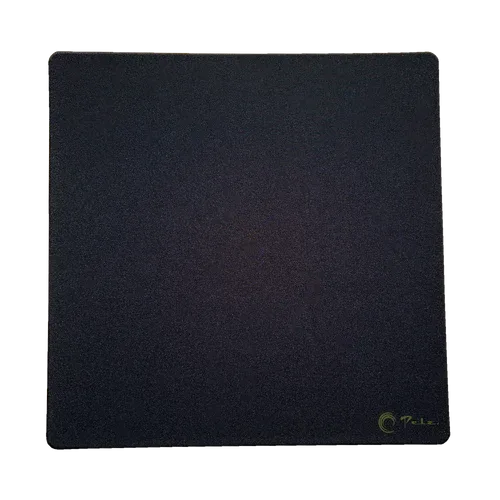
- Pelz - Mousepad (Molten Edge): Jacquard-woven control pad with intense friction feedback; solid pad core ensures stability without sinking; completely edge-sealed and delivered in a reusable dice box. The reusable dice box doubles as a storage case, and keeping the pad flat or rolled face-out protects the woven surface and edge seal.
- ULTRA XL Hand Warmers Box (10 Pouches): Extra-large pouches for more surface warmth; 12+ hours of heat per pouch; air-activated heat from natural ingredients. Store these pouches in their box away from moisture; once opened, they activate with air, so keep unused pouches sealed until needed.
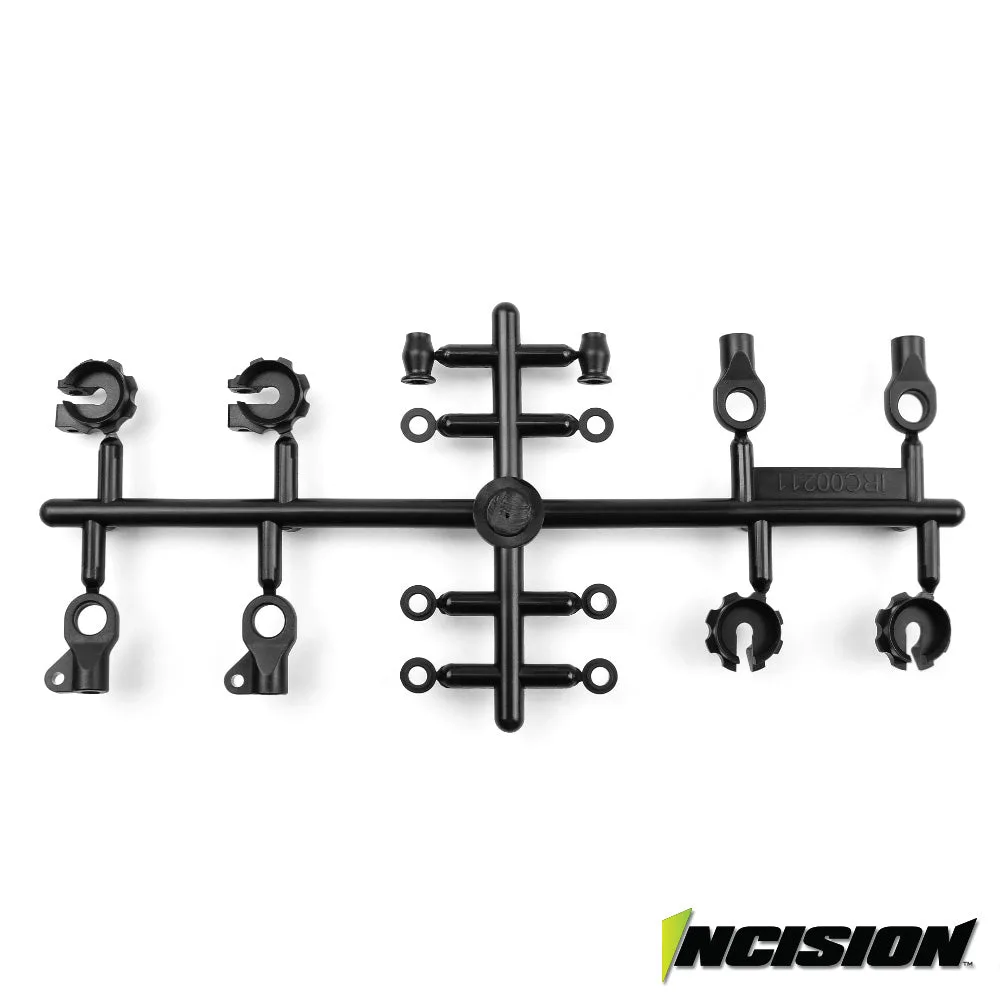
- Corepad Skatez AIR - Razer Viper Ultimate: Raised points to reduce contact surface and friction; slightly faster than Corepad PRO series; precision-made replacement mouse feet. Keep these skates on their backing until installation to prevent dust from contaminating the adhesive and to avoid bending the raised points.
Proper storage is a simple habit that extends the life of your gaming mouse, skates, grips, and mousepad. Clean your gear, keep it dry and flat, and protect adhesive surfaces. Your future self—and your aim—will thank you.