Quick answer
Pair the Shelly Pro 3EM with your Zendure SolarFlow system through the app's device integration, then confirm that live whole-home consumption and solar production appear side by side. If the readings look wrong, check the CT clamp orientation first, because a reversed clamp is the most common reason the data looks inverted.
SolarFlow
What the Shelly Pro 3EM adds to SolarFlow monitoring
SolarFlow already reports what your panels and battery are doing, but it does not know how much your home is drawing from the grid at the same moment. The Shelly Pro 3EM is a three-phase energy meter that measures whole-home consumption, so pairing it gives you the missing half of the picture: production on one side, consumption on the other.
Once both streams are visible in the Zendure SolarFlow app, you can see whether your battery is discharging at the right time and whether your balcony array is actually covering your base load. This is what turns raw panel output into useful tracking, because a production number alone tells you nothing about whether it was used or exported.
Before you start: what to have ready
You need the Shelly Pro 3EM installed on the circuits you want to measure, the Shelly app already showing plausible live consumption, and your SolarFlow system online in the Zendure app. Do the Shelly side first. If the Shelly app itself shows zero or nonsense, the Zendure integration will faithfully reproduce that same nonsense.
Also decide which circuits you care about. A single clamp on the main feed gives whole-home consumption; separate clamps let you isolate a heat pump or EV charger. The choice changes how you interpret the numbers later, so make it deliberately rather than by default.
How to tell good data from bad data
Good data passes a simple sanity test. Turn on a known load, such as a kettle, and whole-home consumption should jump within a few seconds. At night with no solar, consumption should roughly match what you would expect from your standing loads. If consumption reads negative while your home is clearly drawing power, the clamp is reversed or on the wrong conductor.
Compare the SolarFlow production figure against the Shelly consumption figure at midday. Production should be at or near its daily peak, and consumption should be lower than production if the battery is absorbing the surplus. If both numbers are identical, you are probably looking at the same sensor twice.
Step-by-step: reading Shelly Pro 3EM data in SolarFlow
- Confirm the Shelly Pro 3EM is reporting correctly on its own: Open the Shelly app and check that live power updates when you switch a large appliance on and off. Do not move on until this passes. Checkpoint: if the Shelly app is wrong, the Zendure app will be wrong in the same way.
- Add the Shelly device to the Zendure SolarFlow app: Use the app's device or integration menu to add the meter, then wait for the first sync rather than refreshing repeatedly. Common mistake: closing the app mid-pairing, which leaves the device listed but not streaming.
- Match the meter's phases to your actual supply: Label each clamp in the app so phase A, B, and C correspond to the real conductors. Mislabeled phases make per-phase readings meaningless even when the total looks fine. Checkpoint: total consumption should match the sum of the three phases.
- Verify direction with a known load: Turn on a resistive load and confirm consumption rises. If it falls, flip the clamp orientation on that conductor. Common mistake: assuming negative values are an app bug when they are usually a reversed clamp.
- Read production and consumption together, not separately: In the SolarFlow app, compare solar production against Shelly consumption at the same timestamp. The gap between them is what your battery is charging or discharging. This single comparison is the core of tracking solar consumption accurately.
- Set a baseline and check it weekly: Note your typical overnight consumption and your typical midday surplus, then revisit those numbers once a week. Next step: if overnight consumption is consistently higher than expected, look for a load the meter is not covering.
SolarFlow hardware that pairs with this setup
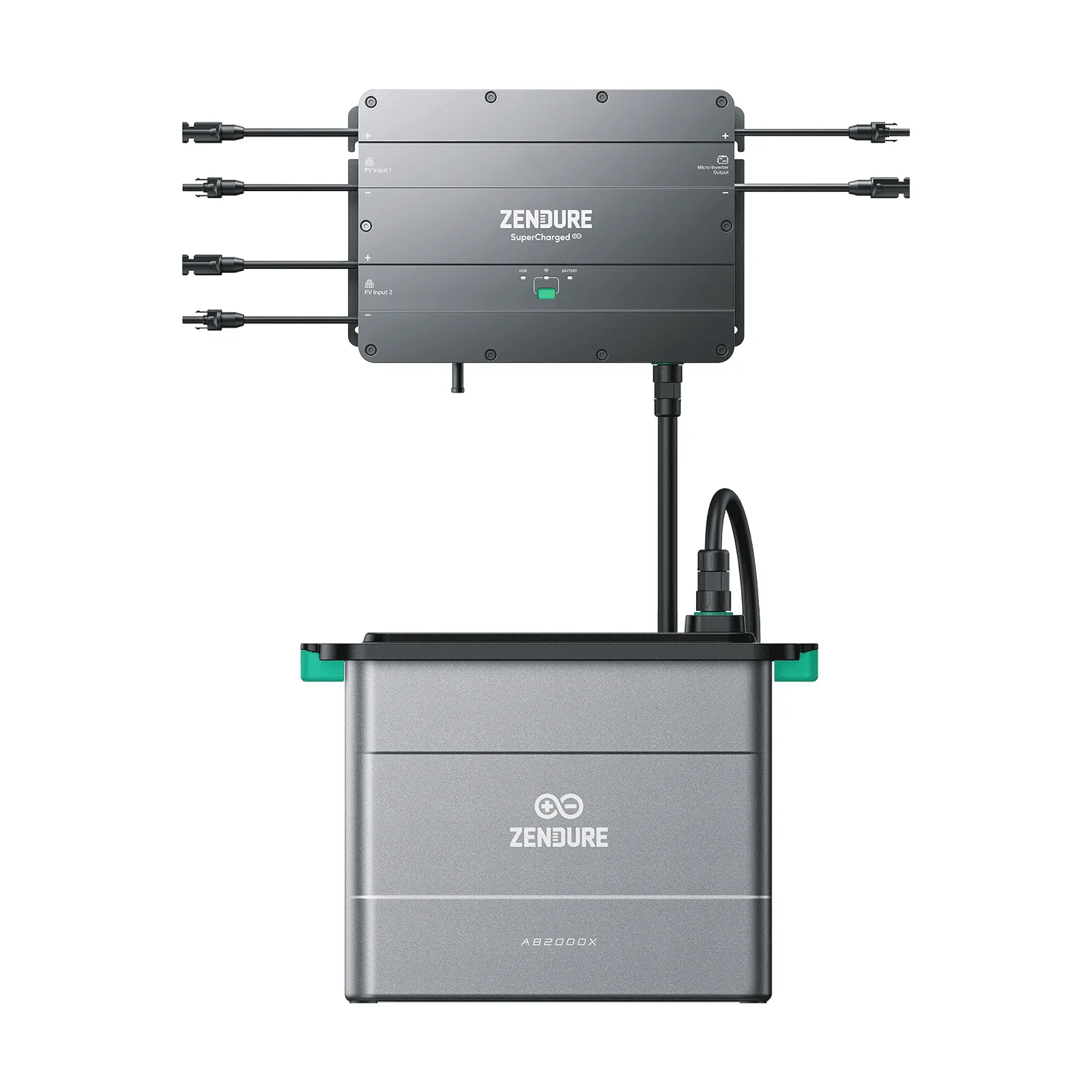
- Zendure SolarFlow 2400 AC: During the day, SolarFlow 2400 AC powers your home with solar energy and stores excess in the battery; in the evening, the battery supplies power to your home through the SolarFlow 2400 AC. This day-to-night shift is exactly what the Shelly Pro 3EM data lets you verify, because you can see consumption fall when the battery takes over.
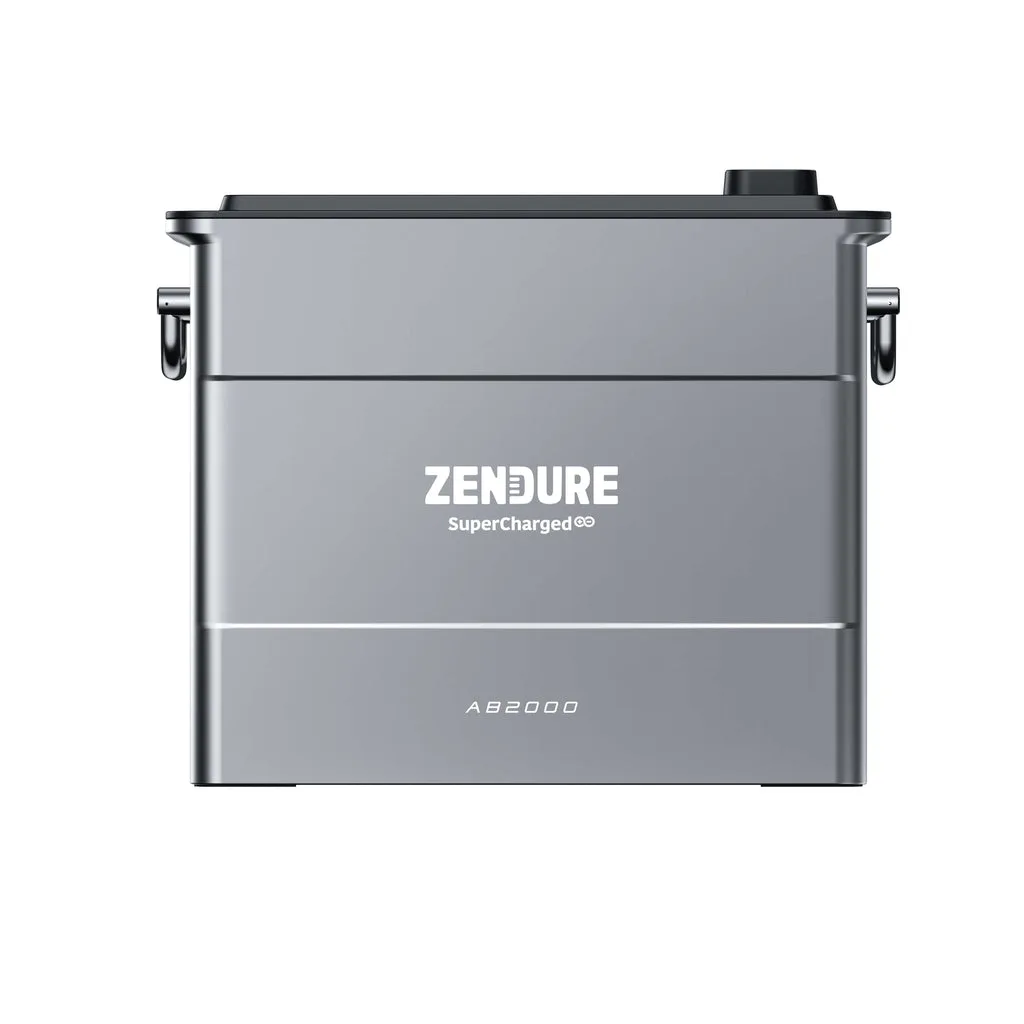
- Zendure Solarflow Battery AB2000: The AB2000 is stackable and compatible with the AB1000 to meet a wide range of capacity requirements, and it can be positioned indoors using MC4 flat cabling. More usable capacity means more evening hours where your Shelly consumption reading should stay covered by battery instead of the grid.