Quick answer
To stop microphone feedback, first lower the mic gain and move the microphone behind the speakers, then cut the offending frequency with a narrow EQ notch. Keep the mic pointed away from the speaker and never cup the grille. If squeal persists, reduce overall volume and reposition the speaker closer to the audience.
Why feedback happens before you touch a single knob
Feedback is a loop: the microphone hears the speaker, the speaker amplifies what the mic hears, and the cycle repeats until it squeals. The loop needs three things—a microphone, a speaker, and enough gain to sustain it. Breaking any one of those breaks the squeal. That is why the fastest fix is rarely 'turn it down' alone; it is changing the relationship between the mic and the speaker.
Two conditions make the loop worse: the mic being closer to the speaker than to the person singing, and the speaker being aimed at the microphone's pickup pattern. Most handheld dynamic mics pick up best directly in front of the grille, so a speaker behind the performer is far more dangerous than one out front.
The one placement rule that prevents most mic squeal
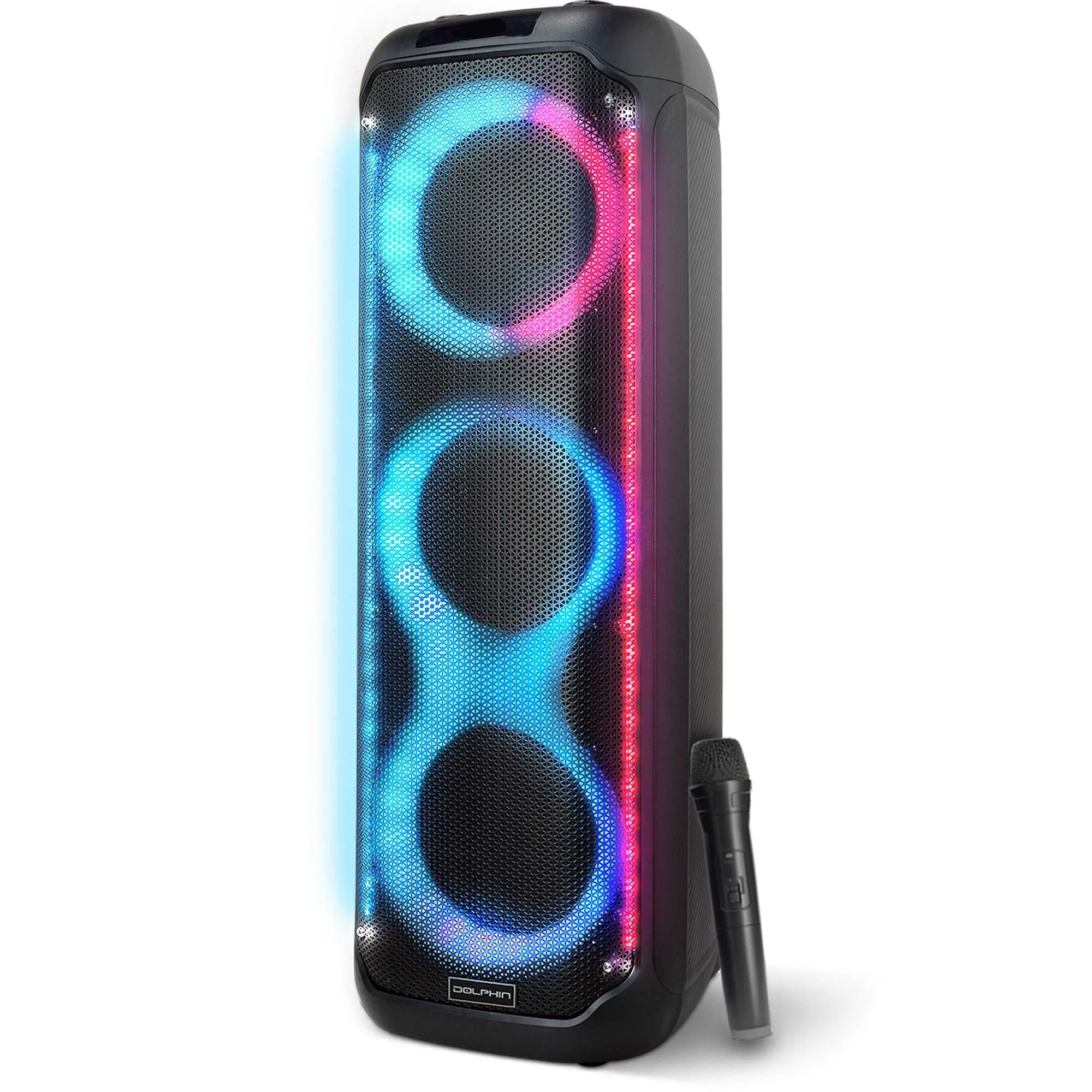
Put the speakers in front of the performer and point them at the audience, not back at the stage. If you are using a tower speaker like the KaraokeBox 380, place it to the side and slightly ahead of the singer so the drivers fire across the room rather than into the microphone. The same rule applies to a larger box like the BoxParty 18: keep it forward of the mic position and angled outward.
When space forces you to put a speaker behind the performer, move the microphone at least a few feet off-axis and keep the gain lower. You will trade some volume for stability. That is usually the right trade at a party where intelligibility matters more than raw loudness.
Gain staging, EQ notching, and the mistakes that undo both
Set the channel gain with the mic in its working position, not in your hand at the mixer. Ask someone to hold the mic where the singer will hold it, raise the gain until feedback just begins, then back off a few decibels. That headroom is your safety margin. If you set gain with the mic cupped against your palm, you have tuned the system for a condition that will never happen on stage.
If a single frequency still rings, sweep a narrow EQ cut until the squeal softens. Cut only a few decibels; wide, deep cuts make vocals sound hollow and push you to raise volume, which restarts the loop. A high-pass filter around 80–100 Hz also removes rumble that eats headroom without helping the voice.
Gear choices that make feedback easier to control
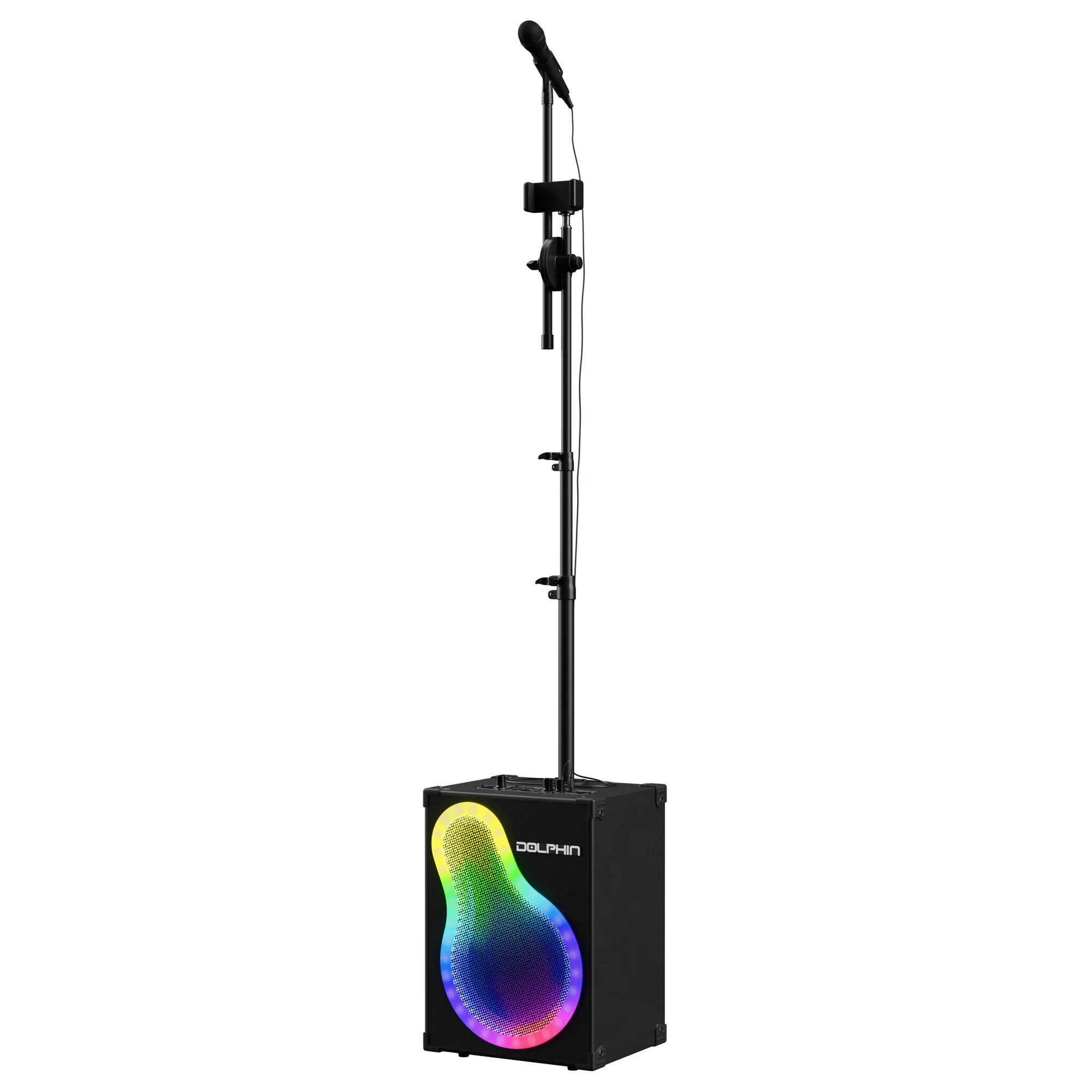
Not every speaker behaves the same in a small room. A rechargeable tower with multiple drivers, like the KaraokeBox 380, can be placed at ear height so less energy reflects off the floor and ceiling. A larger single-driver box such as the BoxParty 18 moves more air and may need more distance from the mic to stay stable. The KaraokeBox 500 includes a built-in phone holder and adjustable mic stand, which helps keep the mic in a consistent position instead of drifting toward the speaker.
If your speaker has sound-activated LED lights, they do not affect feedback, but they can distract you from noticing the mic drifting closer to the drivers. Watch the mic position, not the lights.
Step-by-step feedback fix
- Lower the mic gain first: Pull the channel gain down until the squeal stops. Do this before touching the master volume so you preserve headroom for the music. Checkpoint: the mic should be audible without ringing when no one is singing.
- Move the microphone behind the speakers: Reposition the mic so the performer is behind the speaker line and the speakers fire toward the audience. Keep the mic at least a few feet off-axis from any driver. Checkpoint: if you can see the speaker cone from the mic position, you are too close.
- Cut the ringing frequency with a narrow EQ notch: Sweep a narrow cut until the squeal softens, then stop. Avoid wide cuts that thin out the vocal and tempt you to raise volume again. Checkpoint: a 3–6 dB cut is usually enough; if you need more, revisit placement and gain.
- Coach the performer on mic technique: Tell them not to cup the grille, keep the mic a hand-width from the mouth, and point it away from the speakers. Cupping changes the pickup pattern and makes feedback more likely. Checkpoint: a quick reminder before the first song prevents most mid-party squeals.
- Add a high-pass filter and reduce stage volume: Engage a high-pass filter around 80–100 Hz and lower the overall level if the room is small or reflective. Less low-end energy means more usable gain before feedback. Checkpoint: if the room has hard walls and a low ceiling, expect to run 3–6 dB lower than outdoors.
Products that help you manage feedback
- KaraokeBox 380: Bluetooth tower speaker with three 8-inch woofers, rechargeable design, built-in LED lights, and versatile input options. The tower format can be placed at ear height and ahead of the performer, which reduces the direct path between speaker and microphone.
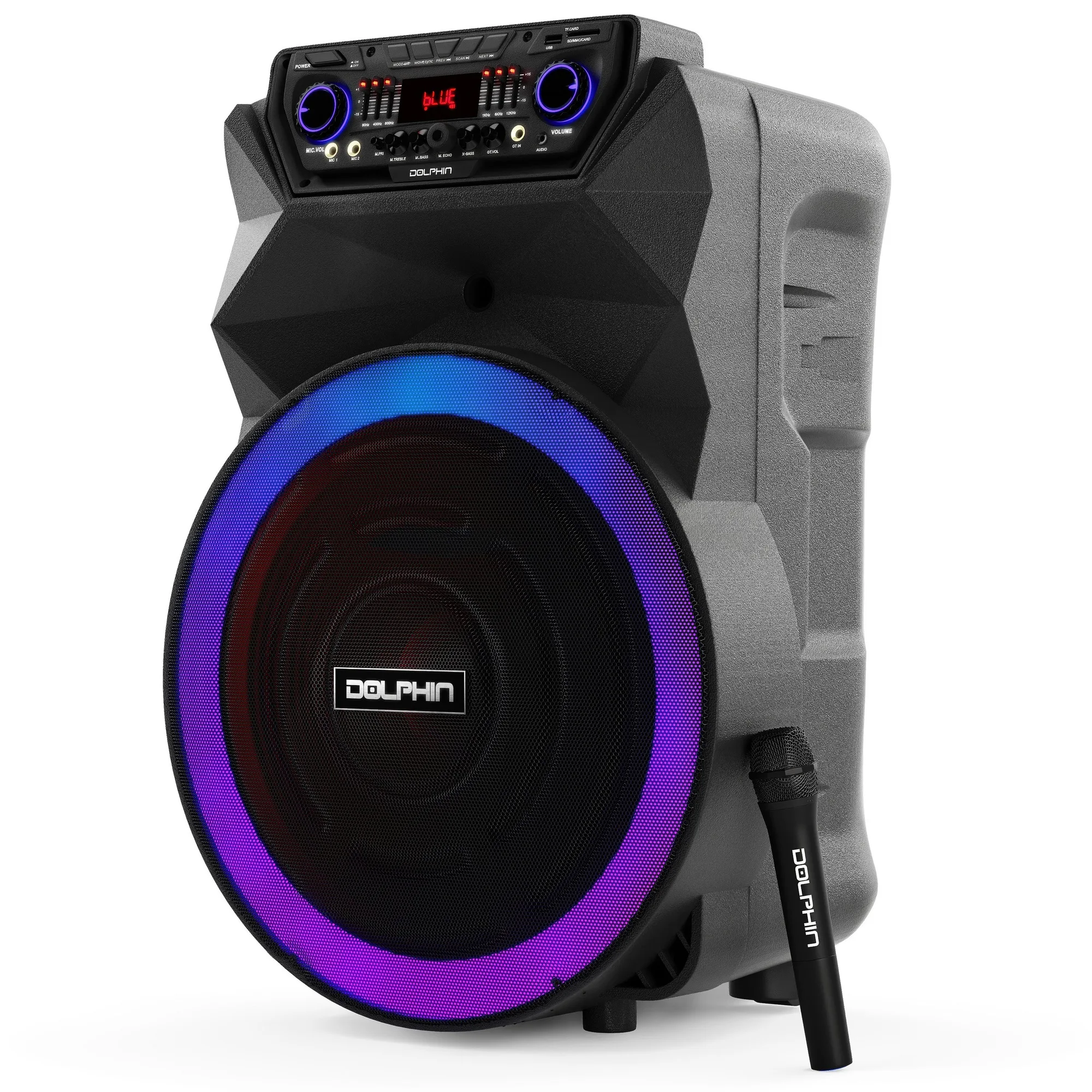
- BoxParty 18: 18-inch rechargeable party speaker with sound-activated LED lights, remote control, wireless microphone, and easy portability. A larger driver moves more low-frequency energy, so keep more distance between this speaker and the mic to avoid rumble-driven feedback.
- KaraokeBox 500: Portable karaoke and PA system with Bluetooth streaming, LED lights, WaveSync technology, adjustable mic stand, and built-in phone holder. The adjustable mic stand keeps the microphone in a consistent position, which makes gain settings repeatable and reduces the chance of the mic drifting toward the speaker.