Quick answer
To refill your MegaTank GX7170 or G3770, power on the printer, open the ink tank cover, remove the tank cap, and slowly pour the correct color Canon ink bottle into the matching tank until the ink reaches the upper line. Close the cap firmly and run a nozzle check. Never mix colors or overfill.
Why refilling correctly matters for your MegaTank
MegaTank printers like the GX7170 and G3770 are designed for high-volume, low-cost printing, but improper refilling can lead to ink errors, clogged print heads, and messy spills. The GX7170 uses high-intensity pigment inks for business documents, while the G3770 uses standard dye inks for vibrant color. Using the wrong ink type or overfilling can damage the print head and void your warranty. Always use genuine Canon ink bottles specified for your model.
Step-by-step refill process
Follow these steps in order. Work on a stable surface covered with newspaper or paper towels to catch drips. Have your ink bottles ready and check that each bottle matches the tank color.
- Power on the printer and open the ink tank cover. Wait for the print head to move to the replacement position. Mistake to avoid: forcing the cover open before the printer is ready can damage the mechanism.
- Remove the cap from the ink tank you want to refill. Do not remove all caps at once; work on one color at a time to prevent mix-ups. Checkpoint: match the bottle color to the tank color exactly.
- Uncap the ink bottle and slowly pour ink into the tank. Stop when the ink level reaches the upper line marked on the tank. Mistake to avoid: overfilling causes leaks and error messages. If you overfill, use a syringe to remove excess ink.
- Close the tank cap securely. Wipe any spills immediately with a dry cloth. Checkpoint: a loose cap can cause ink to dry out and clog the print head.
- Repeat for each color that needs refilling. Use a new bottle for each color to avoid cross-contamination. Mistake to avoid: reusing a bottle for a different color will mix inks and ruin print quality.
- Close the ink tank cover and run a nozzle check from the printer menu. If you see gaps or streaks, run a cleaning cycle. Checkpoint: if errors persist, check that all caps are tight and ink levels are correct.
Fixing common GX7170 ink errors after refilling
If your GX7170 shows an ink error after refilling, first check that the tank caps are fully closed and that ink levels are between the lower and upper lines. Overfilling or underfilling can trigger sensors. Next, run a print head cleaning cycle from the maintenance menu. If the error continues, turn off the printer, unplug it for 60 seconds, and restart. For persistent issues, contact Canon support. Note: the GX7170 uses pigment inks, which can settle; gently shake the ink bottle before refilling.
Choosing the right ink for your MegaTank model
The GX7170 and G3770 use different ink formulations. The GX7170 requires pigment inks for sharp text and durability, while the G3770 uses dye inks for vivid photos. Always purchase the correct Canon ink bottle for your model. Using third-party inks may save money but can cause clogs and void your warranty. For the G3770, available in Black, Red, and White, the 1.35” backlight LCD screen makes it easy to follow refill prompts. The GX2070, a 4-in-1 model with fax and a 35-sheet ADF, also uses similar refillable tanks but check its specific ink requirements.
Refill steps at a glance
- Prepare the printer: Power on and open the ink tank cover. Wait for the print head to move to the replacement position. Checkpoint: never force the cover open.
- Match ink to tank: Remove the cap from one tank and uncap the corresponding Canon ink bottle. Match colors exactly. Mistake: using the wrong color ruins the tank.
- Pour slowly to the upper line: Fill until ink reaches the upper line. Do not overfill. Checkpoint: overfilling causes leaks and errors.
- Seal and clean: Close the cap firmly and wipe any spills immediately. Mistake: a loose cap dries out the print head.
- Repeat for each color: Use a fresh bottle for each color to avoid cross-contamination. Checkpoint: never reuse a bottle for a different color.
- Run a nozzle check: After closing the cover, run a nozzle check and clean if needed. If errors persist, check caps and ink levels.
MegaTank models that use refillable ink tanks
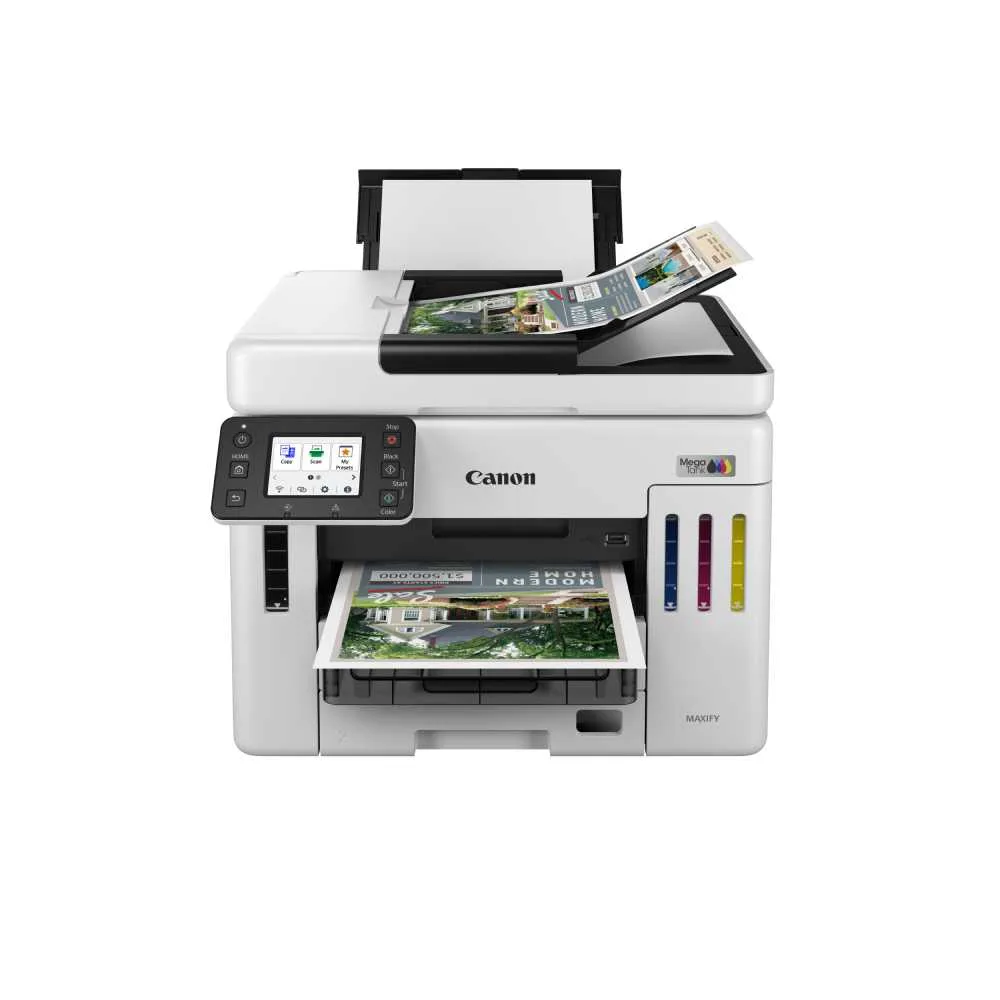
- MegaTank GX7170: MegaTank GX7170: High-performance multifunction for ultra-high-volume printing with blazing print speeds and high-intensity pigment inks. Features dual giant paper cassettes, automatic 2-sided printing, and fast single-pass duplex scanning. Pigment inks require careful refilling to avoid settling; the high-volume design means you'll refill less often but must use the correct ink type.
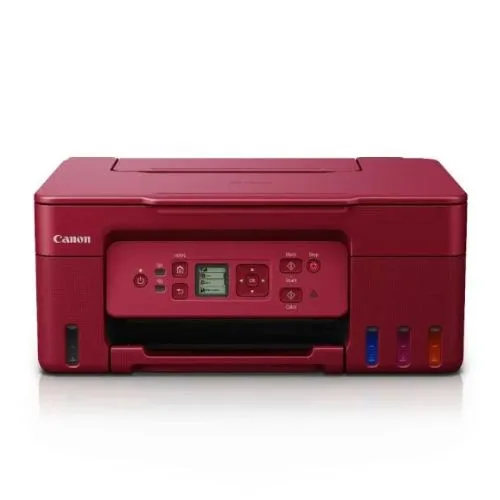
- MegaTank G3770: MegaTank G3770: Wireless refillable ink tank printer with 3-in-1 functionality, 1.35” backlight LCD, and print speeds up to 11/6 ipm (mono/colour). Available in Black, Red, and White. The LCD screen guides you through refill steps, and the compact design makes it ideal for home offices with moderate print volumes.
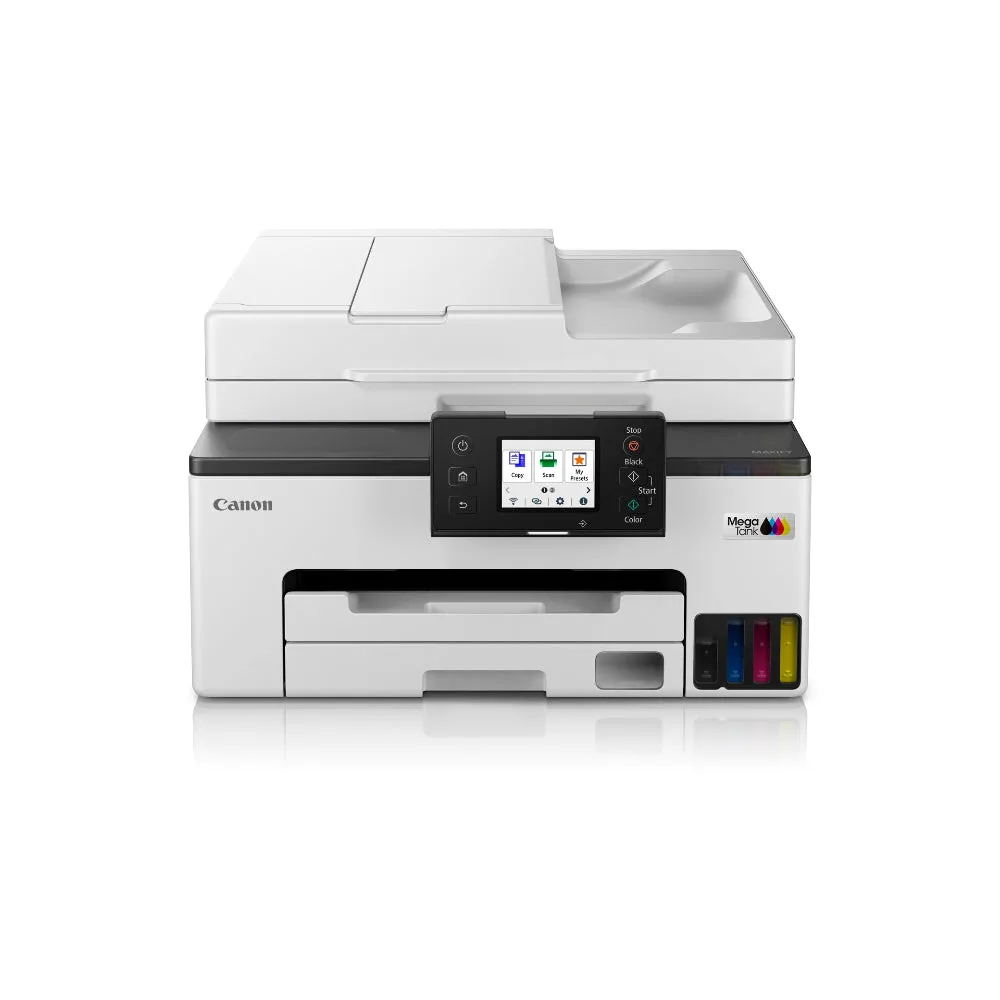
- MegaTank GX2070: MegaTank GX2070: Wireless printer with fax for home office and small business. 4-in-1 functionality with a 35-sheet Auto Document Feeder for efficient batch scanning. If you need fax and scanning, this model uses similar refillable tanks but check its specific ink type before refilling.