Quick Answer
Warm the sticker with a low‑heat hair dryer, peel it off slowly, then wipe the remaining residue with a 50/50 isopropyl‑alcohol‑water solution and a soft microfiber cloth.
Sticker residue on laptops is more than an eyesore; it can attract dust and potentially degrade the device's coating if not removed properly.
Using the right technique ensures you clear the adhesive without scratching the screen, chassis, or any printed graphics.
Understanding Sticker Residue
Most stickers from Art by Megan Wang are made of matte or clear vinyl. When the adhesive meets a smooth, glossy laptop finish, it can bond tightly, leaving a thin film once the sticker is lifted.
Residue varies by sticker type: thin clear vinyl often leaves a lighter film, while matte vinyl with stronger adhesive can create a more stubborn tacky layer.
- Test a small hidden area first to see how the surface reacts.
- Avoid abrasive tools that could scratch the laptop coating.
Step‑by‑Step Removal Guide
1. **Apply gentle heat** – Use a hair dryer on the lowest setting, moving it 2‑3 inches away for 10‑15 seconds. Heat softens the adhesive without damaging the device.
2. **Peel slowly** – Starting at a corner, lift the sticker with a fingernail or a plastic card. If it resists, re‑apply heat for a few more seconds.
- For stubborn spots, dab a cloth with a 50/50 mix of isopropyl alcohol and water, then gently rub in a circular motion.
- Finish by wiping the area with a dry microfiber cloth to restore the laptop’s natural sheen.
Diagnosis
- Symptom: Sticky, glossy residue remains after the sticker is peeled from the laptop surface. If residue persists after basic cleaning, proceed to the next step.
- Likely Cause: Adhesive from vinyl stickers has bonded to the laptop's coating, especially on glossy or painted finishes. Identify the type of finish before choosing a solvent.
- Corrective Action: Apply gentle heat (hair dryer) to soften adhesive, peel gently, then clean with a 50/50 isopropyl‑alcohol‑water solution using a soft cloth. Stop if the surface feels warm or the adhesive spreads; consider professional cleaning for delicate finishes.
Products That Illustrate Vinyl Sticker Characteristics
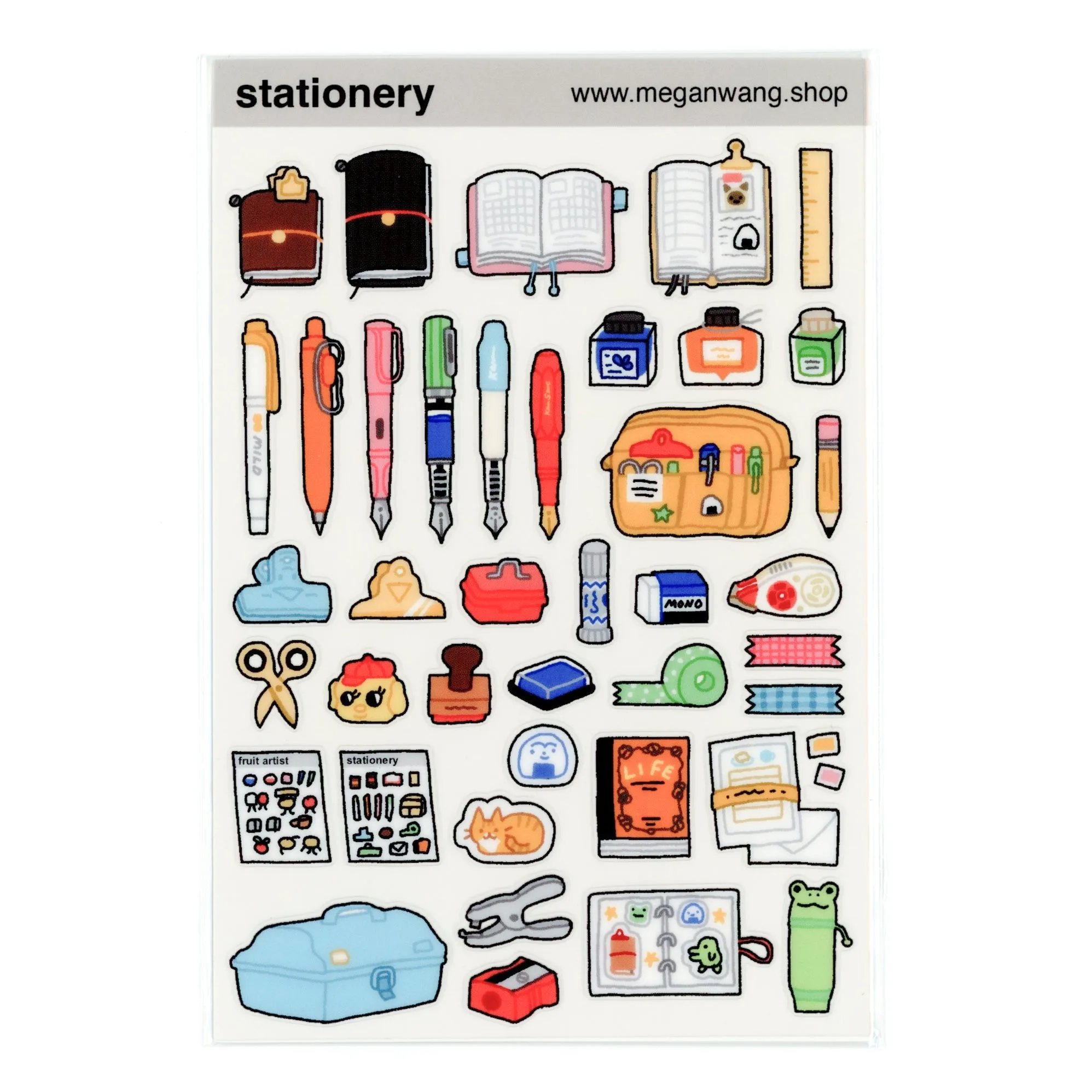
- Stationery Sticker Sheet: ♡ 4x6 inch CLEAR sticker sheet♡ Printed onto a clear vinyl that is thinner + meant for use in planners + journals + other paper goods :) The thin clear vinyl tends to leave a lighter adhesive film, making it a good reference for testing gentle removal methods before tackling tougher stickers.
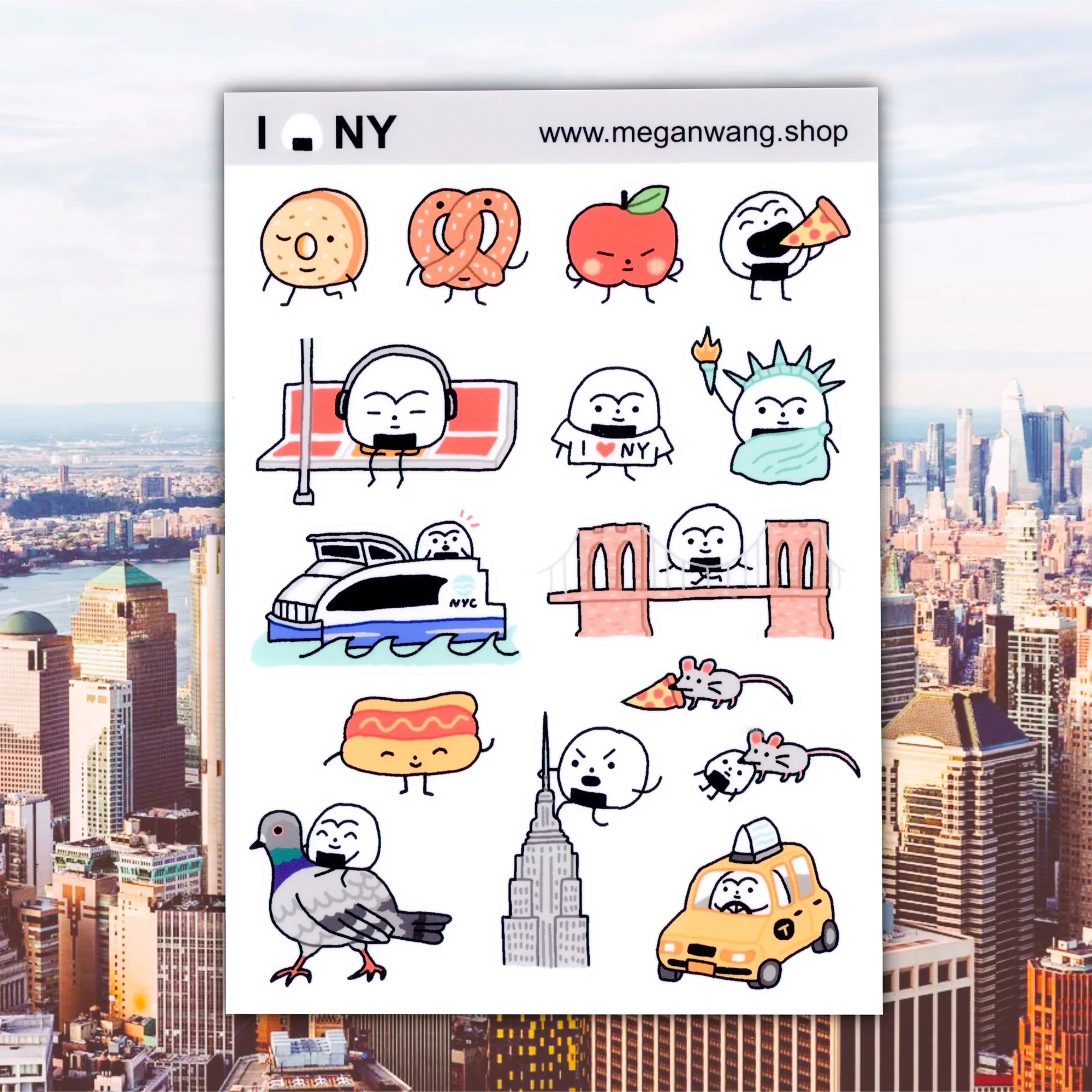
- NYC Sticker Sheet: The NYC Sticker Sheet from Megan Wang offers a 5 × 7‑inch matte vinyl sheet that combines style with resilience. Its durable construction holds up well on surfaces that get frequent handling, making it a reliable choice for personalizing items such as water bottles, laptops, or notebooks. Matte vinyl adheres more strongly, so it demonstrates the worst‑case residue scenario and why a solvent like isopropyl alcohol may be needed.
With a bit of heat, patience, and the right cleaning solution, you can restore your laptop to a pristine look without risking damage. Keep these steps handy for the next time a sticker leaves behind residue.