Quick Answer
To replace the ear cushions on your Recon 50, gently pull the old pads away from the ear cups, snap the new cushions into place, and ensure they are fully seated. This simple diy headset ear pad swap can restore comfort and sound isolation in minutes.
Ear cushions wear out over time—flattening, cracking, or peeling—which hurts both comfort and audio quality. If your Recon 50 headset is starting to feel less comfortable or sound less isolated, replacing the ear pads is a straightforward fix you can do at home.
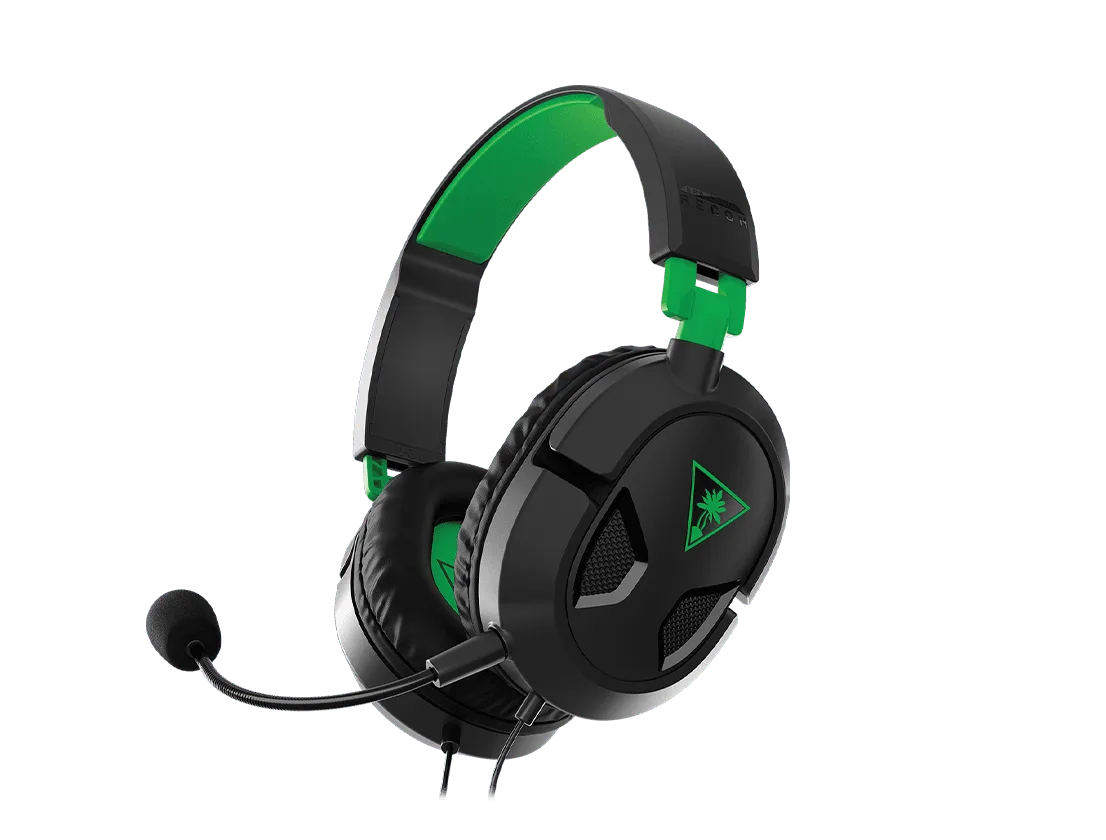
Recon 50 headset
This guide walks you through the entire process, from checking compatibility to installing the new cushions. We'll also cover common mistakes and how to choose the right replacement pads, so you can get back to gaming with a fresh, comfortable fit.
Why Replace Your Recon 50 Ear Cushions?
Ear cushions are the first point of contact between your headset and your ears. Over time, the foam compresses, the leatherette can peel, and the cushion loses its shape. This not only makes long gaming sessions uncomfortable but also reduces sound isolation, letting ambient noise in and audio out.
Replacing the ear cushions is a cost-effective way to extend the life of your headset. Instead of buying a new headset, a simple ear pad swap can restore the original comfort and performance. It's also a great opportunity to customize your headset with different colors or materials, provided they are compatible with the Recon 50.
- Check the condition of your current ear cushions for signs of wear like flattening, cracking, or peeling.
- Replacing pads is cheaper than buying a new headset and can make your old headset feel like new.
Choosing the Right Replacement Ear Cushions
Before you start, you need to ensure you have the correct replacement cushions. The Recon 50 uses a specific attachment mechanism (usually a clip-on or slip-over design). Not all ear cushions are universal, so check compatibility with your headset model.
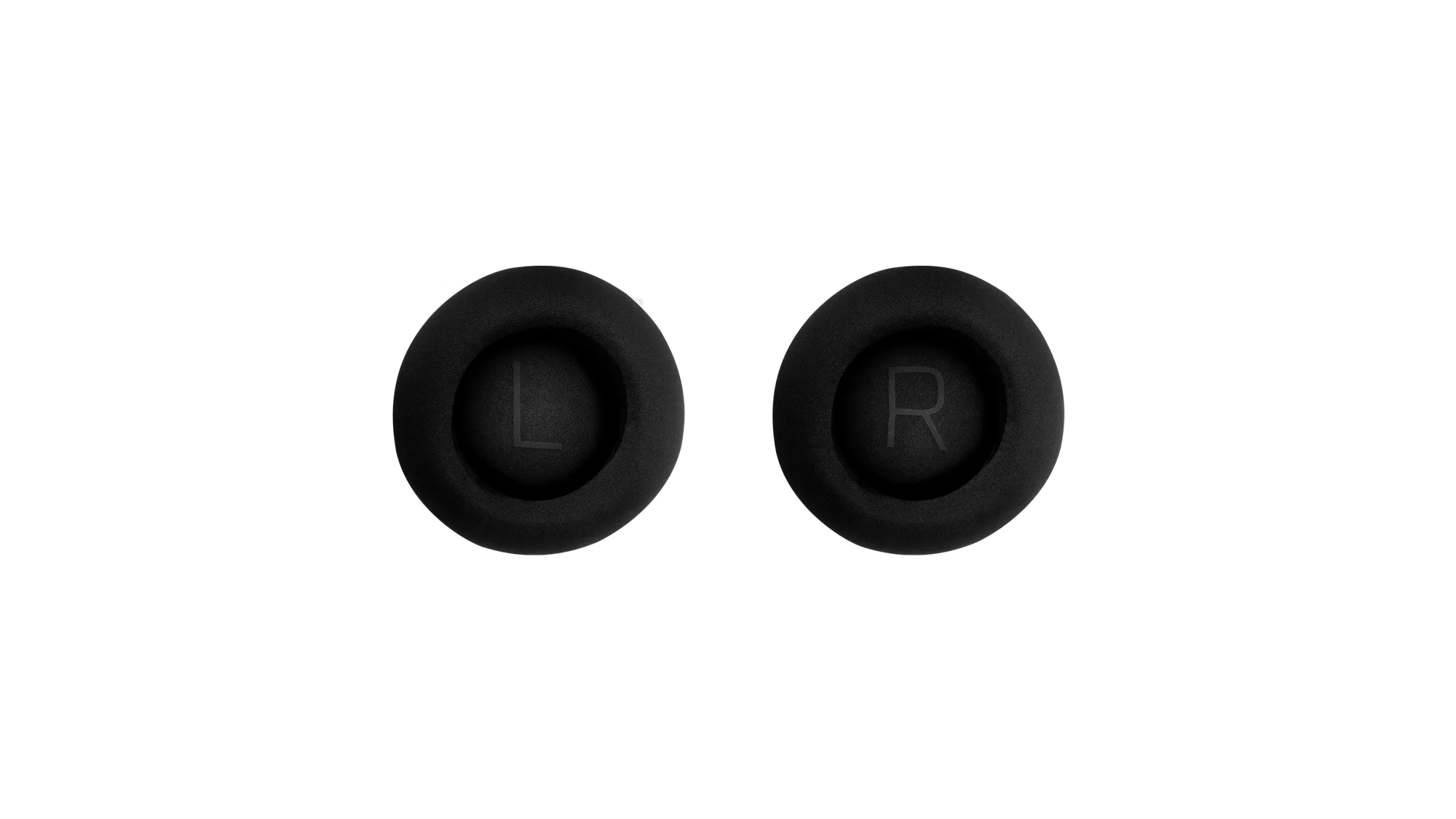
For example, the Turtle Beach Stealth Pro II Replacement Ear Cushion Set – Grey is designed specifically for the Stealth Pro II, not the Recon 50. Using the wrong cushions can lead to a poor fit, reduced comfort, and even damage to the headset. Always verify that the cushions you choose are listed as compatible with the Recon 50.
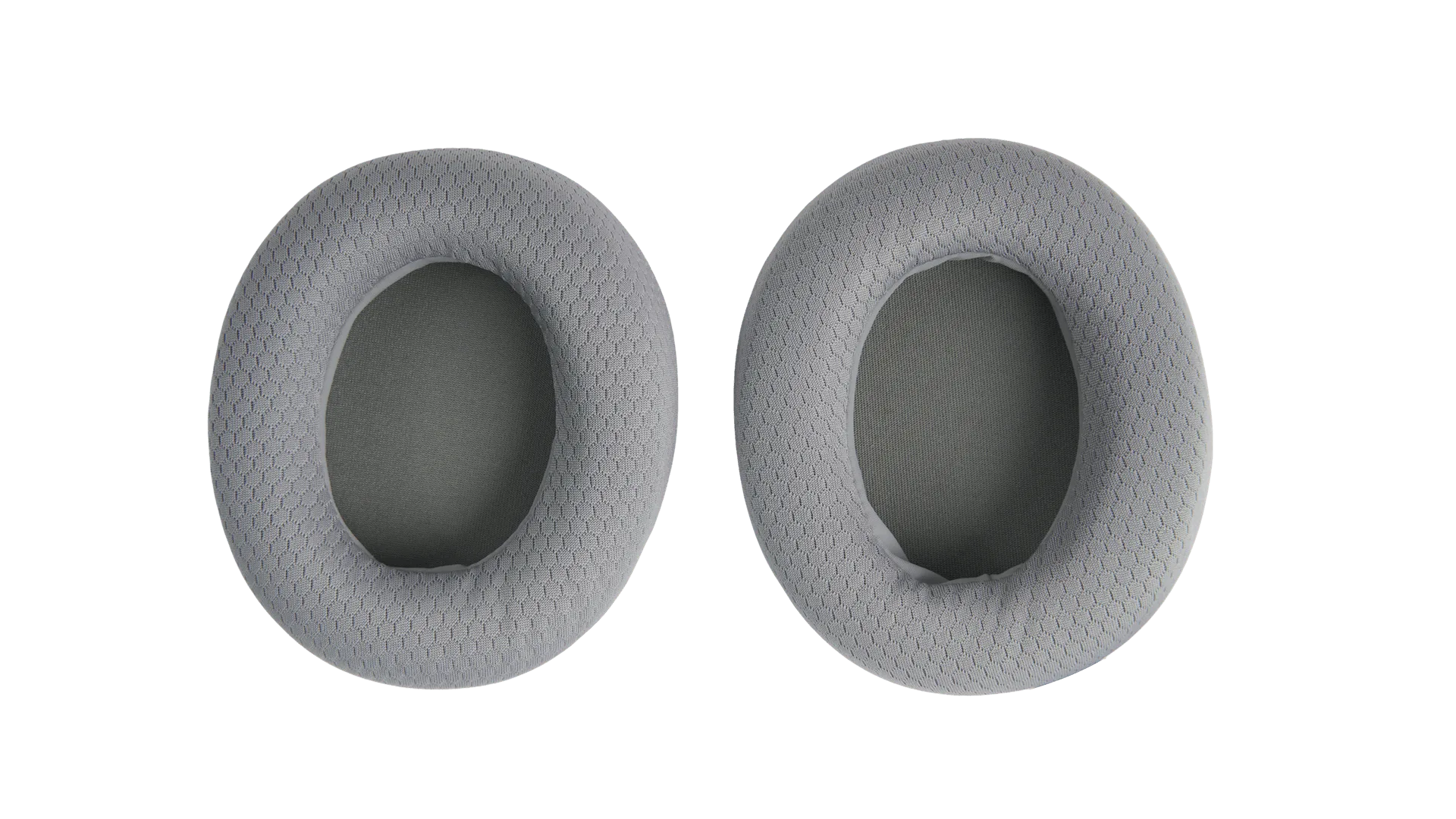
Stealth Pro II Replacement Ear Cushion Set – Grey
- Measure the diameter of your current ear cushions and compare with the replacement specs.
- If you're unsure about compatibility, contact the manufacturer or retailer before purchasing.
Tools You'll Need
You don't need many tools for this job. Typically, a small flathead screwdriver or a plastic spudger can help pry off stubborn cushions, but most cushions can be removed by hand. A soft cloth to clean the ear cups is also handy.
Having the right tools makes the process easier and reduces the risk of damaging the headset. Avoid using metal tools that could scratch the plastic or tear the new cushions.
- Plastic spudger or flathead screwdriver (optional)
- Soft, dry cloth for cleaning
Step-by-Step Replacement Process
Follow these steps to replace your Recon 50 ear cushions. Take your time and be gentle to avoid damaging the headset.
Each step includes a common mistake to avoid, so you can ensure a smooth replacement.
Step-by-Step Ear Cushion Replacement
- Step 1: Remove the old ear cushion: Gently grip the edge of the ear cushion and pull it away from the ear cup. If it's tight, use a plastic spudger to pry it off. Work around the entire circumference to avoid tearing. Checkpoint: The cushion should come off without excessive force. If it resists, you may be pulling at an angle.
- Step 2: Clean the ear cup surface: Wipe the ear cup with a soft, dry cloth to remove any dust, oils, or debris. This ensures the new cushion adheres properly and prevents dirt from getting trapped. Checkpoint: The surface should be clean and dry before installing the new pad.
- Step 3: Align the new ear cushion: Position the new cushion so that the attachment points (clips or grooves) align with the slots on the ear cup. Press the cushion firmly into place, starting at one point and working your way around. Checkpoint: The cushion should sit flush and not wobble. Test by gently tugging on it.
- Step 4: Repeat on the other side: Repeat the process for the other ear cup. Even if one side looks fine, it's best to replace both to maintain balanced comfort and sound isolation. Checkpoint: Both cushions should feel identical in firmness and fit.
- Step 5: Test the fit and comfort: Put on the headset and adjust it to your head. Check for any pressure points or looseness. Move around to ensure the cushions stay in place. Checkpoint: The headset should feel comfortable and secure. If not, re-seat the cushions.
Product Facts
- Stealth Pro II Replacement Ear Cushion Set – Grey: This replacement ear cushion set is designed specifically for the Turtle Beach Stealth Pro II headset. The cushions come in a grey finish, matching the original equipment for a seamless look. This shows that not all ear cushions are interchangeable. Using a cushion designed for a different model like the Recon 50 may not fit properly, so always check compatibility before buying.
Replacing the ear cushions on your Recon 50 is a simple maintenance task that can greatly improve your gaming experience. By following these steps, you'll restore comfort, sound isolation, and extend the life of your headset. Remember to always choose compatible replacement pads, and don't hesitate to reach out to Turtle Beach support if you need further assistance.