Quick answer
Work on a padded, lint-free surface with the cable disconnected, and change one side at a time so you always have an assembled reference. Loosen the frame hardware just enough to release the old headband or pad ring, seat the new part evenly before tightening, and confirm the fit by wearing the headphone for a few minutes before you reconnect the amplifier. If any fastener feels tight or cross-threaded, stop and back it out rather than forcing it.
ABYSS AB1266 headphones are built to be serviced, not sealed shut. The headband and ear pads are wear items: foam compresses, leather creases, and a headband that no longer holds its shape changes how the headphone sits on your head. On a planar magnetic design, that seating change is audible because it shifts the driver-to-ear distance.
This guide walks through the order that keeps the job reversible. You will disconnect the cable first, work one side at a time, and test fit before final tightening. Nothing here requires soldering, and none of it involves opening the driver housing.
Before you start: tools, surface, and a reference photo
Set up on a clean, padded surface at waist height. A microfiber cloth under the headphone prevents scratches on the frame finish and stops small fasteners from rolling onto the floor. Have a small Phillips driver that fits the frame screws snugly, a plastic spudger or guitar pick for pad edges, and a shallow dish for hardware.
Photograph the headphone from both sides before you touch anything. On the AB1266, the headband and pad assemblies are handed, and a photo taken at the start is the fastest way to confirm you have reinstalled each part in the same orientation. If you are also swapping cables, do that last so the cable is not in your way during the mechanical work.
- Never pry pad edges with a metal tool; a metal edge can slice the foam or nick the frame.
- Keep screws in labeled pairs so left and right hardware do not get mixed.
Step 1: Disconnect the cable and let the drivers rest
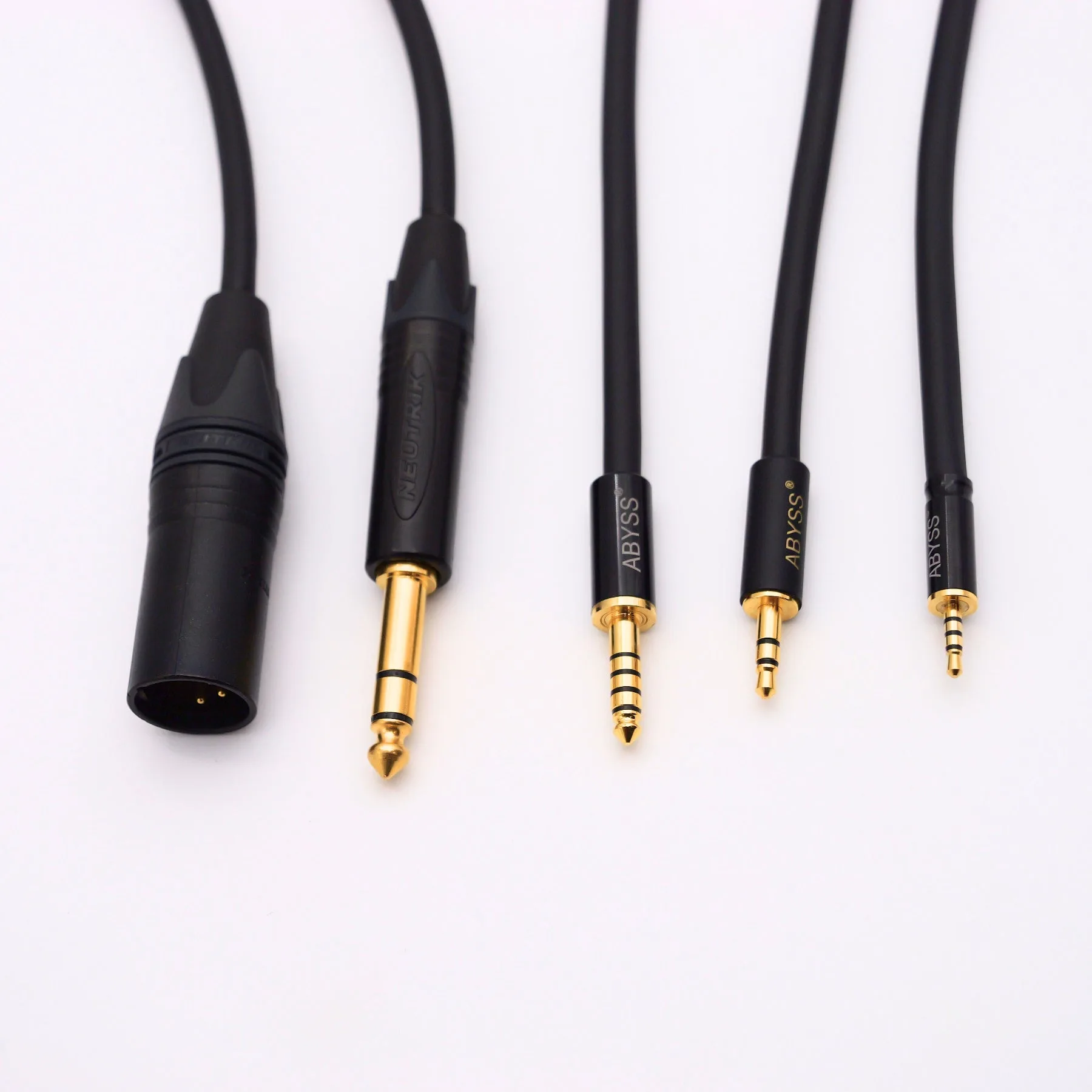
Unplug the amplifier end first, then the headphone end. On AB1266 models with dual 3-pin XLR, 4-pin XLR, or a 1/4-inch plug at the amp, the headphone-side connectors are the ones you will handle during the job, so remove them completely rather than letting the cable hang.
Lay the cable flat and out of the work area. A cable pulling on one cup while you loosen frame hardware is the most common cause of a bent connector or a scratched cup, and it also makes it harder to judge whether the headband is seated evenly.
- Checkpoint: with the cable off, the headphone should sit flat and stable on your work surface.
Step 2: Remove the old headband assembly
Support the cup with one hand and loosen the frame hardware that captures the headband with the other. Break each fastener loose a quarter turn, then continue by hand. Work in a cross pattern if there is more than one fastener per side, so the frame does not bind on one corner.
Once the hardware is free, lift the headband away without twisting it. If it catches, look for a second fastener or a seating tab you have missed rather than applying more force. Set the old headband aside in one piece; keeping it intact makes it a useful size reference for the replacement.
- Common mistake: fully removing one side's hardware before loosening the other, which lets the frame shift and stresses the yoke.
Step 3: Seat the new headband before tightening anything
Fit the replacement headband into the frame and start every fastener by hand until it is finger-tight. Only then snug them down in the same cross pattern you used to loosen them. Hand-starting is your cross-threading check: if a screw will not turn easily for the first few threads, it is not aligned.
Tighten until the headband is held firmly with no rocking, then stop. Over-tightening on a machined frame buys you nothing and makes the next service harder. If you chose an upgraded headband, this is also the moment to check that its curvature matches the old part before you commit to final torque.
- Checkpoint: press gently on each end of the headband; there should be no click, creak, or side-to-side play.
Step 4: Remove and install the ear pads
With the headband secure, turn to the pads. Work on one cup at a time and leave the other cup assembled as your reference. Ease the pad edge away from its mounting surface with a plastic spudger, working around the perimeter in small increments rather than pulling from one point.
Install the new pad by seating one edge first, then working around the rim with light pressure until the whole pad sits flush. The pad should sit evenly with no lifted section and no foam pinched under the mounting lip. If the pad uses an adhesive ring, press it down evenly and give it a few minutes before you wear the headphone.
- Common mistake: pulling a pad off in one motion, which can tear foam and leave adhesive residue on the baffle.
- Do not stretch a pad to make it fit; a stretched pad will not seal evenly against your head.
Step 5: Fit test, then reconnect and listen
Put the headphone on before you reconnect anything. Check that the headband sits centered, that both pads contact your head evenly, and that the clamping feel is the same on both sides. If one side feels tighter or the pad does not seal, stop and reseat that pad rather than compensating with the headband.
When the fit is even, reconnect the headphone-side connectors, then the amplifier end, and listen to a track you know well. Bass weight and stereo balance are the quickest tells: an uneven pad seal typically shows up as a channel imbalance or thinner low end on one side.
- Checkpoint: if one channel sounds quieter, recheck that pad's seal before you suspect the driver.
How often to service pads and headbands
Pads are the shorter-lived part. Foam loses resilience with heat, moisture, and compression, and a pad that no longer springs back is not sealing properly no matter how good it looks. Headbands tend to last longer but lose shape gradually, which most owners notice as the headphone sitting lower or sliding during long sessions.
Judge by feel rather than by a calendar. If you have to keep adjusting the headphone during a listening session, or if the pads look flat when you take them off, that is your signal. Keeping a spare set on hand means you can service the headphone on your schedule instead of waiting on a shipment.
- Store spare pads flat, away from direct sun and heat, in the packaging they arrived in.
Service sequence at a glance
- Clear the workspace and disconnect the cable: Unplug the amplifier end first, then the headphone end, and move the cable out of the work area entirely. Checkpoint: the headphone sits flat and stable with nothing pulling on either cup.
- Loosen the headband hardware in a cross pattern: Break each fastener a quarter turn, then continue by hand, supporting the cup as you go. Mistake to avoid: stripping one side completely before the other side is loose.
- Hand-start every fastener on the new headband: Fit the replacement, start all screws by hand, then snug them in the same cross pattern. Checkpoint: no rocking, clicking, or side-to-side play when you press the headband ends.
- Replace one ear pad at a time: Ease the old pad off with a plastic spudger around the perimeter, then seat the new pad edge-first until it sits flush. Mistake to avoid: pulling a pad off in one motion and tearing the foam or leaving adhesive behind.
- Fit test before reconnecting: Wear the headphone and confirm even clamp and even pad contact on both sides. If one side feels tight, reseat that pad instead of adjusting the headband.
- Reconnect and listen to a familiar track: Attach the headphone-side connectors, then the amplifier end, and check bass weight and channel balance. A quieter channel usually means a pad seal problem, not a driver fault.
Parts and gear that fit this job
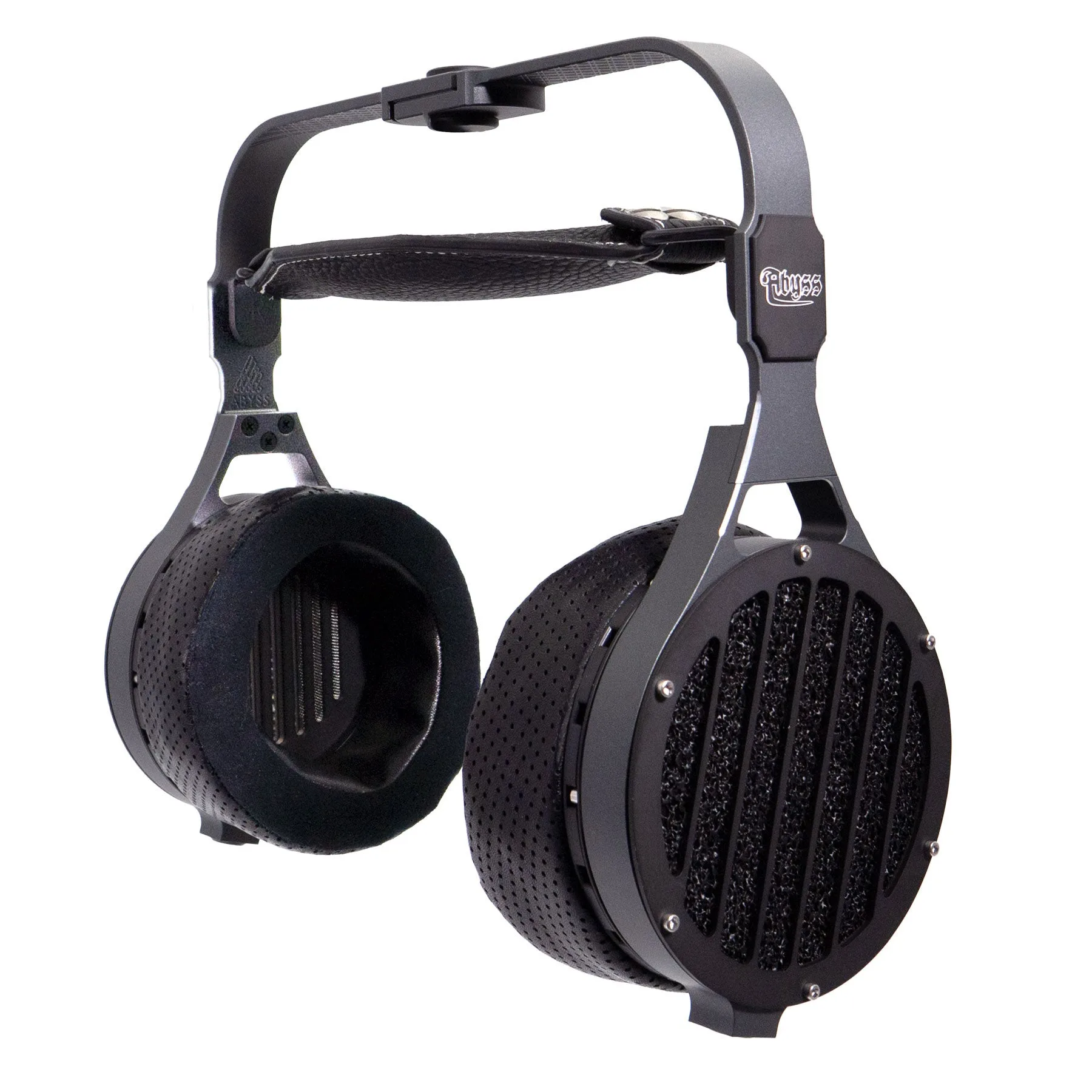
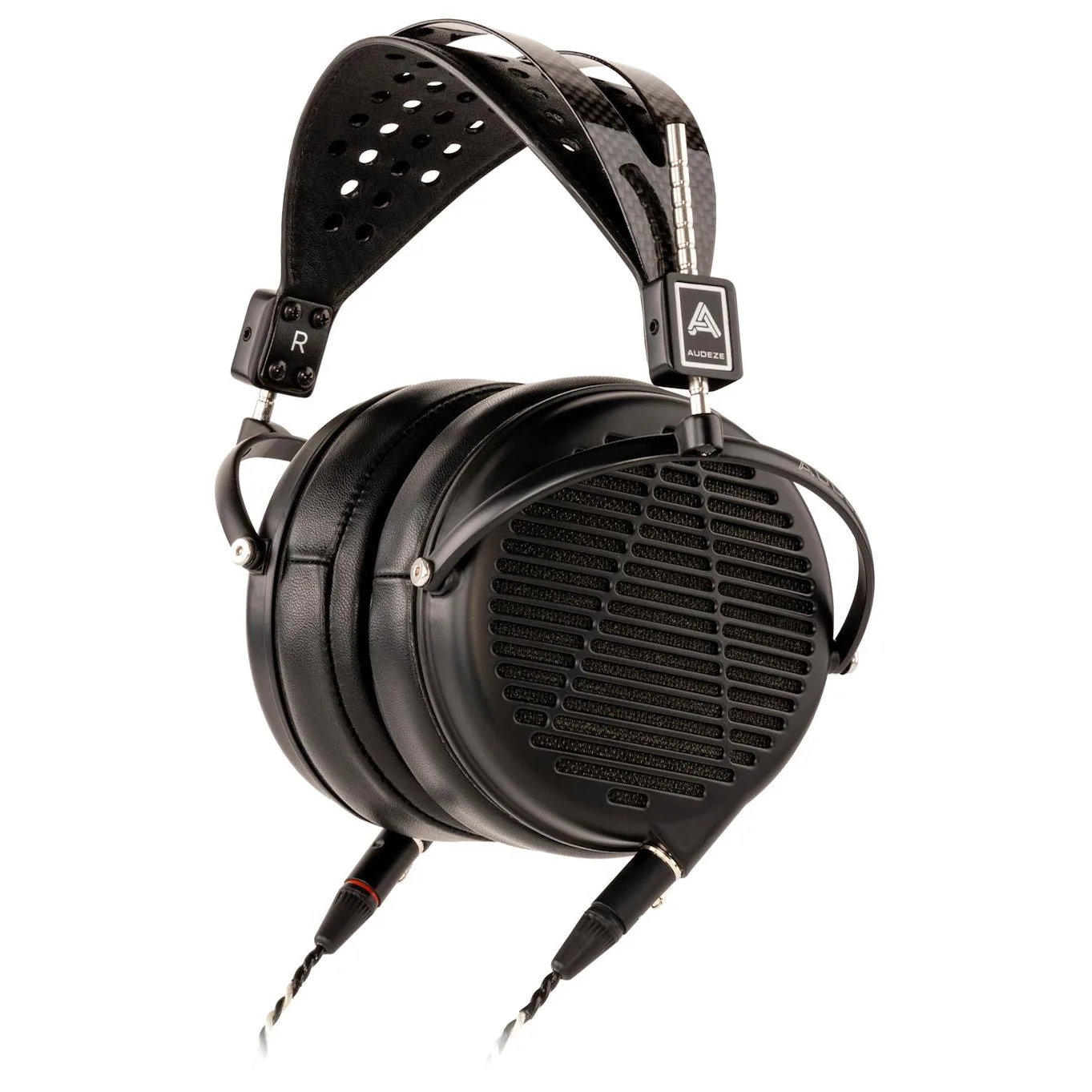
- ABYSS AB1266 TC Audiophile Reference Headphone: The AB1266 TC is a full-range planar magnetic headphone offered with Package, Cable Connector, and Cable Length options. Because the connector and length are chosen at purchase, note which connector configuration you own before you disconnect anything, so reconnection is unambiguous.
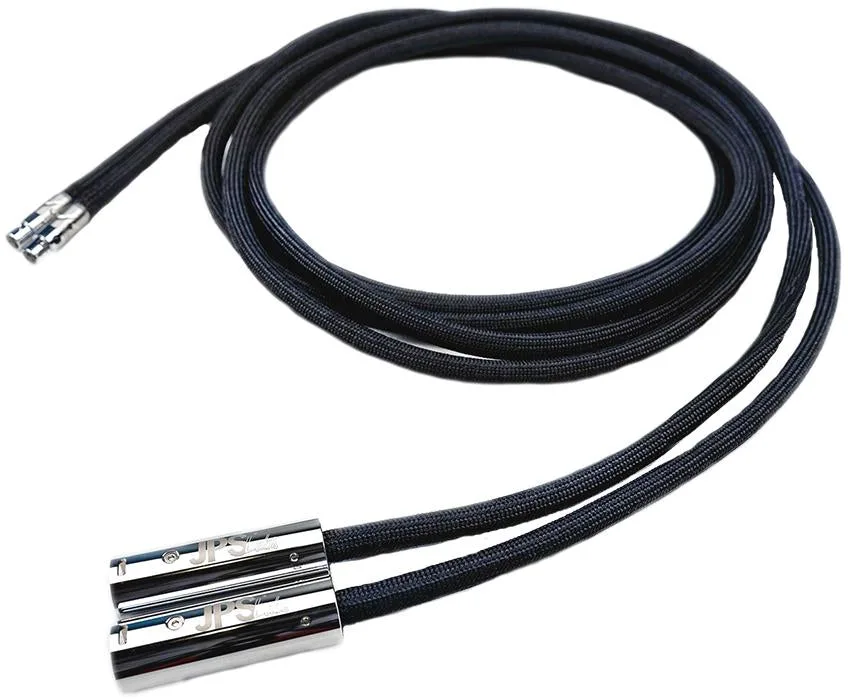
- Superconductor HP upgrade cables for ABYSS AB1266: Made in the USA for the AB1266, with a choice of dual 3-pin XLR, 4-pin XLR, or 1/4-inch / 6.35 mm plug at the amplifier end, plus selectable length. If you are swapping pads and cables in the same session, do the mechanical work first and connect the cable last so the cable never loads one cup while the frame is loose.
- Diana Headphone Cable for Diana Stock Replacement and JOAL Upgrades: Made by JPS Labs for the ABYSS Diana headphone with gold-plated molded plugs, and also usable as a customizable upgrade over the stock JOAL cable. If you own both an AB1266 and a Diana or JOAL, keep the cables separated by model so you do not fit a Diana cable during AB1266 service.
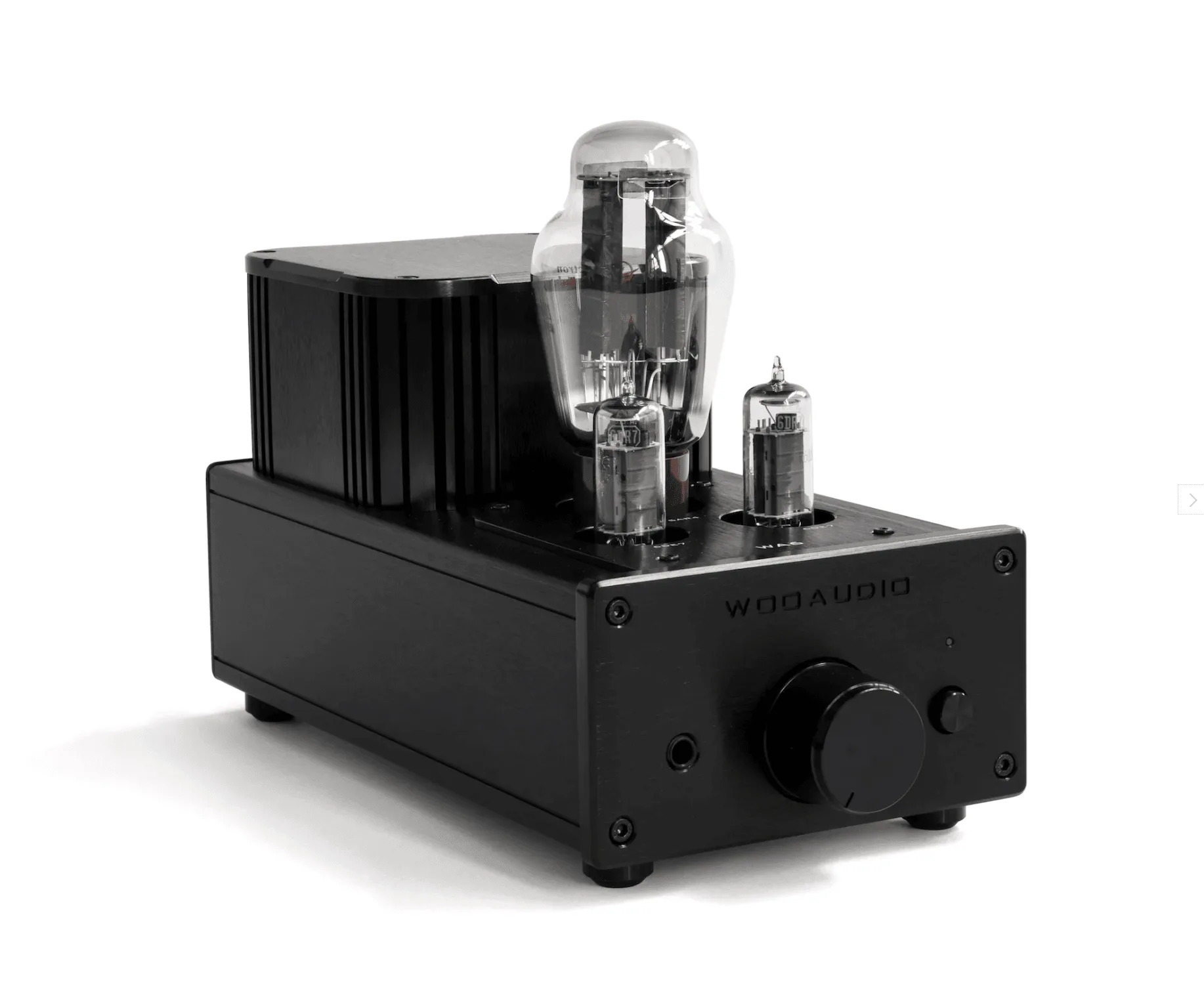
- Woo Audio WA6 (2nd gen) Headphone Amplifier: An all-tube, Class-A, transformer-coupled single-ended triode design that can drive full-size headphones and in-ear monitors from 8 to 600 Ohms. After reassembly, this is a straightforward amp for the first listen: its wide impedance range means any fit or seal problem you hear is almost certainly mechanical, not a gain mismatch.
Headband and pad service on the AB1266 is a mechanical job you can do at your own bench in one sitting. Disconnect first, work one side at a time, hand-start every fastener, and fit test before you reconnect. Do that, and the headphone goes back on your head sitting exactly the way it should.