When to Replace the Rear Wheel
The rear wheel on your Micro Luggage takes regular wear from rolling over pavement, carpet, and airport floors. Over time, the 60mm wheel can develop flat spots, cracks, or worn tread that affects smooth rolling. If you notice increased vibration, a bumpy ride, or visible damage, it's time to swap in a new wheel.
The replacement part is the 60mm Rear Wheel for Micro Luggage (Part #1911). It is a direct replacement for the original rear wheel and is listed as compatible with the Micro Luggage model.
Replacement Part Details
-
Parts: 60mm Rear Wheel for Micro Luggage: This 60mm rear wheel is a replacement part for the Micro Luggage, identified as Part #1911. Ensures you order the correct part for your luggage scooter.
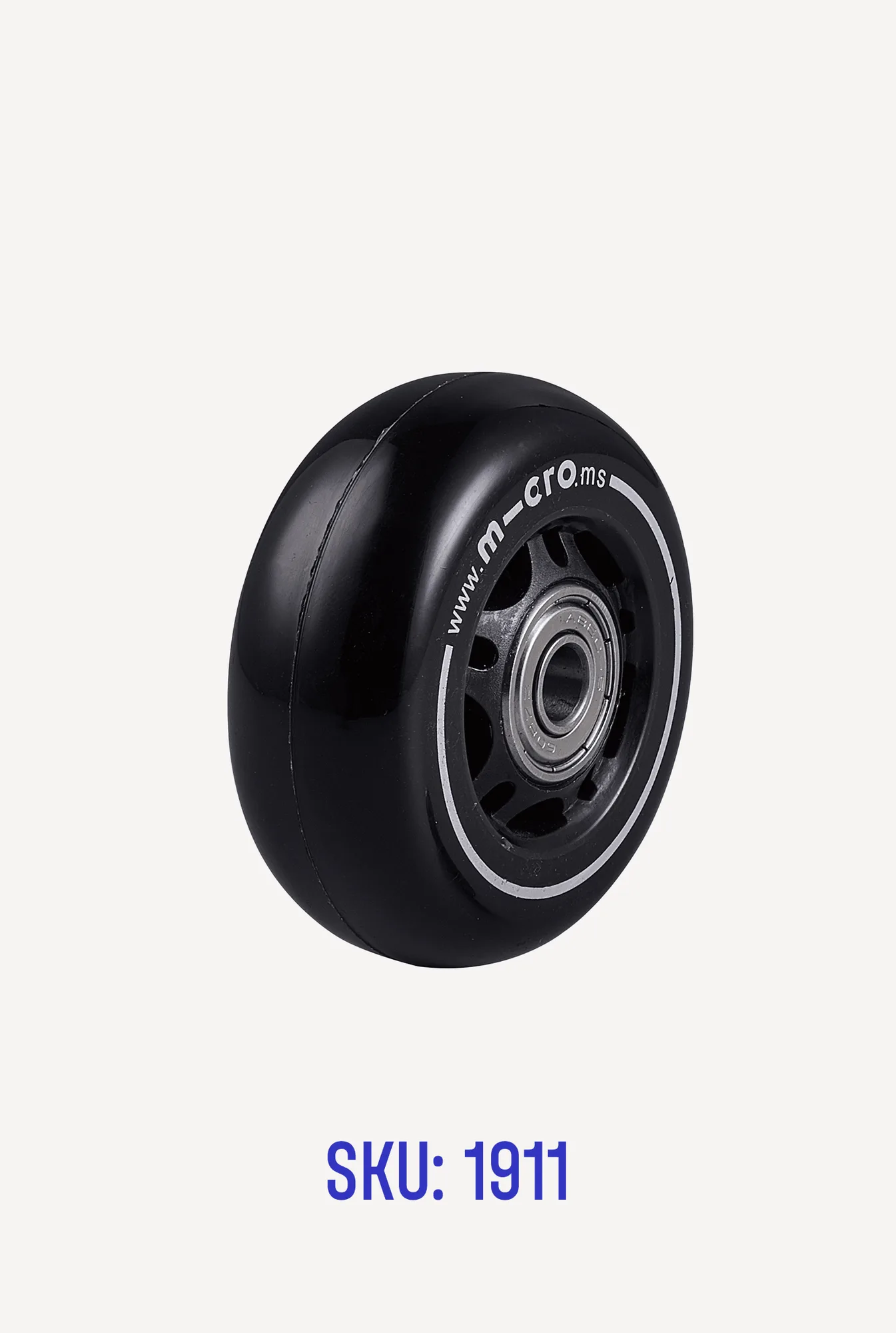
Parts: 60mm Rear Wheel for Micro Luggage
-
Parts: 60mm Rear Wheel for Micro Luggage: Wheel size: 60mm, Position: Rear, Compatibility: Micro Luggage. Confirms the wheel is the right size and intended for the rear axle.
Before You Start: Confirm Compatibility
Before ordering, confirm your Micro Luggage model and part number. The supplied information states that this listing is for the rear wheel only. If you need a front wheel or a different size, check the product listing carefully.
The wheel is a standard 60mm replacement. No special tools are mentioned in the supplied information, but a basic wrench or socket set is typically sufficient for removing the axle nut.
How to Replace the Rear Wheel
- 1. Remove the old wheel: Place the Micro Luggage on its side or secure it so the rear wheel is accessible. Loosen and remove the axle nut using a suitable wrench. Slide the old wheel off the axle. Take note of any washers or spacers that may be present.
- 2. Inspect the axle and bearings: Check the axle for bending or wear. If the bearings are loose or rough, consider replacing them as well. The supplied information does not include bearing replacement steps, so consult a separate guide if needed.
- 3. Install the new 60mm wheel: Slide the new rear wheel onto the axle, ensuring it is oriented correctly (the smooth side typically faces outward). Replace any washers or spacers in the same order as the original. Tighten the axle nut securely, but avoid overtightening as it can damage the wheel or bearings.
- 4. Test the wheel: Spin the wheel by hand to ensure it rotates freely without wobbling. Lift the luggage and roll it a short distance to confirm smooth movement. If you feel resistance or hear scraping, check the alignment and nut tightness.
What the Supplied Information Does Not Cover
The product record does not include specific torque values for the axle nut, detailed bearing replacement instructions, or guidance on front wheel compatibility. For those tasks, refer to other Micro Kickboard resources or consult a professional mechanic.
If your Micro Luggage requires a front wheel replacement, note that the front wheel is a different size (not 60mm) and is not covered by this part.