Quick answer
To replace the rotor blades on the Helicopter Red Kite (23834), power down, remove the damaged blade, fit the new blade into the same grip orientation, and check that all blades track evenly before flying. If you are installing a full 5pcs rotor blade set, replace all five together so balance stays consistent.
A bent or cracked rotor blade turns a stable helicopter into a vibration machine. The Helicopter Red Kite (23834) uses a five-blade rotor, so one bad blade affects the whole set. Replacing blades is a simple job if you keep track of orientation and balance.
This guide walks through the replacement in order, from powering down to a first hover test. It also covers the mistakes that cause new blades to fail early, plus a few Revell products that help with painting and finishing if you are repairing a model at the same time.
What you need before you start
Gather the replacement 5pcs rotor blade set, a small screwdriver that fits the blade grip screws, and a clean, well-lit surface. A soft cloth stops small screws from rolling away. If you are replacing only one blade, check the other four for cracks or white stress marks before you begin, because a hidden crack will show up as vibration after the repair.
Work on a table rather than the floor. Rotor blade screws are small and easy to lose, and a dropped screw on carpet can end the session early. Keep the old blades in a bag until you have confirmed the new ones fly correctly, so you can compare orientation if something feels wrong.
- Power off the helicopter and remove the battery before touching the rotor head.
- Photograph the rotor head before disassembly so you can match blade order and orientation.
- Do not force a blade into a grip; if it does not slide in, check for a burr on the grip or blade root.
Step-by-step rotor blade replacement
Remove the damaged blade first. Hold the rotor head steady with one hand and unscrew the blade grip screw with the other. Slide the blade out of the grip and set it aside. Check the grip for cracks or play before fitting the new blade, because a worn grip will loosen a new blade quickly.
Fit the new blade into the grip in the same orientation as the blade you removed. The leading edge must face the direction of rotation. Tighten the screw until the blade can still pivot slightly in the grip, then check the same play on the other blades. If you are installing the full 5pcs rotor blade set, replace all five blades one at a time so you never lose track of which grip is which.
- Common mistake: fitting a blade backwards. The helicopter will still spin up but will vibrate badly and lose lift.
- Checkpoint: all five blades should have the same slight pivot play in their grips.
- Do not overtighten. A crushed blade root cracks at the screw hole on the next flight.
Balance and tracking checks
Balance matters more than most pilots expect. Weigh each new blade if you have a small scale, or compare them by feel against the old set. If one blade is noticeably heavier, it will pull the rotor head and cause vibration. Rotor blade balance tips: mark each blade with a small number so you can identify the odd one out during testing.
Tracking is the next check. Spin the rotor slowly by hand and sight along the blade tips. They should form a flat disc. If one tip sits higher or lower than the others, adjust the grip tension or swap that blade to a different grip to isolate whether the blade or the grip is at fault.
- A vibration that appears only at high RPM usually points to a balance problem, not a tracking problem.
- If tracking stays uneven after swapping blades, inspect the rotor head and linkages before flying again.
- Never test tracking with the motor running and the helicopter held in your hand.
First test flight and aftercare
Take the helicopter to an open area and lift off to a low hover. Listen for new vibration and watch for drifting. If it hovers smoothly, land and recheck the blade screws, because new blades often settle slightly after the first flight. If vibration persists, land immediately and recheck balance and orientation.
After flying, wipe the blades with a soft cloth and check for nicks along the leading edge. Small nicks grow into cracks, and a cracked blade can throw the rotor out of balance in flight. Store the helicopter with the blades supported so they do not warp between sessions.
- Recheck every blade screw after the first flight.
- Replace blades as a full set when more than one is damaged.
- Keep spare blades on hand so a damaged blade does not end a flying session.
Rotor blade replacement steps at a glance
- Power down and remove the battery: Switch off the helicopter and take out the battery before touching the rotor head. Checkpoint: the rotor must not spin freely when you turn it by hand.
- Remove the damaged blade: Hold the rotor head steady and unscrew the blade grip screw, then slide the blade out. Common mistake: letting the rotor head turn while unscrewing, which can bend a linkage.
- Fit the new blade in the correct orientation: Slide the new blade into the grip with the leading edge facing the direction of rotation. Checkpoint: the blade should pivot slightly but not rattle in the grip.
- Replace all five blades if you have a full set: Work one grip at a time so you never mix up blade order or orientation. Common mistake: fitting one new blade against four worn blades, which causes vibration.
- Check balance and tracking: Compare blade weight and sight along the blade tips while turning the rotor slowly by hand. Checkpoint: the tips should form a flat disc with no high or low blade.
- Test hover and recheck screws: Fly a low hover in an open area, then land and recheck every blade screw. If vibration continues, land and repeat the balance and tracking checks.
Useful Revell products for this repair and your next build
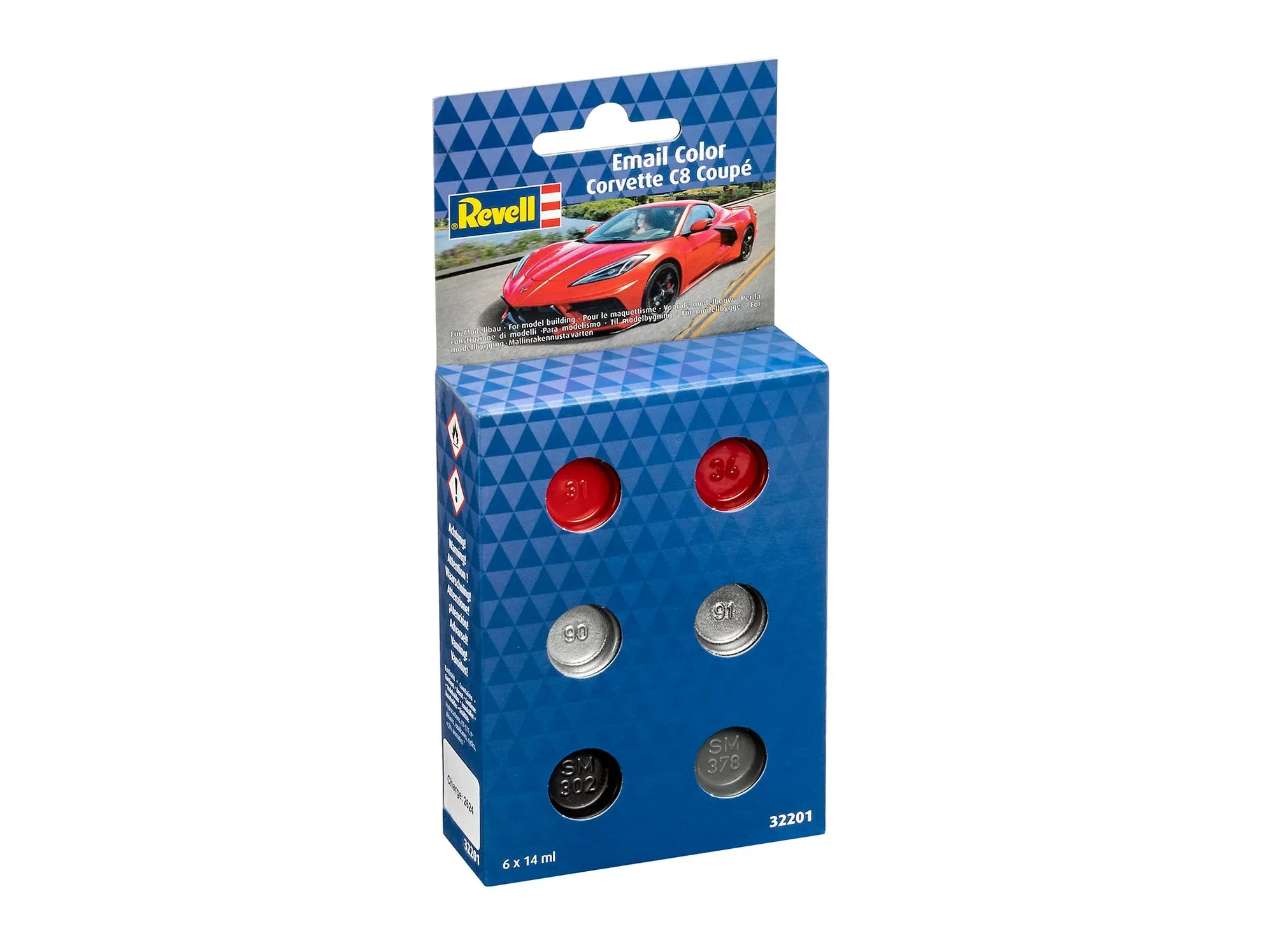
- Email Color Set - Corvette C8 Coupé (6x 14ml): The set is specially tailored for the Corvette C8 Coupé and includes everything needed for a perfect paint finish, removing the need for tedious color searches. If you also build car models, a matched color set saves time and avoids mismatched paint on a finished body.
- Matt "Yellow" Spray Color Acrylic Aerosol - 100ml: Revell Spray Color acrylics dry very quickly and offer high coverage and high scratch resistance, and can also be used on polycarbonate RC car bodies. Useful for touching up a canopy or marking blade tips, and the fast dry time means less waiting between coats.
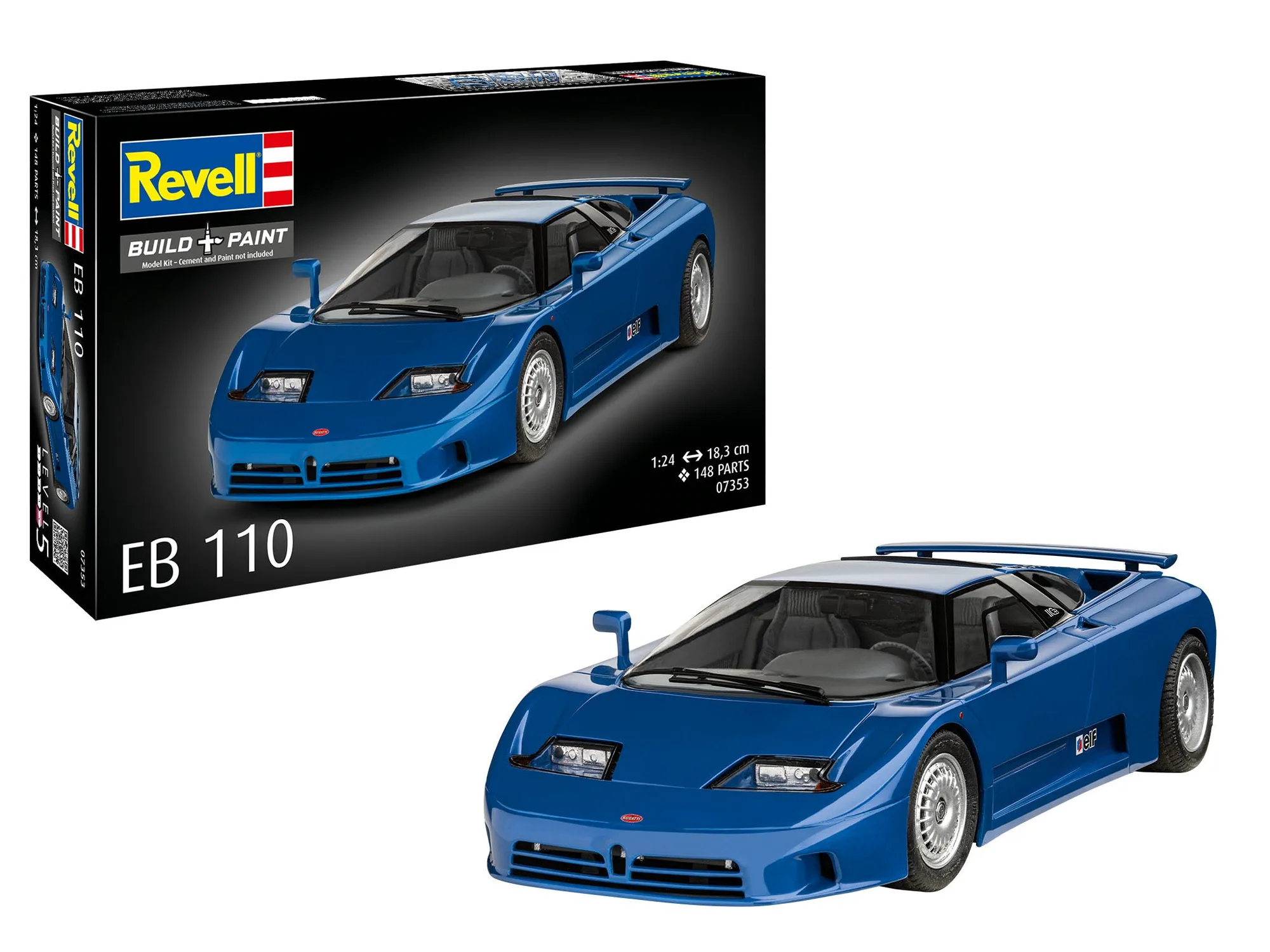
- EB110: The EB110 1:24 scale model kit has 148 high-quality individual parts and a highly detailed 12-cylinder engine. A good next project if you enjoy precise assembly work, though it is a static model rather than a flying helicopter.
Replacing the rotor blades on the Helicopter Red Kite (23834) comes down to orientation, balance, and a careful first hover. Take your time, replace blades as a set when you can, and the helicopter will fly smoothly again.