Quick answer
To replace your smart vacuum water tank, first power off the vacuum and remove the old tank by pressing the release latch. Clean the mounting area, then click the new tank into place until it locks. Always check for proper alignment to avoid leaks.
Before You Start: Know Your Tank
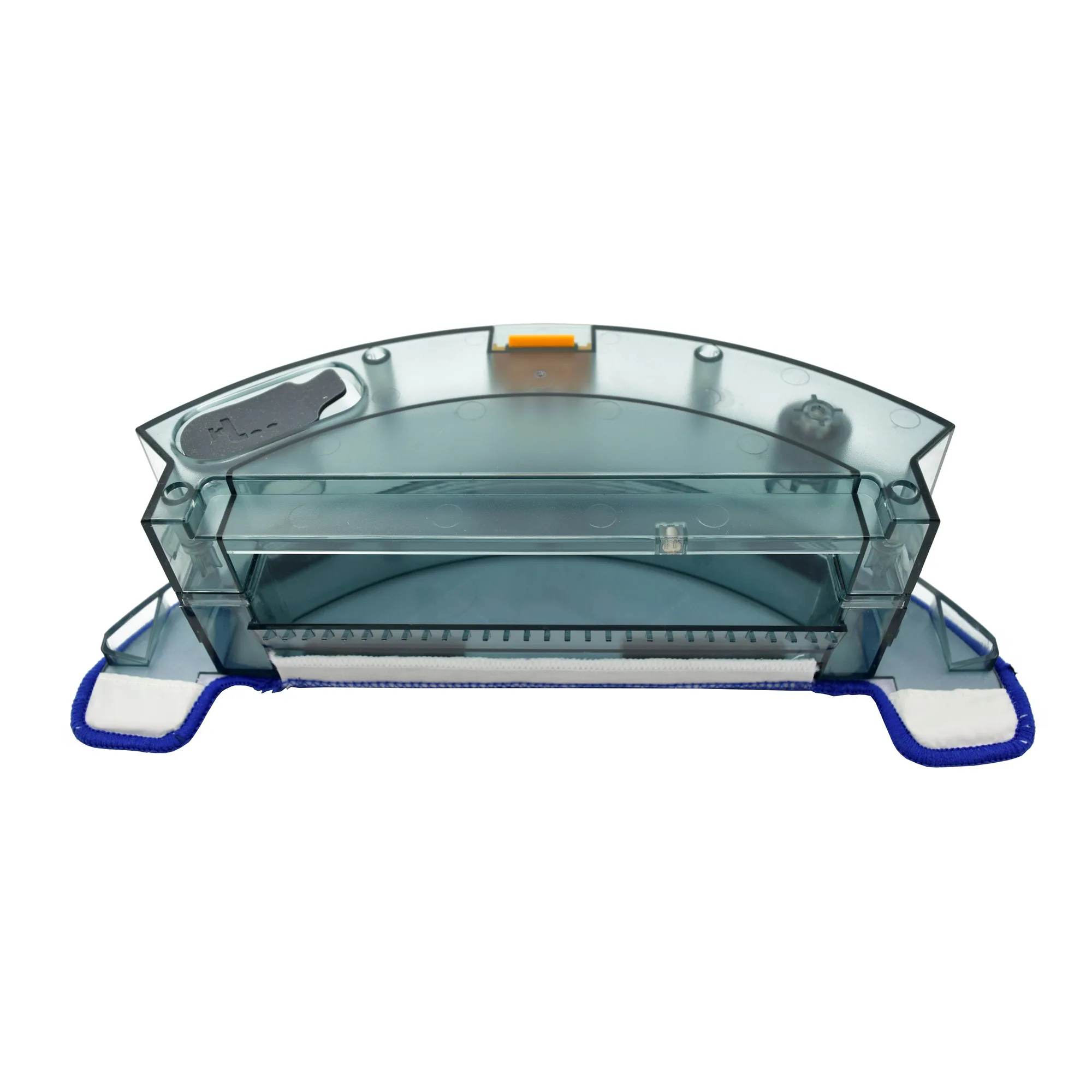
The water tank is the component that holds water for mopping or damp-cleaning functions on compatible smart vacuums. Not all models support this feature, so confirm your vacuum has a removable tank before purchasing a replacement. The iView US Smart Vacuum Water Tank is designed as a spare or replacement part for compatible iView systems, holding water for supported cleaning routines.
Step-by-Step Replacement Guide
- Power Off and Remove the Old Tank: Turn off your smart vacuum and unplug it from the charger. Locate the water tank release latch (usually on the back or bottom of the robot). Press the latch and slide the tank out. Empty any remaining water into a sink. Common mistake: Forgetting to empty the old tank can cause water to spill onto the vacuum's electronics.
- Clean the Mounting Area: Use a dry cloth to wipe the compartment where the tank sits. Check for debris, dust, or mineral deposits that could block the water outlet or sensor contacts. A clean surface ensures a tight seal. Checkpoint: If you see white scale buildup, use a damp cloth with a little vinegar, then dry thoroughly before installing the new tank.
- Install the New Water Tank: Take your replacement tank (such as the iView US Smart Vacuum Water Tank) and align it with the mounting slot. Push it in gently until you hear a click, confirming it is locked. Fill the tank with clean water up to the indicated max line. Common mistake: Overfilling past the max line can cause water to leak into the vacuum during operation. Always fill to the marked level.
- Test the Seal and Run a Short Cycle: Place the vacuum on a hard floor surface and start a short mopping or damp-cleaning cycle. Watch for any dripping underneath. If you see leaks, remove the tank and re-seat it, checking that the rubber gasket is not twisted. Checkpoint: A successful test means your replacement is complete. If leaks persist, the tank may not be fully compatible with your model—verify compatibility before purchasing.
Product Fact
- Smart Vacuum Water Tank: Keep your smart vacuum ready for action with this replacement water tank from iView US. Designed as a practical accessory, this tank is intended for use with compatible smart vacuum models to support your routine cleaning tasks. Compatible with iView US smart vacuum systems as a spare or replacement part. Built to hold water for mopping or damp-cleaning functions where supported by your device. Simple to install and… Having a compatible replacement tank means you can swap it in minutes when the original wears out or cracks, avoiding downtime in your cleaning schedule.


