Quick answer
Replace the spare blade in your Bird Nest Tool Kit thread knife by loosening the screw, swapping the old blade for a new one, and tightening securely. Always handle blades carefully to avoid injury.
Why blade replacement matters
Dull blades can snag fabric or fail to cut thread nests cleanly. The Bird Nest Tool Kit's thread knife is designed for precision, so replacing its blade when it loses sharpness keeps your work smooth and frustration-free.
The kit comes with 5 spare blades (sold separately), so you always have a fresh edge ready. Using a sharp blade also reduces the risk of accidentally pulling or tearing your project fabric.
Step-by-step blade replacement
- 1. Remove the old blade: Use a small screwdriver (usually Phillips) to loosen the screw on the thread knife. Carefully lift the old blade out. Place it in a safe disposal container. Common mistake: forcing the screw. If it's tight, apply gentle pressure—don't strip the head.
- 2. Insert the new spare blade: Take a fresh blade from the Spare Blades for the Bird Nest Tool Kit pack. Align it with the screw hole and slot it into the knife handle. The cutting edge should face outward. Checkpoint: ensure the blade sits flat and doesn't wobble before tightening.
- 3. Tighten and test: Replace the screw and tighten it snugly—don't overtighten. Close the knife and make a test cut on scrap fabric. If it glides through without resistance, you're set. Common mistake: overtightening can crack the handle. Stop as soon as the blade is secure.
Product facts
-
Spare Blades for the Bird Nest Tool Kit - 5 pcs: These 5 spare blades are compatible with the thread knife that comes with the Bird Nest Toolkit. You don't need to buy a whole new tool when the blade dulls—just swap in a fresh spare from this pack.
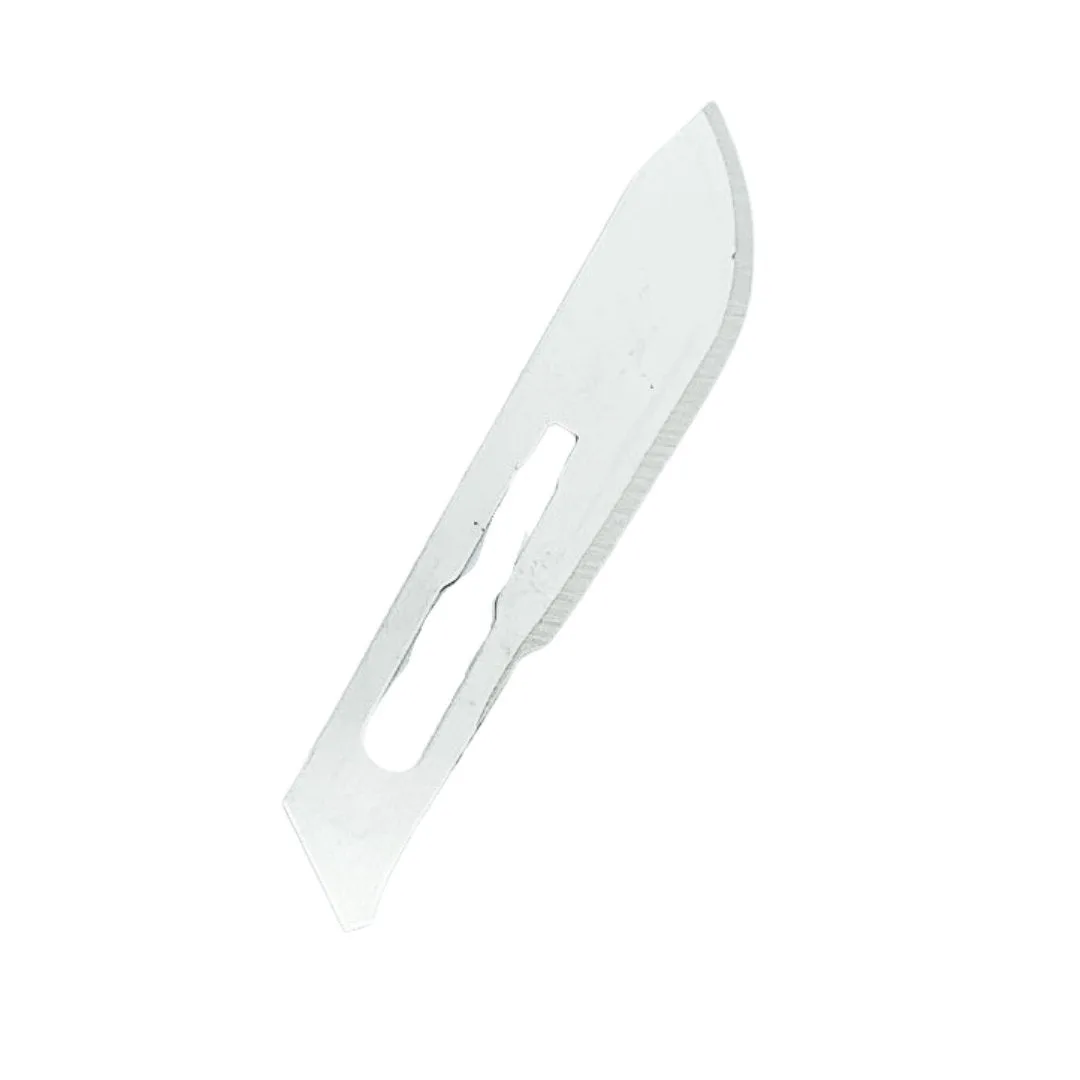
Spare Blades for the Bird Nest Tool Kit - 5 pcs