Quick Answer
To replace Strider Ultralight Wheel Bearings, remove the wheel, pry out the old 608zz bearings with a flathead screwdriver, press in two new bearings per wheel, and reassemble. This fixes squeaky wheels and restores smooth rolling.
Why Bearings Wear Out on Strider Bikes
Strider Ultralight Wheels use two 608zz bearings per wheel. Over time, dirt, moisture, and normal use can cause bearings to grind, squeak, or spin roughly. Replacing them is a straightforward DIY fix that restores like-new performance and avoids wobbling wheels.
Tools and Parts You’ll Need
You will need a flathead screwdriver, a 5mm Allen wrench (or the appropriate size for your model), a small hammer or rubber mallet, a wooden block or bearing press tool (optional), and of course new 608zz bearings. The OEM Strider Ultralight Wheel Bearing (Product ID 603802) is an exact replacement, factory-sized to fit the wheel hub and axle interface.
Step-by-Step Replacement Process
- Remove the wheel from the bike: Flip the Strider bike upside down or support it securely. Use a 5mm Allen wrench to loosen and remove the axle bolt and washer on both sides of the wheel. Slide the axle out and take the wheel off the frame. Common mistake: Forgetting to remove the axle nut on the opposite side. Both nuts must be removed to free the axle.
- Remove old bearings from the wheel hub: Place the wheel flat on a work surface. Insert a flathead screwdriver between the bearing and the hub from the inside edge (not the center seal). Gently pry the bearing out. Repeat on the opposite side of the same wheel. Be careful not to damage the plastic hub. Pry at the metal bearing outer race, not the rubber seal.
- Clean the hub cavity: Wipe out any accumulated dirt or grease from inside the hub with a clean rag. Check for any debris or rough edges that could interfere with new bearings. Avoid using strong solvents that might soften the plastic hub. A dry cloth is sufficient.
- Install the new bearings: Press a new bearing into one side of the hub by hand or using a wooden block and a light tap from a rubber mallet. Ensure the bearing sits flush and square. Repeat for the other bearing on the opposite side. Never hammer directly on the bearing; it can damage the internal balls or the hub. Use a block to distribute pressure evenly.
- Reinstall the wheel on the bike: Slide the axle through one fork leg, through the wheel hub, and out the other fork leg. Place washers and nuts back on, then tighten with the Allen wrench. Spin the wheel to check for smooth rotation and no side-to-side wobble. Do not overtighten the axle; this can compress the bearings and cause drag. Tighten until snug, then back off a quarter turn if necessary.
- Test the wheel movement: Spin the wheel by hand. It should rotate freely with no grinding or squeaking. If it feels rough, recheck bearing alignment or pressing depth. If the wheel wobbles, you likely pressed a bearing in crooked. Remove and reinstall straight.
Parts Recommendation
-
Ultralight Wheel Bearing: This replacement bearing fits Strider Ultralight Wheels and is designed to fit the center of each wheel where it meets the axle. Each wheel requires two bearings (order two per wheel). Size 608z or 608zz. Using the correct 608zz size ensures a snug fit and prevents axle play, which keeps the wheel aligned and rolling smoothly.
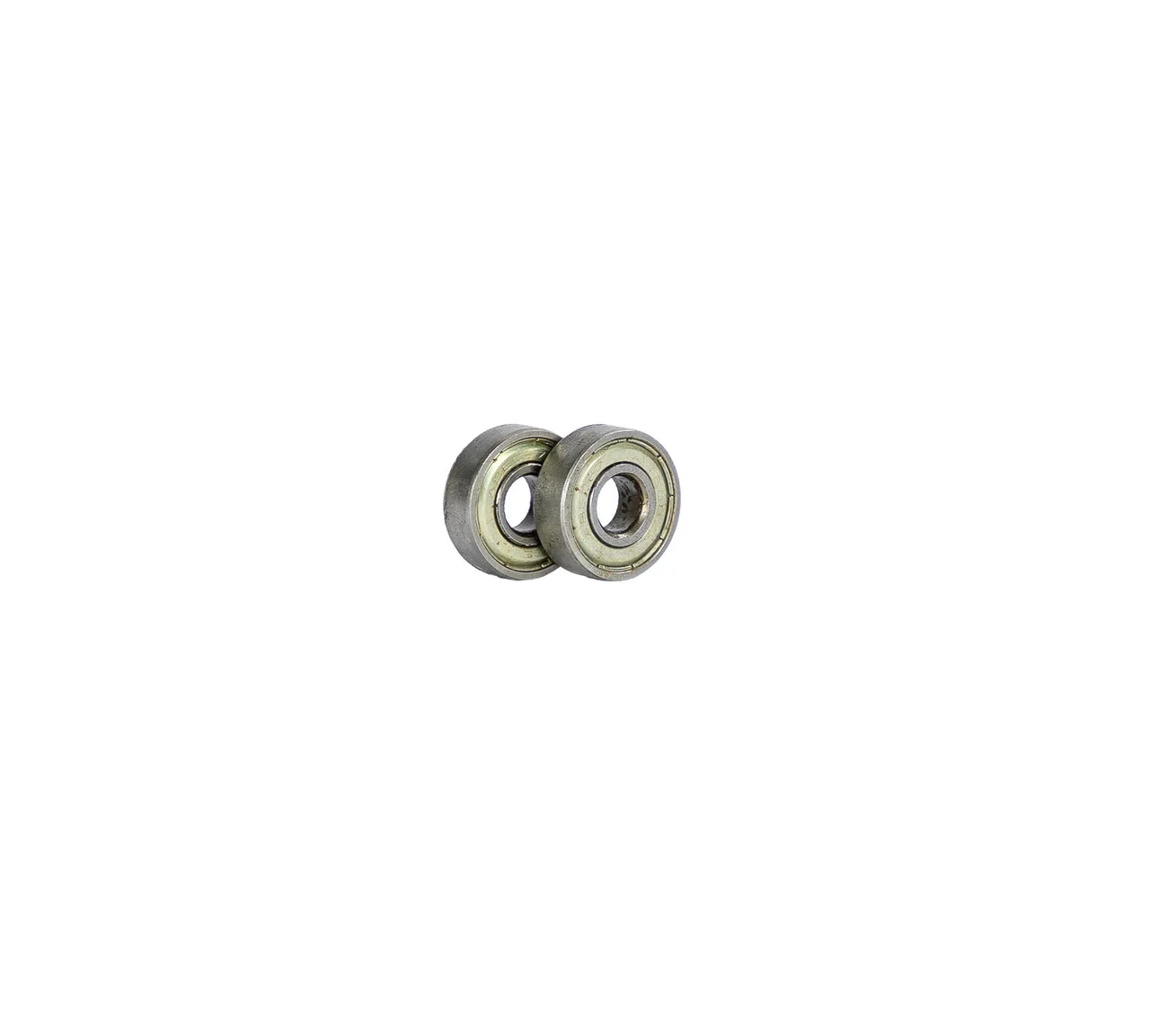
Ultralight Wheel Bearing