Quick answer
To replace the LED driver board in your ZeGage system, power down and unplug the unit, remove the rear access panel, disconnect the old board, install the new LED Driver Board (SKU 6450-8185-01), reconnect and test the illumination function.
When to replace the LED driver board
If your ZeGage's illumination flickers, fails to turn on, or the CANdelier Color Illum Board reports a driver fault, the LED driver board may be the culprit. This spare part is a direct replacement for systems equipped with the CANdelier Color Illum Board.
A failed driver board usually shows no visible damage; diagnostic data from the controller is the most reliable indicator. Replacing the board restores consistent light output for optical profiler measurements.
Tools and safety
You need a Phillips #2 screwdriver, anti-static wrist strap, and a clean work surface. Power off the ZeGage system and unplug the power cord. Wait 5 minutes to let internal capacitors discharge before opening the enclosure.
The LED driver board contains no user-serviceable components. Handle the board by its edges to avoid electrostatic discharge damage. If the board shows burned or swollen components, contact Zygo support before proceeding.
Step-by-step replacement procedure
- Power down and prepare: Turn off the ZeGage system using the main power switch. Unplug the power cord from the wall outlet. Wait at least 5 minutes for internal capacitors to discharge. Put on an anti-static wrist strap and connect it to a grounded metal surface. Missing this wait time risks electric shock. Do not skip the discharge period.
- Remove the rear access panel: Using a Phillips #2 screwdriver, remove the screws securing the rear panel of the ZeGage controller unit. Set the screws aside in a safe place. Carefully lift the panel away and set it on a clean surface. Common mistake: misplacing screws. Use a magnetic tray to keep them organized. Different screws may have different lengths.
- Locate and disconnect the old LED driver board: Inside the controller, locate the LED Driver Board (it is the small board with ribbon cable connections near the CANdelier Color Illum Board). Identify the two ribbon cables and the power connector. Gently release the locking tabs on each connector and pull the cables straight out. Do not twist or yank. Ribbon cables are fragile; pulling at an angle can tear the black traces. Always pull from the connector body, not the wires.
- Install the new LED Driver Board: Remove the new ZYGO LED Driver Board (SKU 6450-8185-01) from its anti-static bag. Align its mounting holes with the standoffs on the chassis. Press the board down evenly until it snaps into place. Reattach the ribbon cables: match the keyed slots on the connectors. Finally, plug in the power connector until it clicks. Forcing the board onto the standoffs can crack the PCB. If it does not align easily, remove and re-seat the board. Check for any debris under the board.
- Reassemble and test: Replace the rear panel and tighten all screws. Plug in the power cord and turn on the ZeGage system. Navigate to the illumination diagnostic menu in the software. Run the CANdelier Color Illum Board self-test. If the LED lights up and the test passes, the replacement is successful. If the LED still does not light, double-check all cable connections. A loose ribbon cable is the most common cause of post-replacement failure.
Product information
-
LED Driver Board: The ZYGO LED Driver Board is a spare part for the CANdelier Color Illum Board in the Spare Parts category. This board is designed specifically for the ZeGage's CANdelier illumination system, ensuring plug-and-play compatibility without adapter cables.
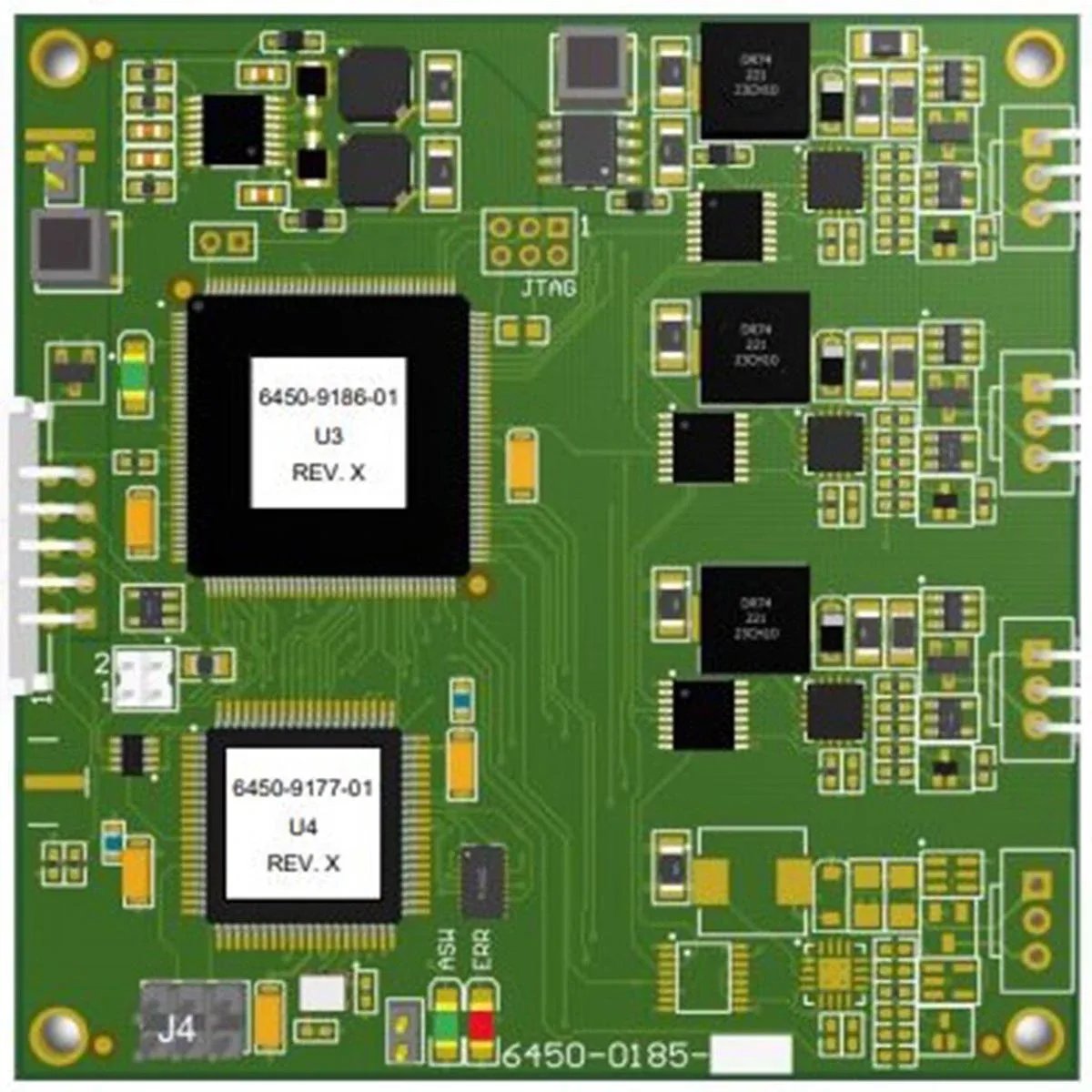
LED Driver Board
-
Replacemant LED: The ZYGO replacement LED and heatsink assembly (SKU 6308-0179-01) is offered as a spare part for compatible equipment. If the LED itself is damaged, replace both the heatsink assembly and the driver board together to restore full optical performance.
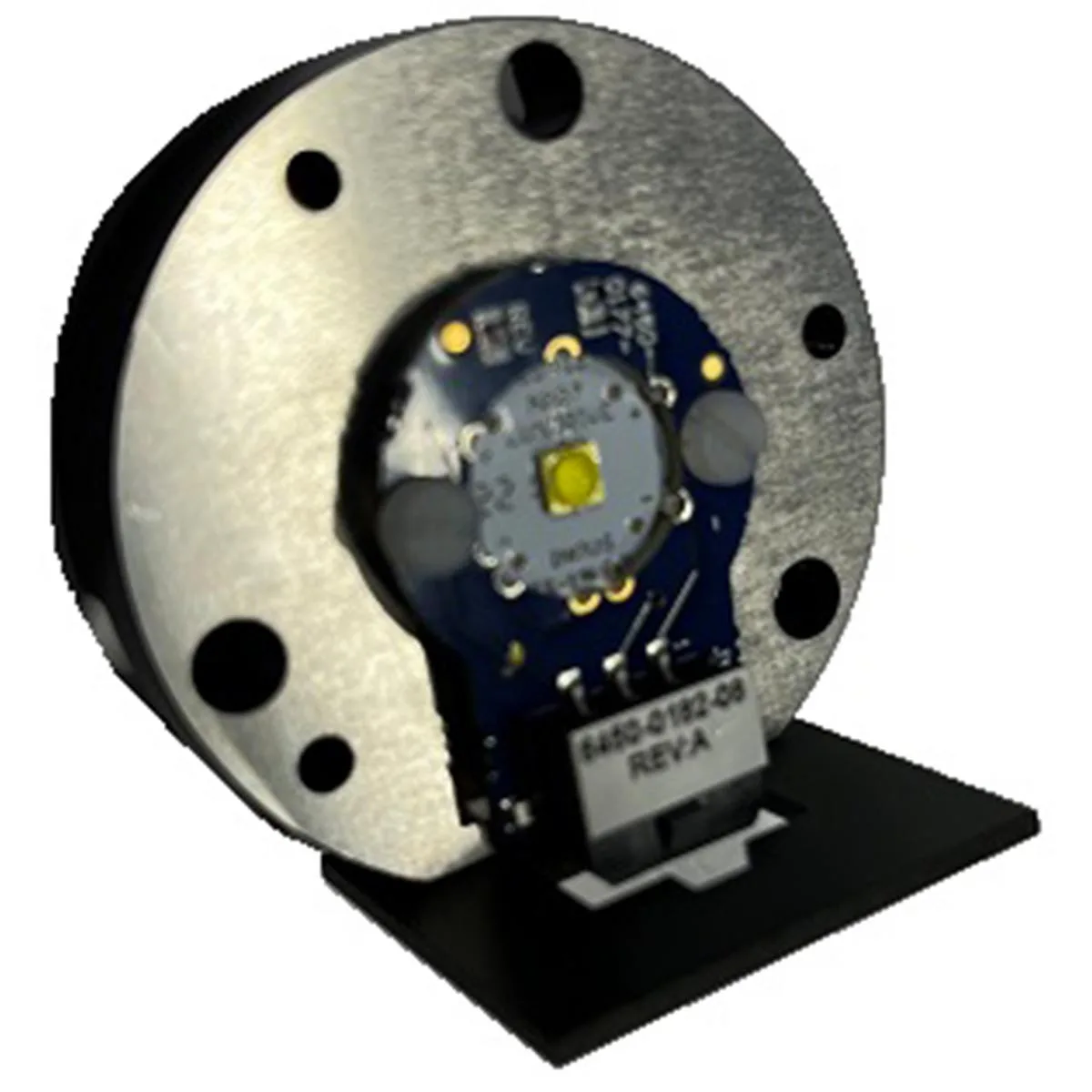
Replacemant LED


