Quick answer
Replacing the center column knob on a Peak Design Travel Tripod is a straightforward DIY fix that takes about 10 minutes. You'll need the replacement knob and a small Phillips-head screwdriver.
When to replace vs. repair the knob
The center column knob is a threaded plastic part that can wear or break over time, especially if the tripod is used frequently or subjected to drops. If the knob spins freely without tightening the column, or if it has visible cracks or missing threads, replacement is the only reliable fix. Attempting to glue or tape a damaged knob is not recommended—it will almost certainly fail under load and could damage the center column threads.
Step-by-step replacement process
- Remove the old knob: Unscrew the damaged knob counterclockwise by hand. If it's stuck, grip it with a rubber jar opener or wrap it in tape for extra traction. Do not use pliers—they can crush the plastic and damage the center column threads. If the knob is completely stripped, you may need to carefully cut it off with a rotary tool. Stop before touching the metal column.
- Inspect the center column threads: Wipe the exposed threads on the center column with a clean cloth. Look for any debris, burrs, or damage. If the metal threads are deformed, the new knob may not thread on smoothly—Peak Design does not sell a center column separately, so a damaged column may require a full tripod replacement. A small thread file can clean up minor burrs, but deep damage is not repairable.
- Thread on the new knob: Align the new knob with the center column threads and turn it clockwise by hand until it seats fully. Do not overtighten—hand-tight is sufficient. Over-tightening can crack the new knob or cross-thread it. Stop turning as soon as you feel resistance. The knob should spin smoothly without wobble.
- Test the replacement: Extend the tripod legs, lock the leg angle locks, and check that the center column slides freely when the knob is loosened and locks securely when tightened. If the column slips, the knob may not be fully seated or the center column threads may be worn. Perform this test without a camera attached. If the column still slips, recheck step 2.
What you need
-
Travel Tripod | Center Column Knob: The Peak Design Travel Tripod Center Column Knob is a replacement part for the Travel Tripod, sold under the Peak Design Replacement Parts brand in a Standard option (SKU: TT-CCK-5-150-1). Using the official replacement part ensures correct thread pitch, material quality, and a secure fit—aftermarket or 3D-printed knobs may not hold the column safely.
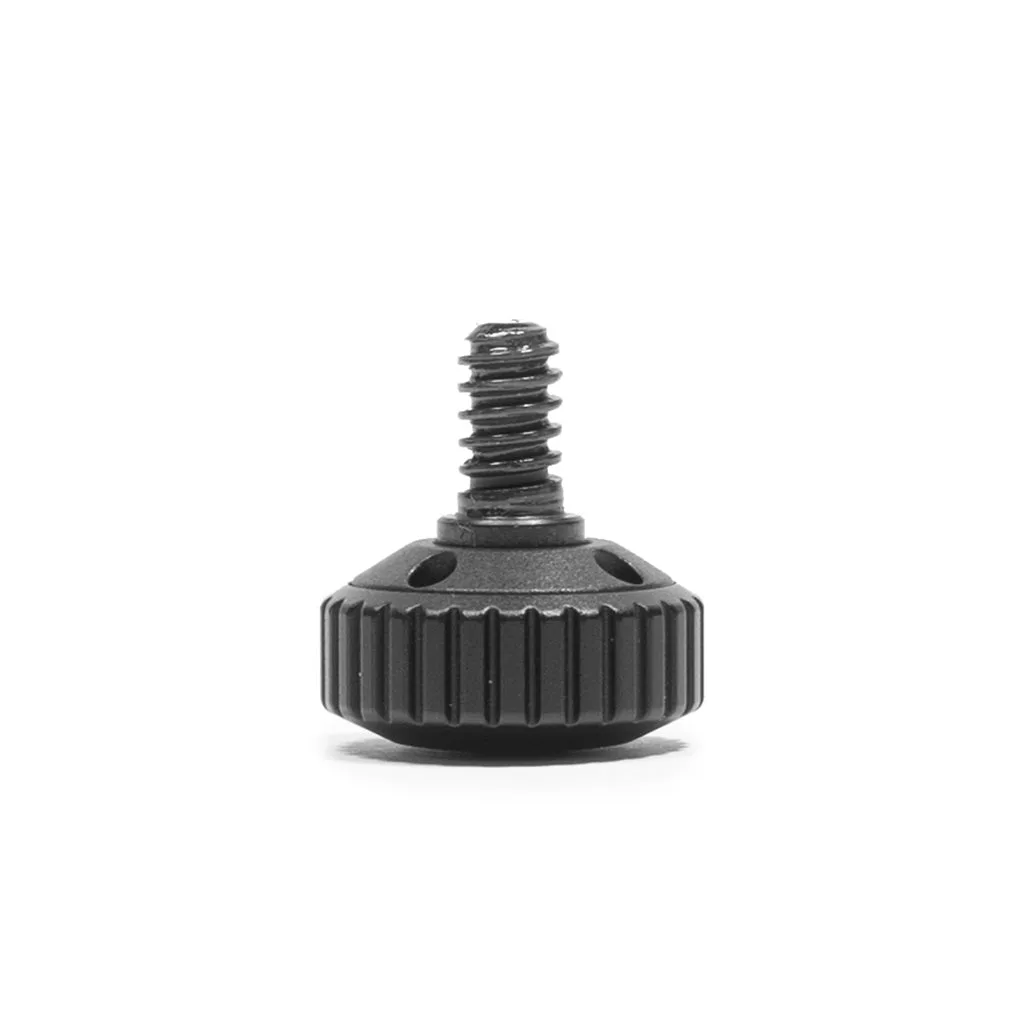
Travel Tripod | Center Column Knob