Quick answer
To set up a 4G solar camera in a remote location, mount the camera and solar panel in a spot with clear sky exposure, insert an active nano SIM card with a data plan, and complete the Wi-Fi-free activation through the Defender app.
Why a 4G solar camera works where Wi‑Fi and power don’t
Traditional security cameras depend on a stable Wi‑Fi network and a nearby power outlet. In a remote location — a construction site, a farm shed, a vacation cabin — neither may be available. A 4G solar camera solves both problems: it connects directly to the cellular network and recharges its battery from sunlight, so you can place it anywhere with a clear view of the sky.
The trade‑off is that you need a cellular data plan and a strong enough signal at the mounting point. If the site has very weak reception or heavy tree cover, performance may suffer. Checking the signal strength before you drill any holes saves time and frustration.
Step‑by‑step setup guide
- Check cellular signal and solar exposure at the mounting spot: Use your phone on the same carrier to check signal strength where you plan to mount the camera. Also confirm the solar panel will receive direct sunlight for at least 4–6 hours per day, especially in winter. Avoid spots under dense tree cover or north‑facing walls (in the northern hemisphere). A weak signal or shaded panel is the most common reason a 4G solar camera fails. Test both before you mount anything.
- Insert a nano SIM card with an active data plan: Open the camera’s SIM slot (usually under a weather‑sealed cover) and insert a nano SIM from a carrier that has coverage at your site. Make sure the plan includes enough data for video streaming — at least 5–10 GB per month per camera for continuous recording, or less for event‑based clips. Close the seal tightly to keep out moisture. Don’t use a SIM that requires a PIN. If your carrier locks SIMs, ask them to disable the PIN request before insertion.
- Mount the camera and solar panel securely: Attach the camera to a pole, wall, or bracket using the included hardware. Position the solar panel so it faces south (northern hemisphere) or north (southern hemisphere) at a tilt angle roughly equal to your latitude. Tighten all bolts and use cable ties to secure the panel cable to the mount, leaving a drip loop to prevent water from running into the connector. Leave the camera powered off until the panel is connected and the battery has a chance to charge for a few hours. Starting with a dead battery can cause boot loops.
- Power on and activate through the Defender app: Flip the camera’s power switch. Wait for the LED to indicate it’s searching for the cellular network (typically a slow flash). Open the Defender app on your phone, create an account if you haven’t, and scan the QR code on the camera or its packaging. The app will guide you through network registration and firmware updates. No Wi‑Fi is needed — the camera uses its 4G connection throughout. If the app fails to find the camera, check that the SIM has been activated by the carrier and that the camera has a solid LED signal indicator. A weak cellular signal may require an external antenna.
- Adjust PTZ presets and motion detection zones: Once the live feed appears, use the pan‑tilt‑zoom controls in the app to set up to four preset positions that cover the areas you want to monitor. Then define motion detection zones to ignore moving branches or animals and focus on human‑sized activity. Enable AI‑based alerts (if your camera supports them) to reduce false notifications. Test each preset and motion zone at different times of day. Shadows and changing light can affect detection accuracy, so revisit the settings after a day or two.
Product fact
-
4G Solar Powered 2K+ AI Frontier PTZ Wireless Security Camera, 2 pc: The Defender 4G Solar Powered 2K+ AI Frontier PTZ Wireless Security Camera comes as a two‑pack, combining solar recharging with cellular connectivity for flexible outdoor monitoring. You get two cameras that can be placed independently without running cables or relying on a home Wi‑Fi network, making them ideal for covering multiple remote areas.
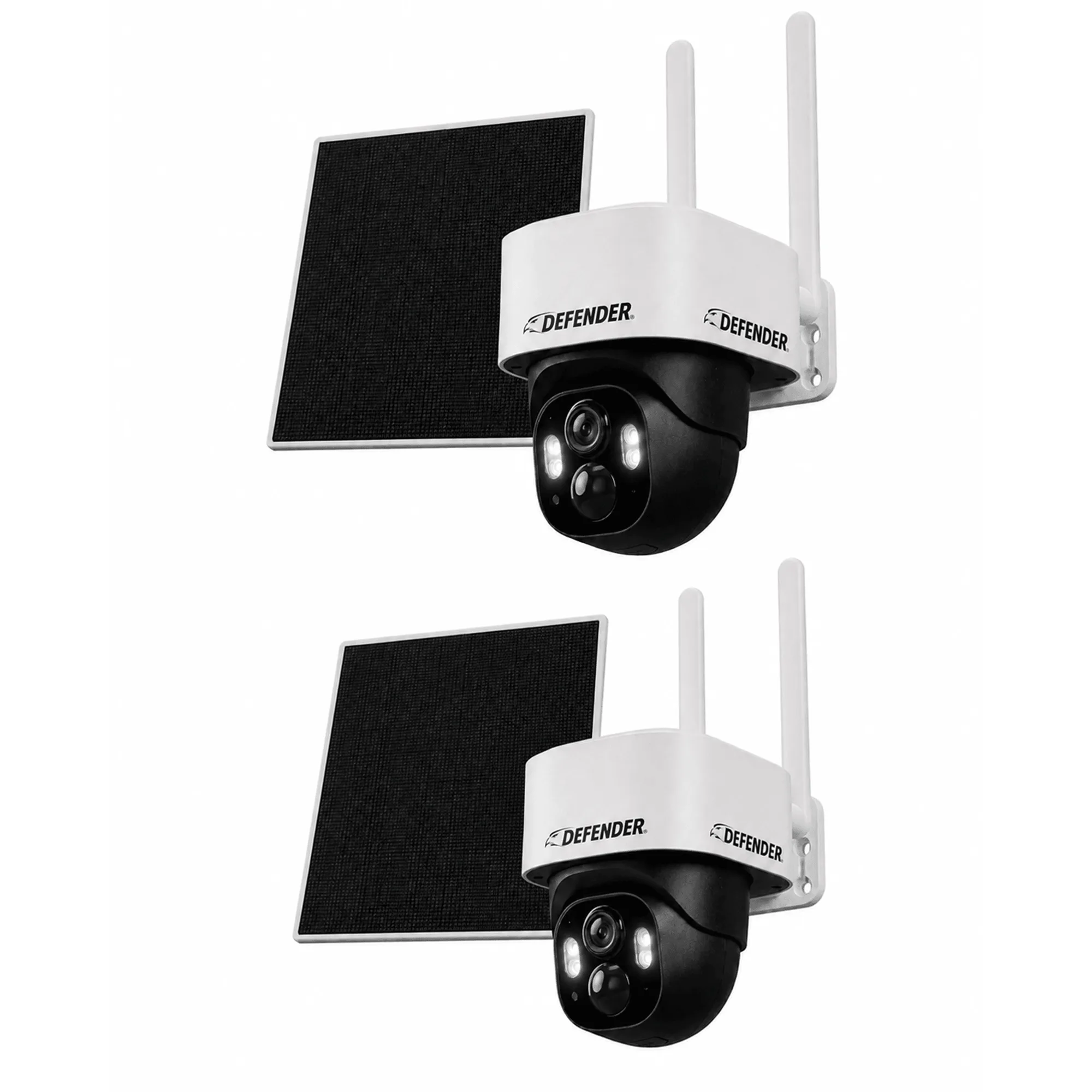
4G Solar Powered 2K+ AI Frontier PTZ Wireless Security Camera, 2 pc