Quick Answer
To set up the magnetic charging dock, simply connect it to power, place your RG353VS or RG353V on the dock so the magnets align, and it will charge without plugging in a cable.
Why a magnetic dock is convenient
The 3D printed magnetic charging dock is designed specifically for the Anbernic RG353VS and RG353V. It uses magnets to hold your console in place while charging, so you don't have to constantly plug and unplug the charging cable. This reduces wear on the port and makes it easier to grab your console when you're ready to play.
When charging is complete, the dock doubles as a neat desktop stand, keeping your console upright and on display. It's a simple accessory that combines charging and storage in one.
What to know before you start
This dock is a customized 3D printed accessory, so it ships in about 7-10 days. It's made specifically for the RG353VS and RG353V, so it should fit those models precisely. If you have a different console, this dock won't be compatible.
The dock requires a power source—it connects to power alone, meaning you plug the dock into a USB power adapter (not included) and then place your console on it. There's no need to attach a separate cable to the console each time.
Setup and usage steps
- Unbox and inspect: Remove the dock from its packaging and check that the magnetic connector area is clean and free of debris. Make sure the dock is not damaged. If the connector area is dirty, wipe it with a dry cloth before use.
- Connect to power: Plug the dock into a USB power adapter using the cable that came with the dock (or a compatible one). Ensure the power source is working. Use a 5V/1A adapter or higher; avoid plugging into a computer USB port that may not provide enough power.
- Place the console on the dock: Align the bottom of your RG353VS or RG353V with the dock's connector. The magnets will pull the console into the correct position. Gently lower it until it clicks into place. If the console doesn't sit flush, lift it and re-align—don't force it.
- Check charging status: Look for the charging indicator on your console (usually a light or icon). If it doesn't show charging, re-seat the console and check the power connection. If charging still doesn't start, try a different power adapter or cable.
- Use as a desktop stand: After charging is complete, leave the console on the dock to display it upright on your desk. It's safe to keep it there until you're ready to play. The dock also helps keep your console from getting scratched when not in use.
Product facts
-
3D Printed Magnetic Charging Dock for RG353VS/V Game Consoles: This 3D printed dock is suitable for Anbernic RG353VS/RG353V, with precisely positioned, suitably sized, and magnetic charging features. The precise positioning ensures your console aligns correctly with the charging contacts every time, so you don't have to fiddle with placement.
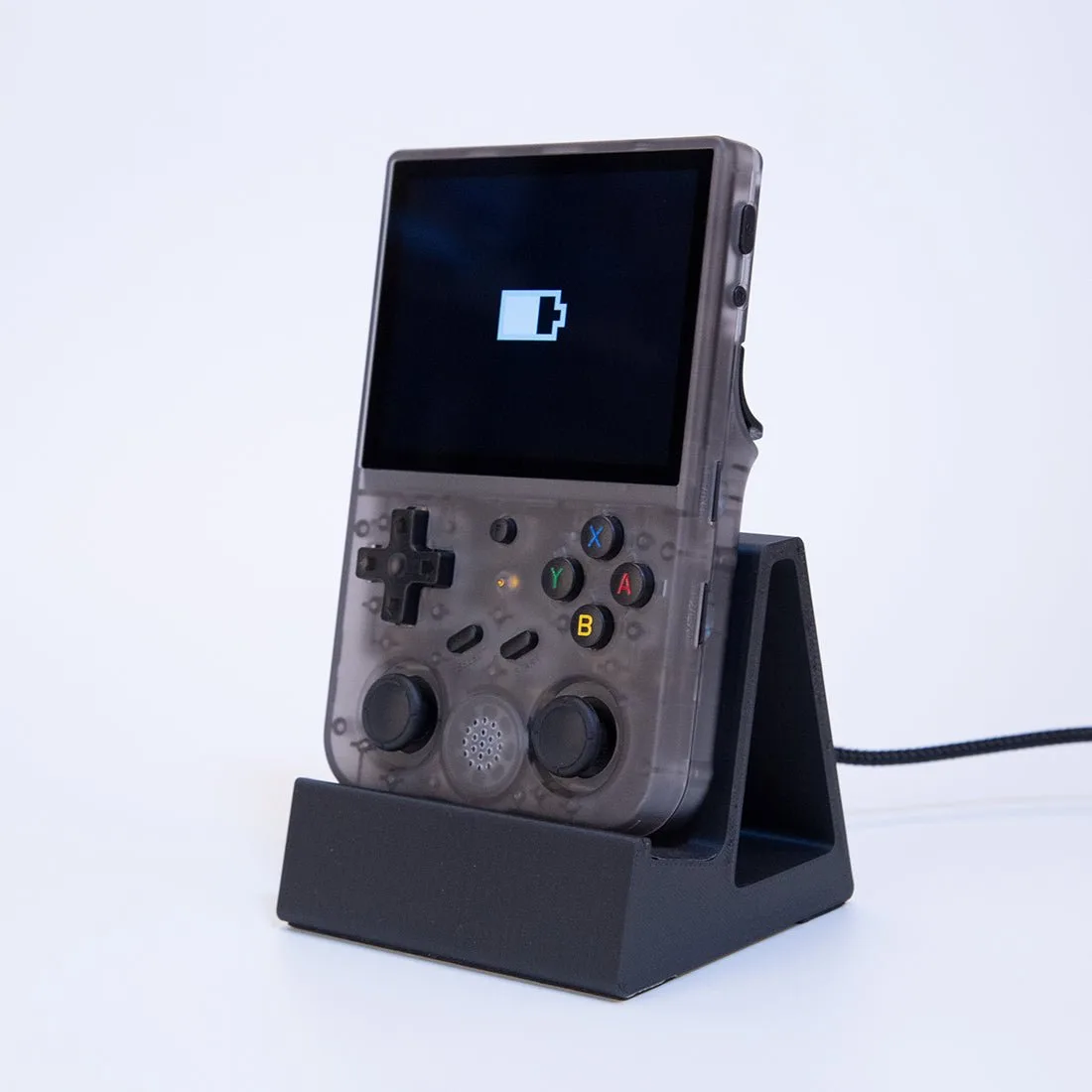
3D Printed Magnetic Charging Dock for RG353VS/V Game Consoles