Quick answer
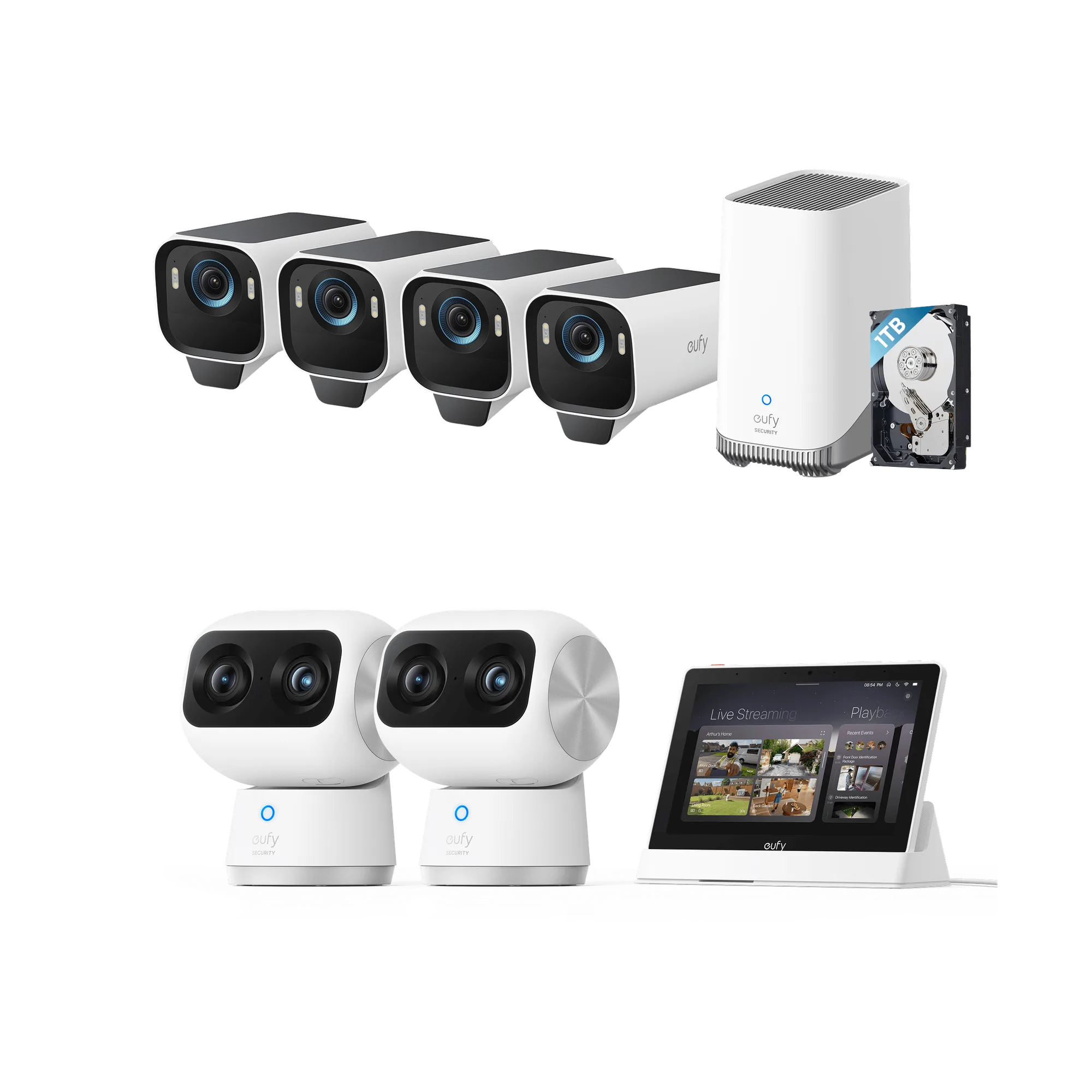
To set up your eufy business security bundle for full coverage, start by installing the HomeBase S380 hub, then mount and connect your cameras (eufyCam S3 Pro, 4G LTE Cam S330, or indoor/outdoor cameras from the 4K Protection Premium Bundle), configure the Smart Display E10, and test the system.
Understanding your bundle components
Your eufy business security bundle may include a mix of outdoor cameras, an indoor hub, and a smart display. Each component has a specific role: the HomeBase S380 acts as the central hub, the cameras capture footage, and the Smart Display E10 provides a local viewing screen. Knowing what each piece does helps you plan the installation sequence.
Choosing the right camera placement
For full coverage, place outdoor cameras at entry points, driveways, and backyards. Indoor cameras should cover common areas like living rooms and hallways. The eufyCam S3 Pro and 4G LTE Cam S330 are weather-resistant and designed for outdoor use, while the 4K Protection Premium Bundle includes both outdoor and indoor cameras. Ensure each camera has a clear view of its target area and is within Wi-Fi range of the HomeBase.
Step-by-step setup process
- Install the HomeBase S380 hub: Connect the HomeBase S380 to your router via Ethernet cable and plug it into power. Wait for the LED to turn solid blue, indicating it is online. Download the eufy Security app, create an account, and follow the on-screen instructions to pair the hub. Common mistake: Placing the hub too far from the router can cause connection drops. Keep it within 10 feet of the router for best performance.
- Mount and activate outdoor cameras: For the eufyCam S3 Pro, use the included mounting bracket and screws to attach it to a wall or ceiling. For the 4G LTE Cam S330, attach the solar panel to the camera and mount it in a sunny spot. Insert the SIM card if using cellular backup. Press the sync button on the camera and the HomeBase to pair them. Checkpoint: Ensure the camera is within 30 feet of the HomeBase for reliable Wi-Fi connection. If using the 4G LTE Cam, verify cellular signal strength at the mounting location.
- Set up indoor cameras (if included): For the 4K Protection Premium Bundle, place indoor cameras on a flat surface or mount them to the ceiling. Connect them to power and follow the app prompts to add them to the system. Assign each camera a name and room for easy identification. Common mistake: Placing indoor cameras facing windows can cause glare and false motion alerts. Angle them away from direct sunlight.
- Configure the Smart Display E10: Plug in the Smart Display E10 and connect it to your Wi-Fi network via the setup wizard. Log in with your eufy account. The display will automatically show live feeds from all paired cameras. You can also set up motion zones and alerts directly on the display. Checkpoint: If the display does not show all cameras, go to Settings > Camera Management and re-sync each camera.
- Test the system and adjust settings: Walk around the property while watching the live feed on the app or Smart Display. Check that each camera captures the intended area. Adjust motion sensitivity, recording schedules, and notification preferences in the app. For the 4G LTE Cam, enable cellular backup if you want alerts even during power outages. Common mistake: Setting motion sensitivity too high can cause false alerts from passing cars or animals. Start with medium sensitivity and adjust based on your environment.
Product facts
-
eufyCam S3 Pro (4-Cam Kit with HomeBase S380) + Smart Display E10: 4K wireless battery cameras provide high-resolution video capture for your property. This means you get detailed footage even in large outdoor areas, without running power cables.
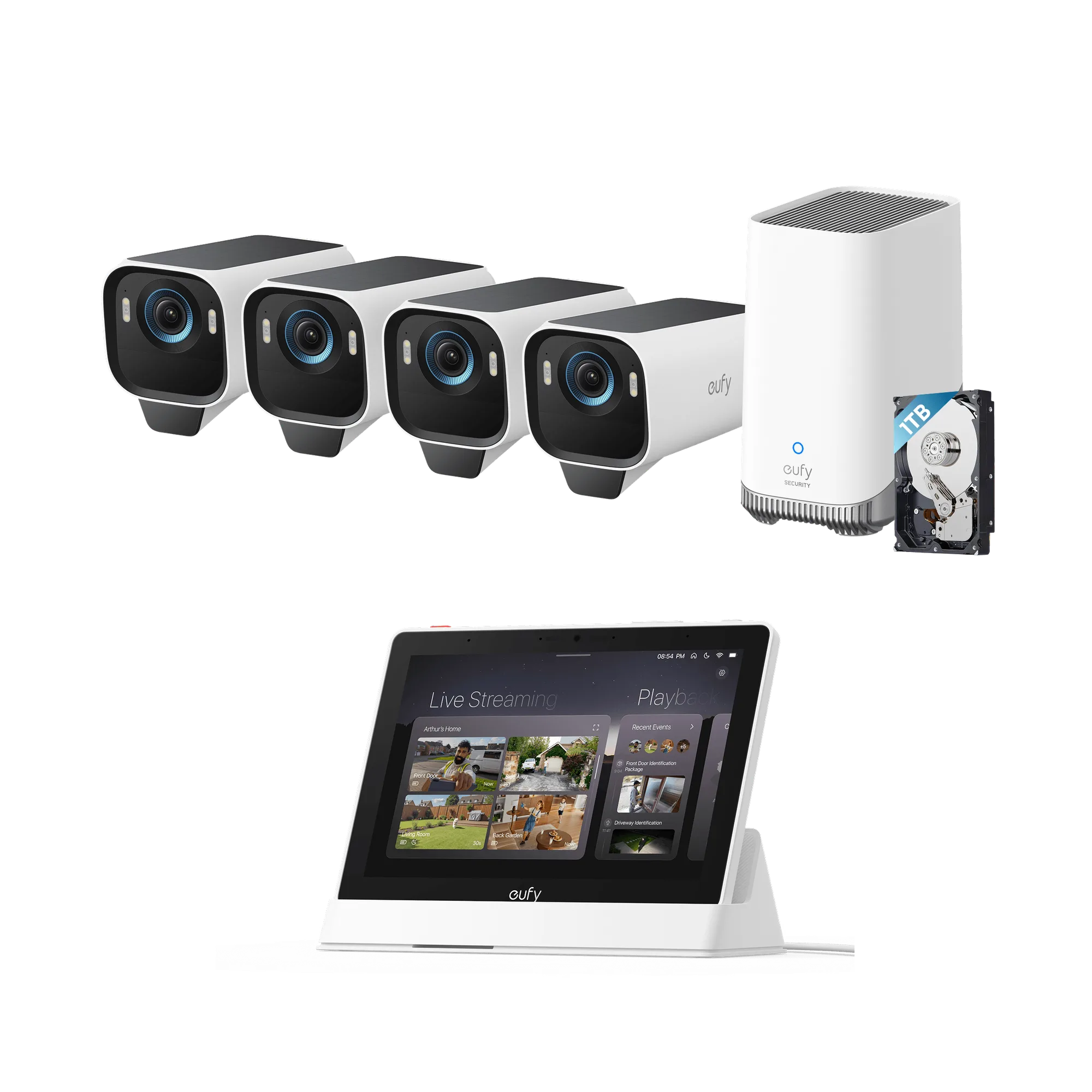
eufyCam S3 Pro (4-Cam Kit with HomeBase S380) + Smart Display E10
-
eufy 4G LTE Cam S330 (2 Packs): Each camera features a removable solar panel to help maintain power in outdoor settings. The solar panel reduces the need for frequent battery recharging, making it ideal for hard-to-reach locations.
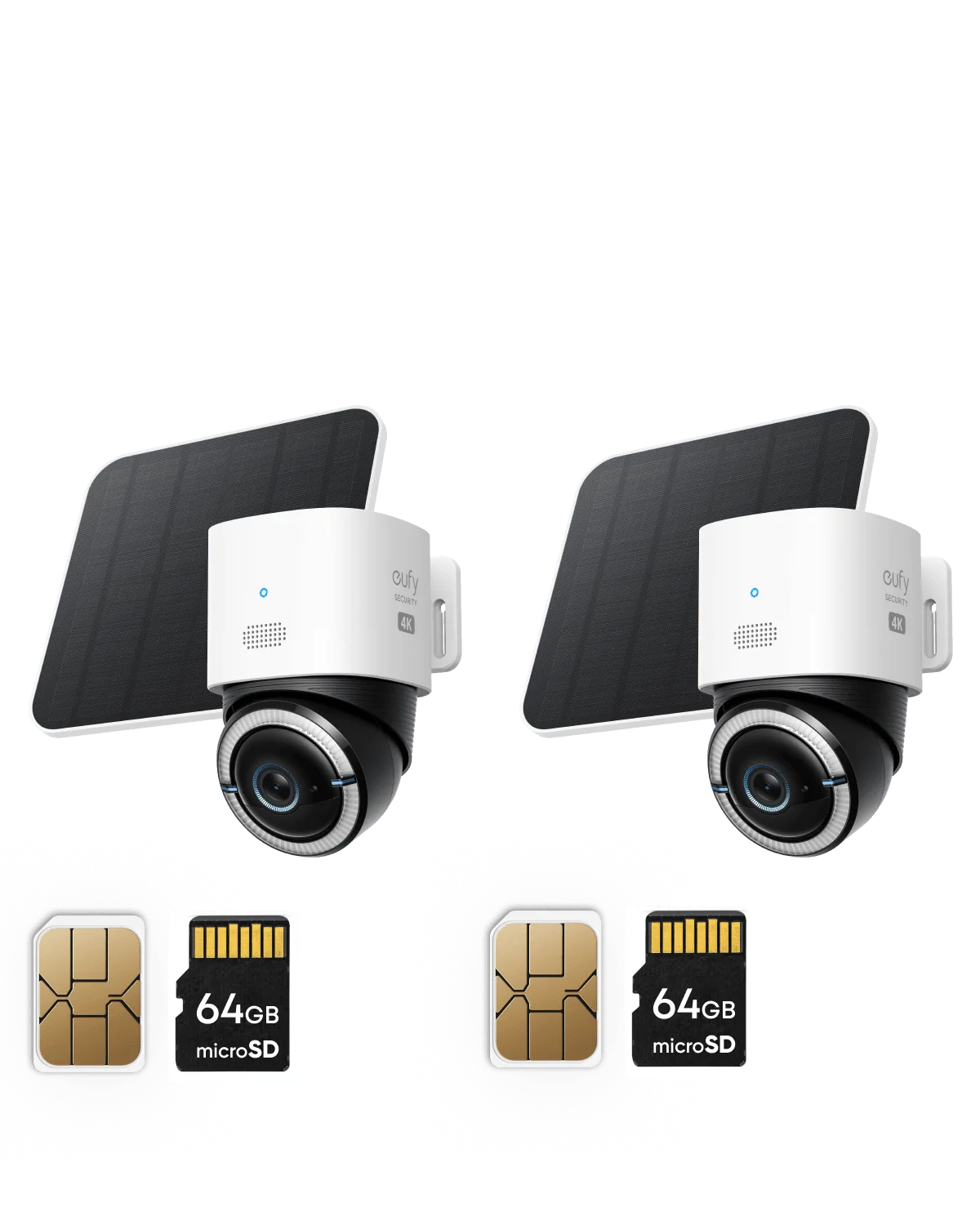
eufy 4G LTE Cam S330 (2 Packs)
-
4K Protection Premium Bundle (Outdoor and Indoor, Up to 16 TB Storage, No Monthly Fee): Up to 16 TB of local storage allows you to keep extensive footage without recurring fees. You can store weeks or months of recordings locally, avoiding monthly subscription costs.