Quick Answer
To set up your eufy Smoke Alarm E10, first choose a central ceiling location away from kitchens and bathrooms, then install the mounting plate, connect the wiring, and pair the alarm with the eufy Security app. Always test the alarm after installation and check that it communicates with your HomeBase or other eufy devices for whole-home alerts.
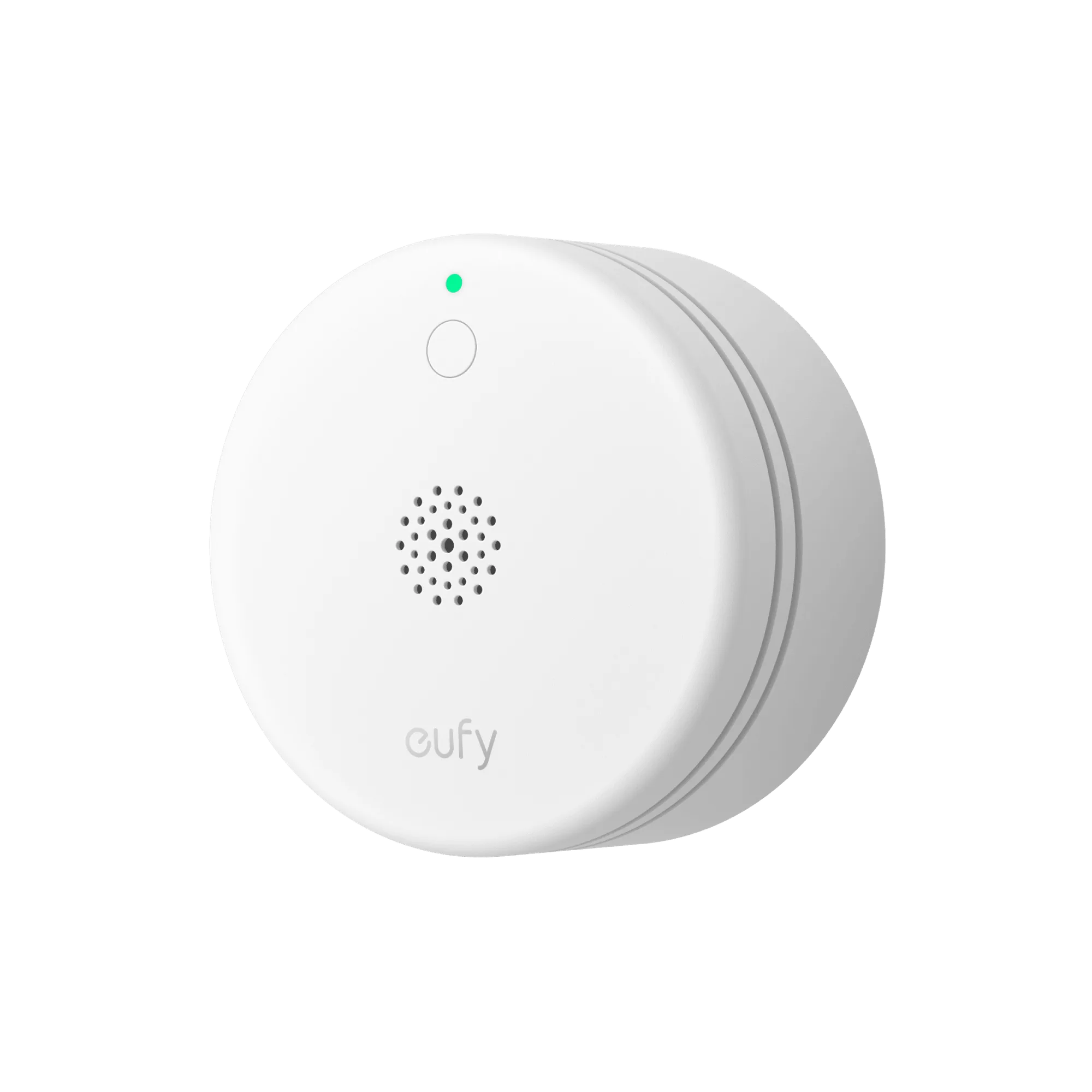
eufy Smoke Alarm E10
A smoke alarm is only effective if it's installed correctly and integrated into your home security ecosystem. The eufy Smoke Alarm E10 goes beyond a simple beep—it can send alerts to your phone and work with other eufy devices to create a comprehensive safety net. This guide walks you through the entire setup process, from choosing the right location to configuring the app.
Whether you're replacing an old detector or adding smart smoke detection to a new home, following these steps will help you get the most from your eufy Smoke Alarm E10. We'll cover placement, wiring, app configuration, and common pitfalls to avoid.
Before You Begin: What You Need
Before starting, gather your tools: a drill, screwdriver, wire strippers, and a voltage tester. Check that your Wi-Fi network is stable and that you have the eufy Security app installed on your smartphone. If you plan to connect the alarm to a HomeBase for local storage and expanded features, make sure it's powered on and within range.
Also, verify that your smoke alarm is compatible with your existing eufy ecosystem. The E10 works with the eufy Security app and can integrate with HomeBase S380 (HomeBase 3) for enhanced alerts. If you're unsure, check the product manual or the eufy website for compatibility details.
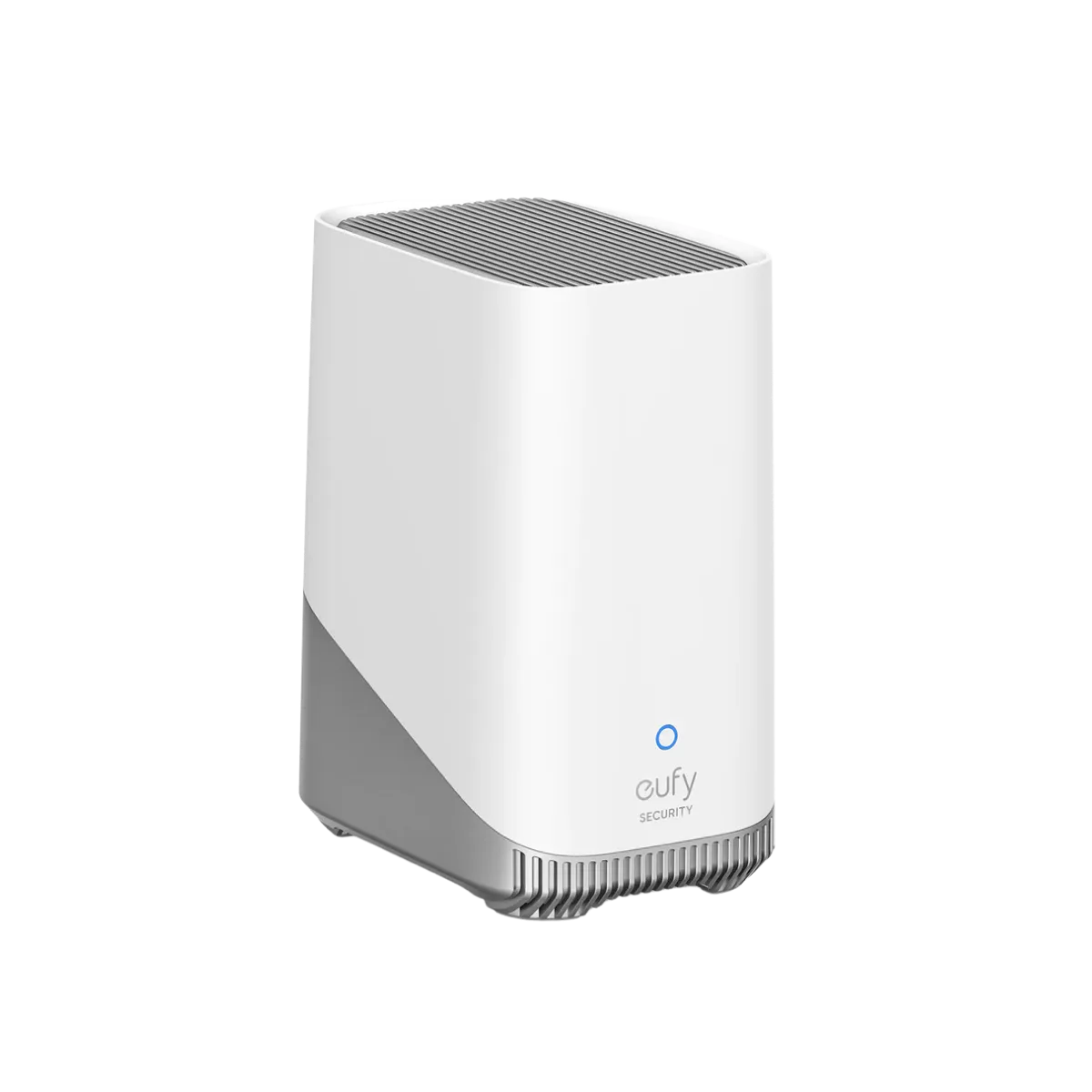
HomeBase S380 (HomeBase 3)
- Read the manual before starting—wiring configurations vary by model and region.
- Turn off the power at the circuit breaker before handling any wiring.
Choosing the Right Location
Proper placement is critical for smoke detection. Install the alarm on the ceiling, at least 4 inches from the wall, and at least 3 feet away from air vents, ceiling fans, and windows. Avoid placing it near kitchens, bathrooms, or garages where steam, smoke from cooking, or exhaust fumes can cause false alarms.
For whole-home coverage, install alarms on every level, inside each bedroom, and in hallways outside sleeping areas. If you have a two-story home, place one at the top of the stairs and one on the ground floor near the main living area. The E10's sensor range is designed for typical room sizes, but multiple units are recommended for larger homes.
- Don't install the alarm in direct sunlight or near heat sources—these can affect sensor accuracy.
- If you have vaulted ceilings, place the alarm at the highest point, but at least 4 inches below the peak.
Wiring and Mounting the eufy Smoke Alarm E10
If you're replacing an existing hardwired smoke detector, start by turning off the power at the circuit breaker. Remove the old unit and disconnect the wiring. Use a voltage tester to confirm the power is off before touching any wires. The E10 typically connects to a standard 3-wire cable (black, white, and red or interconnect). Match the wires according to the manual and secure them with wire nuts.
Attach the mounting plate to the ceiling using the included screws and anchors. If your ceiling is drywall, use anchors to ensure a secure fit. After wiring, attach the alarm to the mounting plate and twist it into place. Restore power and wait for the LED indicator to signal that the unit is powered on.
- If you're not comfortable with electrical work, hire a licensed electrician to handle the wiring.
- Check that the alarm is securely attached—a loose unit can fall or cause false alarms.
Pairing with the eufy Security App
Open the eufy Security app and tap the '+' icon to add a new device. Select 'Smoke Alarm' from the list and follow the on-screen instructions. The app will ask you to put the alarm into pairing mode—usually by pressing and holding the test button for a few seconds. Wait for the app to discover the device and confirm the connection.
Once paired, give the alarm a name and assign it to a room. You can also set up automation, such as having the alarm trigger other eufy devices like smart lights or cameras. If you have a HomeBase, the alarm can store events locally and send more detailed notifications.
- Keep your phone close to the alarm during pairing to ensure a strong Bluetooth or Wi-Fi signal.
- If pairing fails, restart the app and try again—sometimes a simple reset is all it takes.
Testing and Maintaining Your Smoke Alarm
After installation, press the test button to ensure the alarm sounds. The app should also show a notification. If you have multiple eufy alarms, test that they are interconnected—pressing the test button on one should trigger all others. This is crucial for whole-home safety.
Regular maintenance extends the life of your alarm. Vacuum the vents monthly to remove dust, and test the alarm weekly. Replace the batteries as recommended by the manufacturer, and check the app for any low-battery warnings. The E10 is designed for long battery life, but it's always good to be proactive.
- Set a recurring calendar reminder to test your smoke alarms every month.
- If you hear a chirp, it usually means low battery—replace it immediately.
Step-by-Step Setup Checklist
- Plan the placement: Choose ceiling locations on every level, inside bedrooms, and in hallways. Avoid kitchens and bathrooms to reduce false alarms. Checkpoint: Draw a simple floor plan and mark where each alarm will go before you start drilling.
- Turn off power and prep wiring: Shut off the circuit breaker, verify with a voltage tester, and connect the wires (black, white, red/interconnect) according to the manual. Common mistake: Forgetting to turn off power—always double-check with a tester.
- Mount the plate and attach the alarm: Secure the mounting plate to the ceiling with screws and anchors, then twist the alarm into place until it locks. Checkpoint: Give the alarm a gentle tug to ensure it's firmly attached.
- Pair with the eufy Security app: Add the device in the app, put the alarm in pairing mode, and follow the prompts to connect to your Wi-Fi or HomeBase. Common mistake: Not having your phone close enough—stay within a few feet during pairing.
- Test and maintain: Press the test button, confirm the alarm sounds and the app receives the alert. Test monthly and clean vents with a vacuum. Checkpoint: If the alarm doesn't sound, recheck wiring and app connection before contacting support.
Related eufy Products
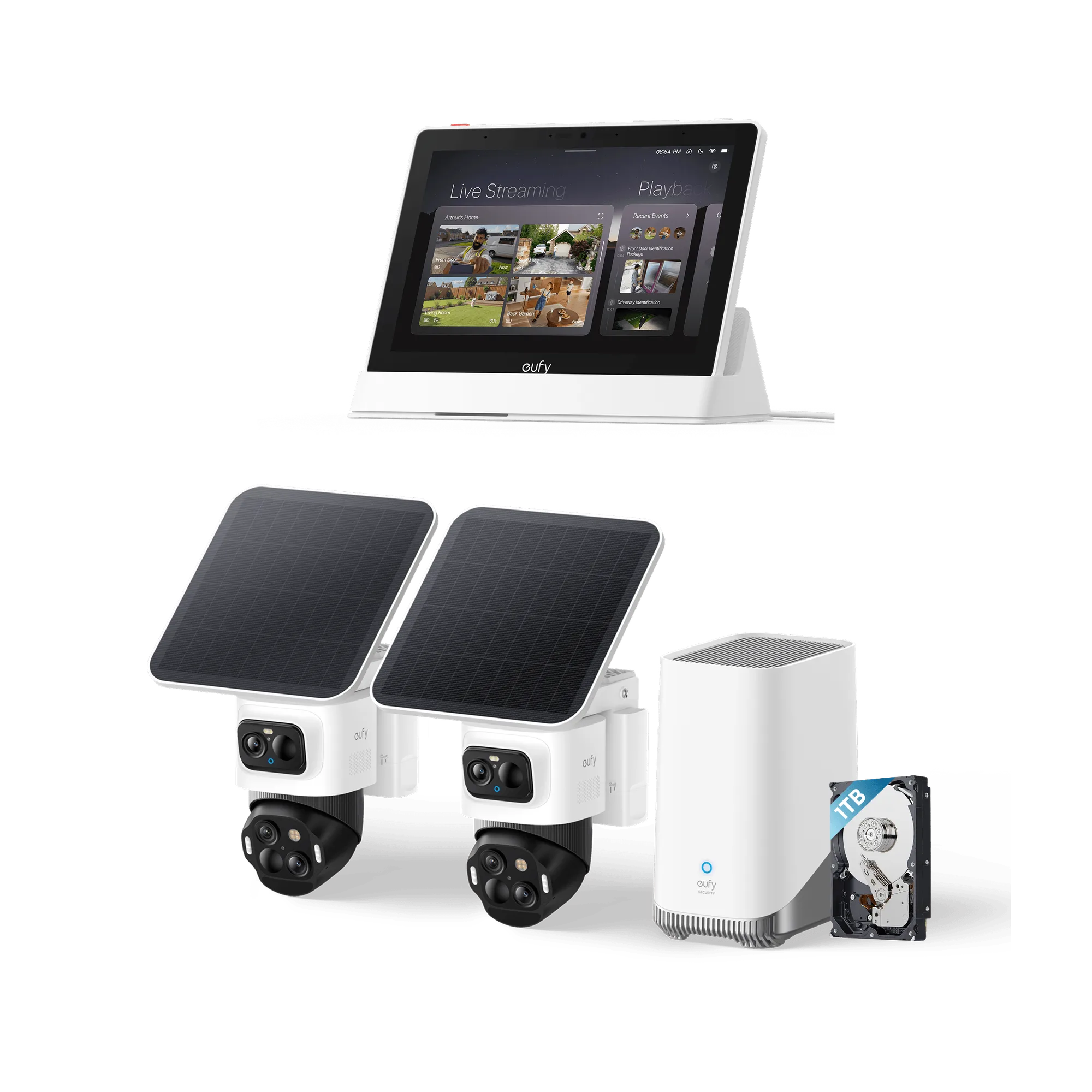
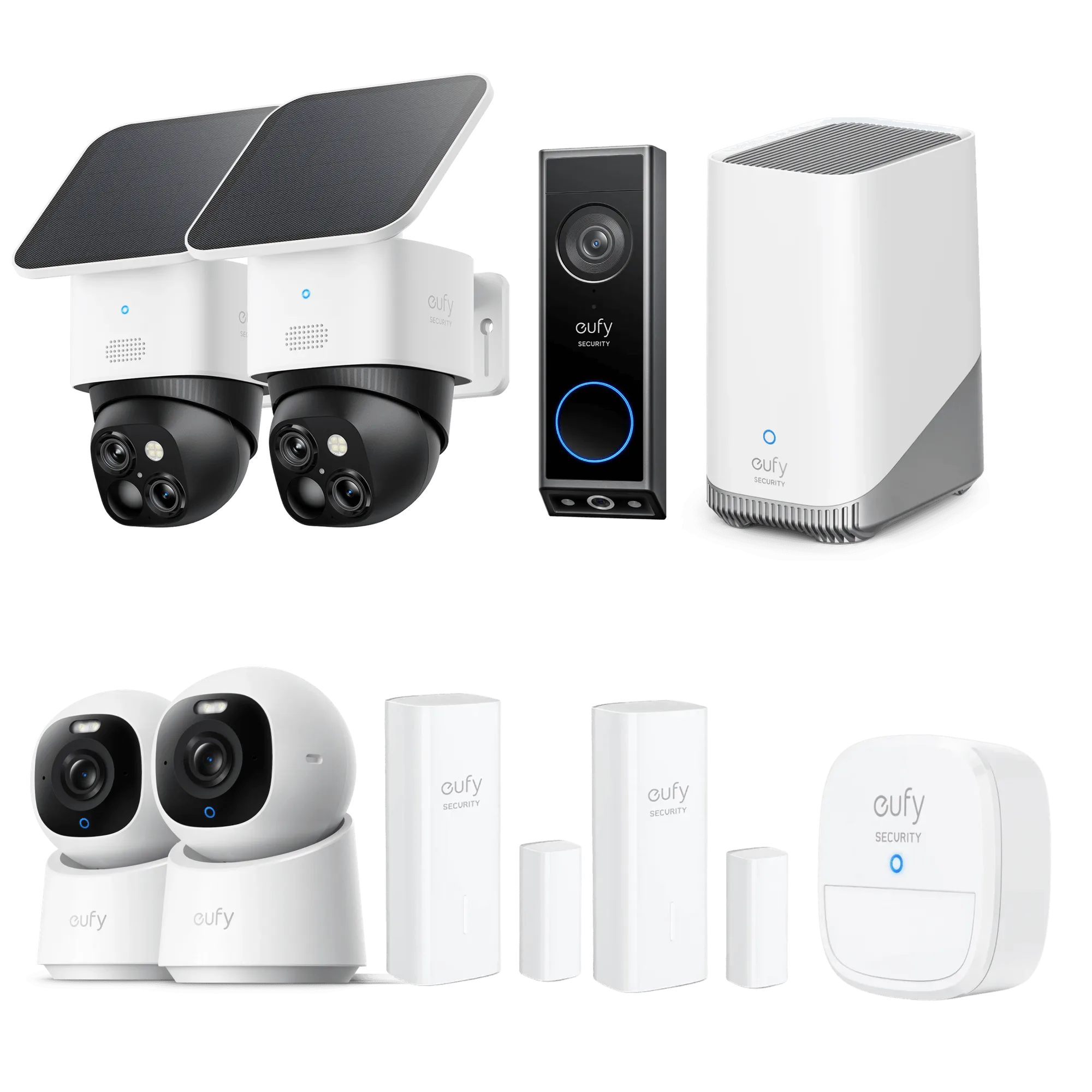
- HomeBase S380 (HomeBase 3): eufy Security Device Compatibility Schedule Effortless Recognition, Every Time: BionicMind Empowers your home security with 99.9% facial recognition accuracy, ensuring a welcoming experience for friends and family while keeping unwelcome visitors at bay with smart AI tracking. Seamless Security Ecosystem: Enjoy the convenience of monitoring your entire home with a unified system, as HomeBase 3 connects all... Pairing your eufy Smoke Alarm E10 with HomeBase S380 allows you to manage all your eufy security devices from one hub, receive unified alerts, and expand your smart home ecosystem.
- https://eufydu.com/products/bundle-e8173322-1-t80301d1-85-1-aaa3bcbe672b6e008dfb06d3-563830eufy Security SoloCam E42 4-Cam Kit (HomeBase S380) + 1 TB Hard Drive: Ultra HD 4K Clarity: Features true 4K UHD resolution to capture every detail around your home. It can even recognize license plates up to 33 ft (10m) away. AI Motion Detection and Smart Tracking: Built-in AI instantly detects and automatically tracks people, vehicles, or important events within view, minimizing false alarms and keeping your property secure. PTZ Protection with No Blind Spots: Enjoy comprehensive... If you're building a whole-home safety system, this kit provides 4K video coverage and local storage, complementing your smoke alarm with visual verification of any incident.
Setting up your eufy Smoke Alarm E10 is a straightforward process that significantly enhances your home's safety. By following these steps, you'll ensure proper installation, reliable app connectivity, and peace of mind. Remember to test regularly and keep your system updated.