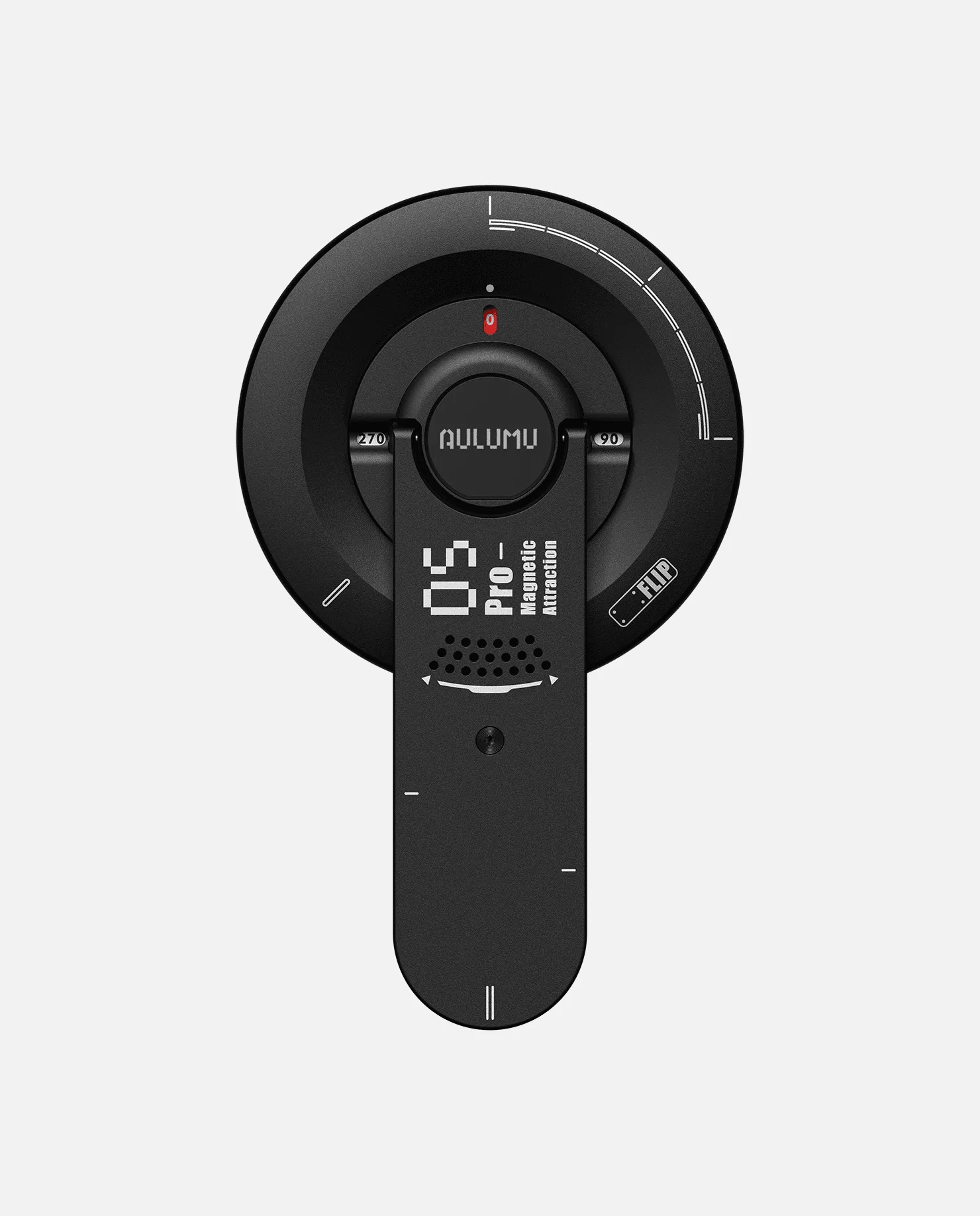
The G09 MagSafe Stand is a versatile accessory that combines a magnetic phone stand with a 360° rotating base, making it perfect for hands-free video calls, watching content, or using your iPhone as a secondary display. However, to get the most out of it, you need to set it up correctly. This guide walks you through the entire process, from unboxing to daily use, ensuring a seamless experience.
Whether you're a new owner or just curious about the G09, this step-by-step tutorial covers everything from aligning the magnetic ring to troubleshooting common issues. By the end, you'll be able to use your iPhone with the G09 stand like a pro.
Unboxing and What's in the Box
When you receive your G09 MagSafe Stand, the box typically includes the stand itself, a magnetic ring (if not pre-installed), and a user manual. Some versions may also come with a cleaning cloth. Before you start, ensure you have all the components and that the stand is free from any visible damage.
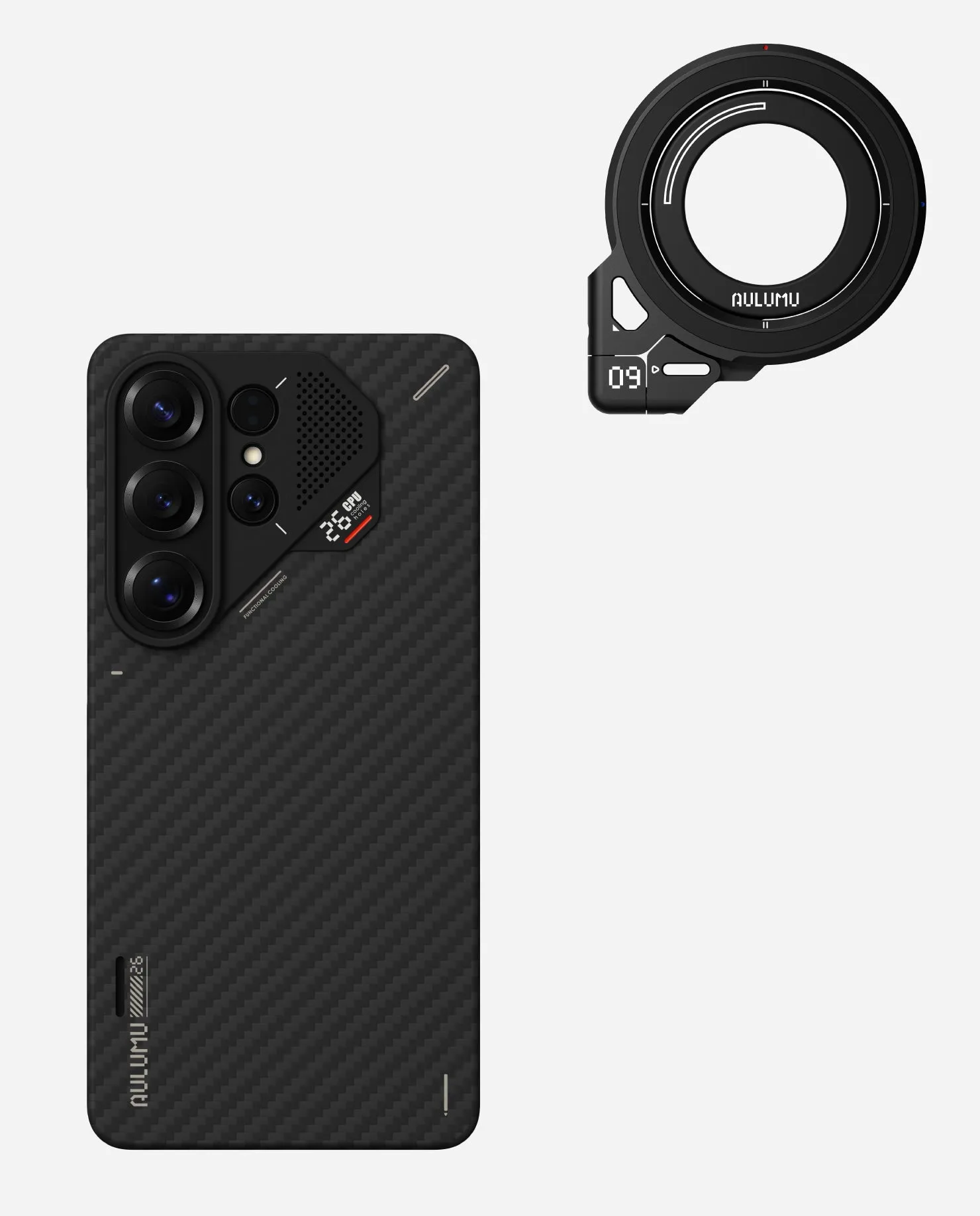
The G09 stand is designed to work with MagSafe-compatible iPhones (iPhone 12 and later). If you're using a non-MagSafe case, you'll need to attach the included magnetic ring to the back of your phone or case. This ring ensures a strong magnetic connection, so it's crucial to place it correctly for optimal performance.
- Check that all accessories are present.
- Clean the back of your iPhone or case before attaching the ring.
Step 1: Attach the Magnetic Ring (If Needed)
If your iPhone case doesn't have built-in magnets, you'll need to attach the magnetic ring that comes with the G09. Start by cleaning the back of your phone or case with a dry, lint-free cloth to remove any dust or oil. Then, peel off the adhesive backing from the ring and align it with the charging coil area (usually indicated by a small circle on the back of your phone or case).
Press firmly for about 30 seconds to ensure a secure bond. Wait at least an hour before using the stand to allow the adhesive to set properly. This step is critical because a poorly aligned ring can cause weak magnetic connection and misalignment with the charging coil, leading to slower wireless charging.
- Use the alignment guide in the manual to position the ring correctly.
- Avoid touching the adhesive surface with your fingers.
Step 2: Pair the G09 Stand with Your iPhone
The G09 MagSafe Stand doesn't require Bluetooth pairing or any app installation. 'Pairing' simply means connecting your iPhone magnetically to the stand. To do this, hold your iPhone near the stand's magnetic pad and let it snap into place. You'll feel a strong magnetic pull, and the phone will automatically align with the charging coil if the stand supports charging.
If your stand has a charging feature, ensure it's plugged into a power source via the USB-C port. Once connected, your iPhone will start charging wirelessly (if supported) and stay securely in place. The 360° rotation allows you to switch between portrait and landscape modes effortlessly.
- Check that the magnetic pad is clean and free of debris.
- For charging, use a 20W or higher power adapter for fast charging.
Step 3: Adjusting the Stand for Optimal Viewing
The G09 stand features a flexible arm and a 360° rotating base, allowing you to adjust the height and angle to your preference. To adjust the arm, gently bend it to the desired position. For the base, simply rotate it to switch between portrait and landscape orientations. The stand is designed to hold your iPhone securely at any angle, so you can find the perfect viewing position for video calls, streaming, or reading.
When using the stand for FaceTime or Zoom, position the camera at eye level for the most flattering angle. For media consumption, tilt the phone slightly backward to reduce glare. The G09's sturdy construction ensures that your iPhone stays put, even when you're tapping or swiping.
- Avoid over-bending the arm to prevent damage.
- Use the rotation feature to quickly switch between modes.
Troubleshooting Common Issues
If your iPhone doesn't stick to the stand, check that the magnetic ring is properly installed and that your phone case is MagSafe-compatible. Also, ensure the stand's magnetic pad is clean. If the charging is slow, verify that you're using a compatible power adapter and that the charging coil is aligned with your phone's coil.
Another common issue is the phone slipping out of place when you touch the screen. This can happen if the magnetic connection is weak. In that case, re-check the ring alignment or consider using a case with stronger magnets. If problems persist, refer to the user manual or contact customer support.
- Test the magnetic connection before relying on it.
- Keep the stand and phone surfaces clean for best grip.
Tips for Daily Use and Maintenance
To extend the life of your G09 stand, avoid exposing it to extreme temperatures or moisture. Clean it regularly with a soft, dry cloth to remove dust and fingerprints. If you use the magnetic ring, periodically check that the adhesive is still strong and reapply if necessary.
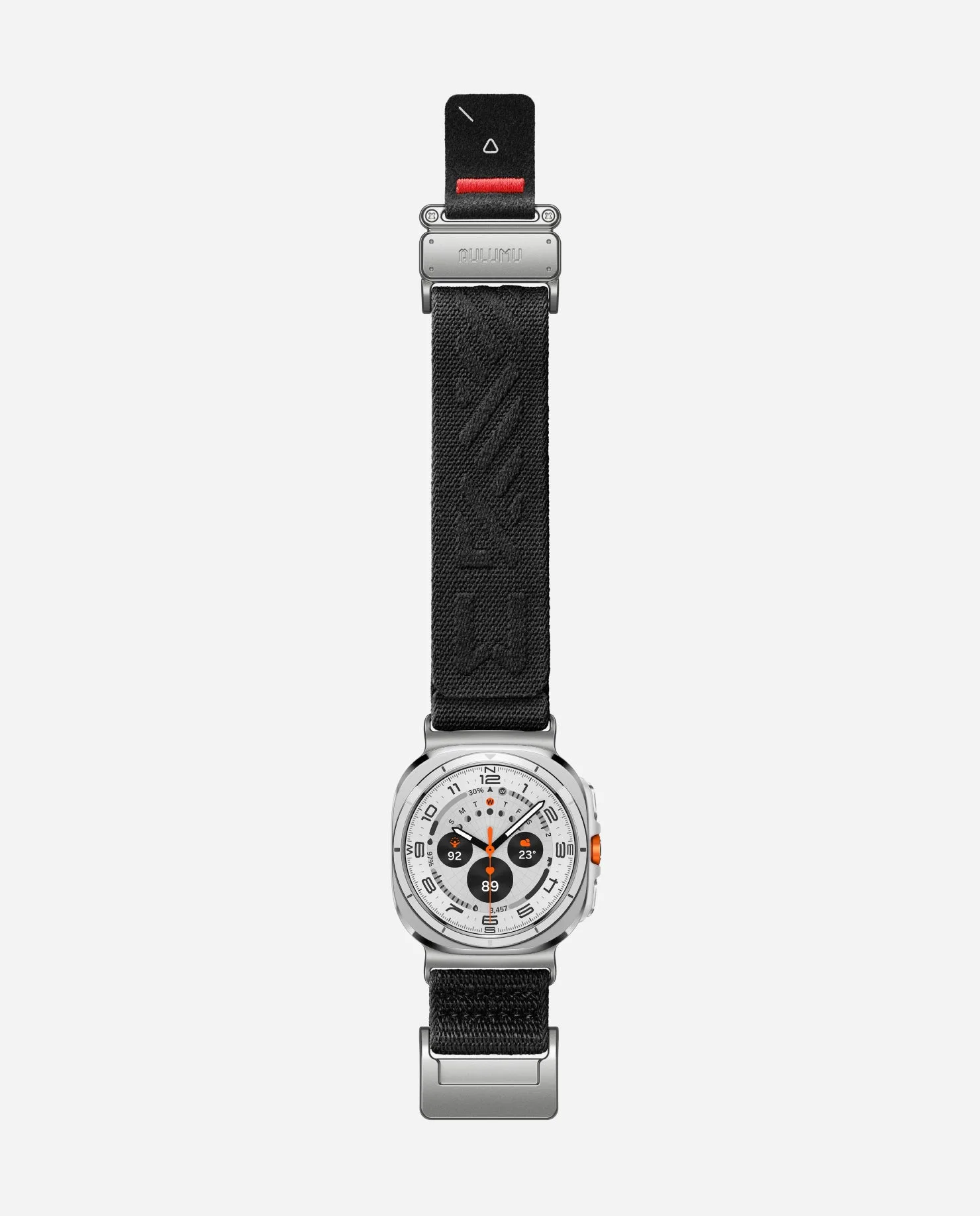
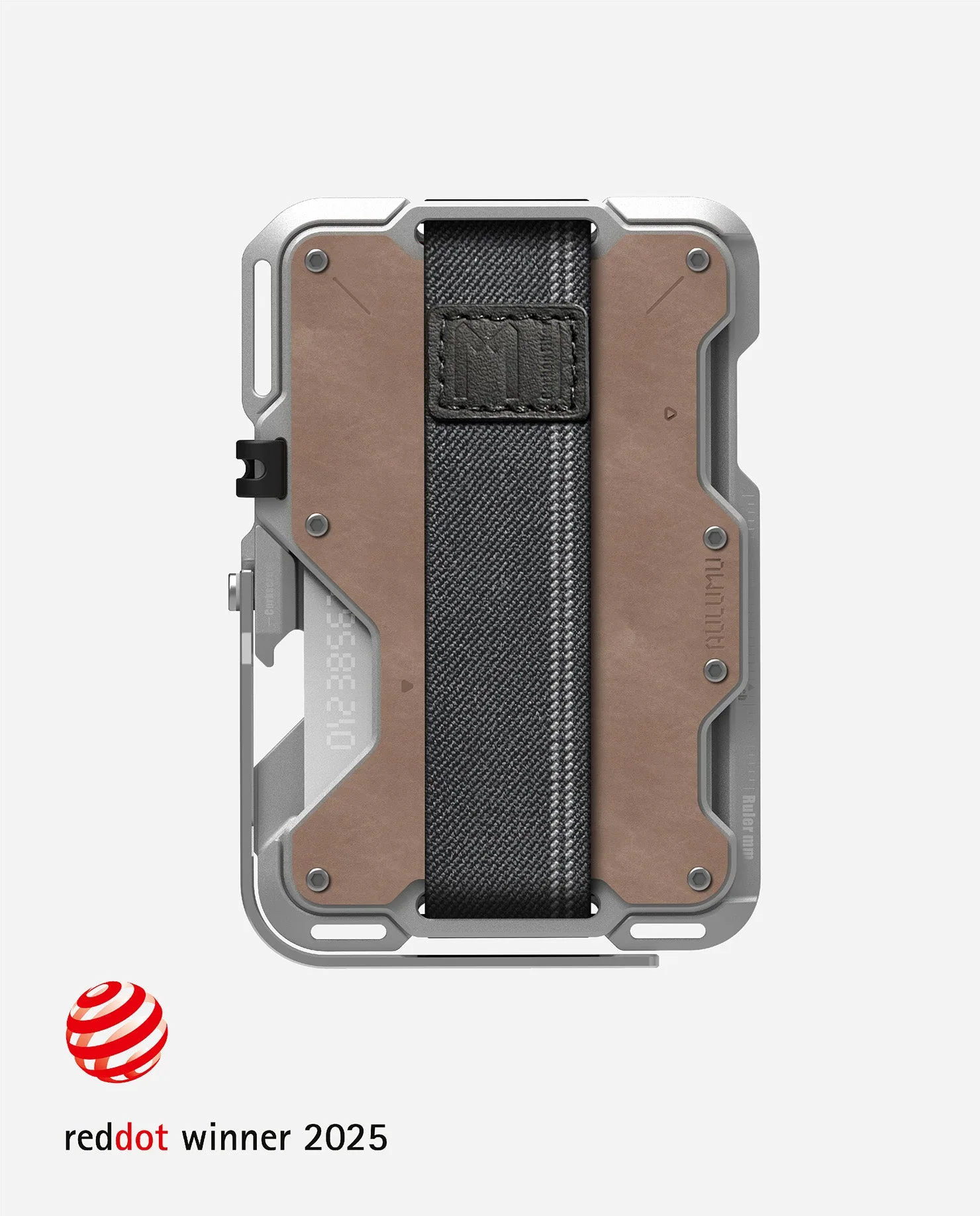
The G09 stand is also compatible with other magnetic accessories like the C03 Titanium Mag Buckle Quick-Release Band, which can enhance your setup. For a complete mobile office, consider pairing it with the G03 Multi-Tool Magnetic Metal Wallet to keep your cards and stand together.
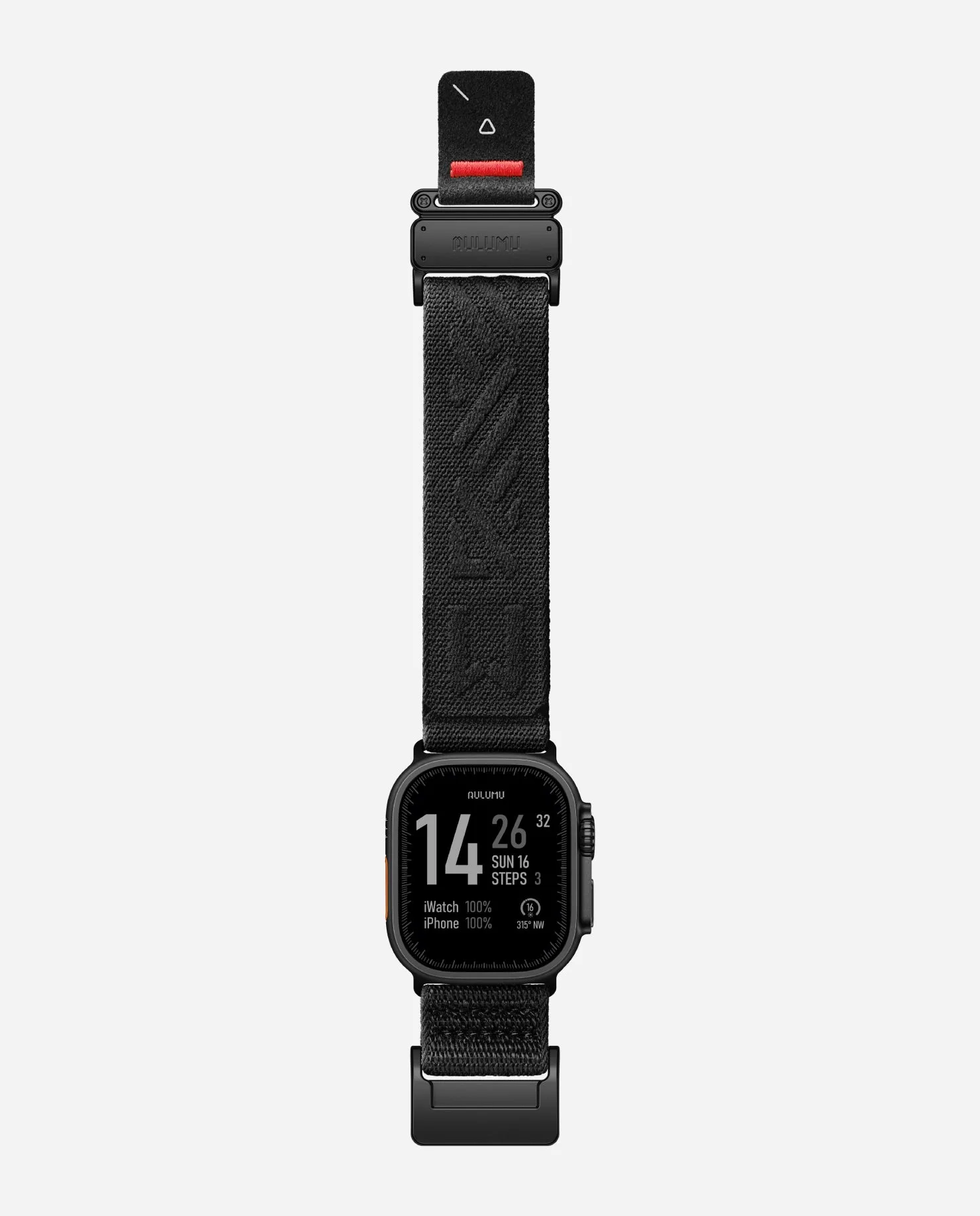
C03 Titanium Mag Buckle Quick-Release Band
- Store the stand in a cool, dry place when not in use.
- Use a protective case to keep your iPhone scratch-free while on the stand.
Setting up the G09 MagSafe Stand with your iPhone is a straightforward process that takes just a few minutes. By following these steps, you'll enjoy a stable, versatile stand that enhances your productivity and entertainment. If you're looking for a reliable magnetic stand, the G09 is an excellent choice.