Quick answer
Set up your Godox SK300ii by mounting it on a light stand, attaching a softbox, connecting it to power, and adjusting the flash power via the built-in Godox 2.4G wireless system or the manual dial.
Why the Godox SK300ii is a solid choice for studio beginners
The Godox SK300ii is a 300Ws studio strobe that offers enough power for headshots, product shots, and even small group portraits without overwhelming a home studio's electrical setup. Its built-in Godox 2.4G wireless X system lets you trigger and control the flash remotely using a compatible transmitter like the Godox X2T-C, which many photographers already own from other Godox speedlights.
One trade-off: the 300Ws output may not be enough for large group photos or shooting through heavy modifiers at high shutter speeds. If you frequently need more power, you might want to look at higher-wattage options. But for most studio work, the SK300ii hits a sweet spot between portability and performance.
How to set up your Godox SK300ii studio light
- Mount the light on a stand: Attach the Godox SK300ii to a sturdy light stand using the included umbrella mount. Tighten the locking knob firmly so the light doesn't tilt or slip. A common mistake is not tightening the knob enough, causing the light to droop mid-shoot.
- Attach a softbox or modifier: Slide the speed ring onto the front of the SK300ii and lock it in place. Then attach your softbox or umbrella. For softer light, use a 24-inch or larger softbox. Make sure the modifier is fully seated before releasing; a loose modifier can fall and damage the flash tube.
- Connect power and turn on: Plug the power cable into the SK300ii and then into a wall outlet. Flip the power switch on the back to ON. The modeling light will come on if it's enabled. Always use a surge protector to protect the flash electronics from power spikes.
- Set the wireless channel and group: Press the CH button on the back of the SK300ii to select a channel that matches your transmitter. Then press the GR button to assign a group (A, B, C, or D). This allows independent control of multiple lights. If your flash doesn't fire, double-check that the channel and group match your transmitter settings.
- Adjust flash power: Use the dial on the back of the SK300ii to set the flash output from 1/32 to full power. Start at 1/4 power and adjust based on your test shot. A common mistake is setting power too high, which blows out highlights. Always start low and increase gradually.
- Test fire and fine-tune: Press the test button on the SK300ii or trigger the flash from your camera. Check the exposure and adjust the power, distance, or modifier angle until you get the desired look. Use a flash meter or your camera's histogram to confirm exposure instead of relying on the LCD screen alone.
Product facts
-
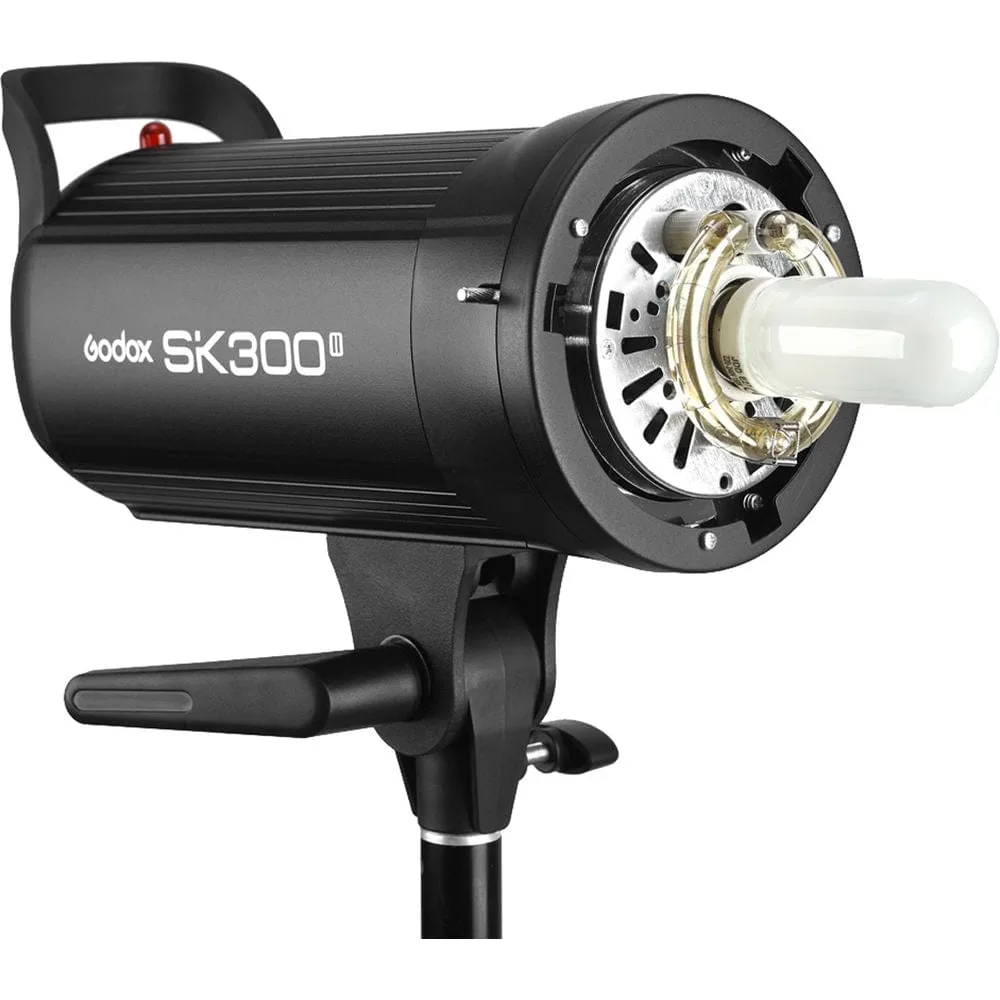
Godox SK300ii studio light brand new: The Godox SK300II is a 300Ws flash unit with a built-in Godox 2.4G wireless X system. This means you can trigger and adjust the flash power wirelessly from your camera position using a compatible Godox transmitter, saving time and avoiding cable clutter.
Godox SK300ii studio light brand new


