Quick answer
Mount the MOZA SGP Sequential Shifter to your rig using a sturdy bracket or plate, connect it to your wheelbase or PC via USB, and configure it in the MOZA Pit House software. The all-metal construction and smooth action make it a reliable upgrade for any sim racing setup.
What You'll Need Before You Start
Before you begin, make sure you have a compatible wheelbase (MOZA R16, R21, or a third-party base with an adapter), a mounting bracket or plate that fits your rig, and the MOZA SGP Sequential Shifter itself. The shifter comes with all necessary hardware, but you may need additional bolts if your rig uses a non-standard hole pattern.
If you're using an older MOZA R16 or R21 wheelbase, you'll also need the MOZA RACING Multi-Function Stalks Adapter Plate to install the shifter properly. This lightweight aluminum adapter ensures a secure fit and prevents alignment issues.
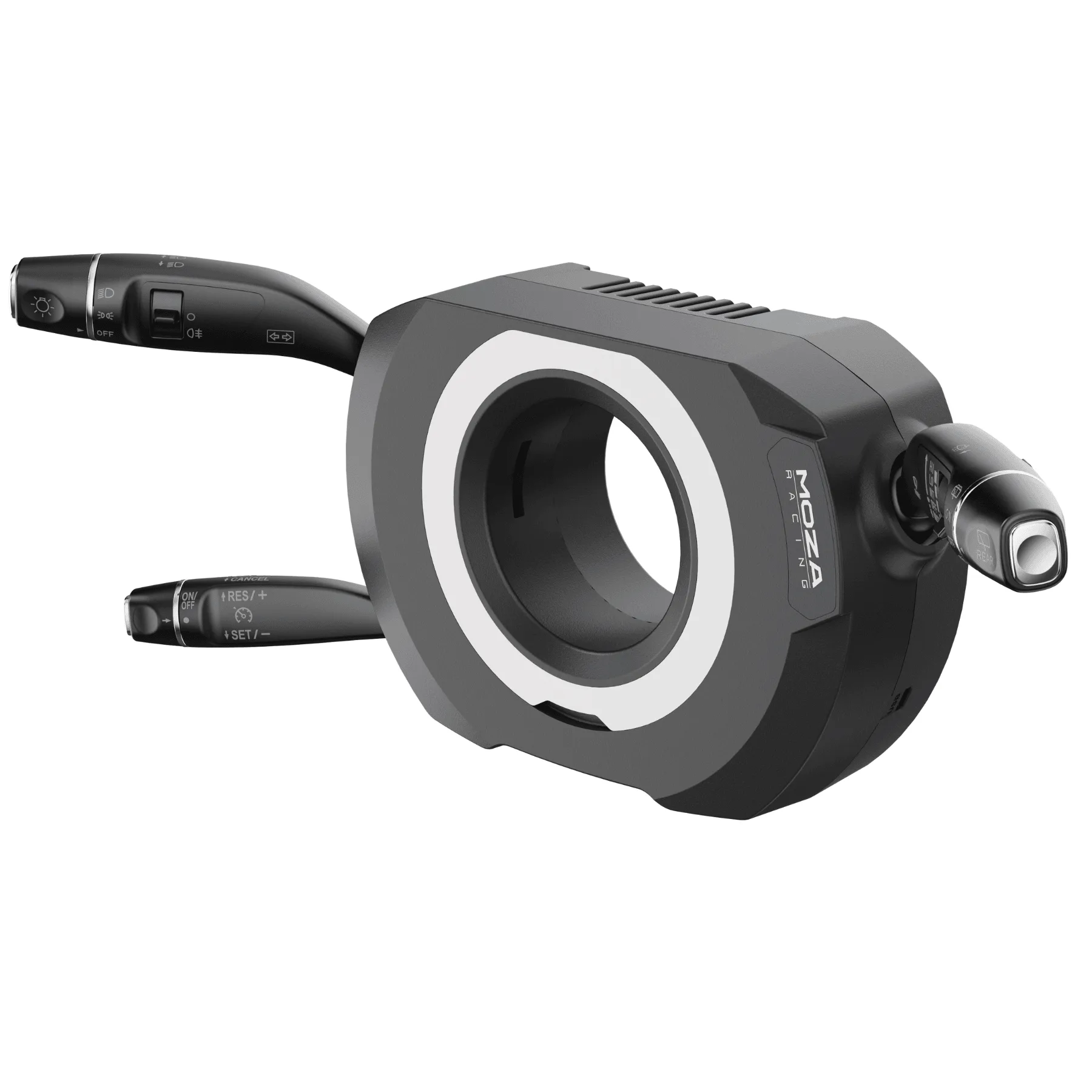
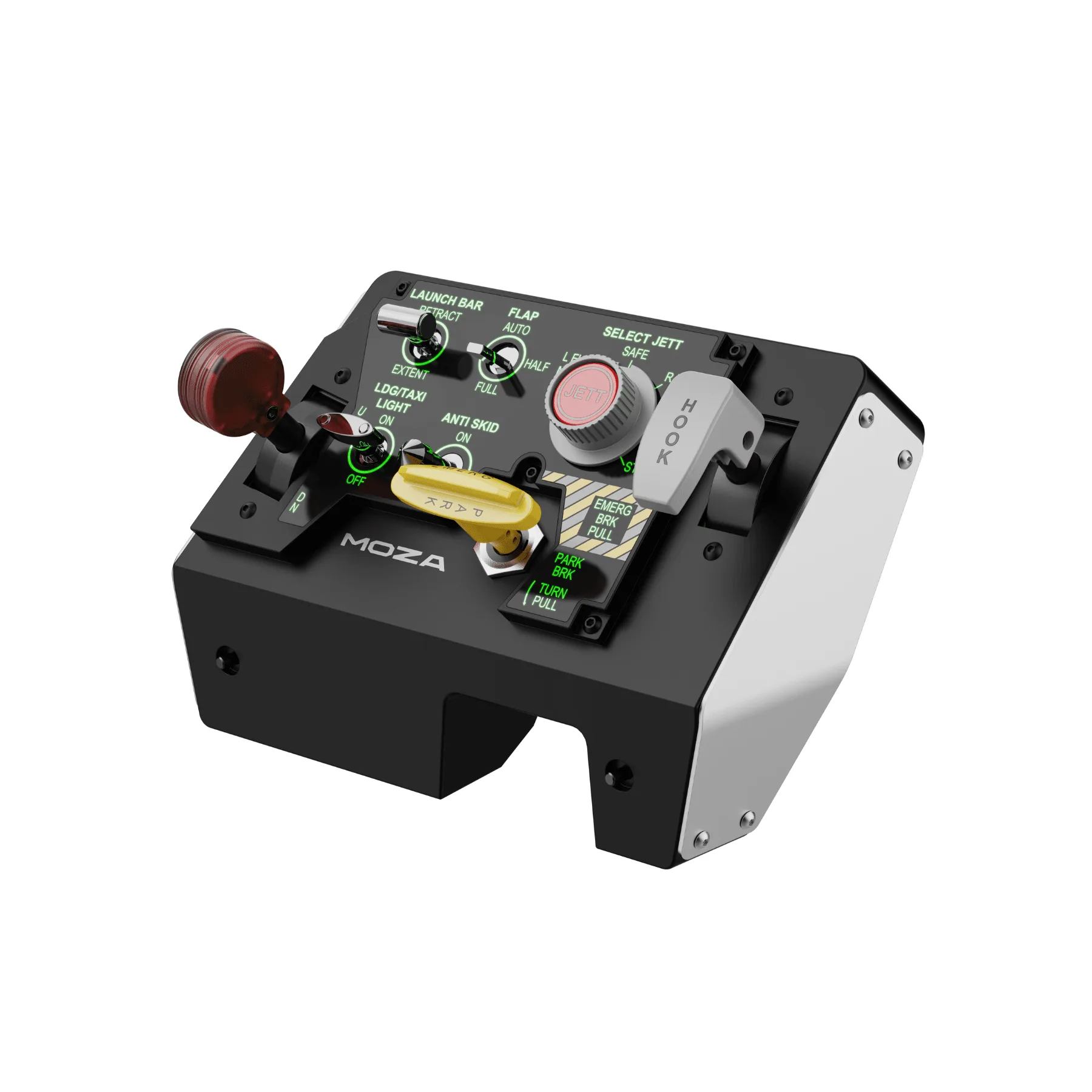
MOZA RACING Multi-Function Stalks
Choosing the Right Mounting Position
The MOZA SGP Sequential Shifter should be mounted at a height and angle that feels natural for your seating position. Ideally, the shifter should be within easy reach of your dominant hand without forcing you to lean forward or twist your torso. Most sim racers mount it on the right side of the cockpit, just below the steering wheel level.
If you're using a bucket seat like the GT Omega INERTIA Bucket Seat, the fixed side bolsters may limit your elbow room. In that case, consider a bracket that extends the shifter slightly forward or outward to avoid hitting the seat.
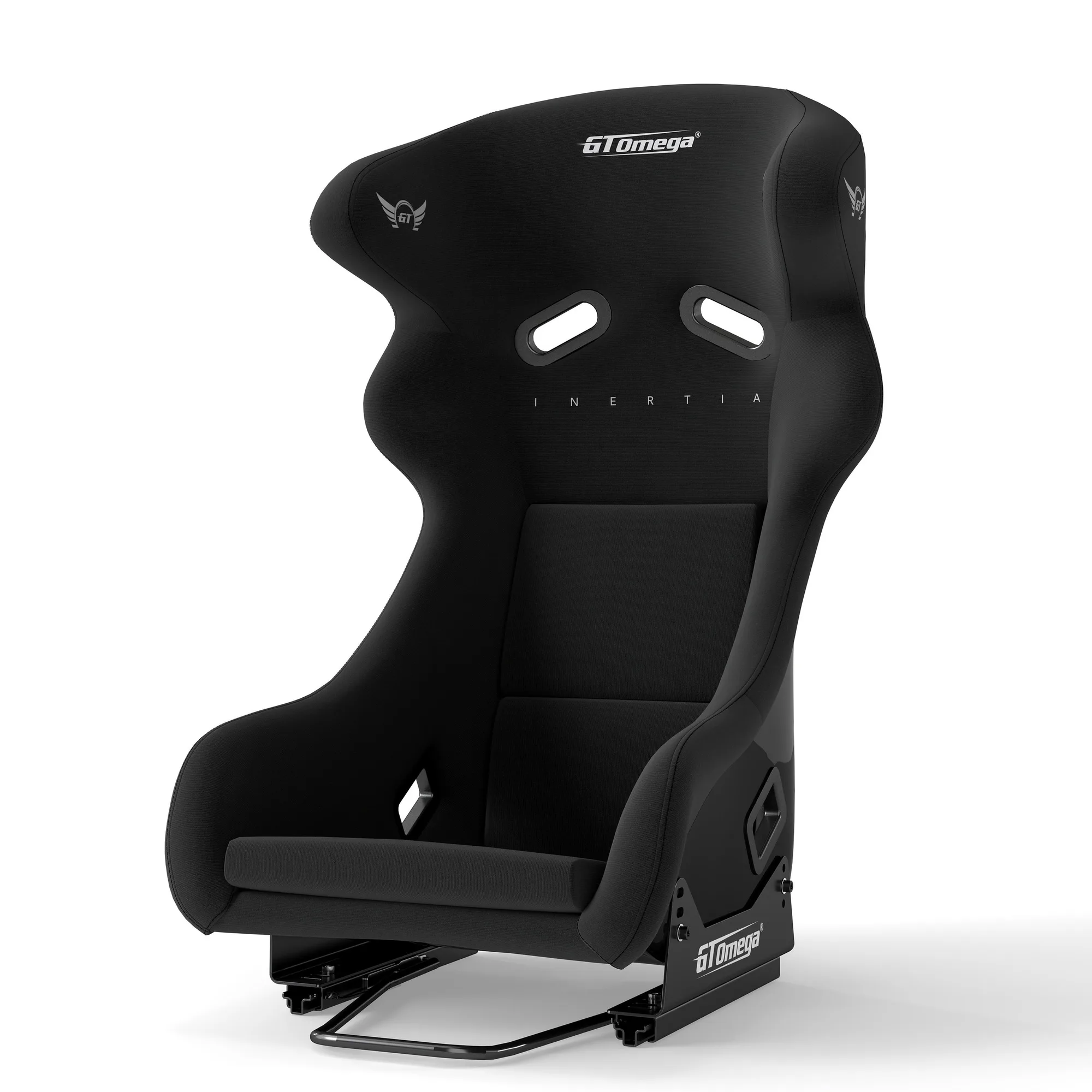
INERTIA Bucket Seat
Step-by-Step Installation Guide
- Step 1: Mount the Shifter Bracket: Attach the mounting bracket or adapter plate to your rig frame using the provided bolts. Ensure the bracket is level and tightened to the recommended torque. A common mistake is overtightening, which can strip the threads or crack the adapter. Check that the bracket is square to the rig before tightening fully.
- Step 2: Secure the Shifter to the Bracket: Align the MOZA SGP Sequential Shifter with the bracket holes and fasten it with the included screws. Do not fully tighten until you have verified the shifter angle and reach. Leave the screws slightly loose so you can adjust the angle before final tightening.
- Step 3: Connect the USB or Wheelbase Cable: Plug the shifter's USB cable into your PC or connect it directly to a compatible MOZA wheelbase using the provided cable. If using a third-party base, ensure the adapter plate is installed first. A loose connection can cause intermittent disconnects; push the plug in until you hear a click.
- Step 4: Configure in MOZA Pit House: Launch the MOZA Pit House software and navigate to the shifter settings. Calibrate the shifter by moving it through all gears and confirming the inputs are registered. You can also adjust the shift force and deadzone if desired. If the shifter is not detected, try a different USB port or restart the software.
- Step 5: Test and Fine-Tune Position: Sit in your racing seat and test the shifter in a few laps. Adjust the bracket angle or height if the reach feels awkward. Tighten all bolts once the position is comfortable. A well-placed shifter reduces fatigue and improves shift accuracy over long sessions.
Product Facts
- MOZA RACING SGP Sequential Shifter: The MOZA SGP Sequential Shifter is constructed with aerospace-grade aluminium and robust steel for a reliable and authentic racing experience. The all-metal build ensures durability and a satisfying, smooth mechanical feel during every shift, reducing the chance of wear or play over time.
- MOZA RACING Multi-Function Stalks Adapter Plate: The MOZA RACING Multi-Function Stalks Adapter Plate is designed for effortless installation of MOZA Multi-Function Stalks on older MOZA R16 and R21 wheelbases, as well as compatible third-party bases. If your wheelbase lacks native mounting points for the shifter, this adapter provides a secure, lightweight solution that prevents wobble and keeps your setup clean.