Quick answer
Put the speaker on a stand at roughly ear height, aimed across the crowd rather than at the microphone, then power the speaker before you pair the mic. Keep the mic at least 6 to 10 feet in front of the speaker, start the mic channel low, and raise it only until your voice sits above the music. If you hear ringing, lower the mic gain or move the mic behind the speaker's front edge.
Outdoor setups fail for predictable reasons: the speaker sits on the ground, the mic points straight into the woofer, and the gain gets cranked before anyone checks how it sounds. Fix those three things and most backyard parties run all night without feedback.
This guide walks through the order that works: placement first, power and pairing second, gain and soundcheck last. It applies whether you are running a rechargeable party speaker with a wireless handheld or a full karaoke speaker outdoor setup with a screen and wired mics.
Place the speaker before you plug anything in
Outdoors, sound has no walls to reflect it, so coverage depends almost entirely on height and angle. A speaker on the ground throws bass into the lawn and vocals into people's shins. Raising it to ear height on a tripod stand gets the high frequencies to the crowd instead of the grass.
Aim the speaker across the listening area, not at the performance spot. If the mic is directly in front of the driver, every bit of extra volume pushes you closer to feedback. Angling the speaker slightly outward and keeping the mic off to the side buys you several dB of headroom before anything rings.
- Keep the speaker at least 6 to 10 feet from the microphone position.
- Point the speaker away from the mic and toward the farthest listener.
- Set the stand so the tweeter is near standing ear height, not above head level.
Power up in the right order
Turn the speaker on and let it finish its startup chime before you switch on any microphone. Many wireless systems scan for a clean channel at power-up, and a mic that is already transmitting can lock onto a crowded frequency. Speaker first, then mic, then music source.
If you are running a rechargeable unit, confirm the battery is charged before the guests arrive rather than trusting the indicator light. A speaker that dies mid-toast is the most avoidable failure in outdoor events, and the fix takes two minutes the night before.
- Speaker on, volume at zero, then mic, then phone or laptop.
- Charge overnight and bring the AC adaptor as backup for long events.
- Check that the mic's batteries or internal charge are full before pairing.
Pair the microphone and confirm the channel
Wireless handhelds pair in one of two ways: automatic sync when you power the mic near the receiver, or a manual channel match. If your mic offers selectable channels, pick one, then move the mic a few feet away and listen for dropouts before the party starts. Interference usually shows up as a crackle or a brief cut, not silence.
Once paired, walk the mic to the far edge of your space and talk normally. If the signal holds, you are done. If it cuts out, change the channel rather than raising gain, because gain will not fix a dropped radio link.
- Pair before the crowd arrives, when the RF space is quiet.
- Test from the back of the yard, not from beside the speaker.
- Change channels to fix dropouts; raise gain only for level problems.
Set gain and EQ for an outdoor space
Start with the mic channel at zero, bring the music up to a comfortable level, then raise the mic gain until your voice sits clearly above the track. Speaking volume should be enough; if you have to shout into the mic, the problem is placement or the music level, not the gain knob.
Outdoors you will usually want a little more bass than indoors because there are no room reflections reinforcing low end, but resist boosting it heavily. Extra low-end eats amplifier headroom and makes vocals harder to hear, which pushes you to turn up and closer to feedback.
- Set music level first, then bring the mic up to match.
- Keep the mic roughly a hand's width from your mouth, slightly off-axis.
- Cut bass before adding treble if vocals sound muddy.
Run a two-minute soundcheck
Have someone stand at the back of the listening area while you speak into the mic at normal volume, then at your loudest. If the loudest pass sounds harsh or starts to ring, reduce mic gain one notch and repeat. This is the single step most people skip, and it is the one that prevents mid-party feedback.
Then play a track with strong vocals and strong bass and listen for the same thing from the music side. If the bass distorts before the vocals are loud enough, you have hit the limit of the speaker, not a settings problem, and the honest fix is a second speaker or a larger model.
- Check both your normal and loudest speaking voice.
- Listen from the back row, not from beside the speaker.
- Mark your final settings so you can return to them if someone fiddles.
Handle weather, power, and cable safety
Outdoors, wind and moisture matter more than most people expect. Keep the speaker out of direct sun where possible, and never leave a rechargeable unit in the rain or on wet grass. Use a covered position or bring it in if the forecast turns.
Run cables so nobody walks across them, and tape down anything crossing a path. If you are using AC power, use a grounded outdoor-rated extension and keep the connection point off the ground. Battery-powered speakers avoid most of this, which is why they are the simpler choice for backyard events.
- Keep the speaker dry and off wet ground.
- Tape or cover any cable crossing a walkway.
- Use outdoor-rated extension cords when running on AC.
Outdoor setup steps at a glance
- Raise and aim the speaker: Put the speaker on a tripod stand at about ear height and angle it across the crowd, keeping it 6 to 10 feet from the mic position. Checkpoint: if the mic is in front of the driver, move it before you touch any volume control.
- Power the speaker first: Switch on the speaker with volume at zero, confirm the battery is charged, then power the mic and finally the music source. Checkpoint: a dead battery is the most common avoidable failure, so charge overnight and pack the adaptor.
- Pair the mic and test range: Sync the handheld, then walk to the back of the space and talk normally. Change channels if you hear crackle or dropouts. Checkpoint: dropouts are a radio problem, not a gain problem.
- Set music level, then mic gain: Bring the music up first, then raise the mic channel until your normal speaking voice sits clearly above the track. Checkpoint: if you have to shout, lower the music instead of pushing the gain.
- Soundcheck from the back row: Have someone listen from the far edge while you speak at normal and loudest volume, then play a vocal-heavy track. Checkpoint: one notch down on mic gain usually ends the ringing.
- Secure power and cables: Keep the speaker dry, tape down anything crossing a walkway, and use outdoor-rated extension cords if you are on AC. Checkpoint: battery-powered speakers skip most of this risk entirely.
Products that fit this setup
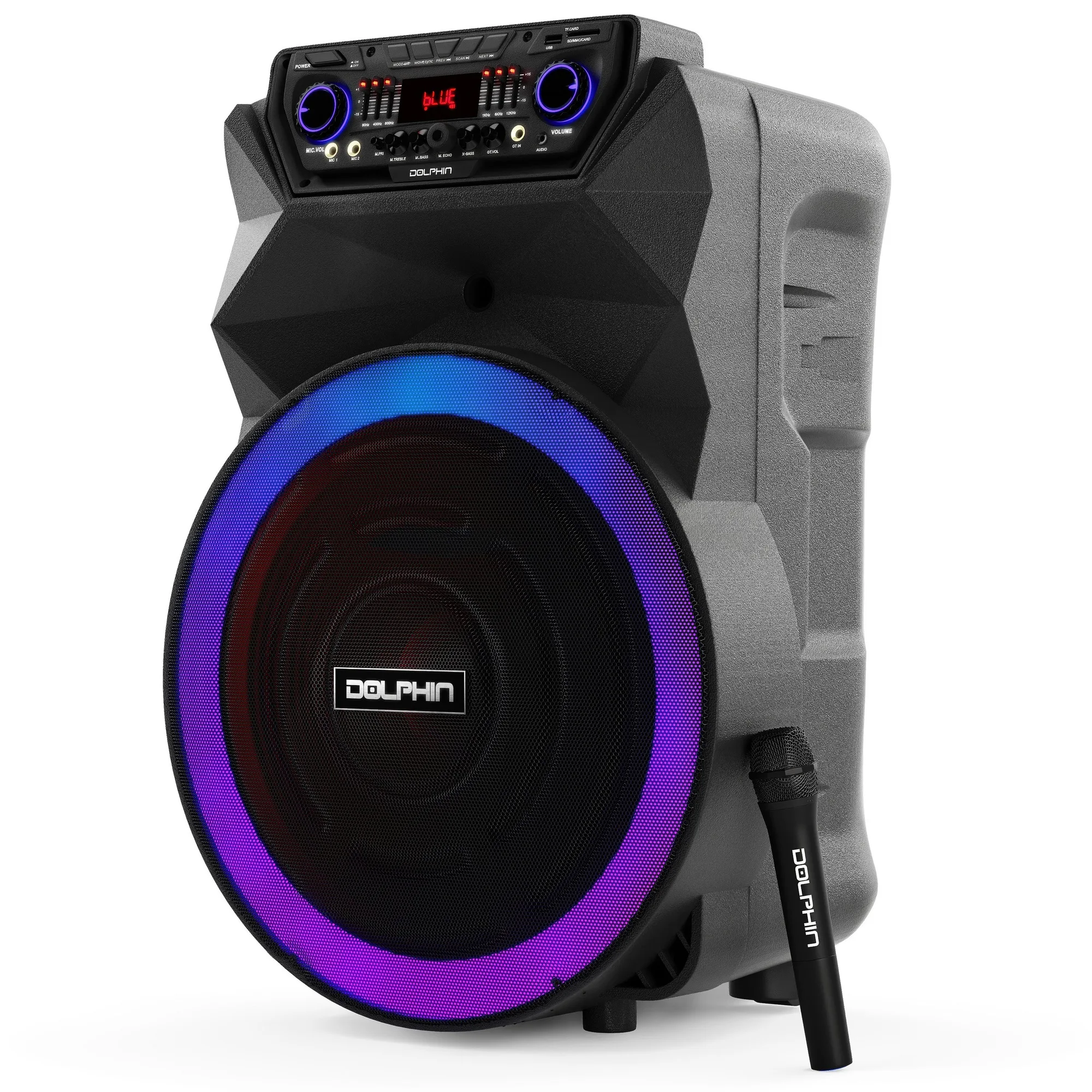
- BoxParty 18: An 18-inch rechargeable party speaker with sound-activated LED lights, a remote control, and a wireless microphone included. The included wireless mic means you can run the pairing and soundcheck steps above without buying a separate handheld first.
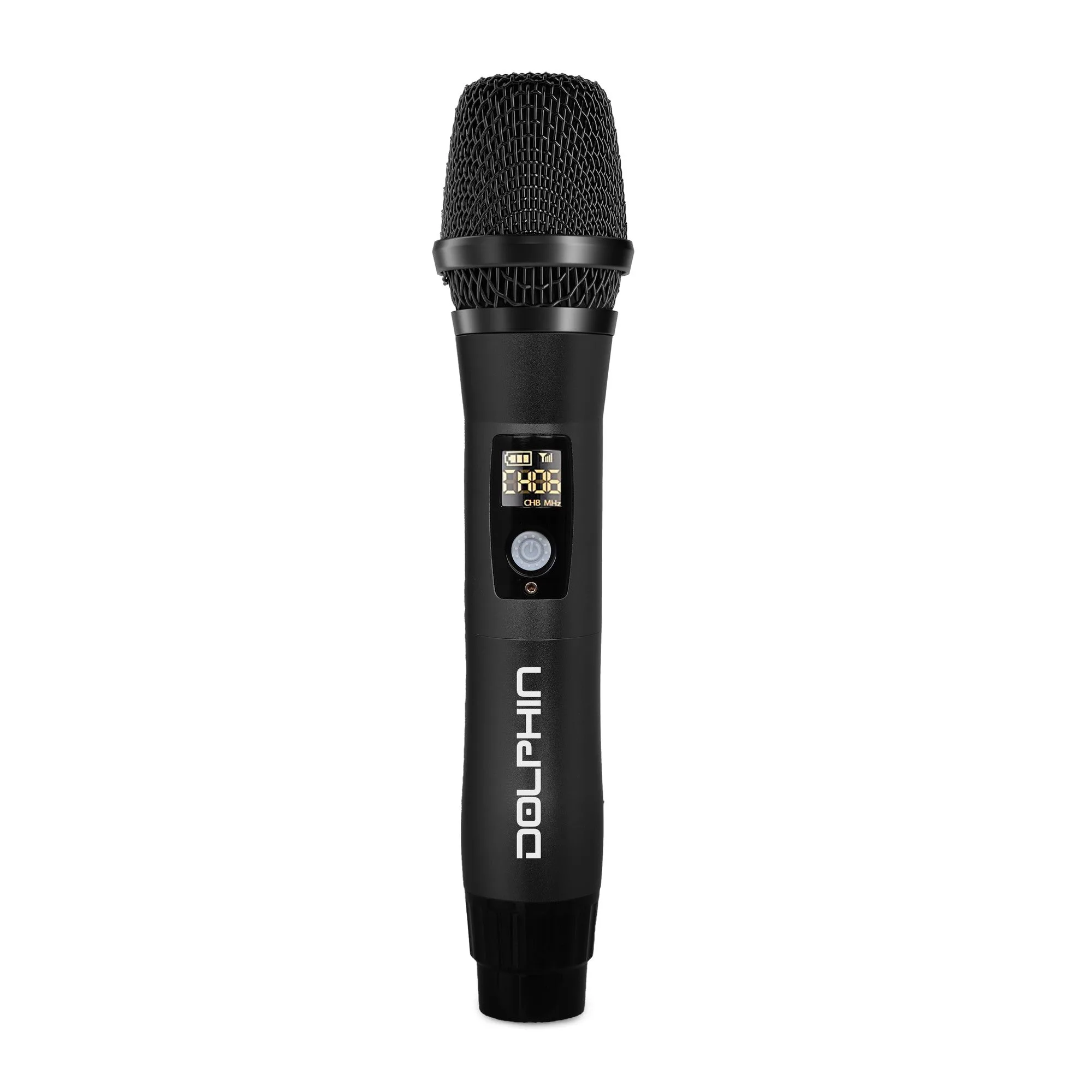
- PartyMic 11: A UHF wireless microphone with USB-C recharging, 50 selectable channels, anti-interference technology, and DSP, built in an all-metal body. Selectable channels let you move off a crowded frequency when you hear dropouts, which is the fix that actually works outdoors.
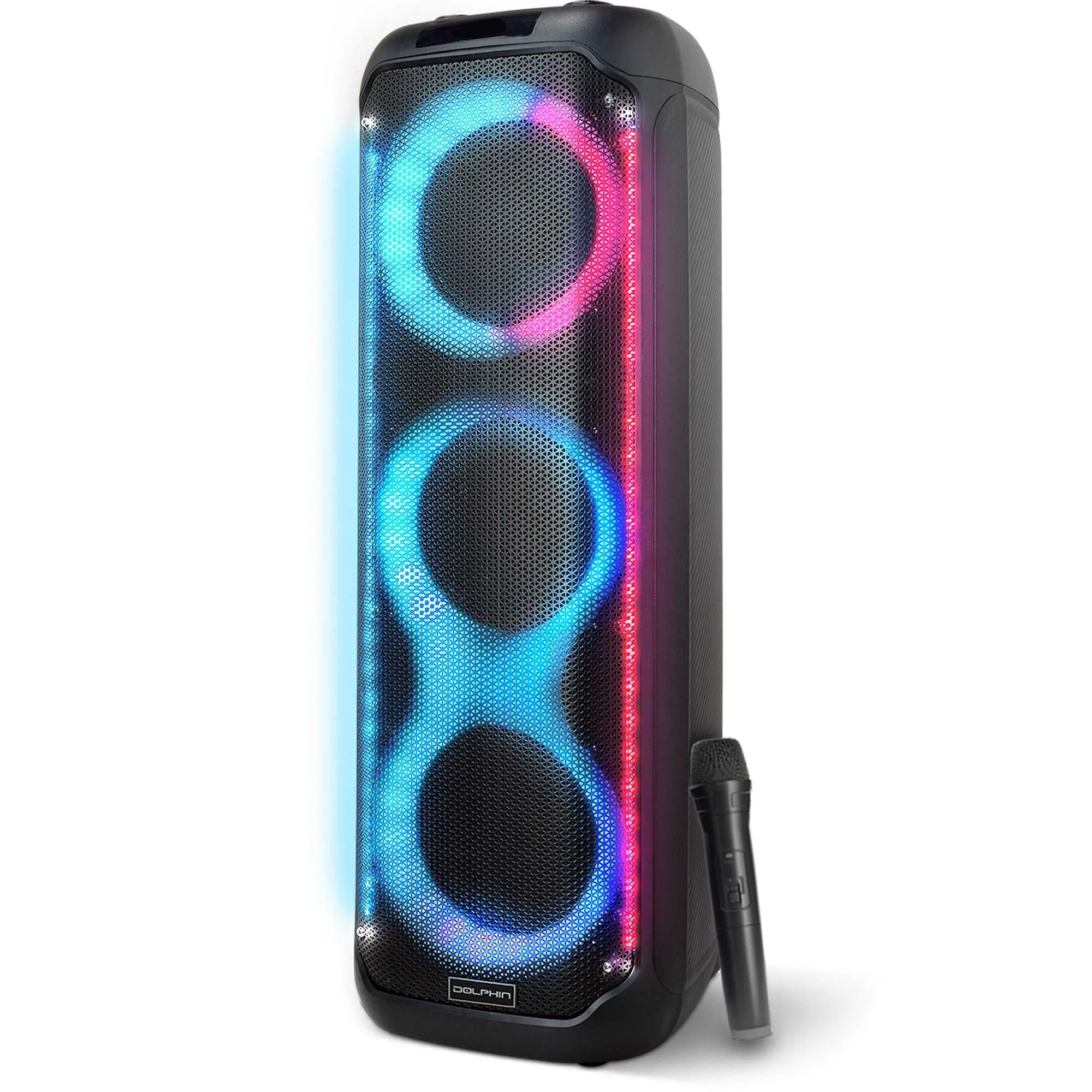
- KaraokeBox 380: A Bluetooth tower speaker with three 8-inch woofers, a rechargeable design, and built-in LED lights with multiple modes. A tower format lifts the drivers off the ground without a separate stand, which helps vocals carry across an open yard.
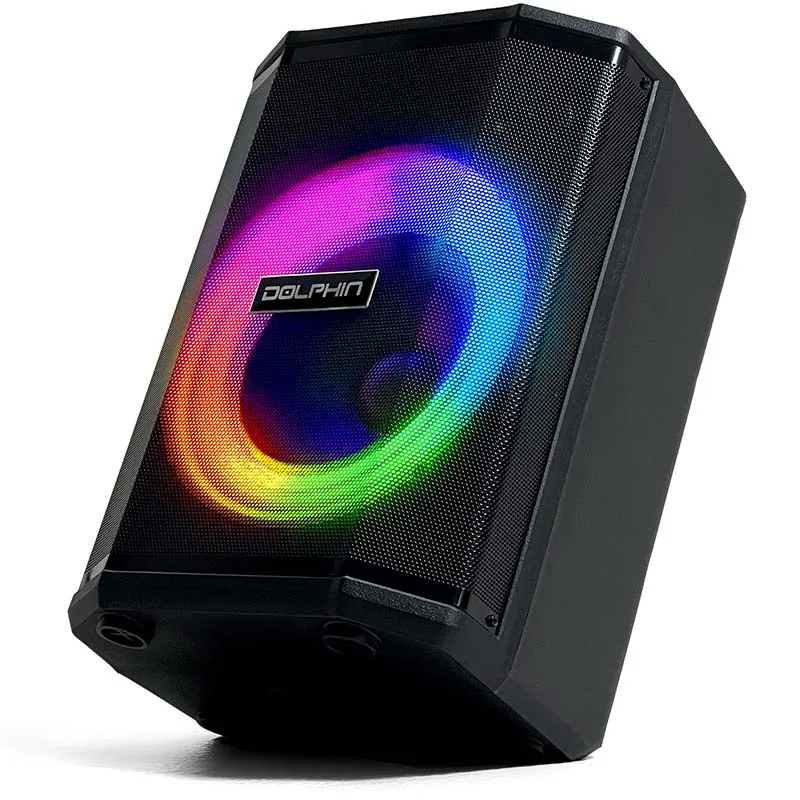
- Tilt 880: A rechargeable 8-inch party speaker with a tiltable design, WaveSync technology, sound-activated LED lights, and a built-in 3000mAh battery; it ships with a wireless microphone, remote control, and AC adaptor. The tiltable cabinet lets you angle sound toward the crowd, which is the placement trick that reduces feedback risk.
Get the order right and outdoor audio stops being a gamble: speaker up and aimed, power on in sequence, mic paired and range-tested, music level set before mic gain, and a real soundcheck from the back of the crowd. Do those five things and you will spend the party hosting instead of fighting feedback.