Quick Answer
Unbox the SolarFlow 2400 Pro, connect the base unit to your home circuit, pair optional AB3000L batteries for expanded capacity, and link compatible 450W or 515W bifacial solar panels via the app.
Understanding the Base Capacity and Expansion Options
The SolarFlow 2400 Pro comes with a 2.4 kWh base storage capacity. If you need more backup power, you can add up to one AB3000L battery (2.88 kWh) for a total of 5.76 kWh. This modular design lets you start small and expand later without replacing the core unit.
A common mistake is assuming all batteries are compatible out of the box. Only the AB3000L series works with the 2400 Pro. Check your battery model before purchasing to avoid compatibility issues.
Choosing the Right Solar Panels
The system pairs with Zendure's 450W or 515W bifacial solar panels. These panels capture light from both sides, increasing energy harvest in low-light conditions. Ensure your panel's total wattage does not exceed the unit's input rating—refer to the manual for exact limits.
A frequent oversight is mixing panel wattages without verifying the input voltage range. Stick to one panel type for simpler wiring and consistent performance.
Step-by-Step Setup Guide
- Unbox and Inspect the Base Unit: Remove the SolarFlow 2400 Pro from the box and verify all components: the main unit, cables, and mounting hardware. Place the unit on a stable, dry surface near your main breaker panel. Check for shipping damage before proceeding—cracked casing can void the warranty.
- Connect the Base Unit to Your Home Circuit: Turn off the main breaker. Follow the wiring diagram in the manual to connect the unit's AC input/output to a dedicated circuit breaker. Use a licensed electrician if you are not comfortable with electrical work. Never work on live circuits. Double-check polarity before restoring power.
- Install Optional AB3000L Batteries: If expanding capacity, place the AB3000L battery next to the base unit. Connect the battery cable to the expansion port on the SolarFlow 2400 Pro. The system will automatically detect the additional storage. Ensure the battery is fully charged before first use to calibrate the state-of-charge reading.
- Pair Solar Panels: Connect your 450W or 515W bifacial solar panels to the PV input ports using the provided MC4 connectors. Position panels in direct sunlight with a tilt angle matching your latitude for optimal output. Avoid shading even a single panel—partial shading can reduce the whole string's output significantly.
- Configure via the Zendure App: Download the Zendure app, create an account, and scan the QR code on the base unit. Follow the in-app wizard to set your time zone, backup priority, and charge/discharge schedules. Enable firmware updates during initial setup to ensure you have the latest features and bug fixes.
- Test the System: After configuration, run a self-test from the app. Verify that solar input, battery level, and grid connection display correctly. Monitor for a full charge/discharge cycle to confirm proper operation. If the app shows errors, check all cable connections and restart the unit before contacting support.
Product Facts
-
Zendure SolarFlow 2400 Pro: The Zendure SolarFlow 2400 Pro offers a 2.4 kWh base capacity and can be expanded with optional AB3000L batteries (each 2.88 kWh) up to 5.76 kWh. This modular design lets you start with the base unit and add storage later as your energy needs grow, without buying a whole new system.
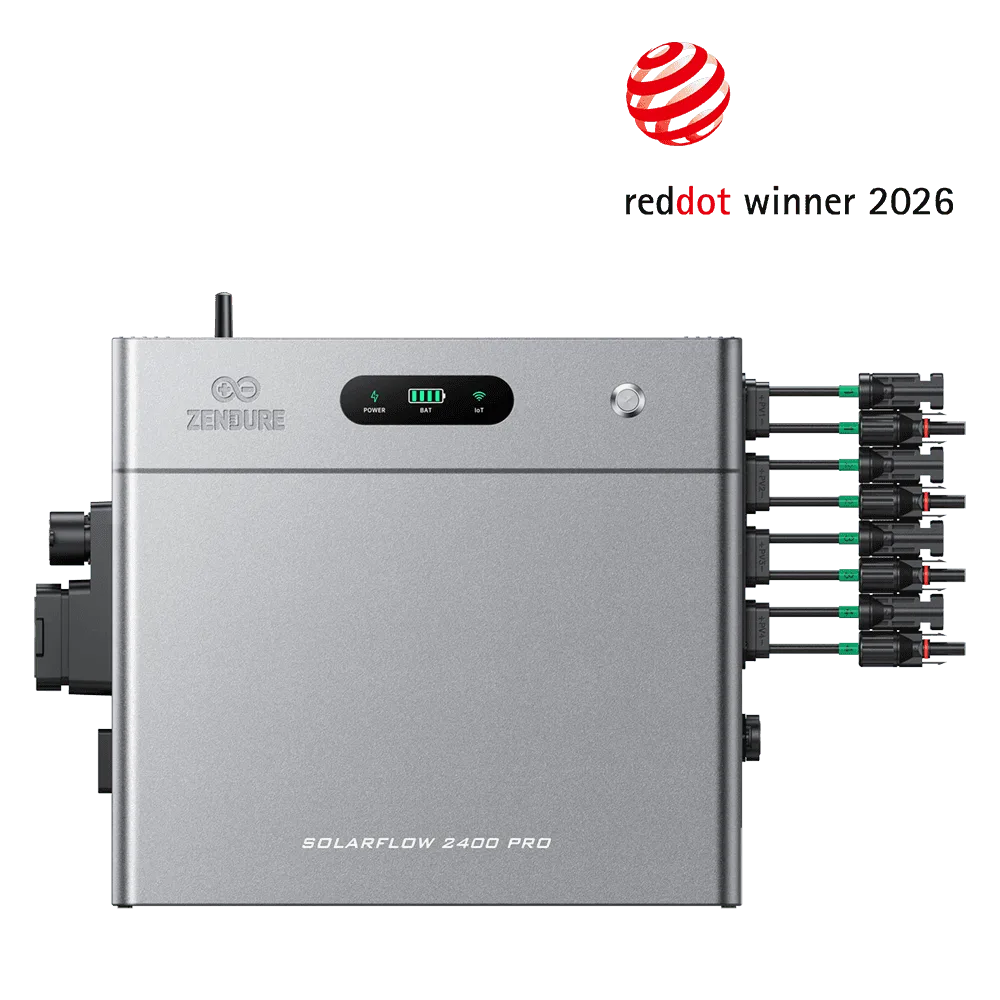
Zendure SolarFlow 2400 Pro