Quick answer
To shoot long exposures with a 10-stop ND filter, meter without the filter, then add 10 stops to your shutter speed (e.g., 1/125s becomes 8 seconds). Use Manual mode, focus before attaching the filter, and cover the viewfinder to block stray light. A sturdy tripod and a remote release are essential for sharp results.
Why 10 stops changes everything
A 10-stop ND filter reduces light by a factor of 1,024, turning a bright daytime scene into one that requires exposures measured in seconds or minutes. This is what lets you smooth moving water, blur clouds into streaks, and empty busy streets of people. Without it, even at f/22 and ISO 50, you'd be limited to a fraction of a second in daylight.
The trade-off is that everything slows down: you must compose and focus before the filter goes on, and you'll need to calculate exposure rather than rely on the camera's meter. The payoff is a look that's difficult to achieve any other way.
Step 1: Set up and compose before the filter
Mount your camera on a sturdy tripod and compose your shot. Because a 10-stop filter is nearly opaque, you won't be able to see through it to frame or focus. Use a remote shutter release or your camera's self-timer to avoid touching the camera during the exposure.
If your lens has image stabilization, turn it off—it can introduce micro-vibrations when the camera is locked down. Also, switch to Manual focus (MF) after you've focused, or use back-button focus and then disable autofocus so the lens doesn't hunt when you attach the filter.
Step 2: Meter without the filter and calculate
In Manual mode, set your desired aperture (typically f/8 to f/11 for sharpness) and ISO (100 or lower). Adjust shutter speed until the camera's meter indicates a correct exposure. Note that shutter speed—this is your base exposure.
Now add 10 stops. Each stop doubles the time: 1/125 → 1/60 → 1/30 → 1/15 → 1/8 → 1/4 → 1/2 → 1 → 2 → 4 → 8 seconds. So 1/125s becomes 8 seconds. For base speeds longer than 1/125s, you'll quickly exceed 30 seconds and need Bulb mode with an external timer. Use the chart below as a quick reference.
- 1/1000s → 1 second
- 1/500s → 2 seconds
- 1/250s → 4 seconds
- 1/125s → 8 seconds
- 1/60s → 15 seconds
- 1/30s → 30 seconds
- 1/15s → 60 seconds (Bulb)
- 1/8s → 120 seconds (Bulb)
Step 3: Focus before attaching the filter
This is the most common pitfall: attaching the filter first and then trying to autofocus. With a 10-stop filter in place, there's rarely enough light for the AF system to work. Instead, focus manually on your subject while the filter is off, then carefully screw or slide the filter onto the lens without disturbing the focus ring.
If your lens has a focus distance scale, note the position and check it after mounting the filter. For precision, use live view magnification to focus on a key detail, then switch to MF and tape the focus ring if it tends to drift.
Step 4: Attach the filter and block stray light
Screw the filter on gently to avoid cross-threading, or use a magnetic system for speed. Once mounted, cover the viewfinder with the supplied eyepiece cover or a piece of tape—light leaking through the viewfinder can fog long exposures, especially in bright conditions.
If you're using a square filter holder, ensure the filter sits flush and no light enters from the sides. A dark cloth over the camera and lens can help in extreme cases.
Step 5: Expose and review
Switch to Bulb mode if your calculated time exceeds 30 seconds. Use a remote release with a timer or an intervalometer to trigger the exposure. After the shot, review the histogram: a long exposure often looks brighter on the LCD than it is, so trust the histogram, not the screen.
If the image is too dark or too bright, adjust in full stops and reshoot. For fine-tuning, you can also adjust ISO slightly, but keep it at the base value for cleanest results.
Step-by-step: 10-stop long exposure checklist
- Stabilize and compose: Mount on a tripod, turn off image stabilization, and compose your shot before the filter goes on. Use a remote release or self-timer. Checkpoint: The camera should be rock-solid; even a slight breeze can blur a 30-second exposure.
- Meter without the filter: In Manual mode, set aperture (f/8–f/11) and ISO (100 or lower). Adjust shutter speed until the meter reads correct, and note that speed. Mistake to avoid: Don't try to meter through the 10-stop filter—most cameras can't read such low light accurately.
- Calculate the new shutter speed: Add 10 stops to your base shutter speed by doubling it 10 times. Use the chart in Step 2 or a smartphone app if you prefer. For base speeds longer than 1/15s, you'll need Bulb mode and an external timer.
- Focus before attaching the filter: Manually focus on your subject with the filter off, then switch to MF and secure the focus ring. Use live view magnification for precision. Mistake to avoid: Autofocusing with the filter on will likely fail and leave you with a blurry image.
- Attach the filter and block stray light: Screw or magnetically mount the filter gently. Cover the viewfinder with the eyepiece cover or tape to prevent light leaks. Checkpoint: Ensure the filter is seated flat and no light enters from behind the camera.
- Expose and review: Trigger the exposure with a remote release. For times over 30 seconds, use Bulb mode and a timer. Review the histogram, not the LCD brightness. If the exposure is off, adjust in full stops and reshoot. Fine-tune with ISO only if necessary.
NiSi filters that fit this workflow
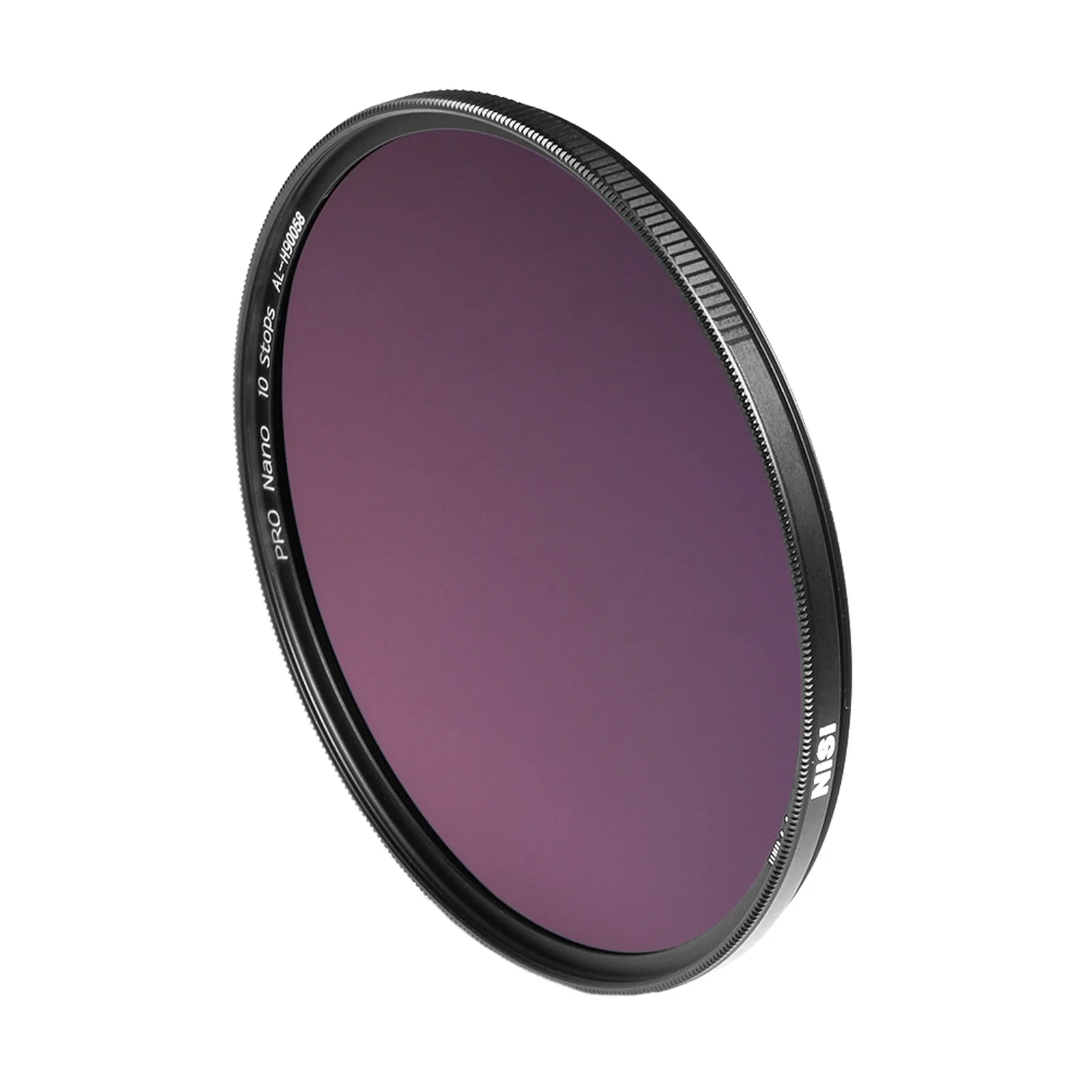
- NiSi 77mm Nano IR Neutral Density Filter ND1000 (3.0) 10 Stop: NiSi 77mm Nano IR Neutral Density Filter ND1000 (3.0) 10 Stop offers precise exposure control with a 10-stop light reduction, nano coating for vibrant true-to-life colors, and an ultra-thin aluminum frame for minimal vignetting. The 10-stop reduction is exactly what you need for multi-second exposures in daylight, while the nano coating and slim frame help maintain color accuracy and edge-to-edge sharpness.
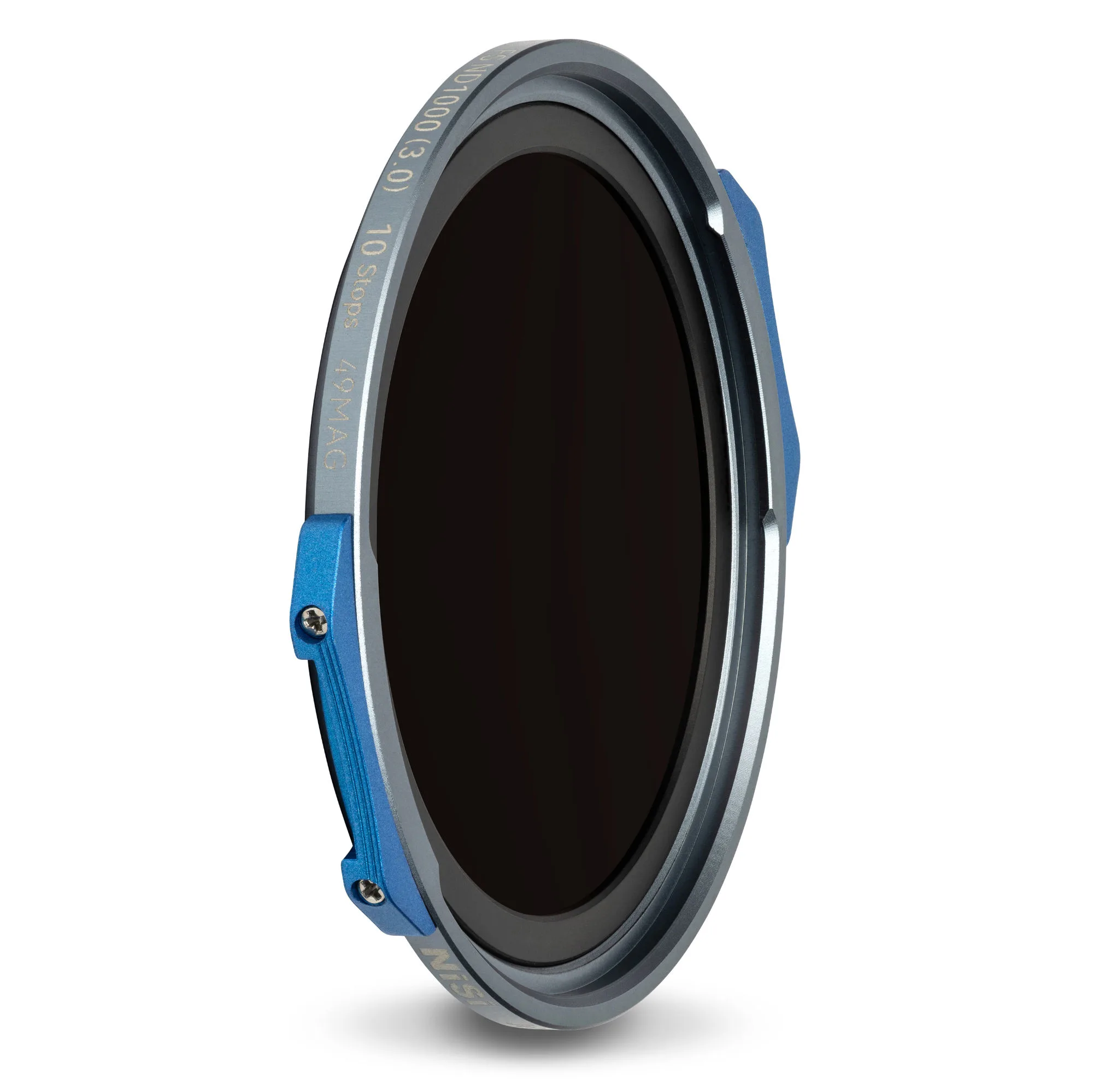
- NiSi JetMag Pro FS ND1000(3.0) 49MAG Magnetic Filter (10 Stop): NiSi JetMag Pro FS ND1000(3.0) 49MAG Magnetic Filter (10 Stop) provides 10-stop light reduction with Full Spectrum ND Technology for true-to-life color and no unwanted color cast, plus blue-colored handles for easy handling. The magnetic mount lets you attach and remove the filter quickly without disturbing focus, and the color-neutral glass reduces post-processing work.