Quick Answer
You cannot reverse yellowing once it starts, but you can slow it down by keeping your iPhone 17 clear case out of direct sun, away from heat, and clean of oils. Wash it every two to three weeks with lukewarm water and mild soap, dry it fully, and avoid alcohol wipes. If the case is already deeply tinted yellow, replacement is the only fix.
Why Clear Cases Yellow in the First Place
Clear cases are usually made from TPU or a TPU-polycarbonate blend. TPU is flexible and grippy, but its polymer chains break down when exposed to UV light, heat, and the oils on your hands. That breakdown is what shows up as yellow. It is a chemical change in the plastic, not dirt sitting on the surface, which is why scrubbing does not bring the clarity back. Cases with a smoke matte or smoke tint finish, like the COVERT options, hide early yellowing better than fully transparent versions, but they still benefit from the same care routine.
Products Built to Resist the Obvious Causes
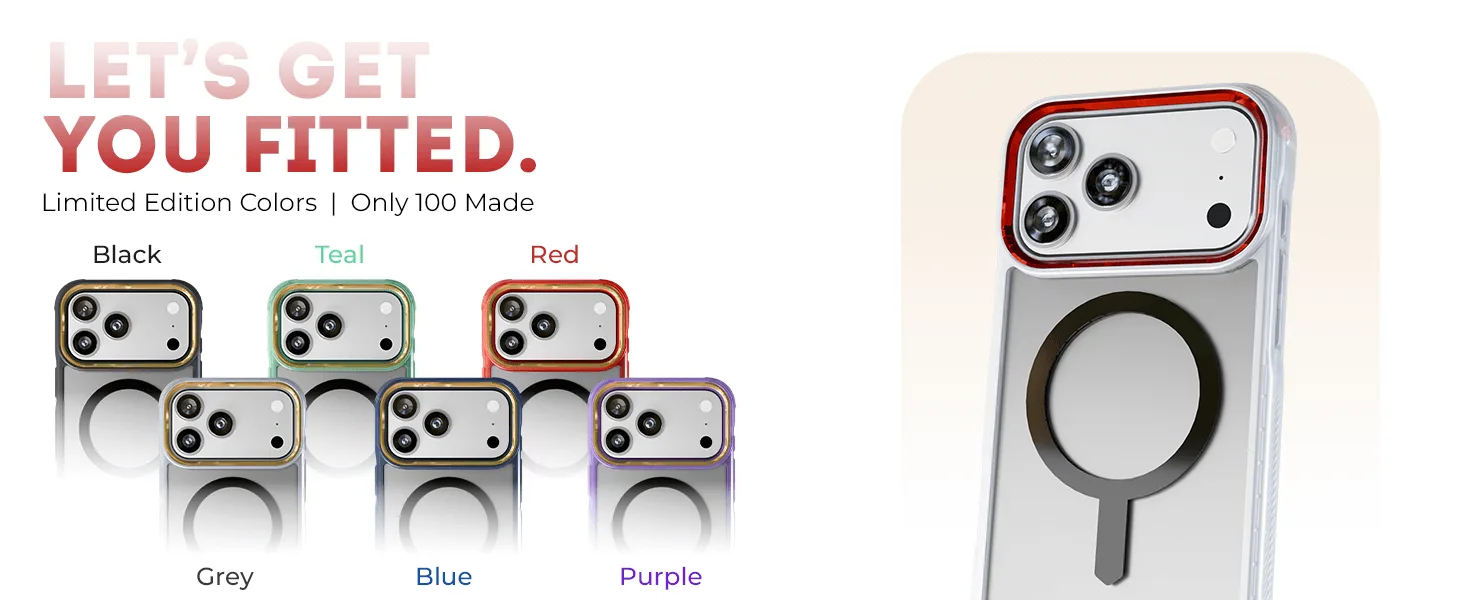
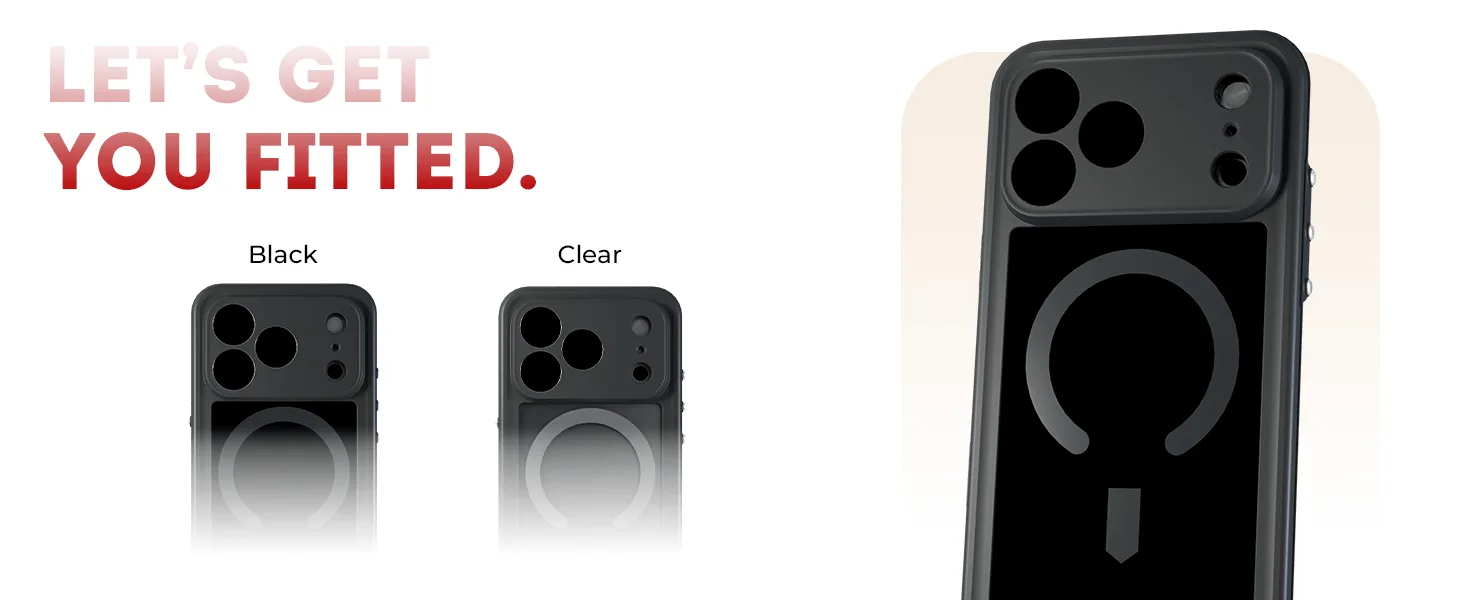
The COVERT Snap Case line for iPhone 17 and Air Series combines a clear or smoke-tinted design with MagSafe compatibility. That matters for yellowing because MagSafe magnets sit inside the case back, and cheap magnet assemblies can trap heat during wireless charging. Choosing a case designed for MagSafe charging means the magnet array is positioned to work with the charger rather than fight it, which reduces the heat that accelerates yellowing.
Six Steps to Slow Yellowing on Your iPhone 17 Clear Case
- Remove the case before charging: Wireless charging generates heat, and heat is the second-biggest cause of yellowing after UV. If you use a MagSafe charger, the case can stay on because the magnet array is designed for it, but avoid stacking the phone on thick pillows or under blankets while charging. For fast wired charging, take the case off if it comes away easily. Checkpoint: if the case feels warm to the touch after charging, it is trapping too much heat.
- Keep it out of direct sun: Do not leave your iPhone 17 face-up on a car dashboard, windowsill, or outdoor table for long periods. UV light breaks down the TPU polymer chains directly. A shaded pocket or bag is better than a sunny table, even for short errands. Common mistake: assuming window glass blocks enough UV. It does not block all of it.
- Wash every two to three weeks: Remove the case and wash it in lukewarm water with a drop of mild dish soap. Use your fingers or a soft microfiber cloth. Rinse thoroughly and pat dry with a lint-free cloth. Pay attention to the inside edges where grit collects and can scratch the phone. Checkpoint: if the rinse water looks grey, you waited too long between washes.
- Skip alcohol, bleach, and abrasive cleaners: Alcohol wipes, hand sanitizer, and bleach-based sprays can cloud the surface and strip coatings. They do not remove yellowing because yellowing is inside the plastic. Stick to mild soap and water. Common mistake: using disinfecting wipes daily, which dulls the case faster than yellowing does.
- Dry fully before reinstalling: Trapped moisture between the case and phone can create a hazy look that mimics yellowing and can damage the phone's finish over time. Let the case air-dry completely, then wipe the inside with a dry microfiber cloth before snapping it back on. Checkpoint: run a finger along the inside edges. If you feel dampness, wait longer.
- Rotate between two cases: If you want the clearest possible look for the longest time, own two cases and switch every few weeks. This halves the UV and oil exposure each case receives and gives you a clean case while the other dries. A smoke-tinted COVERT case can serve as the second option because tint hides early yellowing better than full clear. Next step: if your current case is already noticeably yellow, replace it rather than trying to restore it.
COVERT Snap Case Facts That Affect Yellowing
- iPhone 17 / Air Series Protective Clear MagSafe Cases — COVERTiPhone 17e / Smoke Matte: Clear construction with a smoke matte finish; built-in MagSafe compatibility; compatible with iPhone 17 and Air Series models including the iPhone 17e. The smoke matte finish masks early discoloration better than a fully clear case, and MagSafe compatibility means you are not forcing a misaligned charger that adds heat.
- iPhone 17 / Air Series Protective Clear MagSafe Cases — COVERTiPhone 17 Pro / Smoke: Clear design with a subtle smoke tint; built-in MagSafe compatibility; durable construction for everyday protection. A smoke tint gives you the clear-case look with more tolerance for the slight yellowing that eventually affects all TPU cases.
- iPhone 17 / Air Series Protective Clear MagSafe Cases — COVERTiPhone 17 Pro / Blue: Clear design showcases your iPhone 17 Pro in Blue; MagSafe compatible for a secure connection to chargers. If showing off the phone color is the priority, plan on a stricter care routine because a fully clear case shows yellowing sooner than a tinted one.