Quick answer
Store cartridges upright, out of direct sunlight, in a dust-free place with steady temperature and low humidity. Clean the edge connector before shelving, keep each game in a sleeve or case, and avoid stacking loose carts or pressing them against rough surfaces. A simple display stand or dust cover handles most of the work.
Why cartridge storage is different from disc storage
Retro cartridges are tougher than discs, but they fail in different ways. The edge connector is the most exposed part, and dust, skin oils, and oxidation build up there first, causing intermittent booting or glitchy graphics. The plastic shell and label are vulnerable to sunlight, heat, and pressure marks. Humidity is the slow killer: it encourages corrosion on the connector pins and can damage paper labels over years.
That means storage is not just about a shelf. It is about controlling dust, light, moisture, and physical pressure. A cartridge that sits loose on a windowsill will age faster than one kept in a closed drawer in a stable room.
What to check before you put a cartridge away
Before a cartridge goes into storage, inspect the edge connector with a bright light. If you see dark film, sticky residue, or greenish spots, clean it before shelving. Use a cotton swab lightly dampened with isopropyl alcohol and let the connector dry completely. Do not insert a wet cartridge into a console.
Check the label for lifting corners. A tiny bit of lift can spread with heat, so press it flat between clean paper under a heavy book for a day if it is safe to do so. If the shell is cracked, keep that cartridge separate so it does not scratch neighbors.
Your cartridge storage routine, step by step
- Clean the edge connector before shelving: Use a cotton swab lightly dampened with isopropyl alcohol and wipe the gold pins. Let it dry fully, then test the game once. Common mistake: inserting a still-damp cartridge, which can cause a bad connection or leave residue. If the game boots reliably after cleaning, it is ready for long-term storage.
- Choose a dry, dark, stable spot: A closed drawer, cabinet, or shelf away from windows and heating vents works best. Aim for steady room temperature and low humidity. Common mistake: storing carts in a garage, basement, or attic where humidity and temperature swing widely. If the spot feels damp or gets direct sun, pick another location.
- Keep dust off with a sleeve, case, or cover: A dust cover or original sleeve protects the connector and label from airborne dust and light. If you use open shelving, covers matter even more. Common mistake: leaving carts bare on an open shelf for months. Covered carts stay cleaner and need less frequent cleaning.
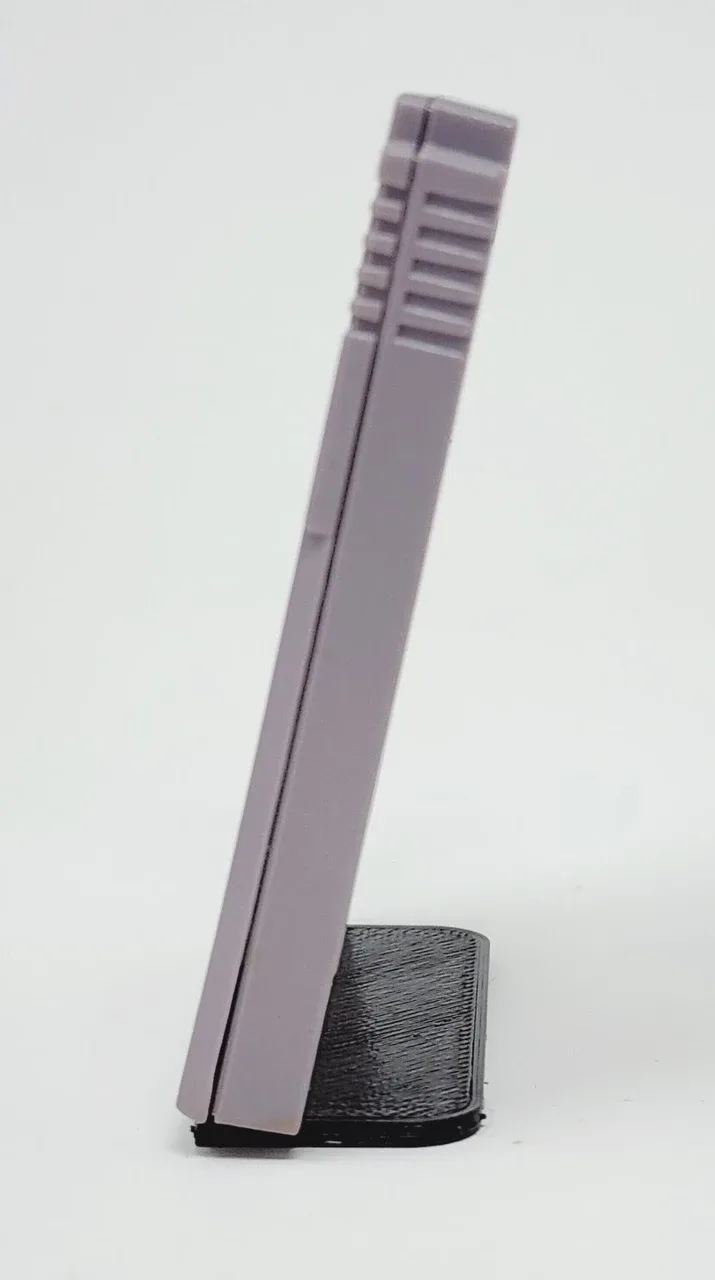
- Store upright and avoid stacking: Stand cartridges vertically so weight is not pressing on labels or shells. A display stand holds Game Boy, Game Boy Color, and Game Boy Advance carts at a slight angle and keeps them separated. Common mistake: piling loose carts flat in a box, which scuffs labels and can bend shells. If you can see the label without moving other carts, your arrangement is working.
- Separate damaged or dirty carts: Put cracked, corroded, or recently cleaned cartridges in their own bag or box until you can inspect them again. Common mistake: mixing a damaged cart with clean ones, which spreads grime or scratches neighbors. One bad cart should never touch your good ones.
- Recheck every few months: Open the storage area, look for moisture, pests, or new label damage, and test one or two games. Common mistake: assuming a sealed box stays safe forever without a quick visual check. A five-minute seasonal check prevents most long-term damage.
Products that match this routine
- Display Stand for Game Boy, Game Boy Color, and Game Boy Advance Game Cartridges - Trogg Tech: Display Stand for Game Boy, Game Boy Color, and Game Boy Advance Game Cartridges by Trogg Tech is a 3D printed stand with a slim profile; cartridges plug into the stand at about a 10 degree angle, and games are not included. A dedicated stand keeps loose cartridges upright and off surfaces, which reduces dust contact and label pressure compared with a pile in a drawer.
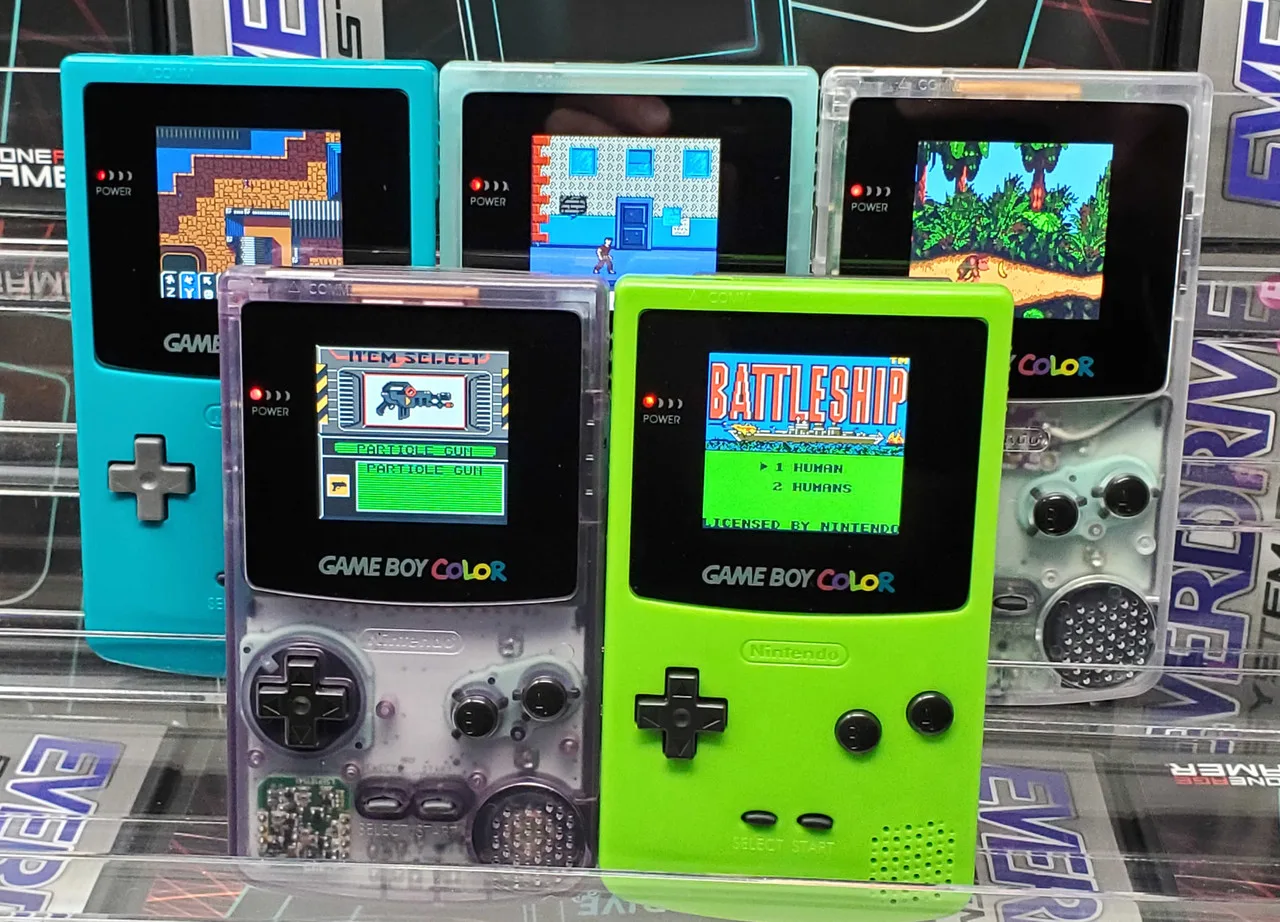
- LCD Upgrade Service for Game Boy Color - McWill Backlight Screen: LCD Upgrade Service for Game Boy Color - McWill Backlight Screen is an installation service plus LCD hardware for an original Game Boy Color, including the shell, buttons, and a new glass screen lens; typical turnaround is 1-2 weeks once the console is received if parts are available. If a Game Boy Color is going into storage or being restored, sending it for a screen upgrade first means the console and its cartridges are ready to use when you pull them out again.