Start with the Right Connector
Tethering your camera to a laptop is a straightforward way to review images on a larger screen and keep your workflow organized. The first step is to choose a cable that matches both your camera and your computer's ports. TetherPro USB-C cables come in several connector configurations, so you need to identify the port on your camera and the port on your computer.
If your computer has a USB-C port and your camera uses a Micro-USB 3.0 Type-B port, the TetherPro USB-C to USB 3.0 Micro-B cable (product ID 1949316) is designed for that direct connection. If your camera has a full-size USB 3.0 Type-B port, the TetherPro USB-C to USB 3.0 Male B cable (product ID 1949317) is the one. For cameras that already have a USB-C port, the TetherPro USB-C to USB-C cable (product ID 1949314) connects directly without any adapters.
Before you order, use the "search by camera" function on the Tether Tools website to confirm which cable is correct for your specific camera model. This is the safest way to avoid a mismatch and ensures you get the right connector for your gear.
Cable Options at a Glance
-
Tether Tools TetherPro USB-C to USB 3.0 Micro-B 4.6m Black: TetherPro USB-C to USB 3.0 Micro-B 4.6m Black: 1 x USB Type-C, 1 x Micro-USB 3.0 Type-B, 4.6m long, 5 Gb/s transfer rate. This cable is for cameras that use a Micro-USB 3.0 Type-B port, a common connector on many DSLR and mirrorless models. The 4.6m length gives you room to move around the studio.
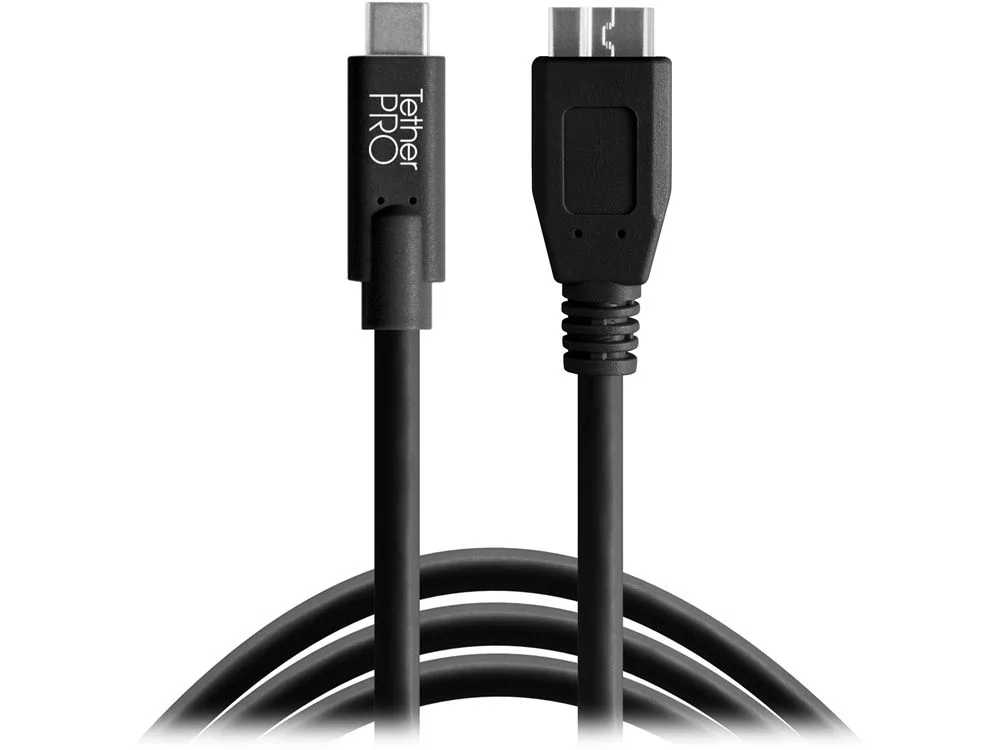
Tether Tools TetherPro USB-C to USB 3.0 Micro-B 4.6m Black
-
Tether Tools TetherPro USB-C to USB 3.0 Male B 4.6m Black: TetherPro USB-C to USB 3.0 Male B 4.6m Black: 1 x USB Type-C, 1 x USB 3.0 Type-B, 4.6m long, 5 Gb/s transfer rate. This cable suits cameras with a full-size USB 3.0 Type-B port. It provides a straight connection with no adapters or dongles, reducing the chance of signal loss.
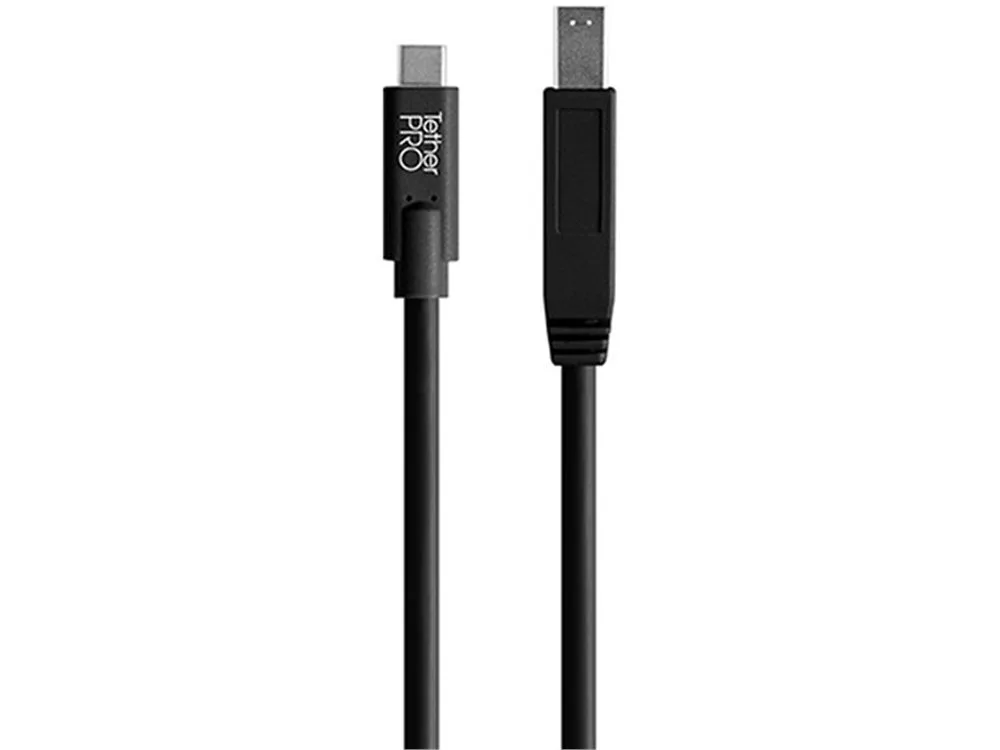
Tether Tools TetherPro USB-C to USB 3.0 Male B 4.6m Black
-
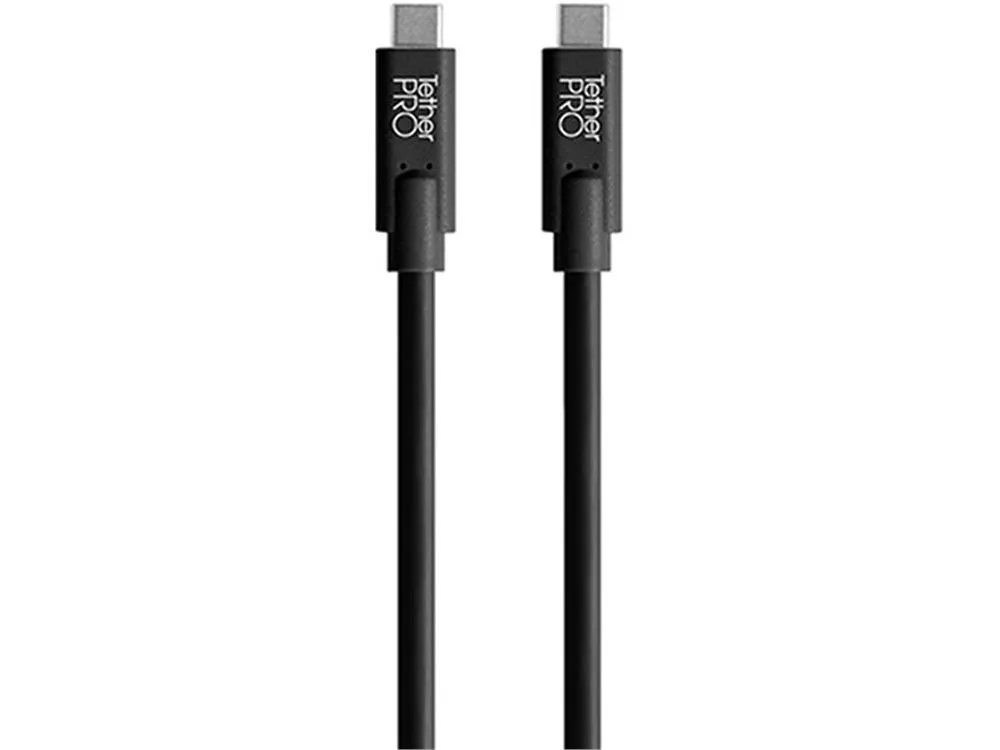
Tether Tools TetherPro USB-C to USB-C 4.6m Black: TetherPro USB-C to USB-C 4.6m Black: 1 x USB Type-C, 1 x USB Type-C, 4.6m long, 5 Gb/s transfer rate. This is the simplest option for cameras that already have a USB-C port. It connects directly to your USB-C computer without any extra hardware.
Set Up Your Tethered Shooting Workflow
Once you have the correct cable, setting up a tethered session is usually a matter of connecting the cable and launching your camera's tethering software. The exact steps depend on your camera model and software, but the general workflow is consistent.
- Connect the cable to your camera: Plug the appropriate end of the TetherPro cable into your camera's port. The connector is designed to fit securely; if it doesn't go in easily, double-check that you have the correct cable for your camera.
- Connect the cable to your computer: Plug the USB-C end into your computer's USB-C port. USB-C is fully reversible, so you don't need to worry about orientation.
- Turn on your camera: Power on your camera and switch it to the appropriate mode for tethered shooting, if required by your camera. Some cameras need to be in a specific mode to communicate with the computer.
- Launch your tethering software: Open the software you use for tethered capture, such as Capture One or Lightroom. The software should detect your camera and display a live preview or allow you to trigger the shutter.
- Test the connection: Take a test shot to confirm that images are transferring to your computer. If the connection isn't working, check that the cable is fully seated and that your camera is compatible with the software.
Why Cable Quality Matters for Tethering
Tethering involves continuous data transfer, so a reliable cable is essential. TetherPro cables are designed to the highest USB specifications to filter out signal noise and reduce transmission errors. They are fully shielded and plated to protect against external signal interference, which helps maintain a stable connection during long shoots.
A 4.6m cable gives you flexibility to move around your studio without being tethered too close to your computer. All three TetherPro cables in this guide offer this length, so you can choose based on your camera's port type without sacrificing reach.