Quick answer
Tighten small RC hardware in stages with a quality hex driver, stopping at the first firm resistance rather than forcing a quarter turn more. Snug is the target on M2 and M3 screws, and threadlocker belongs on metal-to-metal joints, not on screws that thread into plastic.
Small hardware is where most crawler builds quietly fail. An M3 screw that feels tight can still be crushing a plastic boss, and a screw that feels loose may simply need a fresh caphead washer instead of more torque. The goal is not maximum tightness; it is repeatable, even clamping force that holds through vibration and impacts.
This process covers tightening sequence, tool choice, threadlocker use, and the maintenance checks that catch problems before a screw backs out on the trail. It applies to any Vanquish Products build, from a VS4-10 chassis kit to a Phoenix body set.
Start with clean threads and the right driver
Before tightening anything, confirm the hex socket is clean and the driver tip is not rounded. A worn tip cams out and rounds the screw head, which turns a two-minute job into a drill-out. Wipe old threadlocker residue from metal threads with a nylon brush, and check that plastic bosses are not already cracked from a previous over-tightening.
Match the driver size exactly. M2, M2.5, and M3 screws each have a specific hex size, and using the next size up damages the socket. If a screw has been reused several times, replace it rather than chasing torque on a weakened head.
- Replace any driver tip that rocks in the screw head instead of engaging fully.
- Inspect plastic bosses for white stress marks before installing a screw.
Tighten in a cross pattern and in stages
When a part is held by several screws, run them all down until they just contact the surface, then tighten in a cross or alternating pattern. This spreads clamping load evenly and prevents a plate or axle housing from seating crooked. Tighten in two passes: first to light snug, then to final snug.
Final snug means the screw stops turning with light hand pressure and the part no longer moves. On small RC hardware, that is usually well before the driver feels like it is working hard. If you feel the screw give slightly and then keep turning, stop and inspect for stripped threads.
- Never tighten one screw fully before the others are started.
- If a screw keeps turning without getting tight, the threads are already damaged.
Use threadlocker only where it belongs
Threadlocker is for metal-to-metal fasteners that see vibration, such as screws threading into aluminum axle parts or motor mounts. Use the low-strength variety so parts can still be disassembled with hand tools. Apply a small drop to the threads, not the head, and let it cure before running the rig hard.
Do not use threadlocker on screws that thread into plastic. It can attack some plastics and makes future removal risky. For plastic, the correct fix for a loose screw is usually a slightly larger screw, a fresh boss, or a caphead washer to spread load.
- Low-strength threadlocker is enough for small RC fasteners.
- Keep threadlocker away from plastic threads and from bearing surfaces.
Check hardware after the first few runs
New builds settle. After the first two or three runs, recheck screws on the axle housings, link mounts, and transmission. Vibration and plastic creep can loosen hardware that felt perfect on the bench. A quick pass with the same driver, stopping at snug, catches most of it.
Make this a routine: after every few packs, touch the screws you can reach without disassembly. If the same screw keeps loosening, the problem is usually a worn washer, a stretched screw, or a cracked boss, not insufficient torque.
- Recheck hardware after the first run and again after the first full battery pack.
- A screw that repeatedly loosens needs a part replaced, not more torque.
Maintain washers, screws, and threads as wear items
Caphead washers and screws are consumables. A caphead washer that has been crushed or bent no longer spreads load evenly, so replace it rather than flattening it back. Screws with rounded sockets or stretched shanks should be retired before they fail mid-run.
For threads in aluminum, avoid repeated removal and reinstallation of the same screw when possible. If a thread does strip, a thread repair insert is the durable fix, but it must be sized correctly for the screw. Keep a small stock of common M2 and M3 screws and washers so a worn fastener never forces you to reuse a bad one.
- Replace bent caphead washers instead of reusing them.
- Keep spare M2 and M3 hardware on hand for quick trail-side swaps.
Step-by-step hardware torque and maintenance process
- Clean and inspect the fastener and threads: Remove old threadlocker, check the hex socket for rounding, and inspect plastic bosses for cracks. Replace any screw or washer that shows wear. If the driver rocks in the head, stop and change the driver or the screw.
- Seat all screws by hand before tightening: Run every screw down until it contacts the surface using light finger pressure on the driver. Do not tighten any single screw yet. A screw that will not seat by hand is cross-threaded; back it out and restart.
- Tighten in a cross pattern to light snug: Work around the part in an alternating pattern, bringing each screw to light snug so the part seats evenly. The part should stop moving before you apply any real force.
- Finish at snug, not maximum tightness: Make a second pass to final snug, stopping as soon as the screw stops turning under light hand pressure. If the screw gives and keeps turning, stop; the threads are damaged.
- Apply threadlocker only to metal-to-metal joints: Use low-strength threadlocker on screws threading into aluminum, applied to the threads and allowed to cure. Never use threadlocker on screws that thread into plastic.
- Recheck hardware after the first few runs: After the first run and again after a full pack, touch every accessible screw and bring it back to snug. A screw that repeatedly loosens needs a new washer, screw, or boss.
Hardware-related parts worth knowing
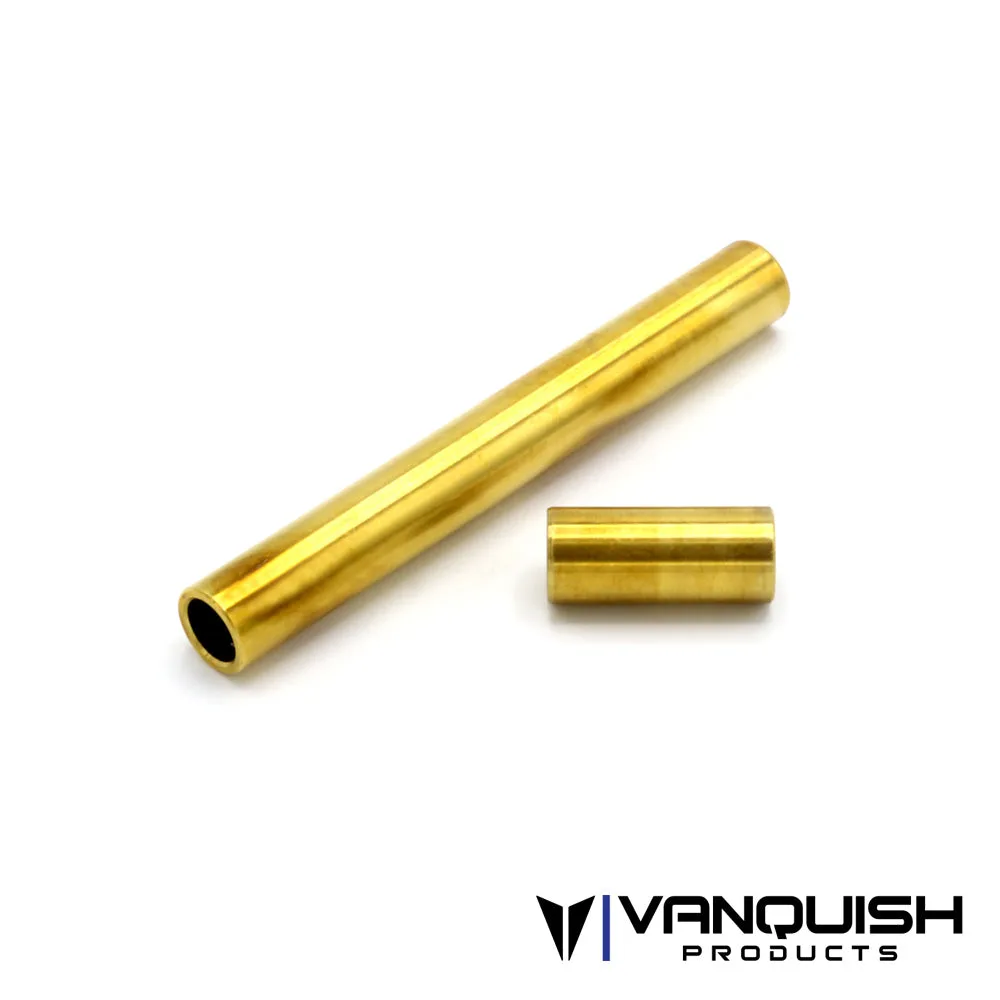
- F10 Portal Front Axle Brass Tubes: Package includes one short side brass tube and one long side brass tube, designed for the F10 portal front axle and listed under VS4-10 axle and chassis kit parts. Because these tubes are side-specific, mixing them up during axle service can cause fitment problems that look like a hardware torque issue.
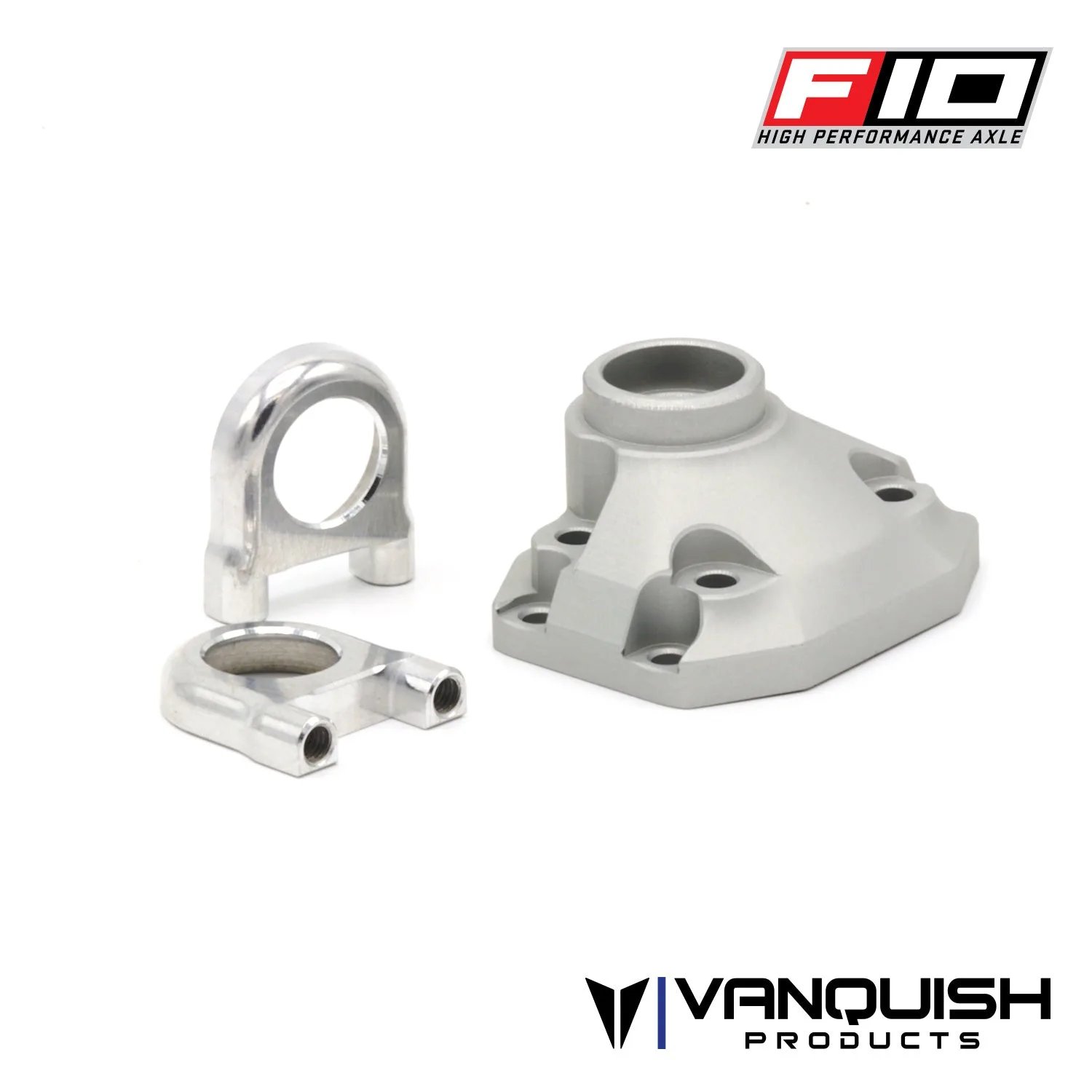
- F10/H10 Rear Axle Third Member: Direct replacement for the rear plastic third member used in all F10 and H10 axles, and the package includes machined aluminum bearing retainers for added strength and rigidity of the ring and pinion. Aluminum threads hold torque more consistently than plastic, so upgrading this part reduces the chance of stripped rear axle hardware.
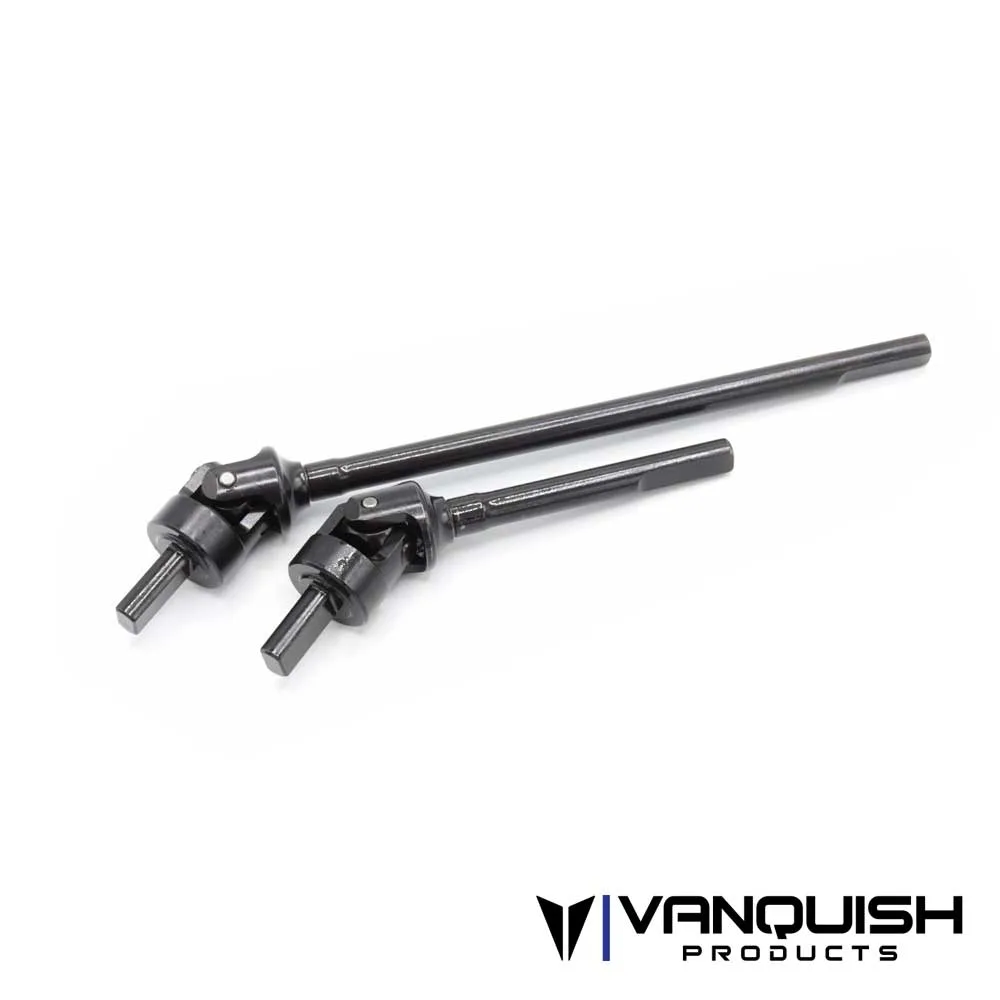
- F10 Portal Axle Shaft VDI: A Vanquish Products part for VS4-10 builds, listed under VS4-10 Axles, the VS4-10 Chassis Kit, and the VS4-10 Phoenix, offered as a Standard option under SKU VPS08608. Knowing the exact application prevents ordering the wrong shaft and reusing worn hardware during a rebuild.
Small RC hardware rewards patience more than force. Tighten in stages, stop at snug, use threadlocker only where it belongs, and treat washers and screws as wear items. That routine keeps Vanquish builds together through vibration and impacts far better than any extra quarter turn.