Quick answer
Start with the simplest, least invasive checks: reseat the power connection, try a different HDMI or display cable and port, and test one controller at a time. Most M64 console troubleshooting comes down to a loose connection, a failing cable, or a dirty contact rather than a dead console. If the console still won't power on after those steps, stop and contact support or a repair service instead of opening the shell.
No power: work from the wall outward
Before you assume the worst, isolate the power path. Plug the console into a different outlet, then swap in a known-good USB-C cable and adapter if your setup uses one. If the console has a power LED, watch whether it flickers, stays dark, or blinks in a pattern, because that tells you whether power is reaching the board at all. A completely dark LED after a confirmed working outlet and cable points to an internal fault, not a settings problem.
- Test the outlet with another device first.
- Swap the cable and power adapter one at a time so you know which change mattered.
- Unplug any hub, dock, or extension and connect the console directly.
Display issues: cables, ports, and input settings
If the console powers on but you get no signal, a black screen, or flickering, the display chain is the usual suspect. Try a different HDMI cable, then a different port on your TV or monitor, then a different display entirely. Check that the TV input matches the port you used and that any game mode or auto-detect setting isn't fighting the signal. Flicker that changes when you wiggle the cable is a cable or port problem, while a stable black screen with audio often points to a resolution or handshake issue.
- Reseat both ends of the display cable until they click.
- Bypass any switch, splitter, or capture card during testing.
- If a second display works, the original TV or monitor is the problem, not the console.
Controller problems: pairing, drift, and lag
Controller issues split into two groups: connection problems and physical wear. If a controller won't pair or drops out, remove it from the console's device list, restart the console, and pair it again while sitting close. If inputs lag only in one game, the game or display mode is more likely than the hardware. If a stick drifts on its own, that is mechanical wear, and cleaning the stick base is the first step before considering a replacement.
- Pair one controller at a time to rule out interference.
- Charge the controller fully before judging connection stability.
- Drift that returns immediately after cleaning is a hardware issue, not a dirt issue.
When to stop and choose another option
Stop and seek repair or replacement if the console smells hot or burnt, if it repeatedly shuts off mid-game, if the shell is cracked around the power port, or if you have already swapped cables, outlets, and displays with no change. Opening the shell yourself can void coverage and risks damaging components you can't easily replace. For software-side oddities, a supported firmware update is a safer next step than disassembly.
- Repeated shutdowns or burning smells are stop-now signs.
- Physical damage around ports usually needs a technician.
- Document what you tried so support can skip the basics.
Symptom, cause, and action at a glance
- Console won't turn on: Most often a dead outlet, a failed cable or adapter, or a loose power connection rather than a dead console. If a confirmed working outlet and cable still give no LED, stop and contact support.
- No signal or flickering picture: Usually the HDMI cable, the TV port, or an input setting, not the console itself. If a second display and cable work cleanly, the original display chain is the fault.
- Controller drift or dropouts: Dropouts are usually pairing or interference; drift is mechanical wear in the stick. Clean the stick base once; if drift returns, replace the controller rather than reopening the console.
Games worth testing your fixes with
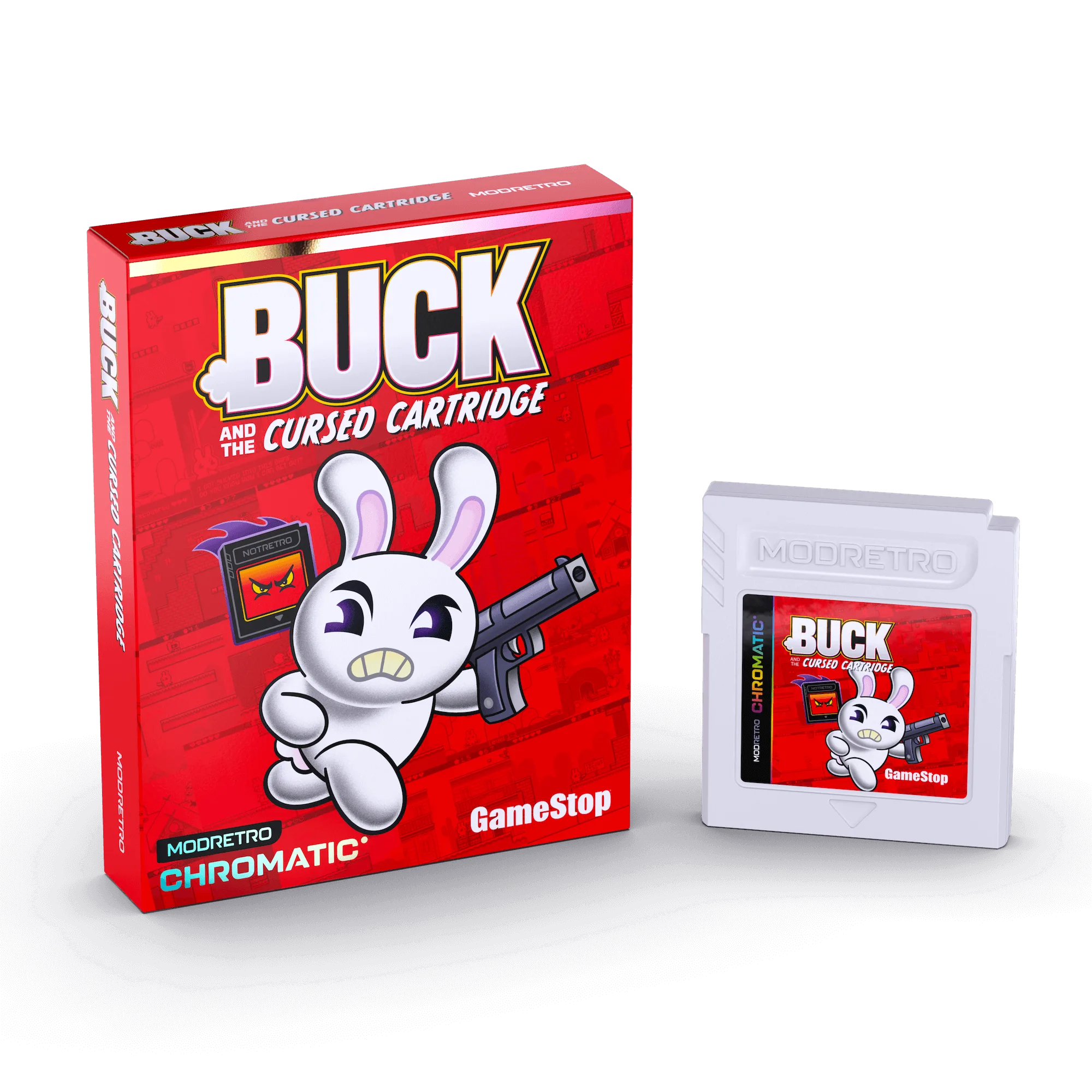
- Buck and the Cursed Cartridge: Buck and the Cursed Cartridge is a Chromatic game about a retro gamer pulled into a cursed cartridge, priced at USD 30.14 against a catalog comparison price of USD 44.99. A single-player action game like this is a clean test for display and input response, since glitches show up immediately without co-op variables.
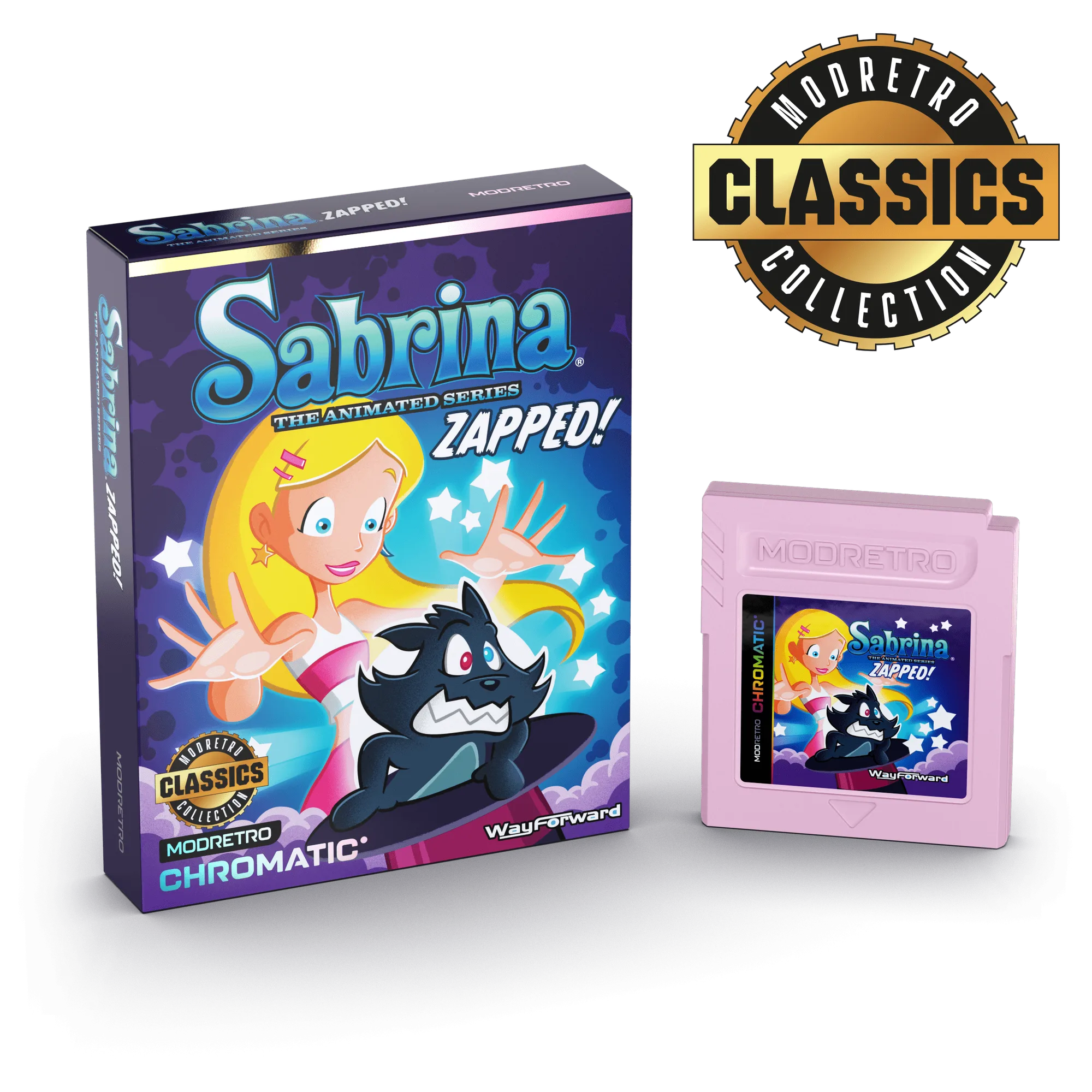
- Sabrina: Zapped!: Sabrina: Zapped! is a platformer originally released in the early 2000s, developed by Matt Bozon and WayForward, priced at USD 25.59 against a catalog comparison price of USD 39.99. Platformers demand precise timing, so they are useful for checking controller lag and drift after you clean or re-pair a controller.
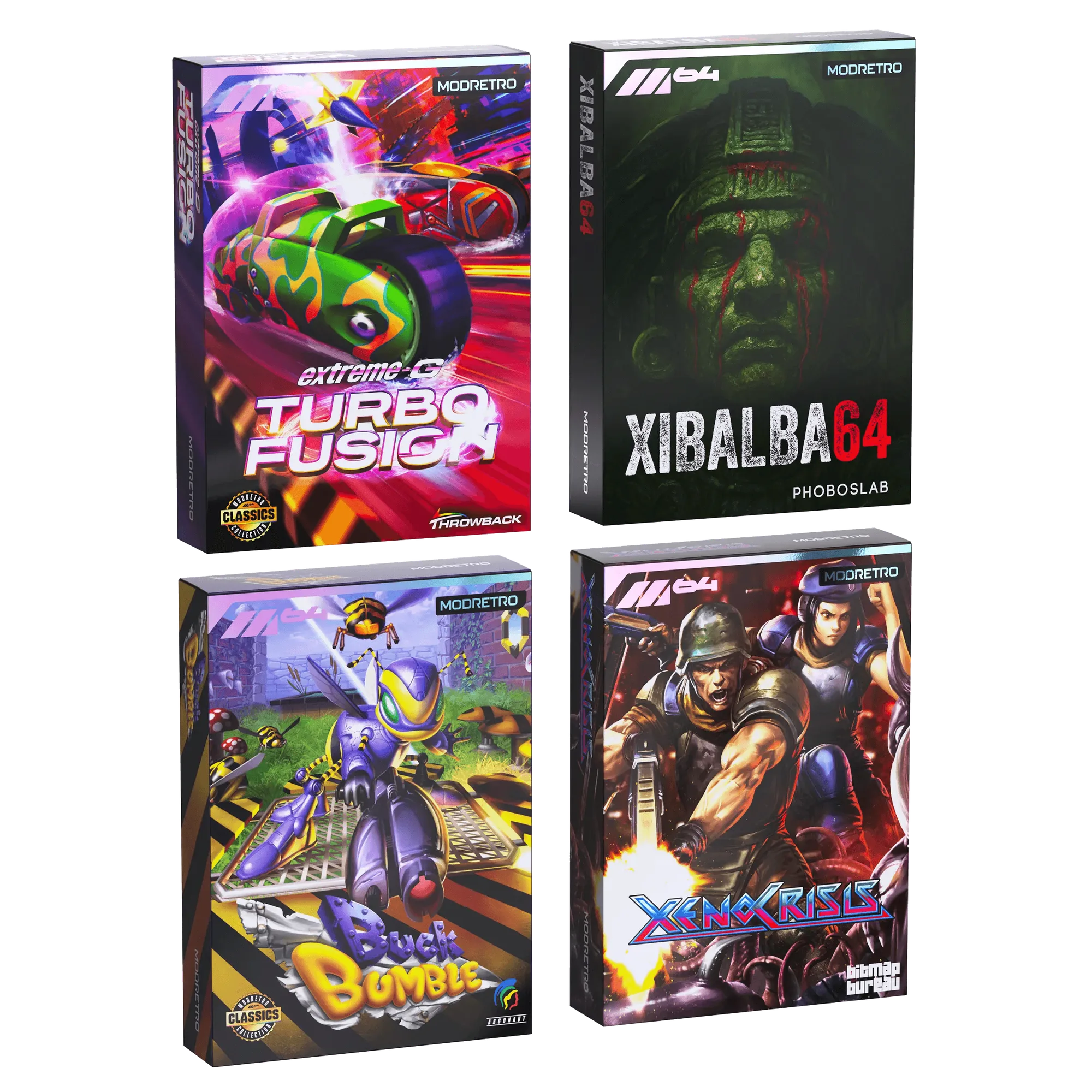
- M64 Release Titles Bundle: The M64 Release Titles Bundle includes the first four M64 games on cartridge in collector's edition boxes with printed manuals, priced at USD 115.19 against a catalog comparison price of USD 179.99. Having several cartridges on hand lets you swap games to confirm whether a problem follows the console or a single cartridge.