Quick answer
Attach the grip securely, enable vertical controls in the camera menu, and adjust your grip hand position to keep the camera balanced when switching between horizontal and portrait shots.
Battery Grip Trade-off: Weight vs. Stability
A battery grip adds 200-600g to your rig. That extra mass pulls the center of gravity lower, which reduces shake with heavy telephoto lenses. But for casual walkaround use, it may feel front-heavy if your lens is light. If balance is your main concern, choose a grip that matches the shape of your camera body exactly — third-party options sometimes leave a gap that shifts grip feel.
When to Skip the Extra Battery
Many photographers assume they always need the spare battery slot inside the grip. In reality, if you shoot tethered or have AC power nearby, the extra weight of a second battery isn't worth it. For studio portraits or product shots, leave the internal battery out to save weight — the grip still improves ergonomics for vertical shooting.
How to Attach and Use a Battery Grip
- Mount the grip securely: Remove the camera body cap and align the grip’s contact pins with the battery compartment. Tighten the tripod screw at the grip’s base until snug — do not overtighten, as it can strip the plastic threads. Common mistake: leaving the grip loose causes intermittent power drops. Check the tightness every time you change lenses or pack the camera.
- Enable vertical controls in the camera menu: Most cameras require you to activate the vertical shutter button and control dials in the custom settings menu. If these controls don’t respond, you likely forgot this step — not a hardware defect. Common mistake: assuming the grip works out of the box; the menu setting is easy to miss. Take a test shot in vertical orientation before a shoot to confirm the shutter fires.
- Adjust hand position for vertical shooting: Place your right hand on the grip’s vertical thumb rest and your left hand under the lens barrel. This keeps the camera’s center of mass over your palms, reducing fatigue during long portrait sessions. Common mistake: holding the grip as you would a horizontal camera, which strains your wrist. Practice switching between horizontal and vertical grip positions until the motion feels natural.
- Manage battery life with the grip’s power delivery: If your grip has a USB-C port (like the amaran Peak 75), plug a power bank into it to extend runtime without stopping to swap batteries. The USB-C adds up to 10W, freeing the camera’s own battery for shooting. Common mistake: using the grip’s USB port only for charging and ignoring pass-through power during use. Keep a small power bank in your pocket for all-day event shoots.
Related Product
-
amaran Peak 75 Battery Grip: The amaran Peak 75 Battery Grip provides 66.6Wh with a built-in Ace E-Lock mount, letting you power a Ray 60c or Pano 60c at full output without an extra cable. If you use compact RGB lights on location, this grip eliminates one power cable, simplifying your setup and reducing trip hazards.
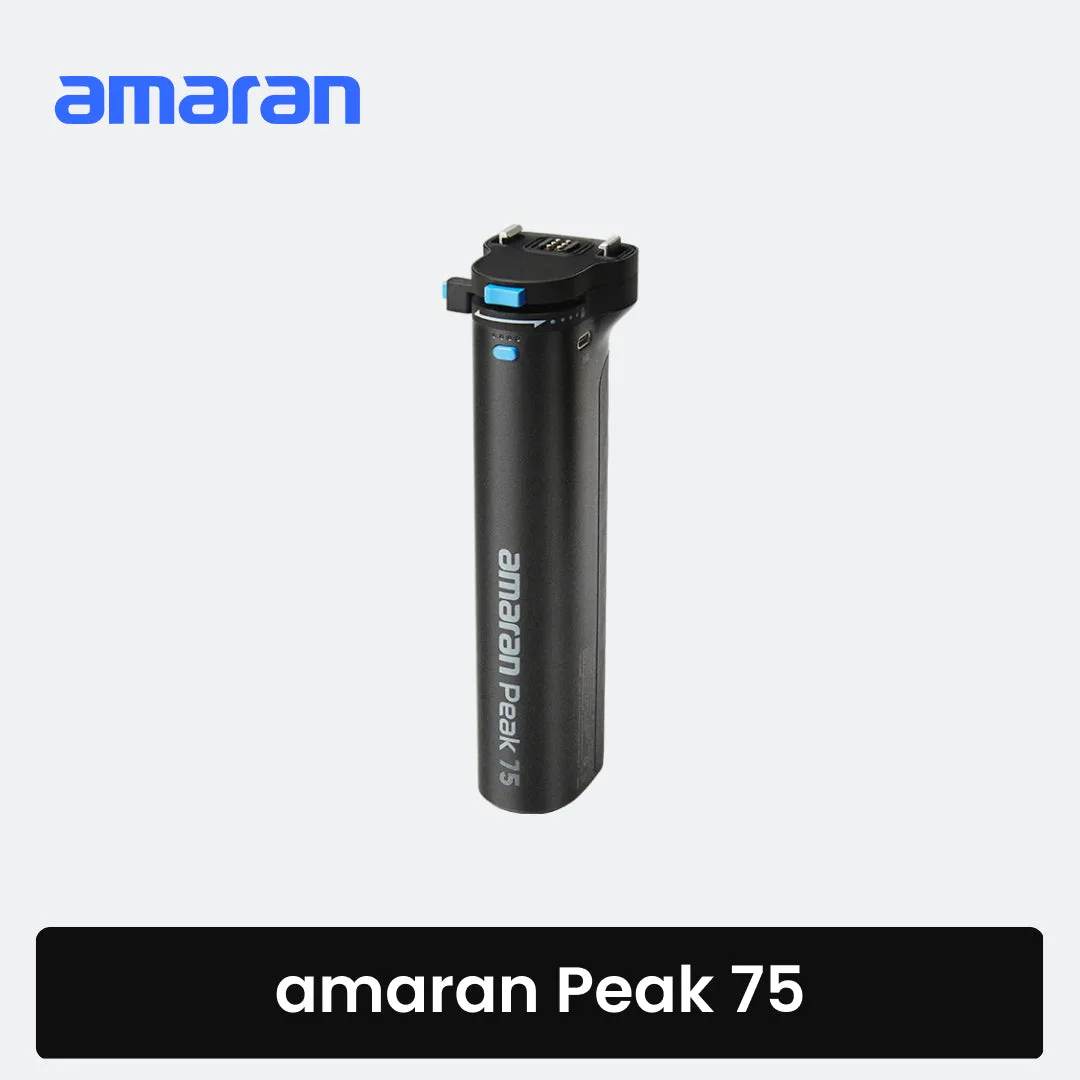
amaran Peak 75 Battery Grip


