Quick answer
To use a drawing robot for kids ages 3–8, start by placing it on a flat surface, inserting paper, and turning it on. Follow the voice guidance to begin drawing, and supervise to ensure proper use.
Why a drawing robot works for ages 3–8
A drawing robot combines play with early learning by offering step-by-step voice guidance and visual feedback. This helps young children develop fine motor skills and creativity without needing advanced reading or drawing ability. The robot's audio cues and lighting make it easy for kids to follow along independently, while parents can step in to guide if needed.
Step-by-step: Using your drawing robot
- Set up the robot on a stable surface: Place the drawing robot on a flat, level table or desk. Make sure there's enough room for the robot to move and for your child to reach the drawing area comfortably. Insert the required paper or drawing card into the slot as indicated in the manual. Common mistake: placing the robot on an uneven surface can cause the drawing to be skewed. Always check that the surface is stable before starting.
- Turn on the robot and select a drawing mode: Press the power button to turn on the robot. Listen for the voice prompt that announces the available modes. Use the buttons or touch controls to choose a drawing mode—such as 'free draw' or 'guided drawing'—based on your child's skill level. The robot will then provide step-by-step audio instructions. Checkpoint: if the voice guidance is too soft or too loud, adjust the volume using the dedicated button before your child starts drawing.
- Guide your child through the first drawing: Let your child hold the stylus or drawing tool that comes with the robot. The robot will move the paper or guide the tool to create lines and shapes. Encourage your child to follow the robot's movements and repeat the shapes on their own once the robot finishes. Supervise to ensure they don't press too hard or lift the tool prematurely. Common mistake: kids often try to draw over the robot's lines before they are complete, which can cause smudging. Remind them to wait for the robot to finish its stroke.
Product facts
-
Drawing Robot for Kids Ages 3–8: Provides engaging sound effects, step-by-step voice guidance, and responsive lighting for an immersive learning experience. This means your child can follow along without constant adult help, and the lighting adjusts to protect their eyes during use.
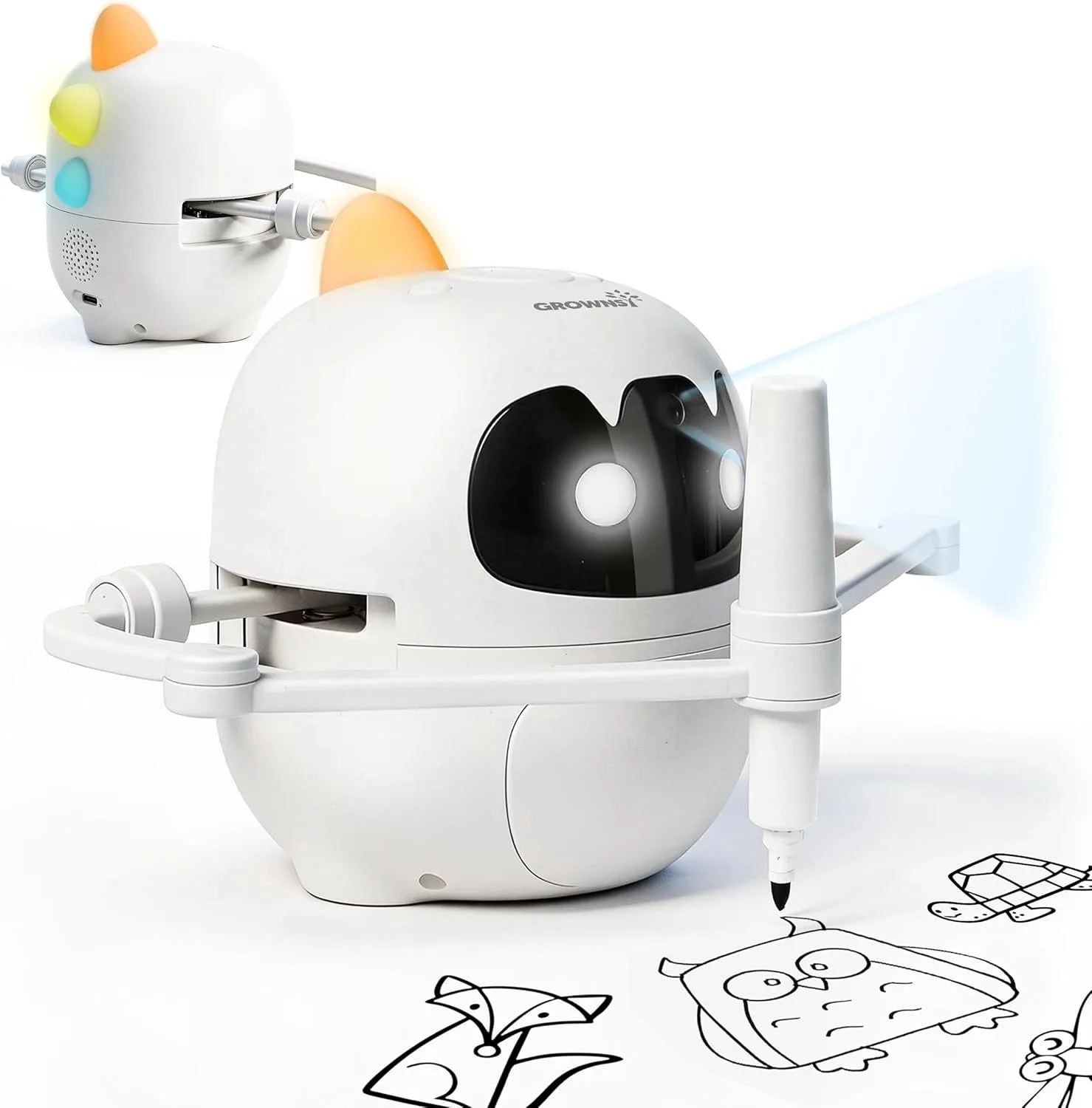
Drawing Robot for Kids Ages 3–8