Quick Answer
Hold the Handheld Linear Prism close to your lens and rotate it to bend light and create organic refracted duplications. Practice with a single light source to get the most control.
Why the handheld version gives you more control
Unlike a filter that screws onto the lens, a handheld prism lets you move the glass independently. That freedom means you can change the angle, distance, and rotation without changing your camera settings, which is ideal for both photography and video.
The trade-off is that you need a steady hand. If you're shooting video, consider using a tripod or a second person to hold the prism so you can focus on framing.
Choosing the right light source
The prism effect is strongest when light passes through it at an angle. Direct sunlight, a streetlamp, or a single LED panel all work well. Avoid mixed lighting sources because they can create muddy or confusing refractions.
For video, start with a static light source before trying moving lights. This makes it easier to see how the prism bends the light and to adjust your hand position.
Step-by-Step Guide
- Set up your camera and light: Place your camera on a tripod or hold it steady. Position a single light source (like the sun or a lamp) so it hits the prism at an angle. Check that the light is not directly in your lens to avoid flare. A single light source makes the effect easier to control.
- Hold the prism close to your lens: Grip the Handheld Linear Prism by its edges and hold it just in front of your lens, about 1-2 inches away. Keep it parallel to the lens to start, then tilt it slightly to see how the light bends. Avoid touching the glass surface to prevent smudges.
- Rotate the prism to find the effect: Slowly rotate the prism while looking through your viewfinder or monitor. You will see refracted light and duplicated shapes appear. Stop when you find the composition you like. Rotate slowly to avoid overshooting the sweet spot.
- Adjust distance and angle for intensity: Move the prism closer to the lens for a stronger effect, or farther away for a subtler one. Change the tilt to make the duplication more organic or more linear. Test different distances to match the mood you want.
- Lock in your focus and exposure: Once the prism is in position, switch to manual focus on your main subject. Meter your exposure without the prism first, then adjust if the refracted light changes the brightness. Manual focus prevents the camera from hunting due to the prism.
- Shoot and review: Take a few test shots or record a short clip. Review them on a larger screen to check sharpness and composition. Make small adjustments to the prism angle if needed. Reviewing on a big screen helps spot unwanted artifacts.
Product Facts
-
Handheld Linear Prism: The Handheld Linear Prism is a handheld version of the Subtle Linear FX Filter, giving you more creative control over the effect. Because you can move the prism independently, you can fine-tune the refraction angle and create more organic duplications that a fixed filter cannot achieve.
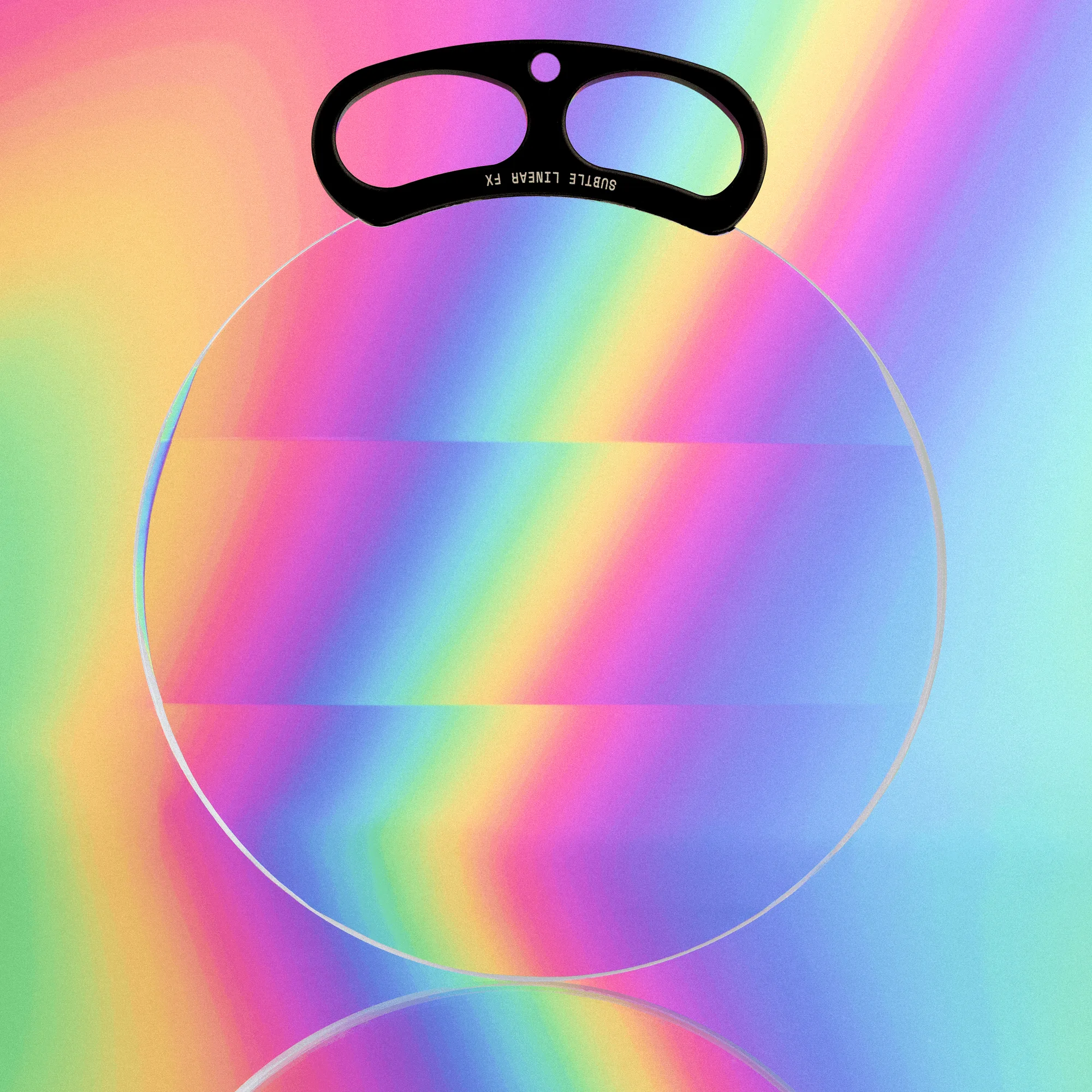
Handheld Linear Prism


