Quick answer
Place your reference image or template on the light pad, lay your paper on top, and turn the pad on to a low-to-medium brightness. Trace with a light hand, check alignment before committing to ink, and use the pad's even glow to position stencils and layers accurately. The key is to keep the pad on a flat, stable surface and avoid pressing too hard, which can dent the paper or shift your design.
Set up your light pad and workspace
A light pad works best on a flat, non-slip surface. Clear your desk of clutter and place the pad where you can sit comfortably without casting a shadow over your work. Plug it in or insert batteries, but leave it switched off for now. If your pad has a brightness dial, turn it to the lowest setting before you begin. A dim start helps you see the reference image without glare, and you can increase brightness later if needed. Keep a clean sheet of copier paper or a smooth cardstock nearby to test the light before you use your final project paper.
Choose the right paper for tracing
Not all paper lets light through equally. Thin paper, such as tracing paper, vellum, or lightweight copier paper, works best for direct tracing. If you want to trace onto thicker cardstock, you may need to increase the pad's brightness. For card making, a smooth-surfaced cardstock gives the cleanest lines. Textured or linen-finish paper can distort fine details because the light scatters across the bumps. If your design has delicate lines, use the smooth side of your cardstock. The Arden Creative Studio Premium Cardstock in Canary Yellow has a smooth side and a linen-textured side, so you can choose the smooth side for tracing and save the textured side for layering or stamping.
Position your template and secure it
Place your reference image, stencil, or template directly on the light pad's surface. If you are tracing a design, tape the template down with low-tack tape so it cannot shift. Then lay your project paper on top, aligning it with the template underneath. Check that the edges of your paper are parallel to the pad's edges if you need a straight border. For stencilling, place the stencil on top of your paper and tape it down as well. A common mistake is to skip the tape; even a small shift mid-trace can ruin a symmetrical design. Once everything is secure, turn the pad on and adjust the brightness until the underlying lines are clearly visible but not glaring.
Trace with a light hand and check alignment
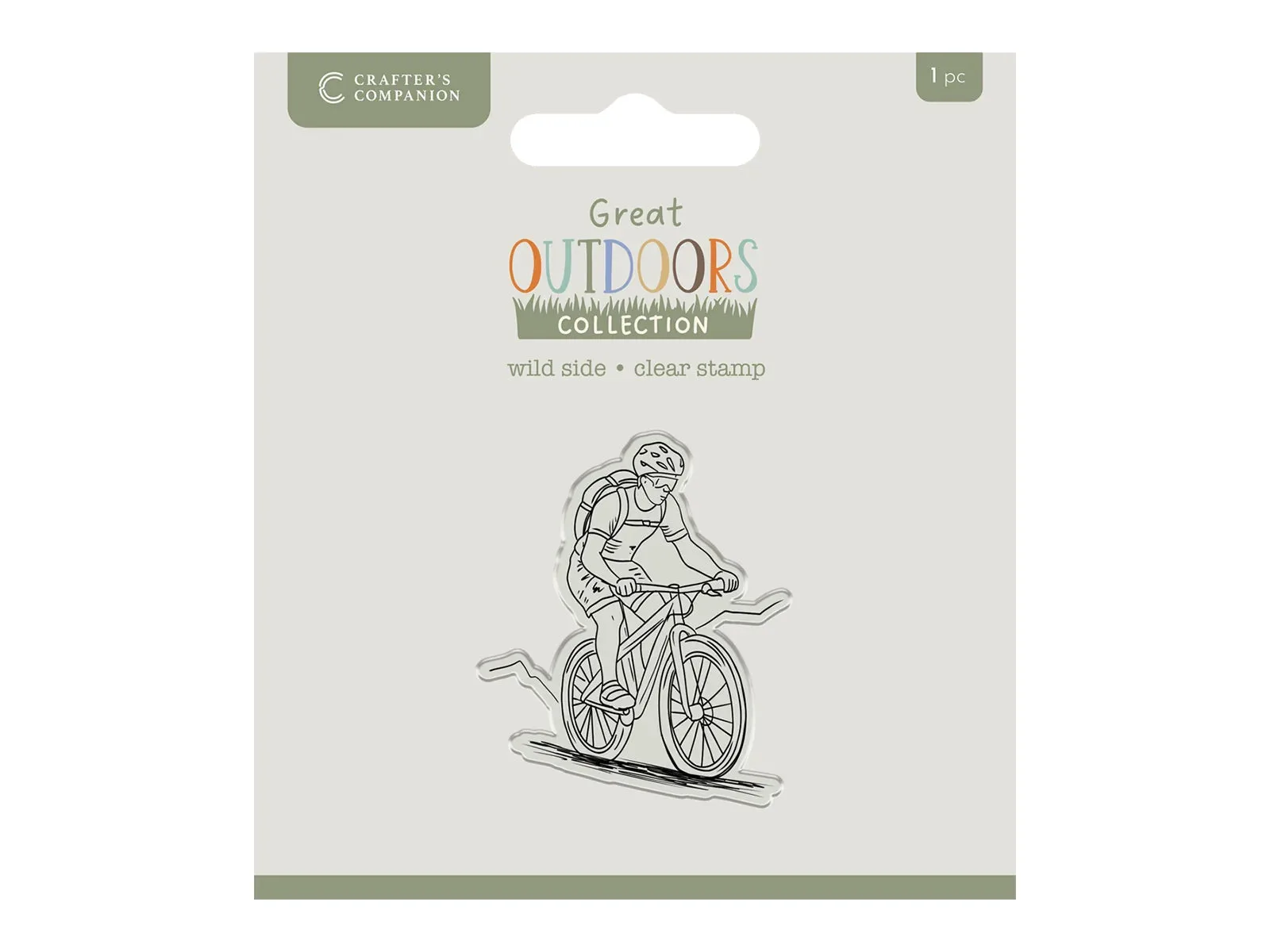
Use a pencil, fine-liner, or stylus to trace the visible lines. Apply very light pressure. Pressing hard can emboss the paper, and those dents will show when you colour or layer over them. Trace slowly, following the lines underneath. If you are tracing a stamp design, such as the cyclist from the Crafter's Companion The Great Outdoors Clear Acrylic Stamp Set - Wild Side, you can position the clear stamp on the pad first to check its placement before inking. Clear stamps are transparent, so you can see through them to align the design precisely. Once you are happy with the position, remove the stamp, ink it, and stamp onto your traced outline or directly onto the paper. For stencilling, hold the stencil firmly with one hand and apply colour with the other, checking periodically that the stencil has not shifted.
Layer and build your design
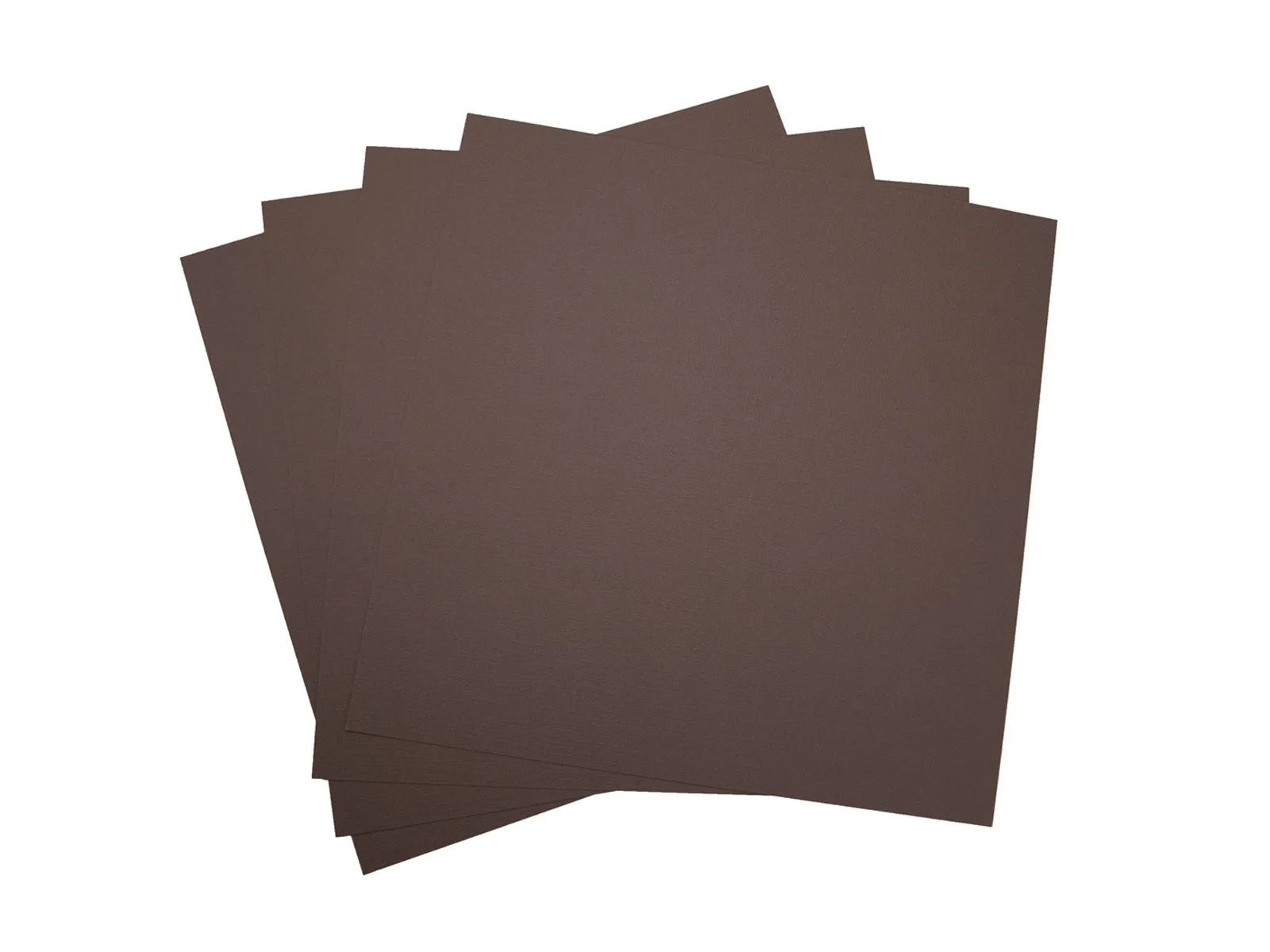
After tracing, you can use the light pad to align layers. Place your base layer on the pad, then position the next layer on top. The light will show through both layers, helping you line up edges, patterns, or cut-outs. This is especially useful when you are layering die-cut shapes or building a scene with multiple stamped images. If you are using dark cardstock, such as the Arden Creative Studio Premium Cardstock in Walnut Brown, the light may not shine through as easily. In that case, use the pad to align the top layer over a lighter base, or trace your design onto a lighter paper first and then transfer it. Always check alignment from directly above, not at an angle, to avoid parallax errors.
Step-by-step light pad process
- Set up on a flat, stable surface: Place the light pad on a clean, non-slip desk and start with the lowest brightness setting. Checkpoint: the pad should not wobble or cast shadows over your work area.
- Choose paper that lets light through: Use thin paper for direct tracing or the smooth side of cardstock for fine lines. Avoid heavily textured paper for detailed work. Checkpoint: hold your paper over the pad before taping; if you cannot see the template clearly, switch paper or increase brightness.
- Secure template and paper with low-tack tape: Tape the reference image to the pad, then tape your project paper on top, aligning edges as needed. Common mistake: skipping tape causes shifting mid-trace, which ruins symmetrical designs.
- Trace with light pressure: Use a pencil or fine-liner and let the light guide your hand. Do not press hard enough to dent the paper. Checkpoint: run your finger over the traced line; if you feel a groove, you pressed too hard.
- Use the pad to align stamps and layers: Place clear stamps on the pad to check placement before inking, or stack layers on the lit surface to line up edges. Checkpoint: view from directly above to avoid parallax errors; adjust before adhering.
Products that work well with a light pad
- Arden Creative Studio Premium Cardstock Canary Yellow 12" x 12" - 20 Pack: Arden Creative Studio Premium Cardstock Canary Yellow has a smooth side for stamping and detailed die-cutting, and a linen-textured side for added versatility. The smooth side is ideal for tracing fine lines because light passes evenly, while the textured side can be saved for layering or backgrounds.
- Arden Creative Studio Premium Cardstock Walnut Brown 12" x 12" - 20 Pack: Arden Creative Studio Premium Cardstock Walnut Brown is a dark, wood-toned brown with a smooth side and a linen-textured side. Dark cardstock blocks more light, so use the pad mainly for alignment or trace onto a lighter paper first if you need to see through it.
- Crafters Companion The Great Outdoors Clear Acrylic Stamp Set - Wild Side: Crafter's Companion The Great Outdoors Clear Acrylic Stamp Set - Wild Side features a cyclist design on transparent stamps that allow precise alignment. You can place the clear stamp on the light pad to check positioning before inking, which reduces wasted cardstock and crooked images.