Quick answer
A clamping adapter lets you attach your smartphone to a spotting scope eyepiece so you can capture photos and videos through the scope. The key is to center the phone lens over the eyepiece, tighten the clamp evenly, and adjust focus on both the scope and phone before recording.
What You Need Before You Start
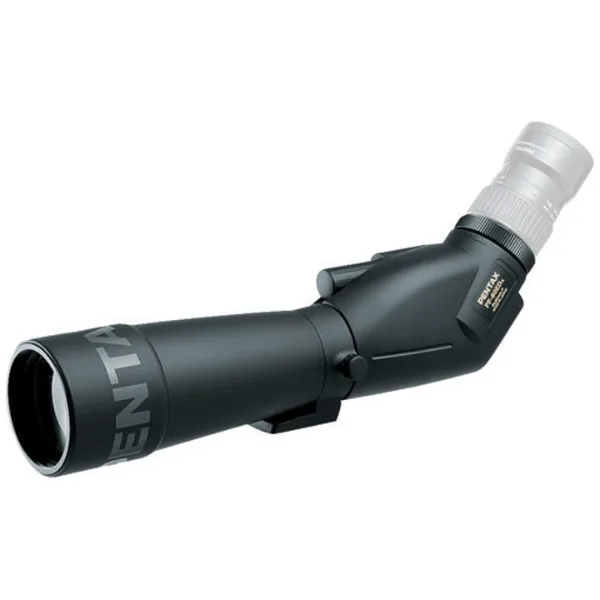
A clamping adapter is a universal bracket that grips your phone and mounts onto the eyepiece of a spotting scope. Most adapters work with any phone and any scope that has a standard 1.25-inch or 2-inch eyepiece barrel. You will also need a clean eyepiece lens and a phone with a decent camera. If your scope requires an eyepiece, like the Pentax PF-80EDA 80mm Angled Spotting Scope, make sure you have one attached before starting.
Choosing the Right Adapter for Your Scope
Not all clamping adapters fit every eyepiece. Check the diameter of your scope's eyepiece barrel before buying. Some adapters include interchangeable rings to fit different sizes. If you plan to use the adapter on binoculars as well, look for a model that includes a separate binocular attachment. The same clamping mechanism works on both devices, but the mounting ring may differ.
Step-by-Step Digiscoping Setup with a Clamping Adapter
- Attach the adapter to the eyepiece: Slide the adapter's mounting ring over the eyepiece barrel and tighten the thumbscrew until it is snug but not overtightened. If the adapter wobbles, it will blur your images. Check that the ring sits flush against the eyepiece body. Common mistake: overtightening can crack the ring or damage the eyepiece. Stop turning as soon as the adapter holds firm.
- Mount your phone in the clamp: Open the clamp arms and place your phone horizontally or vertically, depending on your subject. Center the phone camera lens over the eyepiece opening. Tighten the clamp evenly on both sides so the phone stays level. If your phone has multiple rear lenses, make sure the main wide lens is aligned, not the ultrawide or telephoto.
- Align the phone lens with the eyepiece: Look through the scope and adjust the phone position until the full circular view is visible on your screen without vignetting. Most adapters have sliding rails or adjustable plates for fine-tuning. If you see a black ring or shadow, the phone lens is off-center. Slide it until the image fills the frame.
- Focus the scope first, then the phone: Use the scope's focus ring to get a sharp image through the eyepiece. Then tap the screen on your phone to lock focus on the same subject. Do not use digital zoom if you want to keep image quality. Checkpoint: if the image looks soft, refocus the scope rather than relying on the phone's autofocus.
- Lock exposure and capture: Tap and hold on the phone screen until you see AE/AF lock, then slide the exposure slider if needed. This prevents the phone from changing brightness when you press the shutter. Use a remote shutter or a voice command to avoid shaking the scope. For the sharpest results, use a 2-second timer or a Bluetooth shutter button.
Spotting Scopes That Work Well with Clamping Adapters
- Pentax PF-80EDA 80mm Angled Spotting Scope (requires eyepiece): The Pentax PF-80EDA 80mm Angled Spotting Scope accepts 1.25-inch astronomy eyepieces and has a rotating tripod collar. Standard 1.25-inch eyepieces are widely compatible with most clamping adapters, and the rotating collar helps you position the scope for comfortable viewing while the adapter is attached.
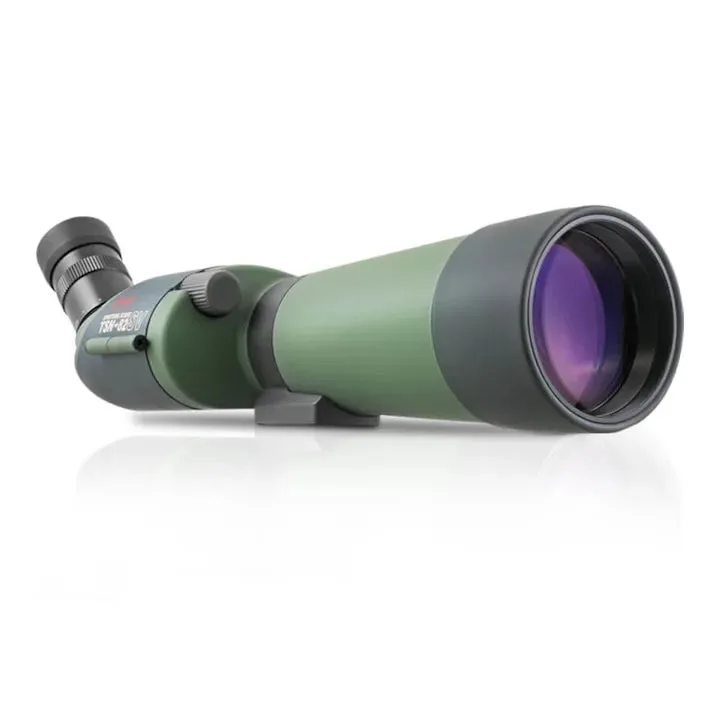
- Kowa TSN-82SV Prominar 82mm Angled Spotting Scope 660/600 Series without Eyepiece: The Kowa TSN-82SV Prominar 82mm Angled Spotting Scope has fully multicoated lenses and a waterproof, nitrogen-filled housing. Bright, clear optics make digiscoping easier because your phone camera can capture more detail even in lower light, and the sealed body protects the scope during outdoor use.